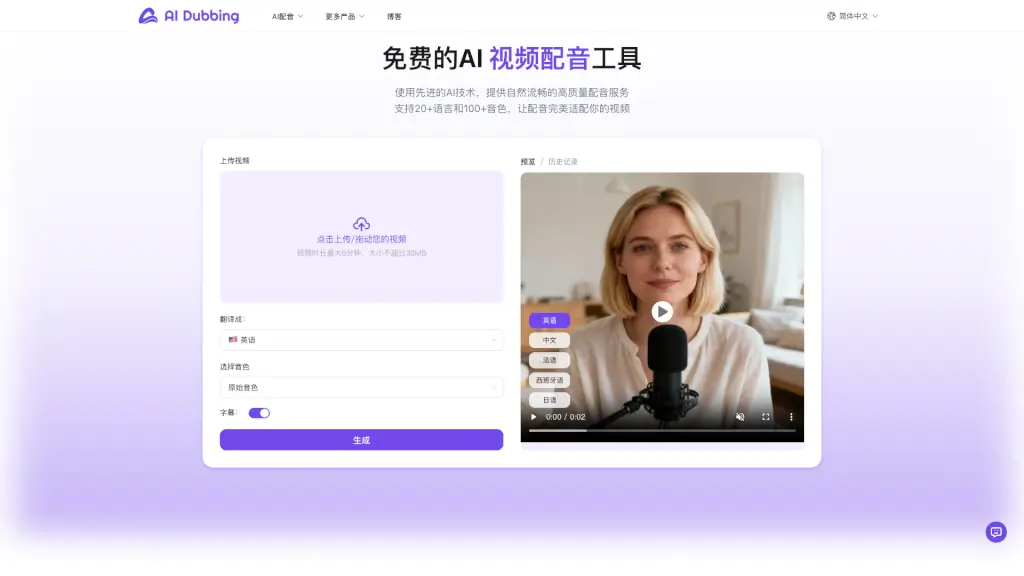
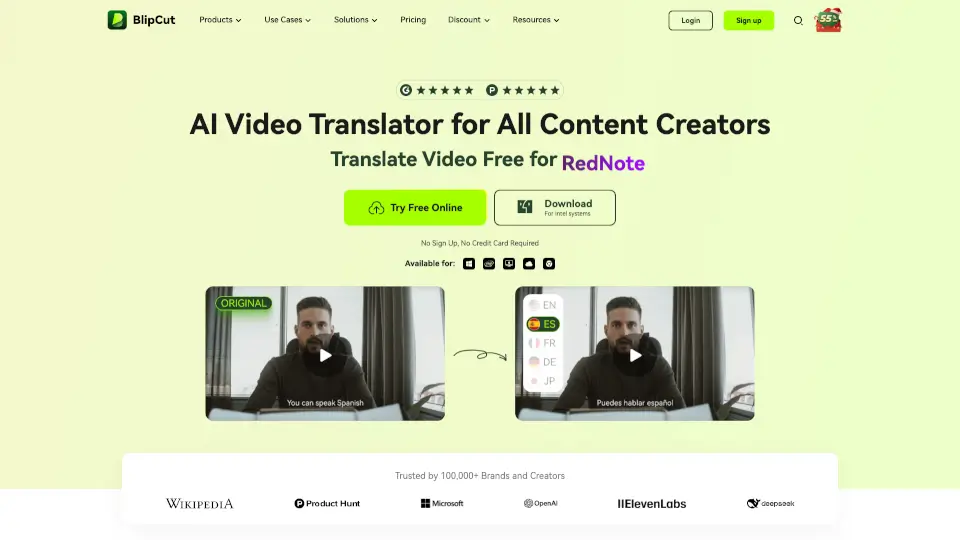
What is BlipCut AI Video Translator?
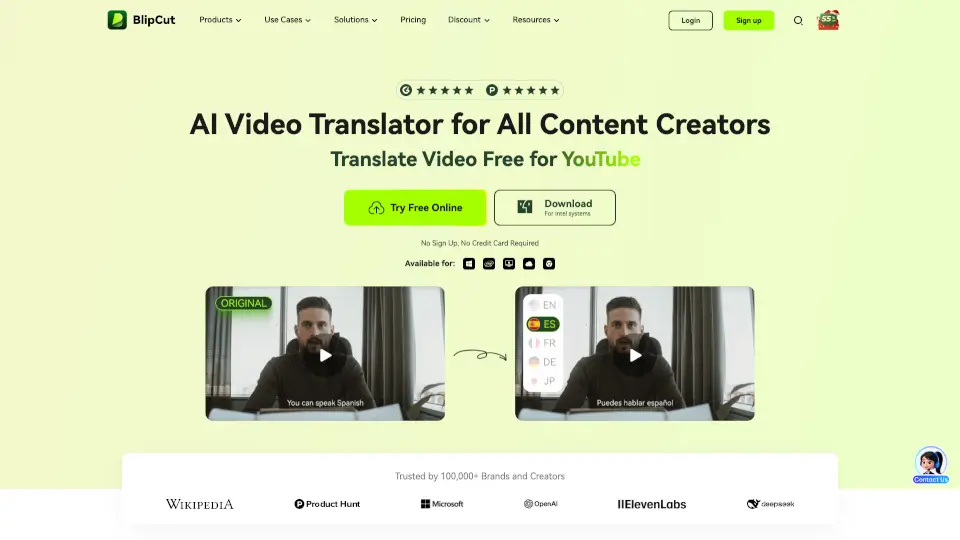
BlipCut AI Video Translator is your go-to tool for translating videos into 130+ languages quickly and effortlessly. Whether you're a content creator, marketer, or educator, this tool helps you break language barriers and reach a global audience. With features like AI lip sync, voice cloning, and auto subtitles, BlipCut makes video translation seamless and natural.
What are the features of BlipCut AI Video Translator?
- Translate Videos to 130+ Languages: Reach global audiences with accurate translations in languages like Spanish, Mandarin, Hindi, French, and more.
- AI Lip Sync: Videos are dubbed to match lip movements, making translations look natural.
- Multi-Speaker Recognition: Automatically identifies and translates speech from multiple speakers.
- AI Voice Cloning: Clone voices or use realistic AI voices for translations.
- Batch Translation: Translate multiple videos at once, saving time and effort.
- Auto Subtitles & Captions: Generate and translate subtitles automatically for easier comprehension.
- Video to Text: Transcribe video content into text for easy editing and sharing.
What are the use cases of BlipCut AI Video Translator?
- Content Creation: Translate YouTube, TikTok, or Instagram videos to reach global audiences.
- Marketing: Expand your brand’s reach by translating promotional videos into multiple languages.
- Education: Make e-learning content accessible to students worldwide.
- Film & Media: Translate movies, dramas, or podcasts into multiple languages with ease.
- Business: Translate training videos, product demos, or conference recordings for global teams.
How to use BlipCut AI Video Translator?
- Upload Your Video: Choose a video or audio file to translate, or paste a video link.
- Select Languages: Pick the target language(s) and choose from a variety of voices.
- Preview & Edit: Review the translated video, edit subtitles or translations if needed.
- Download: Save your translated video with subtitles, captions, or dubbed audio.