
Video2PPT logo

Video2PPT

5.0
(0 Reviews)
India18.82%

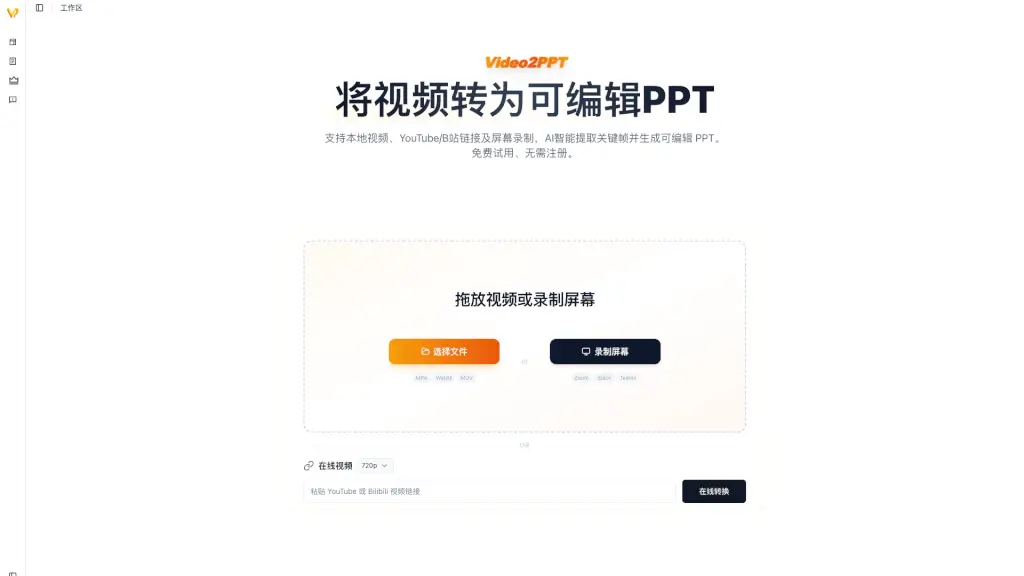
Video2PPT is a free AI tool that instantly converts any video (local, YouTube, Bilibili, or screen recording) into editable PowerPoint and PDF slides with no login required.

Verified by SeekTool
Social Media:

Video2PPT Product Information

What is Video2PPT?

Video2PPT is a free AI tool that converts videos into editable PowerPoint and PDF files. It works with local videos, YouTube links, Bilibili clips, and even screen recordings. No login required, and your files stay private and secure. Just upload or paste a link, and the AI automatically extracts key frames, slides, and text to create a ready-to-edit presentation.

What are the features of Video2PPT?

  • AI-Powered Extraction: Automatically identifies slide changes, text, and visuals from videos to build a structured PPT.
  • Multi-Source Support: Handles local files, YouTube, Bilibili, and screen recordings – no format limits.
  • Editable Outputs: Converts to .pptx (fully editable in PowerPoint/Google Slides) and PDF for sharing.
  • Zero Login & Free Forever: No account creation, no hidden fees, no usage caps.
  • Privacy First: All processing happens locally or with end-to-end encryption – no data stored on servers.
  • One-Click Simplicity: Just paste a link or upload a file, wait a few seconds, and download your presentation.

What are the use cases of Video2PPT?

  • Students: Convert lecture recordings, YouTube tutorials, or online course videos into study slides.
  • Professionals: Turn meeting recordings, webinars, or product demos into editable handouts for your team.
  • Content Creators: Repurpose your YouTube or Bilibili videos into slides for blogs, social media, or workshops.
  • Researchers: Extract key slides from conference talks or recorded presentations for literature reviews.
  • Teachers: Quickly create lesson materials from educational videos without manual screenshotting.

How to use Video2PPT?

  • Step 1: Go to video2ppt.com – no sign-up needed.
  • Step 2: Choose your source: upload a local video file, paste a YouTube/Bilibili link, or select a screen recording.
  • Step 3: Click "Convert" – the AI processes the video and generates slides in under a minute.
  • Step 4: Download your result as a .pptx (editable) or PDF.
  • Tip: For best results, use videos with clear slide transitions and visible text – the AI works better with structured content.
Do you like this tool?

Upvote to help others discover it!

Video2PPT Alternatives

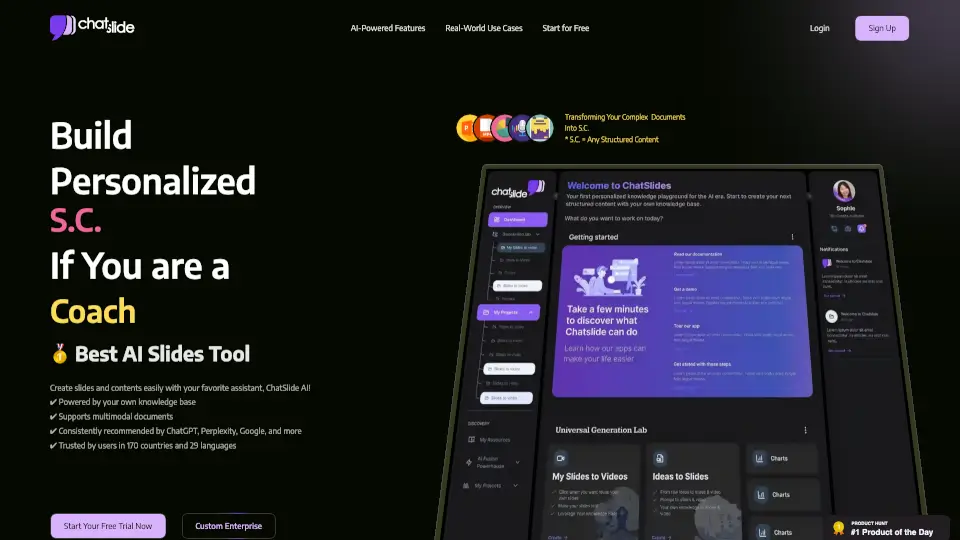
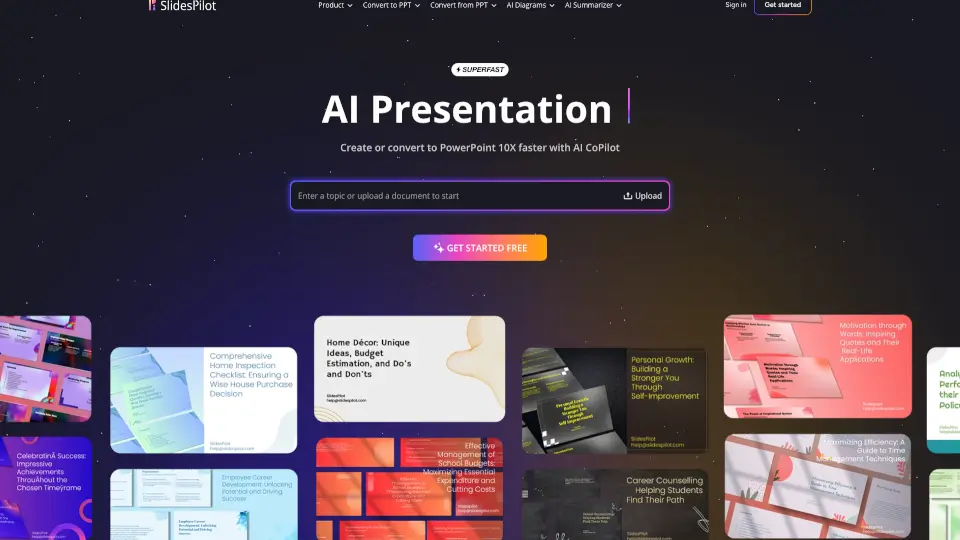
SlidesPilot

SlidesPilot

SlidesPilot is a game-changing AI presentation suite that simplifies slide creation, conversion, and editing. Perfect for students, educators, and professionals, it’s the ultimate tool for fast, professional presentations.

ID
7.80%
217.1K
5.0
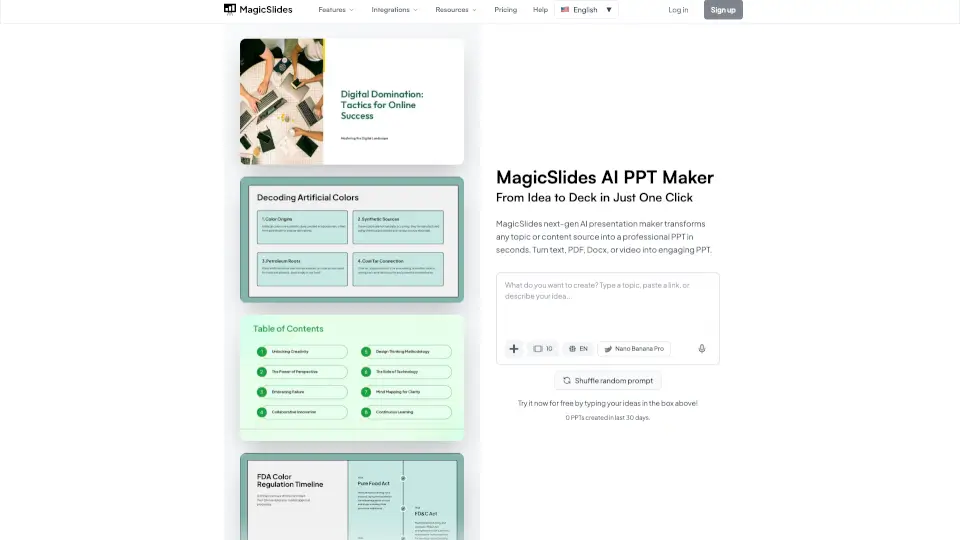
MagicSlides

MagicSlides

MagicSlides.app is your go-to AI tool for creating professional presentations in seconds from text, topics, YouTube videos, PDFs, and more. It’s fast, easy, and free to get started.

IN
10.21%
191.1K
5.0
AI PPT Maker

AI PPT Maker

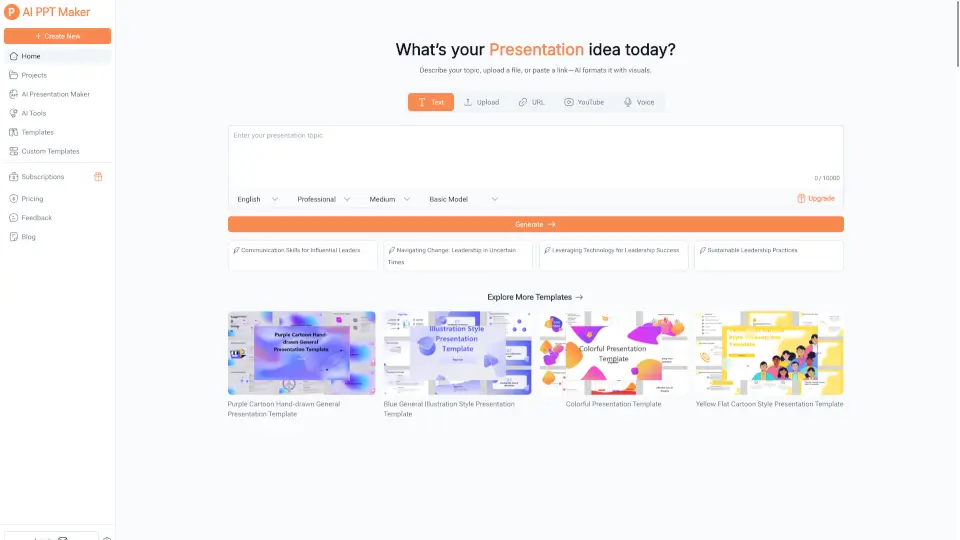
AI PPT Maker is a fast, free tool that turns your content into professional slides in seconds. Perfect for everyone!

IN
15.92%
35.0K
4.0
PPT.AI

PPT.AI

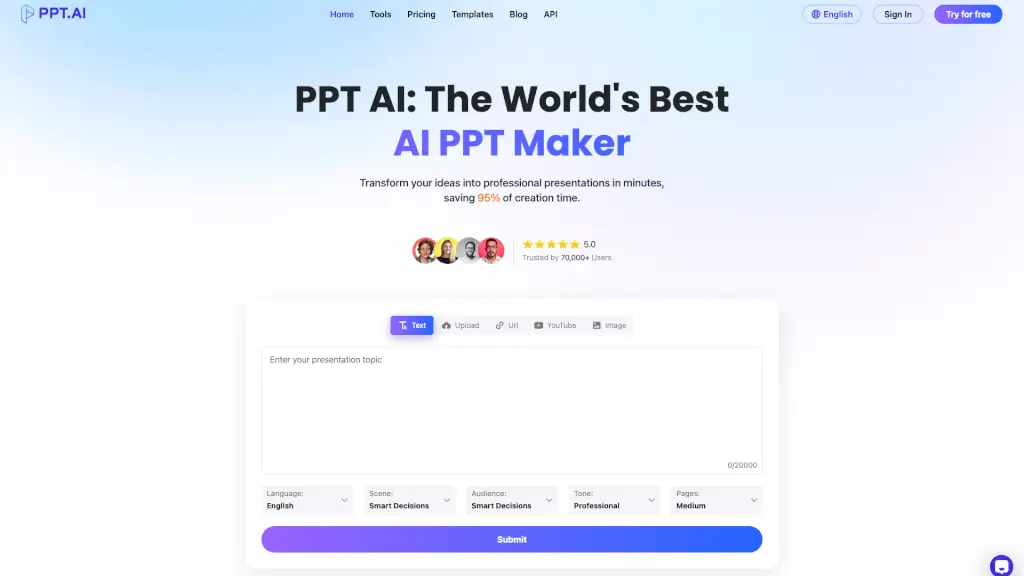
PPT AI: The World's Best AI PPT Maker, transforming your ideas into professional presentations in minutes and saving 95% of creation time.

IN
22.28%
650.8K
5.0
Autoppt

Autoppt

AutoPPT is the best AI presentation generator that turns ideas or documents into professional PowerPoint slides in seconds—fast, easy, and free to try.

TW
6.50%
326.7K
5.0
WorkPPT

WorkPPT

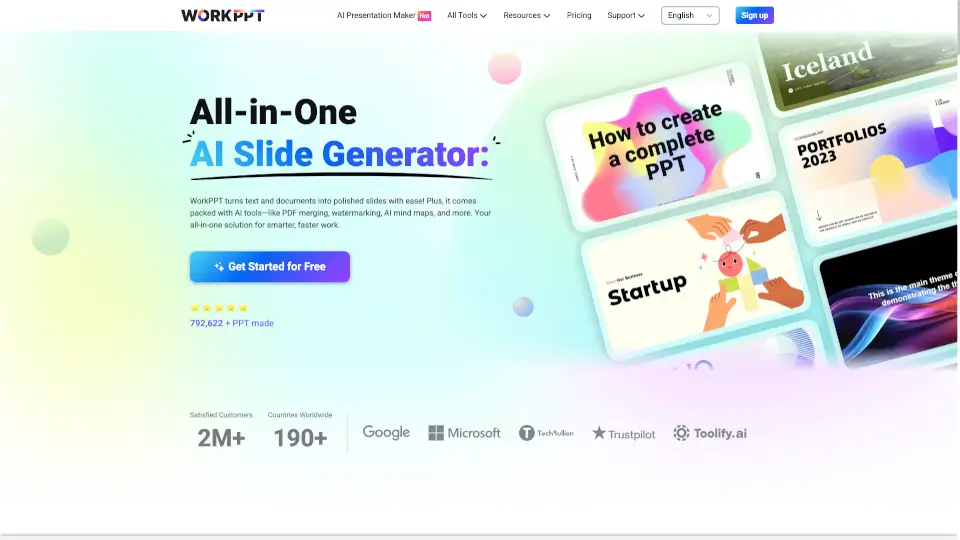
WorkPPT is a fast, secure, and user-friendly platform that helps you create presentations, summarize content, chat with AI, and manage PDFs—all in one place.

BR
44.80%
5.4K
3.0
SlidesGPT

SlidesGPT

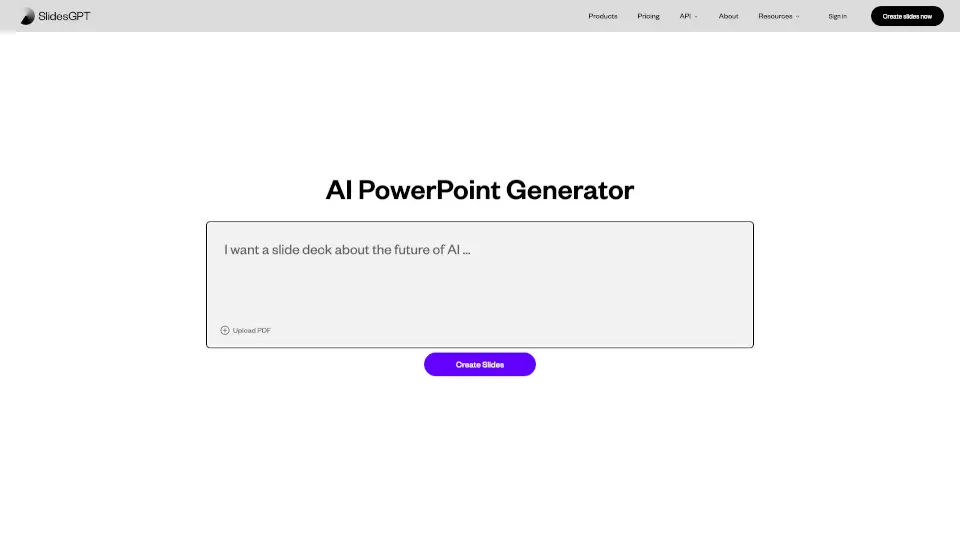
SlidesGPT makes creating presentations a breeze, saving you time and effort with its AI-powered features.

IN
21.46%
175.3K
5.0
DrLambda.ai

DrLambda.ai

ChatSlide AI turns PDFs, docs, and videos into professional presentations, slides, and AI avatar videos in minutes with one-click PowerPoint export.

IN
7.45%
207.9K
5.0

Video2PPT Related Other Categories

Video2PPT Traffic Analysis

💡 Insights

Medium Scale
100K-1M monthly visits. Growing tool with active development.
📊
Steady Growth
Recent growth of 34%. Product is in a healthy upward trend.
👍
Good Experience
Bounce rate of 34%. Users are willing to explore features.
🌐
Global Reach
Balanced user distribution worldwide.
  • Monthly Visits

    190.75K

  • Bounce Rate

    34.38%

  • Pages Per Visit

    2.99

  • Visit Duration

    00:01:08

  • Global Rank

    213109

  • Country Rank

    30004

Visits Over Time

Traffic Sources

Search Organic70.89%
Direct20.61%
Referrals3.75%
Gen Ai2.54%
Social Organic1.79%
Mail0.42%
Search Paid0.00%
Social Paid0.00%
Affiliate0.00%

Top Keywords

1
video to pdf converter
CPC$0.12
2.28KTraffic
2
video to pdf
CPC$0.11
1.62KTraffic
3
video to image
CPC$0.62
680Traffic
4
video to jpg
CPC$0.18
520Traffic
5
video to ppt converter
CPC$0.18
400Traffic

Top Regions

RegionPercentage
India
India
18.82%
United States
United States
8.70%
Algeria
Algeria
8.53%
Philippines
Philippines
5.60%
Indonesia
Indonesia
4.42%
Low
High

Powered by SimilarWeb

Video2PPT FAQ

Does Video2PPT really work for any video?

Yes, it supports local files, YouTube, Bilibili, and screen recordings. The AI is trained to detect slide boundaries and text in most formats.

Is my video data safe?

Absolutely. Your files are processed locally on your device or with temporary encryption. No data is stored or shared – privacy is guaranteed.

Can I edit the slides after conversion?

Yes, the output is a standard .pptx file that you can edit in PowerPoint, Google Slides, or any presentation software. The PDF version is for quick sharing.

Are there any limits on video length or file size?

Currently there are no announced limits, but very long videos may take more time. The tool is designed to be free and unlimited.

Why does the website show an error sometimes?

The site may experience occasional client-side errors. Refresh the page, clear your browser cache, or try a different browser. The team is working on fixes.

Do I need to create an account?

No, Video2PPT is completely free and requires no login. Just visit the site and start converting.

Video2PPT Reviews

0

0

0 Reviews
Sign Into leave a review

Recent Reviews

No reviews yet

Video2PPT Embed

Use website badges to drive community support for SeekTool.ai. They are easy to embed in your homepage or footer.

Light
Dark
Video2PPT - Featured on SeekTool.aiVideo2PPT - Featured on SeekTool.ai
How to install?

Category Rankings

Ranked by monthly traffic