
What is Vyra?
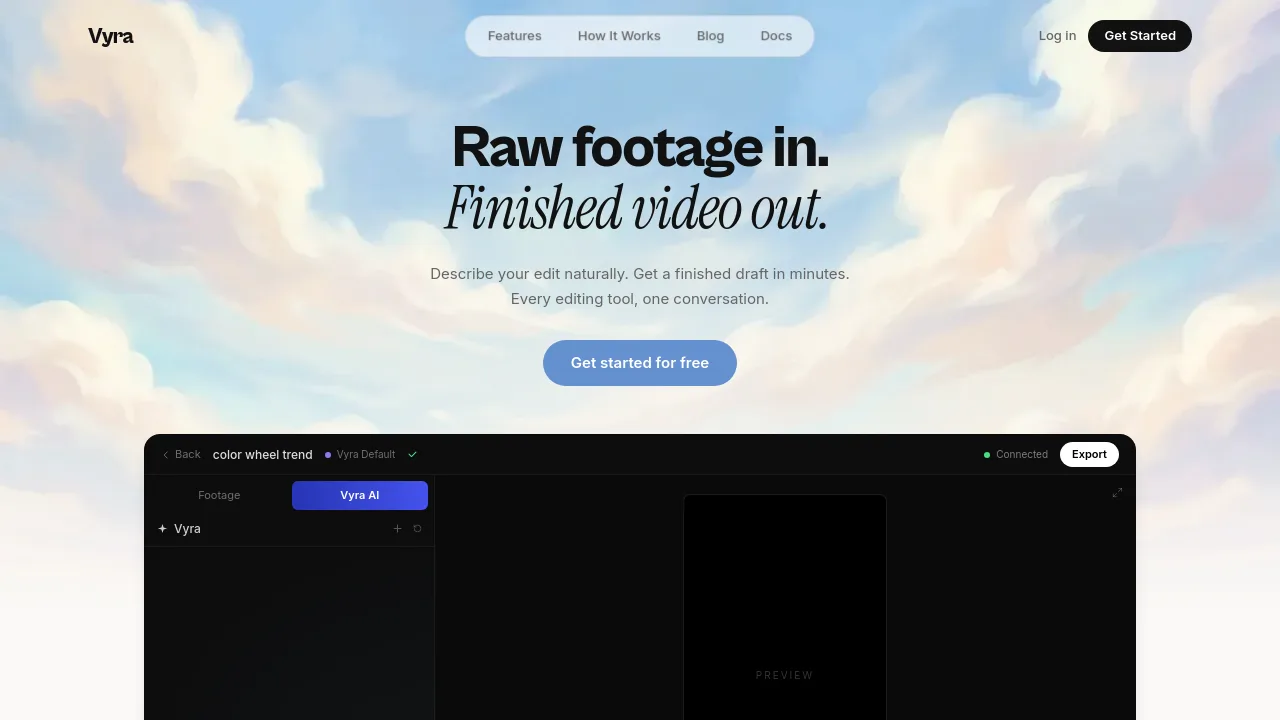
Vyra is an AI video editor that lets you edit by talking. Instead of scrubbing through a timeline, you describe the edit you want, and Vyra analyzes your footage, detects scenes, transcribes speech, and applies changes like beat-synced cuts, captions, motion graphics, or reference style matching. It's built for creators who want to go from raw footage to a finished draft in minutes, without learning complex editing software. Vyra works with its own built-in AI chat or connects to external AI assistants like Claude, ChatGPT, or any MCP client.
What are the features of Vyra?
- AI Chat Editing: Describe your edit naturally in a conversation, and Vyra watches every frame, understands scenes and speech, and executes the edit on the timeline.
- Music Sync & Beat Detection: Vyra finds the beats in your track and automatically lands cuts on the rhythm, ideal for social media videos and music-driven edits.
- Footage Understanding: Every clip is analyzed for scenes, speech transcription, and subject tags, so edits follow what's actually in your footage (e.g., vlog, speech, person).
- Instant Captions: Speech is transcribed and captions are synced in seconds, with style options like Serif, Bold, or Karaoke, all timed to the audio.
- Motion Graphics & Animated Titles: Generate animated titles, lower thirds, and counters as code, rendered live on the timeline, without needing design skills.
- Reference Style Matching: Drop in a reference video and Vyra applies its pacing, color, and transitions to your footage, making it easy to replicate a trend or look.
What are the use cases of Vyra?
- Vloggers editing indoor or outdoor vlogs by describing cuts, captions, and music sync in a single conversation.
- Social media creators producing short-form videos (TikTok, Reels, Shorts) with beat-synced edits and styled captions.
- Content teams using AI agents (Claude, ChatGPT) via MCP to automate trimming, export, and repetitive editing tasks.
- Beginners who want to create polished videos without learning a traditional timeline editor or hiring an editor.
- Trend-followers replicating popular edit styles (e.g., color wheel trend) by dropping a reference video and letting Vyra match the pacing and transitions.
How to use Vyra?
- Upload raw footage by dragging and dropping clips into the Vyra interface; the AI analyzes every frame to understand scenes and speech.
- Start a conversation by typing or speaking your edit request, such as "Cut my clips to the beat and add captions."
- Review the AI-generated draft on the timeline; use the built-in editor tools (Split, Trim, Delete, Clone) for fine adjustments.
- Export the finished video in one click for TikTok, Reels, or Shorts, or let your AI agent handle export automatically.