
Vyra logo

Vyra

5.0
(0 Reviews)
India38.88%

Vyra is an AI video editor that lets creators edit by conversation, with beat-synced cuts, captions, motion graphics, and support for external AI assistants like Claude and ChatGPT.

Verified by SeekTool
Vyra

Vyra Product Information

What is Vyra?

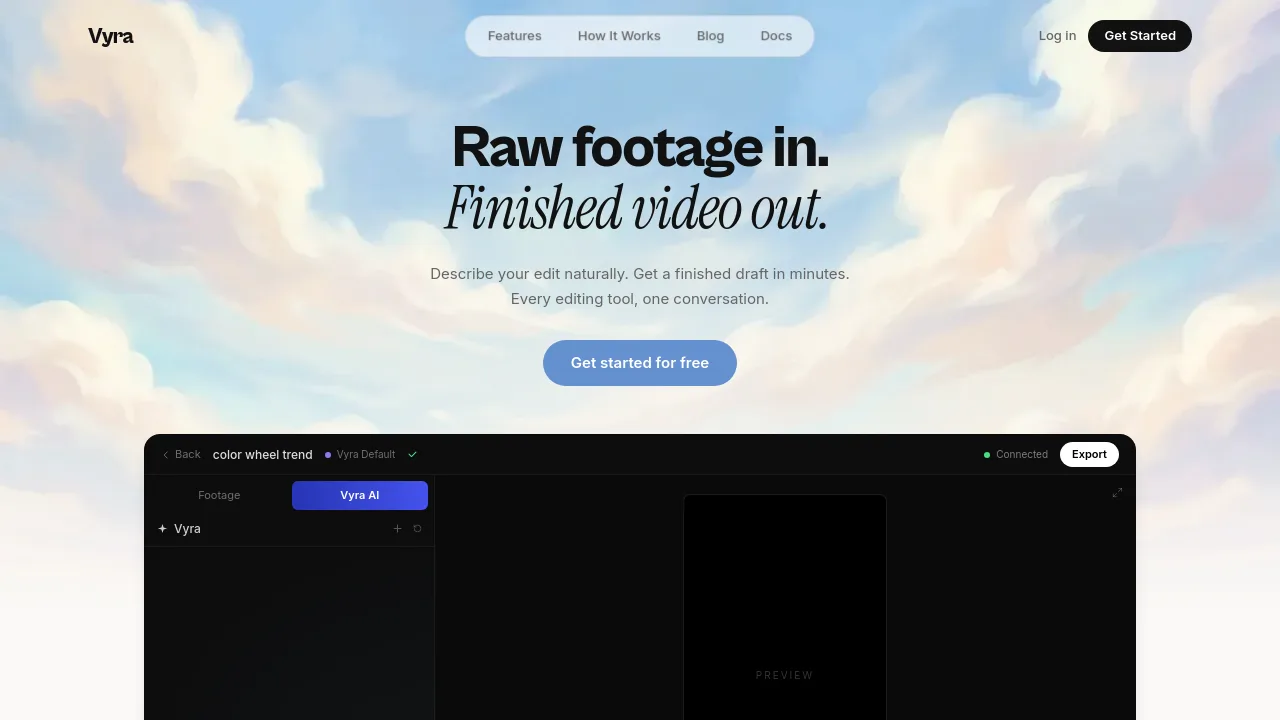
Vyra is an AI video editor that lets you edit by talking. Instead of scrubbing through a timeline, you describe the edit you want, and Vyra analyzes your footage, detects scenes, transcribes speech, and applies changes like beat-synced cuts, captions, motion graphics, or reference style matching. It's built for creators who want to go from raw footage to a finished draft in minutes, without learning complex editing software. Vyra works with its own built-in AI chat or connects to external AI assistants like Claude, ChatGPT, or any MCP client.

What are the features of Vyra?

  • AI Chat Editing: Describe your edit naturally in a conversation, and Vyra watches every frame, understands scenes and speech, and executes the edit on the timeline.
  • Music Sync & Beat Detection: Vyra finds the beats in your track and automatically lands cuts on the rhythm, ideal for social media videos and music-driven edits.
  • Footage Understanding: Every clip is analyzed for scenes, speech transcription, and subject tags, so edits follow what's actually in your footage (e.g., vlog, speech, person).
  • Instant Captions: Speech is transcribed and captions are synced in seconds, with style options like Serif, Bold, or Karaoke, all timed to the audio.
  • Motion Graphics & Animated Titles: Generate animated titles, lower thirds, and counters as code, rendered live on the timeline, without needing design skills.
  • Reference Style Matching: Drop in a reference video and Vyra applies its pacing, color, and transitions to your footage, making it easy to replicate a trend or look.

What are the use cases of Vyra?

  • Vloggers editing indoor or outdoor vlogs by describing cuts, captions, and music sync in a single conversation.
  • Social media creators producing short-form videos (TikTok, Reels, Shorts) with beat-synced edits and styled captions.
  • Content teams using AI agents (Claude, ChatGPT) via MCP to automate trimming, export, and repetitive editing tasks.
  • Beginners who want to create polished videos without learning a traditional timeline editor or hiring an editor.
  • Trend-followers replicating popular edit styles (e.g., color wheel trend) by dropping a reference video and letting Vyra match the pacing and transitions.

How to use Vyra?

  • Upload raw footage by dragging and dropping clips into the Vyra interface; the AI analyzes every frame to understand scenes and speech.
  • Start a conversation by typing or speaking your edit request, such as "Cut my clips to the beat and add captions."
  • Review the AI-generated draft on the timeline; use the built-in editor tools (Split, Trim, Delete, Clone) for fine adjustments.
  • Export the finished video in one click for TikTok, Reels, or Shorts, or let your AI agent handle export automatically.

Do you like this tool?

Upvote to help others discover it!

Vyra Alternatives

Captions

Captions

Captions is an AI video editor that transforms raw footage or text into polished, professional-quality videos with auto-captions, custom avatars, and smart editing—fast.

IN
14.16%
1.1M
5.0
ChatCut

ChatCut

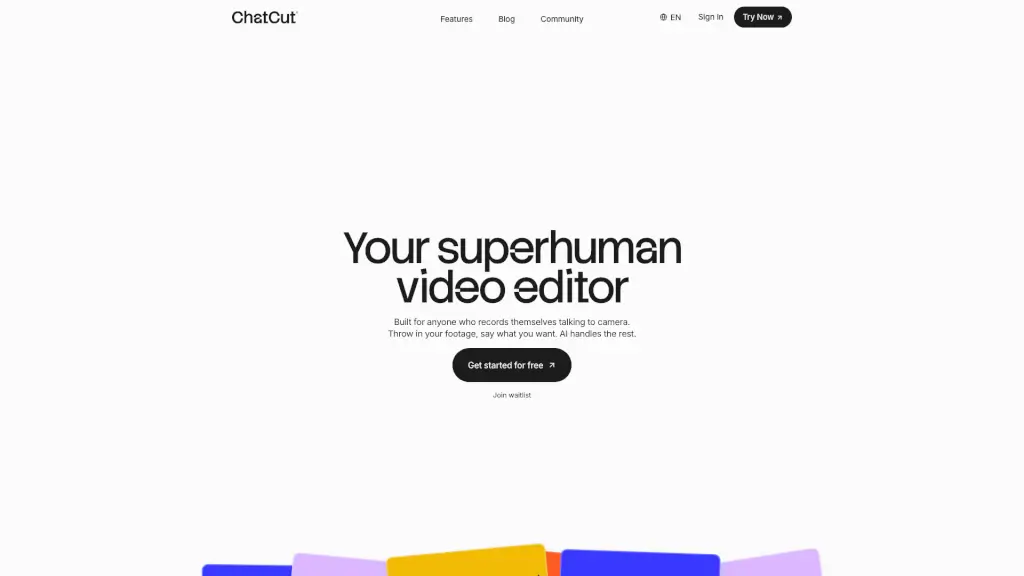
ChatCut is your superhuman AI video editor that simplifies the editing process, allowing you to create polished videos with just a few text prompts.

CN
19.81%
360.9K
5.0
Vimeo AI

Vimeo AI

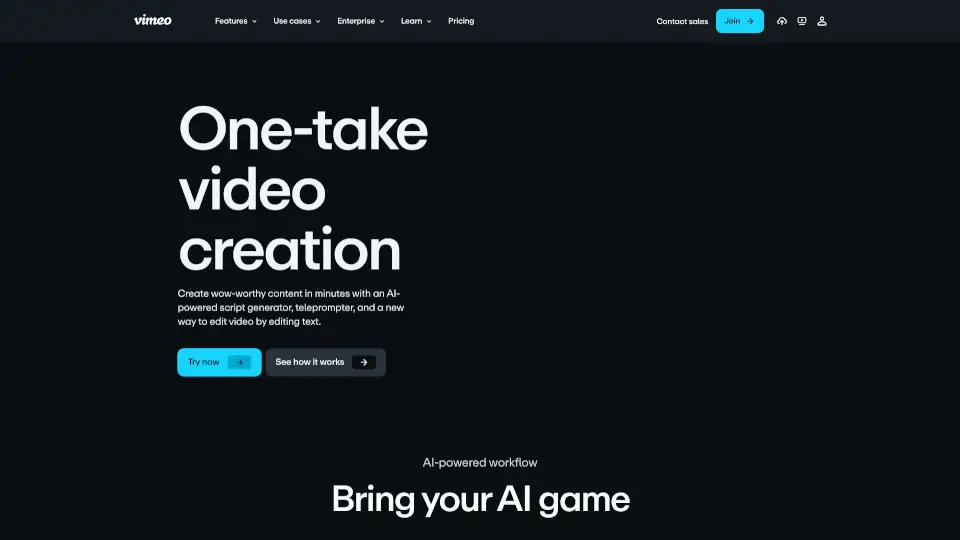
Vimeo’s AI-powered video tools let anyone create, edit, and share professional-quality videos in one take—fast, easy, and without prior experience.

US
38.20%
53.2M
5.0
Eddie AI

Eddie AI

Eddie is an easy-to-use AI video editor that helps you quickly cut and refine videos from interviews or any footage. Export your work to popular formats and enjoy a smooth editing experience whether on desktop or web.

US
22.58%
86.1K
5.0
Mirage

Mirage

Mirage AI Video simplifies short-form video creation with AI-powered generation and text-based editing, making it easy for anyone to produce high-quality, engaging content.

IN
28.31%
255.6K
5.0
Capsule

Capsule

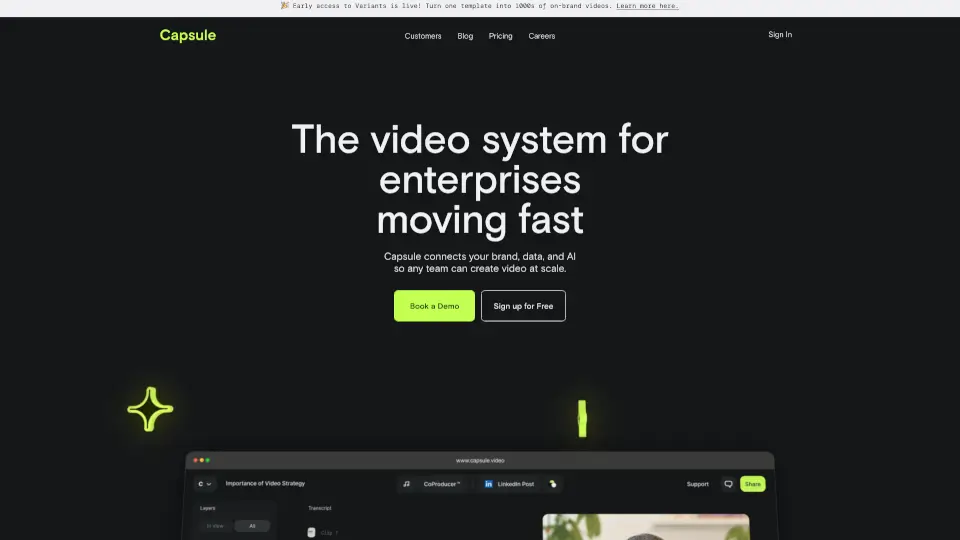
Capsule is an AI-powered video editor that helps enterprise teams create professional videos 10x faster. With motion graphics templates, real-time collaboration, and AI tools, it’s perfect for social media, paid ads, trainings, and more.

US
31.23%
22.7K
4.0
Videoleap

Videoleap

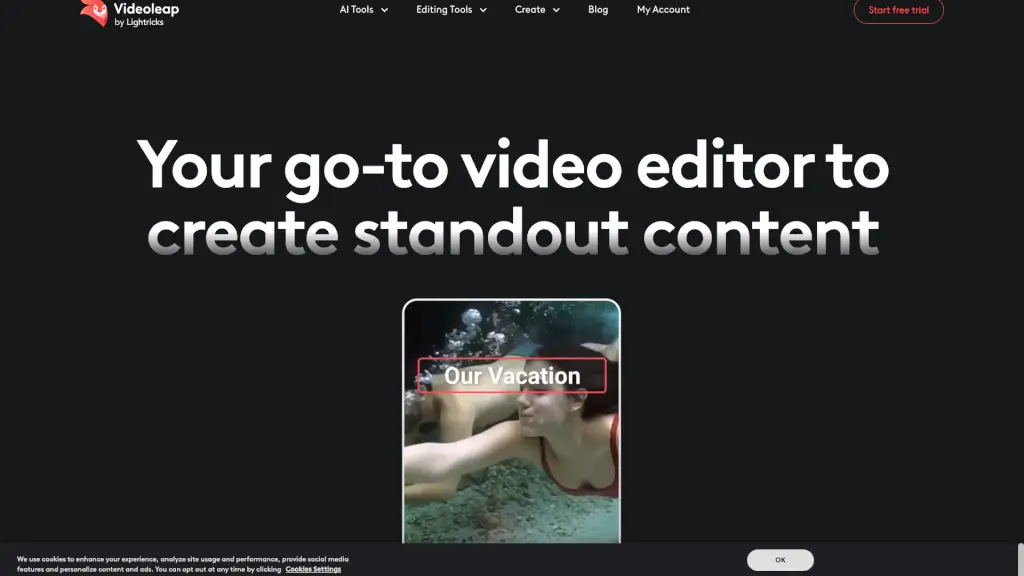
Videoleap is an easy video editor and maker packed with AI tools, templates, and pro features to help anyone create standout social media videos fast.

US
18.21%
92.2K
5.0
Vidio

Vidio

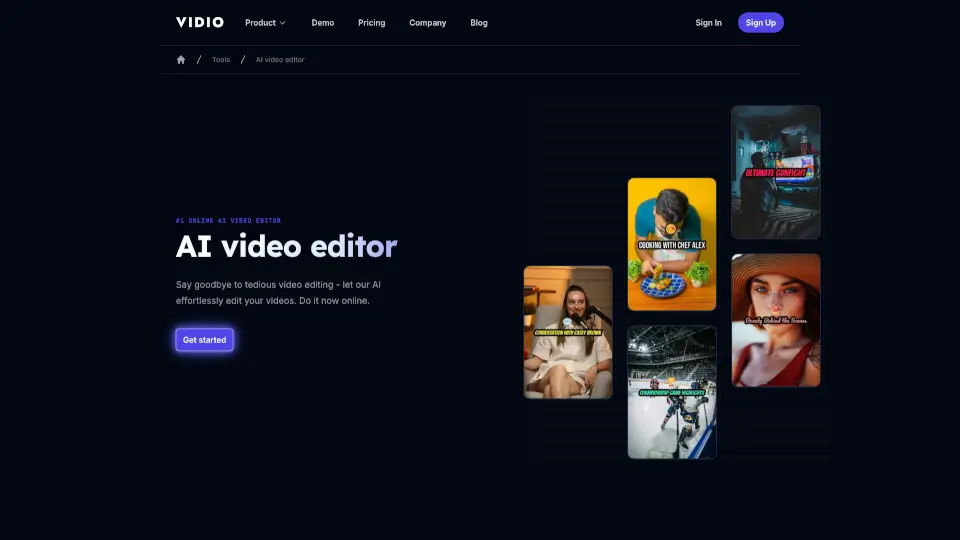
VIDIO is your go-to AI video editor, making professional editing simple, fast, and accessible for everyone.

US
9.04%
241.3K
5.0

Vyra Related Other Categories

Vyra Traffic Analysis

💡 Insights

Medium Scale
100K-1M monthly visits. Growing tool with active development.
🔥
Explosive Growth
Recent growth of 399%. Extremely hot in the market right now!
💎
High Stickiness
Low bounce rate (37%) and deep engagement (3.6 pages/visit). Excellent user experience.
  • Monthly Visits

    136.39K

  • Bounce Rate

    36.99%

  • Pages Per Visit

    3.65

  • Visit Duration

    00:03:06

  • Global Rank

    252106

  • Country Rank

    34239

Visits Over Time

Traffic Sources

Search Organic52.68%
Direct29.34%
Referrals5.39%
Social Paid3.79%
Gen Ai3.58%
Social Organic2.89%
Mail1.30%
Display Ads0.88%
Search Paid0.15%
Affiliate0.00%

Top Keywords

1
vyra
CPC$4.48
22.76KTraffic
2
usevyra
4.01KTraffic
3
vyra ai
2.66KTraffic
4
vyra editor
790Traffic
5
use vyra
500Traffic

Top Regions

RegionPercentage
India
India
38.88%
United States
United States
27.61%
Indonesia
Indonesia
9.74%
Spain
Spain
5.30%
Mexico
Mexico
2.76%
Low
High

Powered by SimilarWeb

Vyra FAQ

What is Vyra?

Vyra is an AI video editor that lets you edit by talking to a built-in AI or connecting external assistants like Claude or ChatGPT. It analyzes footage, syncs cuts to music, and generates captions and motion graphics from a conversation.

Do I need editing experience to use Vyra?

No. Vyra is designed for creators who want to go from raw footage to a finished video by describing the edit. The AI handles cutting, syncing, and captioning, so beginners can produce polished results without learning a timeline.

Can I use my own AI assistant (like Claude or ChatGPT) with Vyra?

Yes. Vyra supports MCP clients, so you can connect Claude Code, ChatGPT app, Codex CLI, or any compatible agent to run the entire edit, including export, from your terminal or desktop app.

How is Vyra different from other AI video tools?

Vyra understands your actual footage frame by frame (scenes, speech, subjects) rather than using generic templates. You get a full timeline editor for fine control, plus the ability to edit via conversation with either built-in AI or your own agent.

Vyra Reviews

0

0

0 Reviews
Sign Into leave a review

Recent Reviews

No reviews yet

Vyra Embed

Use website badges to drive community support for SeekTool.ai. They are easy to embed in your homepage or footer.

Light
Dark
Vyra - Featured on SeekTool.aiVyra - Featured on SeekTool.ai
How to install?

Category Rankings

Ranked by monthly traffic