
What is Visla?
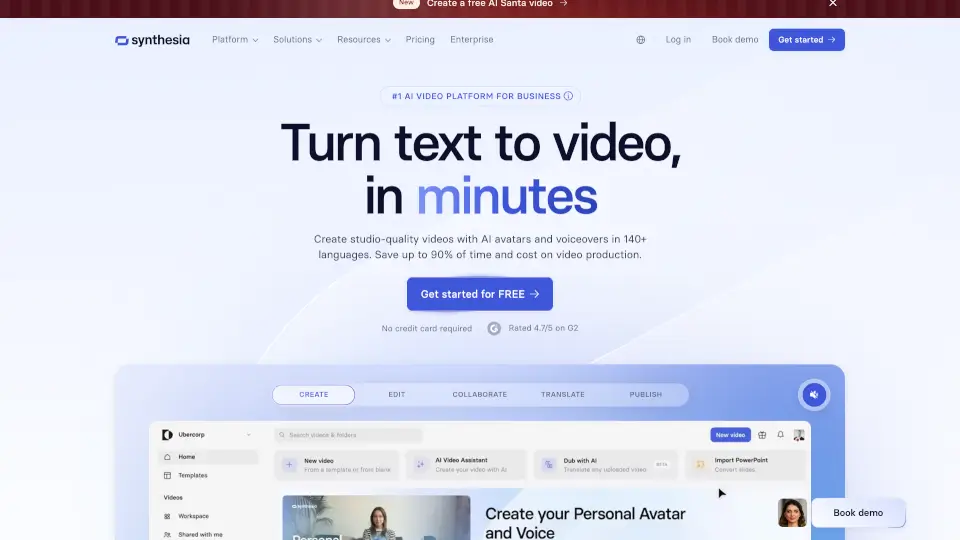
Visla is an AI video workflow platform for businesses to create, record, edit, and collaborate on video content. It accepts inputs including text, scripts, presentations, and existing footage to produce videos with AI avatars and voiceovers. Enterprise customers can request a demo, while other users can sign up for free access.
What are the features of Visla?
- AI Video AgentAssembles videos from ideas, text, scripts, links, clips, images, audio, or PPT/PDF files, allowing control over duration, pace, aspect ratio, stock libraries, voiceover, and avatar.
- AI Director ModeUses an AI storyboard to generate videos with consistent characters, objects, and environments across scenes.
- Recording suiteCaptures screen, camera, or both on desktop or mobile, supporting multi-camera recording, teleprompter use, and phone-as-webcam input.
- Video editing toolsOffers scene-based editing for precision control and an AI editor that trims, summarizes, and enhances footage automatically.
- AI personalizationProvides over 100 public AI avatars or custom avatar creation, paired with AI-cloned voices for narration.
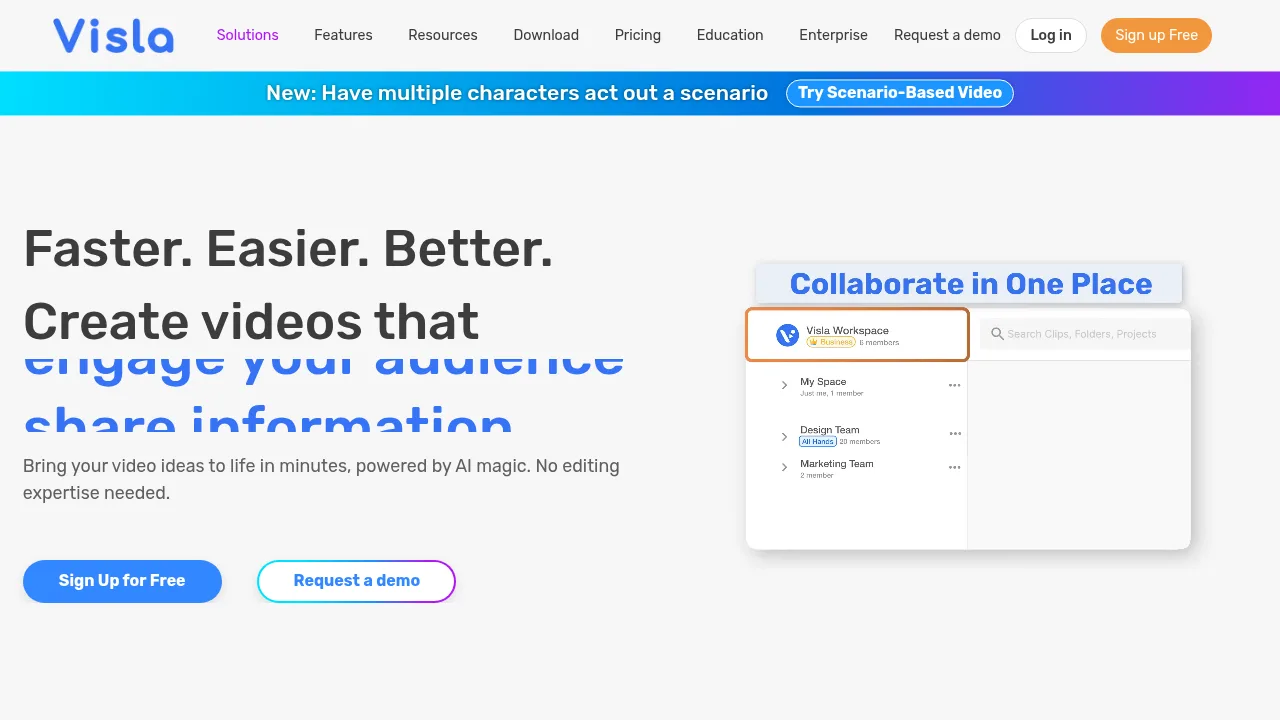
- Collaboration hubOrganizes footage in Workspaces and Teamspaces, enabling real-time feedback sharing and approval management.
What are the use cases of Visla?
- Standard operating proceduresUses the Screen Step Recorder to capture step-by-step processes and convert them into video SOPs.
- Product demonstrationsApplies the Ken Burns effect to highlight key product aspects during demo video creation.
- Enterprise video productionUnlocks unlimited workspaces, multiple brand kits, full Getty Images access, unlimited voice clones, and unlimited avatars for scalable team output.
How to use Visla?
- Start with source materialProvide an idea, script, text, link, clip, image, audio, or PDF/PPT file as input.
- Configure the AI Video AgentSet the video's duration, pace, aspect ratio, stock libraries, voiceover, and avatar.
- Generate the draftThe agent creates a video with narration, visuals, scenes, and transitions based on preferences.
- Edit the videoRefine the draft in the Scene-Based Editor by adding text overlays, graphics, adjusting branding, or moving scenes.
- Share the outputDownload the video, generate a share link, or copy an embed code.
Visla Pricing Information:
- Free accessUsers can sign up for free; specific feature limits are not detailed in the source.
- EnterpriseAvailable upon requesting a demo; includes unlimited workspaces, multiple brand kits, full Getty Images access, unlimited voice clones, unlimited avatars, SSO, a dedicated account manager, and admin controls.