
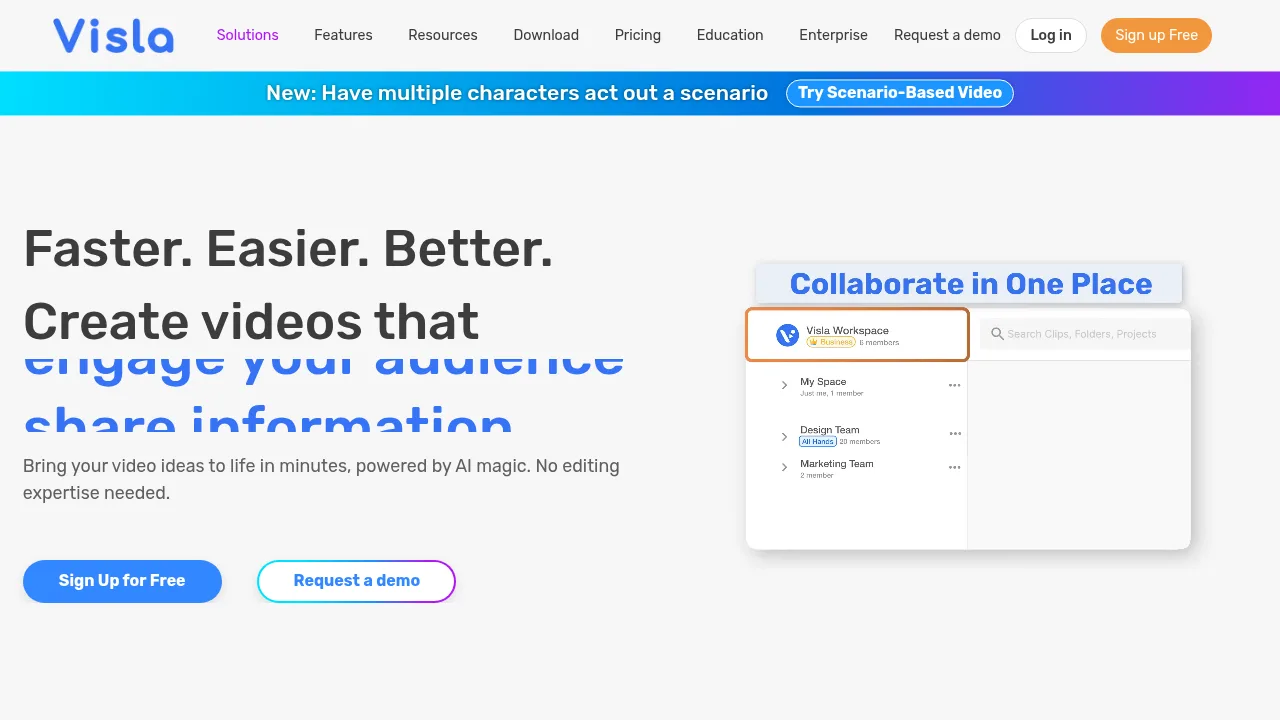
Visla converts text, presentations, and recordings into edited videos using AI avatars, voice cloning, and collaborative workspaces.

Visla

Visla Product Information

What is Visla?

Visla is an AI video workflow platform for businesses to create, record, edit, and collaborate on video content. It accepts inputs including text, scripts, presentations, and existing footage to produce videos with AI avatars and voiceovers. Enterprise customers can request a demo, while other users can sign up for free access.

What are the features of Visla?

  • AI Video Agent
    Assembles videos from ideas, text, scripts, links, clips, images, audio, or PPT/PDF files, allowing control over duration, pace, aspect ratio, stock libraries, voiceover, and avatar.
  • AI Director Mode
    Uses an AI storyboard to generate videos with consistent characters, objects, and environments across scenes.
  • Recording suite
    Captures screen, camera, or both on desktop or mobile, supporting multi-camera recording, teleprompter use, and phone-as-webcam input.
  • Video editing tools
    Offers scene-based editing for precision control and an AI editor that trims, summarizes, and enhances footage automatically.
  • AI personalization
    Provides over 100 public AI avatars or custom avatar creation, paired with AI-cloned voices for narration.
  • Collaboration hub
    Organizes footage in Workspaces and Teamspaces, enabling real-time feedback sharing and approval management.

What are the use cases of Visla?

  • Standard operating procedures
    Uses the Screen Step Recorder to capture step-by-step processes and convert them into video SOPs.
  • Product demonstrations
    Applies the Ken Burns effect to highlight key product aspects during demo video creation.
  • Enterprise video production
    Unlocks unlimited workspaces, multiple brand kits, full Getty Images access, unlimited voice clones, and unlimited avatars for scalable team output.

How to use Visla?

  1. Start with source material
    Provide an idea, script, text, link, clip, image, audio, or PDF/PPT file as input.
  2. Configure the AI Video Agent
    Set the video's duration, pace, aspect ratio, stock libraries, voiceover, and avatar.
  3. Generate the draft
    The agent creates a video with narration, visuals, scenes, and transitions based on preferences.
  4. Edit the video
    Refine the draft in the Scene-Based Editor by adding text overlays, graphics, adjusting branding, or moving scenes.
  5. Share the output
    Download the video, generate a share link, or copy an embed code.

Visla Pricing Information:

  • Free access
    Users can sign up for free; specific feature limits are not detailed in the source.
  • Enterprise
    Available upon requesting a demo; includes unlimited workspaces, multiple brand kits, full Getty Images access, unlimited voice clones, unlimited avatars, SSO, a dedicated account manager, and admin controls.
Do you like this tool?

Upvote to help others discover it!

Visla Alternatives

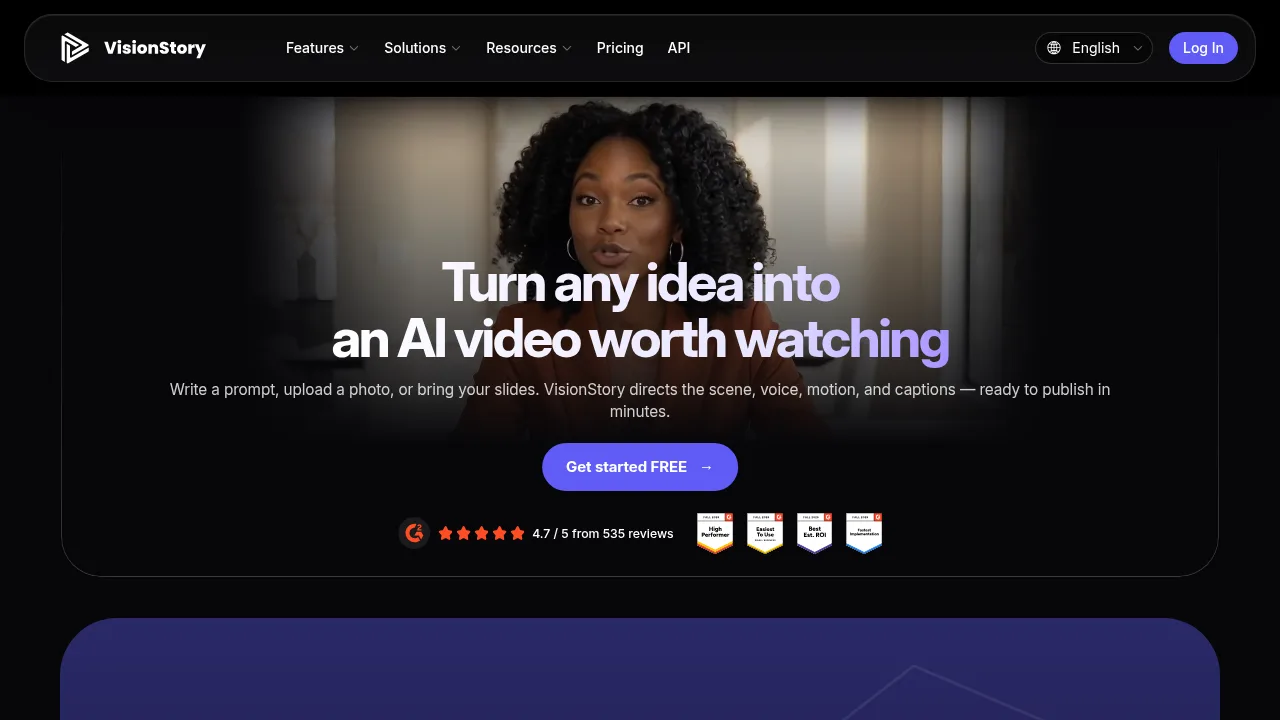
VisionStory AI

VisionStory AI

VisionStory AI produces talking avatar videos, music videos, and podcasts from photos, scripts, or audio files via web and developer tools.

US
14.15%
926.4K
0
Elai.io

Elai.io

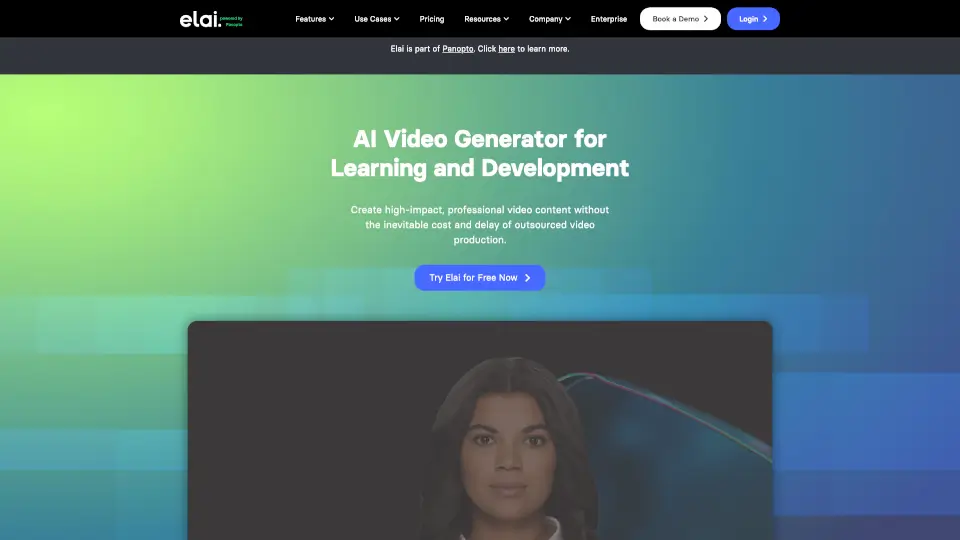
Elai.io is an AI video generator that helps teams create professional, multilingual training and marketing videos in minutes—without cameras, crews, or coding.

US
9.61%
82.2K
0
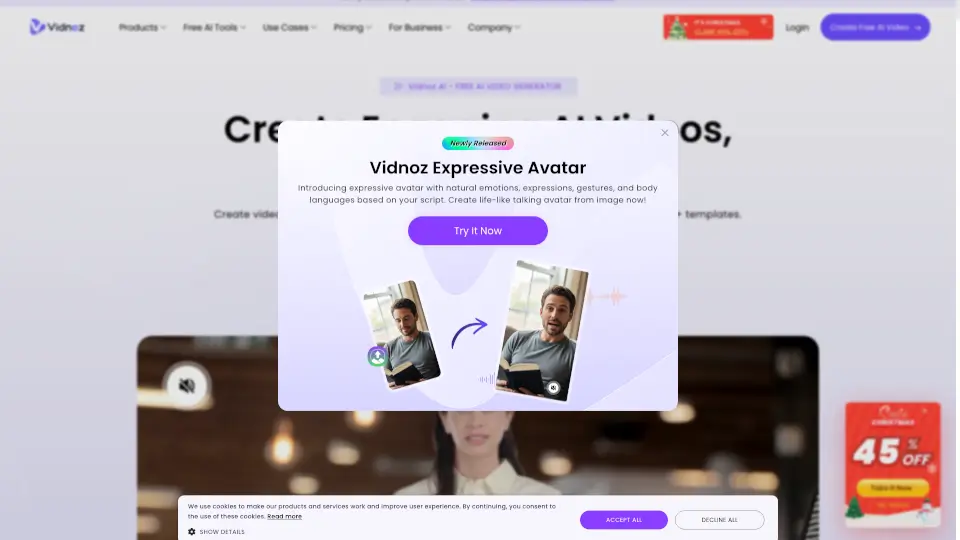
Vidnoz

Vidnoz

Vidnoz is an easy-to-use AI video generator that turns text into professional, multilingual videos with lifelike avatars—no filming or editing required.

JP
18.97%
2.0M
0
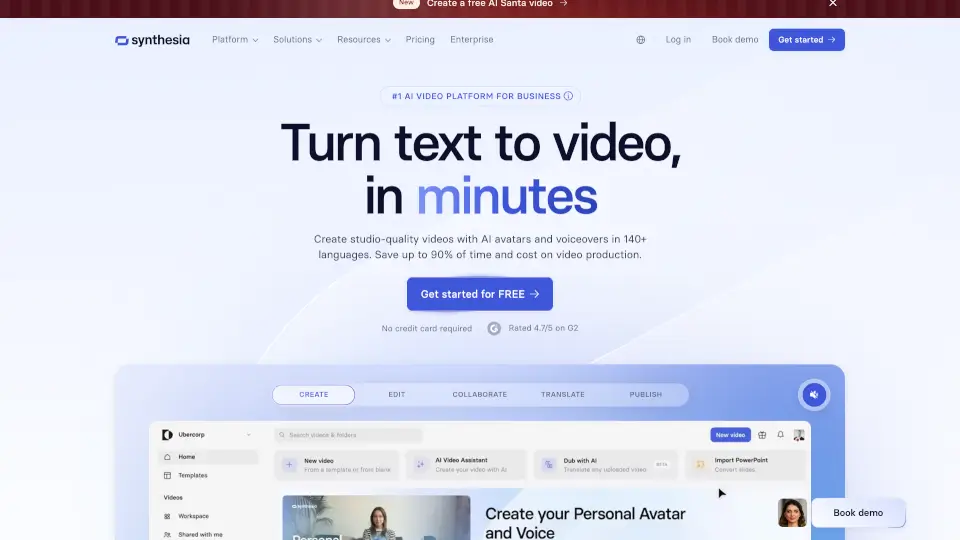
Synthesia

Synthesia

Synthesia is the #1 AI video platform for businesses, enabling the creation of professional videos in minutes with AI avatars and voiceovers in 160+ languages.

US
23.93%
1.7M
0
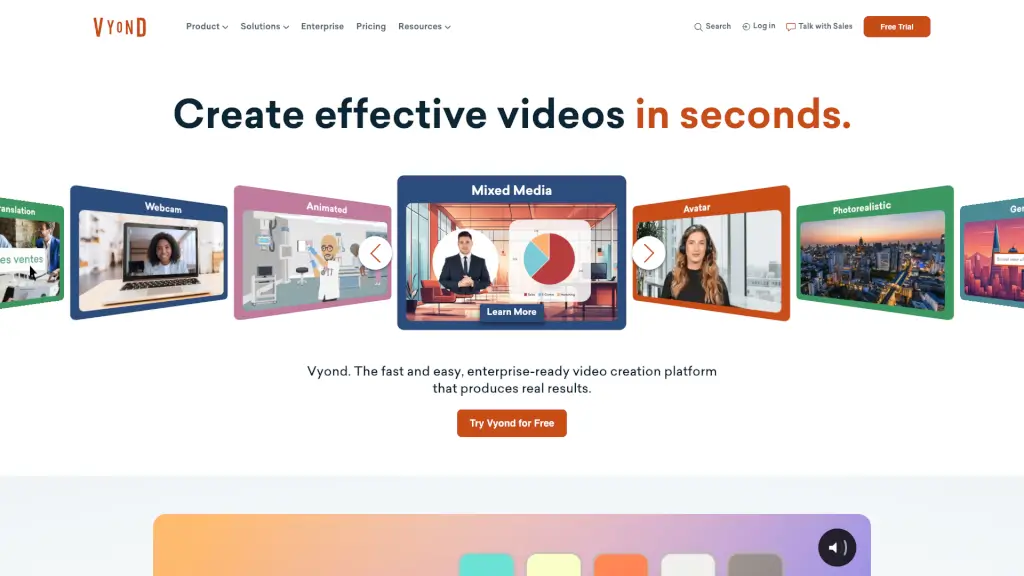
Vyond

Vyond

Vyond is an AI-powered video creation platform that makes it easy for businesses to create engaging and professional videos in minutes, perfect for training, marketing, and more.

US
52.66%
530.3K
0
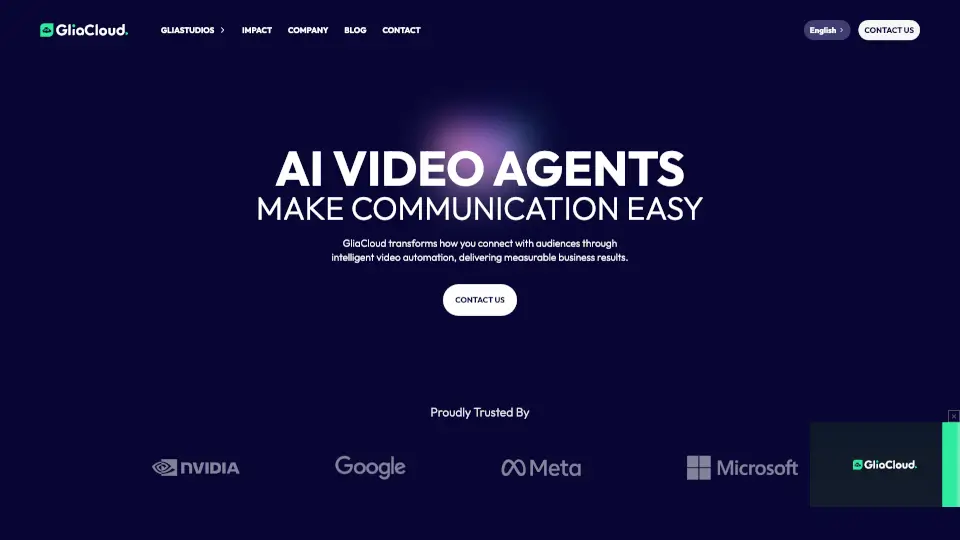
GliaCloud

GliaCloud

GliaCloud uses AI video agents to simplify professional video creation, boost audience engagement, and deliver measurable business results—no editing skills required.

JP
28.73%
128.4K
0
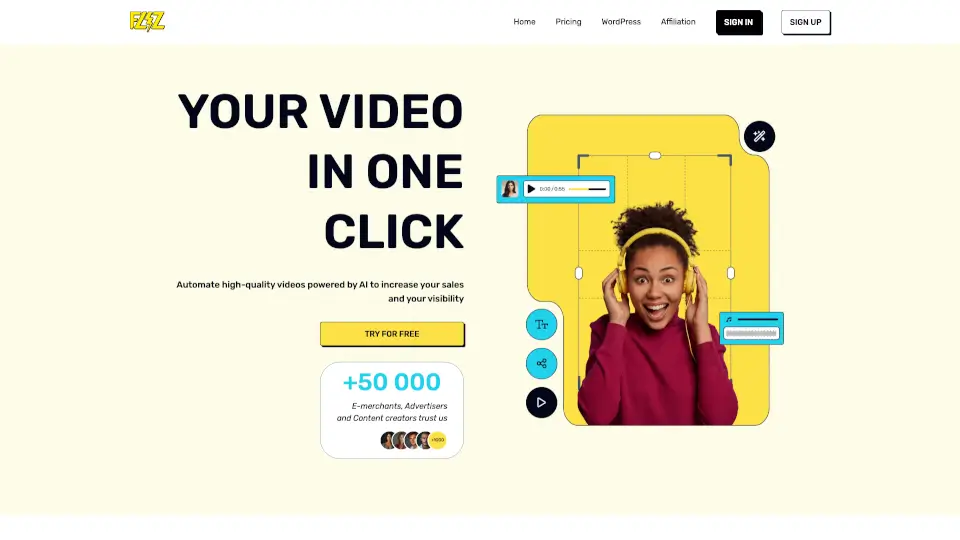
Fliz

Fliz

Fliz is an AI-powered video creator that transforms any text or URL into a professional, engaging video in one click—no editing skills needed.

US
27.13%
12.5K
0
Captions

Captions

Captions is an AI video editor that transforms raw footage or text into polished, professional-quality videos with auto-captions, custom avatars, and smart editing—fast.

US
16.94%
798.7K
0

Visla Related Other Categories

Visla Traffic Analysis

Website traffic estimates for visla.us. Visits are not unique users or product usage.

💡 Insights

⭐
Medium Scale
100K-1M monthly visits. Growing tool with active development.
➡️
Stable
Traffic remains stable, indicating a mature product.
💎
High Stickiness
Low bounce rate (37%) and deep engagement (3.2 pages/visit). Excellent user experience.
🌐
Global Reach
Balanced user distribution worldwide.
  • Monthly Visits

    174.66K

  • Bounce Rate

    37.39%

  • Pages Per Visit

    3.21

  • Visit Duration

    00:01:54

  • Global Rank

    210687

  • Country Rank

    63809

Visits Over Time

Traffic Sources

Search Organic39.64%
Direct30.75%
Gen Ai20.01%
Social Organic5.43%
Referrals3.41%
Mail0.73%
Display Ads0.05%
Social Paid0.00%
Search Paid0.00%
Affiliate0.00%

Top Keywords

1
visla
CPC$2.20
5.85KTraffic
2
visla ai
CPC$0.33
3.55KTraffic
3
script to video ai
CPC$0.62
1.51KTraffic
4
script to video
CPC$0.85
380Traffic
5
script to ai video generator
340Traffic

Top Regions

RegionPercentage
United States
United States
10.79%
Brazil
Brazil
8.95%
Mexico
Mexico
8.79%
India
India
8.02%
Colombia
Colombia
7.20%
Low
High

Powered by SimilarWeb

Visla FAQ

What security certifications does Visla hold?

Visla states it holds SOC 2 Type II compliance and offers Single Sign-On (SSO) for enterprise teams.

Can I use my own presentation files to generate a video?

Yes, the AI Video Agent accepts PPT and PDF files as starting inputs to assemble a video.

Visla Reviews

0
0 Reviews
Sign Into leave a review

Recent Reviews

No reviews yet

Visla Embed

Use website badges to drive community support for SeekTool.ai. They are easy to embed in your homepage or footer.

Light
Dark
Visla - Featured on SeekTool.aiVisla - Featured on SeekTool.ai
How to install?