

What is Use AI?
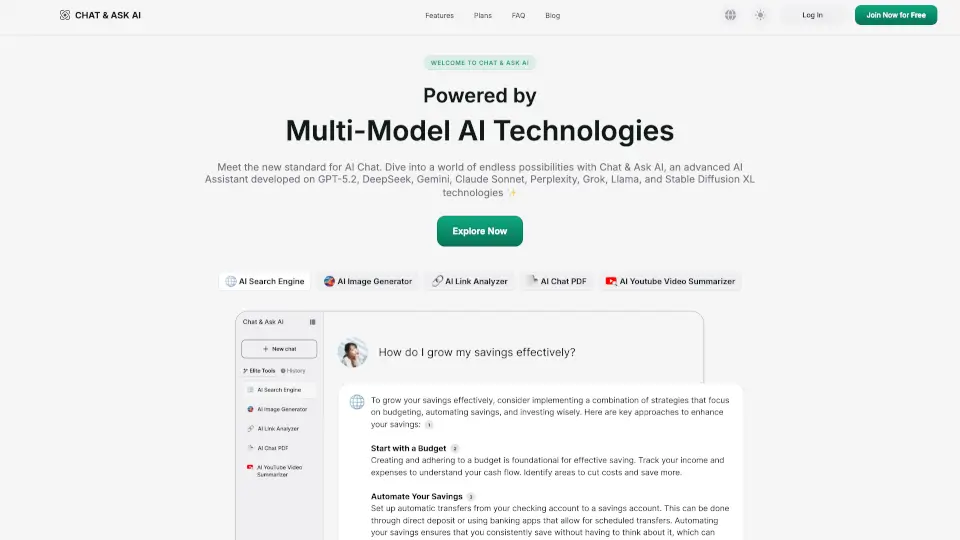
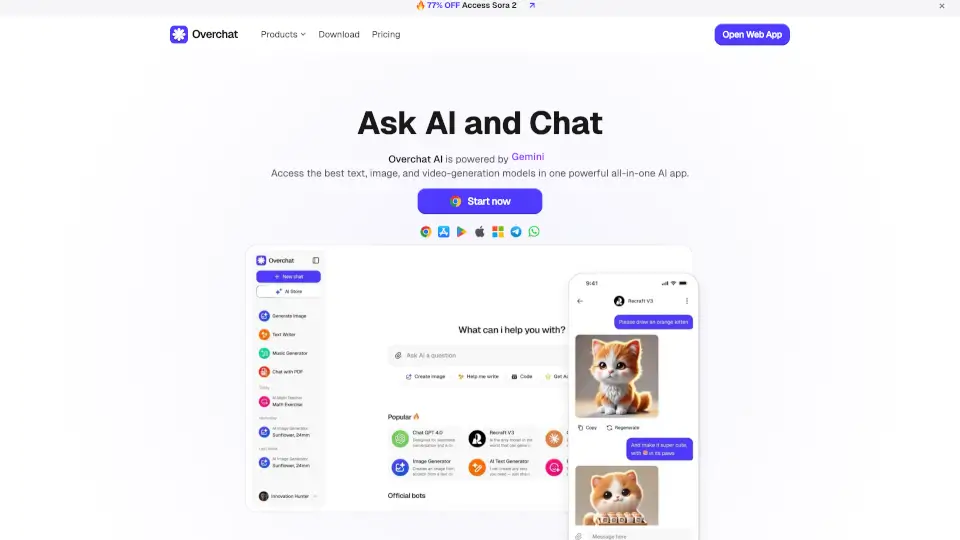
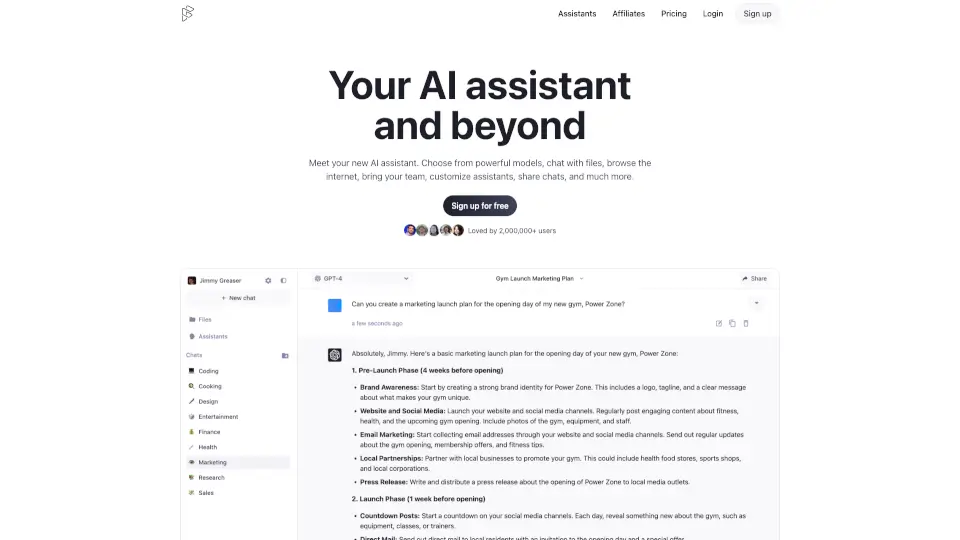
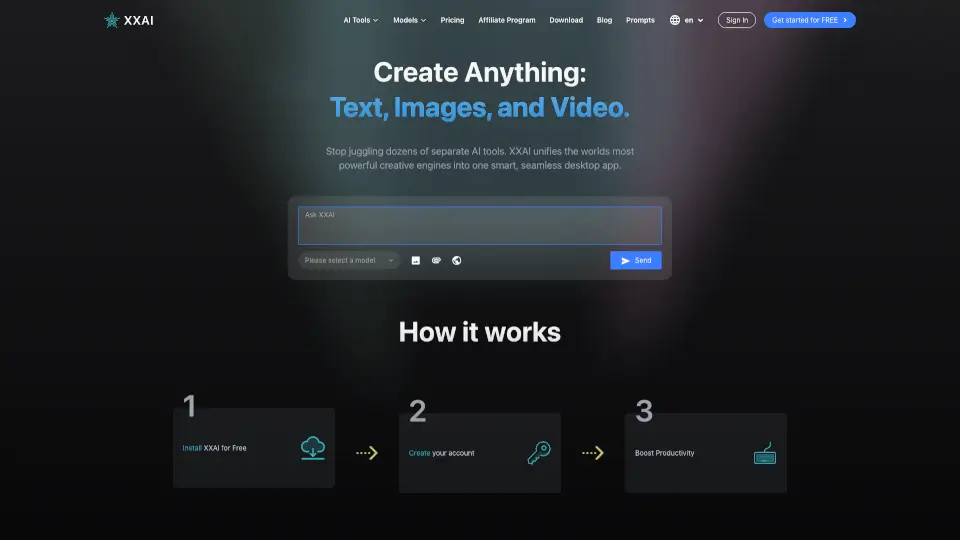
Meet Use AI, your all-in-one AI workspace designed to simplify how you create, research, and get things done. Whether you're drafting an essay, analyzing data, or brainstorming ideas, Use AI brings powerful AI models—including access to GPT-5—right to your browser, no downloads required. Built for students, professionals, and curious minds alike, it turns complex tasks into quick wins with a clean, intuitive interface.
Unlike scattered tools that require switching between apps, Use AI unifies chat, web research, file analysis, image generation, and more in a single dashboard. You don’t need to be tech-savvy to use it: just type what you need, and let the AI handle the heavy lifting—fast, secure, and always available.
What are the features of Use AI?
- GPT-5 Access: Chat with one of the most advanced AI models available, powered by Use.ai for fast, accurate responses.
- All-in-One Workspace: Combine writing, research, translation, image generation, and data analysis in one place—no tab overload.
- Smart File Preview: Upload documents for instant summarization or analysis (note: some file types may show “No file data available” if unsupported).
- Multilingual Support: Work comfortably in Chinese (Simplified) or switch to other languages as needed.
- 24/7 Customer Support: Get help anytime with round-the-clock assistance via the Help Center.
- SEO & Content Tools: Generate blog posts, product descriptions, or social media content optimized for engagement and search visibility.
What are the use cases of Use AI?
- A student summarizing a 20-page research paper in seconds before an exam.
- A small business owner creating SEO-friendly product listings without hiring a copywriter.
- A marketer brainstorming campaign ideas and generating accompanying visuals in one session.
- A remote worker translating client emails from English to Chinese instantly.
- A data analyst uploading a CSV file to get quick insights and visual summaries.
- A blogger using AI to refine drafts, improve tone, and check readability.
How to use Use AI?
- Sign up or log in at the Use AI website to access your personal workspace.
- Choose a task from the homepage—like “Help me write,” “Summarize text,” or “Generate image.”
- Type your request clearly (e.g., “Write a friendly product description for wireless earbuds”).
- Use the File Preview feature to upload documents for AI-powered analysis or summarization.
- Switch languages using the footer menu if you prefer working in Chinese (Simplified) or another supported language.
- Reach out via Customer Support anytime if you run into issues or need guidance.