What is Flow Stage?
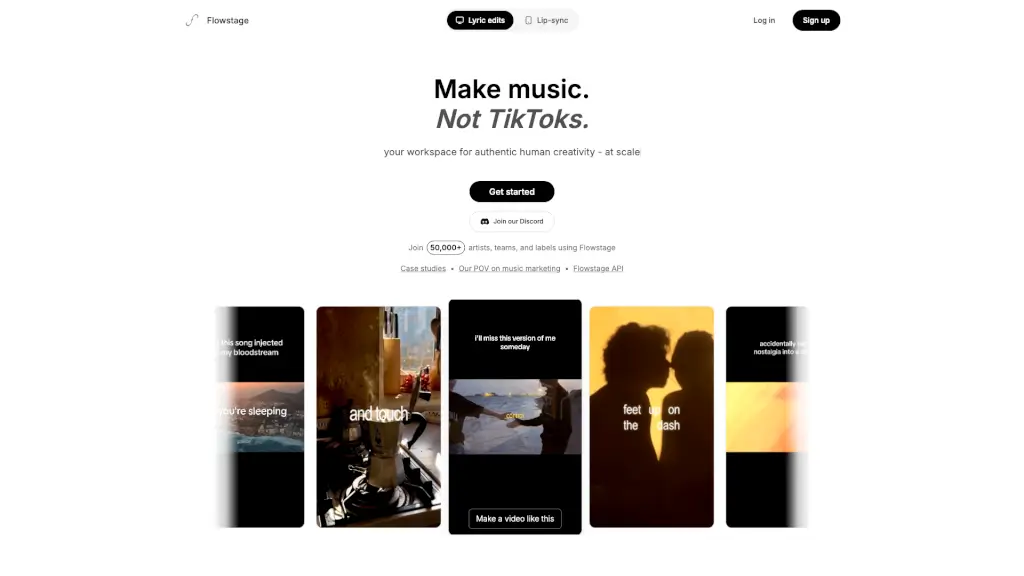
Flowstage is a lyric video editing platform built specifically for musicians and artists—not for everyone. With over 300 million views and counting, it's becoming the go-to creative tool for artists who are ditching CapCut. Think of it as a mix between CapCut, Notion, and Pinterest, but designed exclusively for music content. Flowstage lets you create, customize, and scale lyric edits, lip-sync videos, B-roll montages, and more while keeping your authentic style intact. It's your workspace for real human creativity at scale.
What are the features of Flow Stage?
- Infinitely Customizable Video Editor: Upload your own media or use community-curated aesthetics to make any kind of video you can imagine—lyric pages, montages, and beyond.
- Fully Editable Templates: Design videos exactly to your taste. Build your own lyric style, create custom cut patterns, and save them as reusable templates.
- Scale Your Unique Style: Turn one great edit into hundreds. Build a personal content system that lets you stay authentic while producing at volume.
- All-in-One Content Workspace: Plan, create, and schedule your content from one place without juggling multiple tools.
- Artist-First Design: Built by artists and for artists, so everything from the interface to the workflow prioritizes music creators over casual users.
What are the use cases of Flow Stage?
- Lyric Video Creation: Quickly produce professional lyric videos that match your song's vibe without spending hours on complex software.
- Lip-Sync Edits: Create engaging lip-sync content for social media that feels authentic to your brand and music.
- B-Roll and Montage Videos: Use your own footage or browse community aesthetics to build visually compelling montages for album drops or singles.
- Batch Content Production: Turn one great video concept into dozens of variations to post across different platforms consistently.
- Team and Label Collaboration: Work with your team or label to plan, create, and schedule a content calendar—all inside Flowstage.
- Content Campaign Scaling: Maintain your unique artistic identity while producing enough content to support global marketing campaigns.
How to use Flow Stage?
- Start by signing up or logging in—then explore the community-curated aesthetics to get inspiration for your first video.
- Upload your own media (footage, album art, lyrics) or pick from existing styles to start building your lyric page or lip-sync clip.
- Customize everything—adjust cut patterns, font styles, timing, and layout until the video matches your vision.
- Save your custom style as a template so you can reuse it later for future songs or content batches.
- Use the planning and scheduling tools to organize your content rollout, especially if you're working with a team or label.