
What is Kaiber.ai?
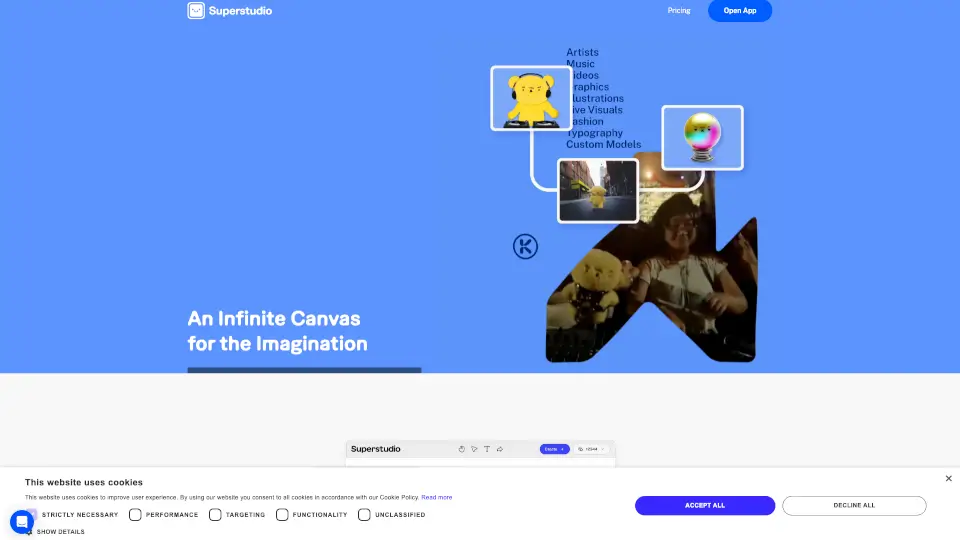
Kaiber is a creative suite built by musicians, for creators who want to make stunning, music-synced videos without the headache. If you’ve ever struggled to match visuals to your beats or wasted hours editing across multiple apps, Kaiber brings everything together in one smooth workflow. Think of it as your all-in-one studio for turning tracks into eye-catching content—fast.
Designed to keep up with the speed of modern music and social media, Kaiber eliminates tedious exports, handoffs, and complicated timelines. Whether you're an independent artist, a content team, or just someone with a great song and an idea, Kaiber helps you go from concept to publish-ready video in minutes—not days.
What are the features of Kaiber.ai?
- Canvas: Generate clips, images, or full videos using AI from just a prompt or reference image in an open creative workspace.
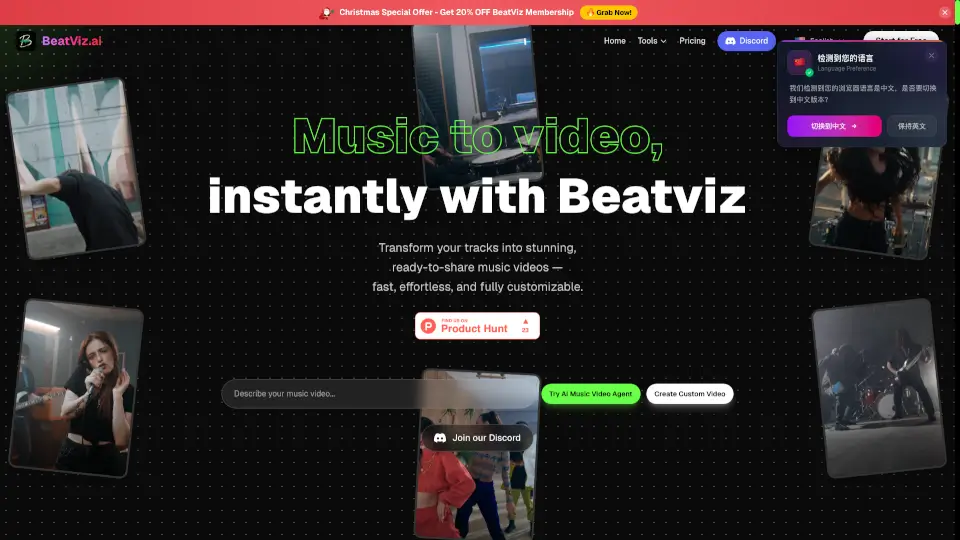
- Beat Sync (New): Upload your music and visuals to auto-generate up to 10 beat-synced videos at once, perfectly timed to cuts, beats, and even lyrics—with captions and platform-specific sizing.
- Editor: Polish your creations with a simple, intuitive timeline editor that lets you assemble and refine everything made in Kaiber—no need to switch apps.
- Multi-Model Access: Use top AI models like Nano, Banana, Veo, Kling, and Wan all in one place—no juggling subscriptions or logins.
- Music-Driven Workflow: Your track leads the process; visuals automatically adapt to its rhythm, structure, and energy.
- Publish-Ready Outputs: Every video is rendered in the correct aspect ratio, length, and format for platforms like TikTok, Instagram, YouTube, and more—right from the start.
What are the use cases of Kaiber.ai?
- Musicians creating promo clips or lyric videos without hiring editors
- Social media managers batch-producing platform-optimized content for weekly releases
- DJs syncing visualizers to live sets or mixtapes
- Content teams rapidly generating reels, shorts, or stories from a single audio track
- Creators turning mood boards or Pinterest inspiration into animated videos
- Indie filmmakers prototyping scenes with AI-generated footage synced to score
How to use Kaiber.ai?
- Start in Canvas by entering a text prompt or uploading a reference image to generate base visuals.
- Switch to Beat Sync, upload your song, and let Kaiber auto-sync your visuals to the music’s tempo and structure.
- Use Editor to fine-tune timing, add transitions, or combine multiple clips into a final sequence.
- Choose your target platform (e.g., TikTok, Instagram) to auto-apply correct dimensions and duration.
- Generate multiple versions at once in Beat Sync to test what resonates with your audience.
- Export directly—no extra rendering or format conversions needed.