
Qu'est-ce que BeatViz.ai ?
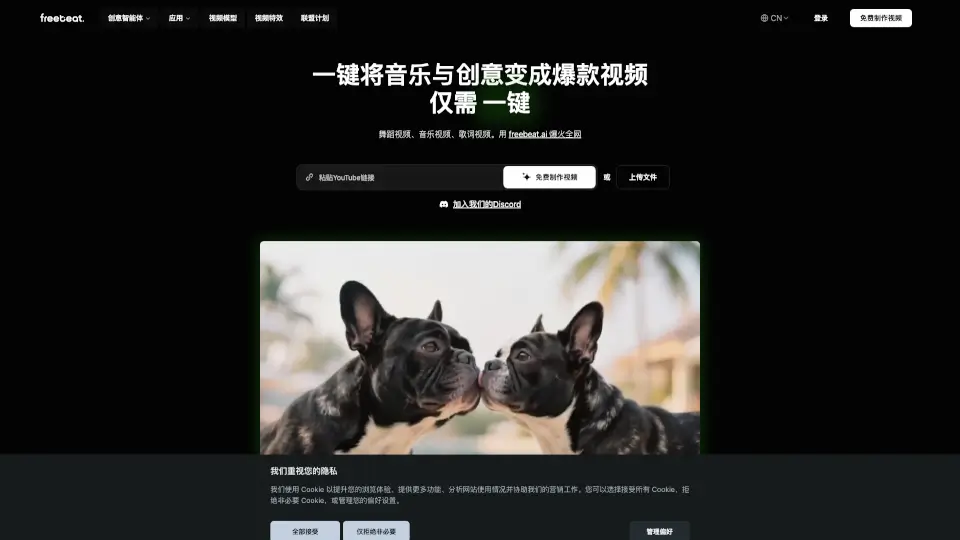
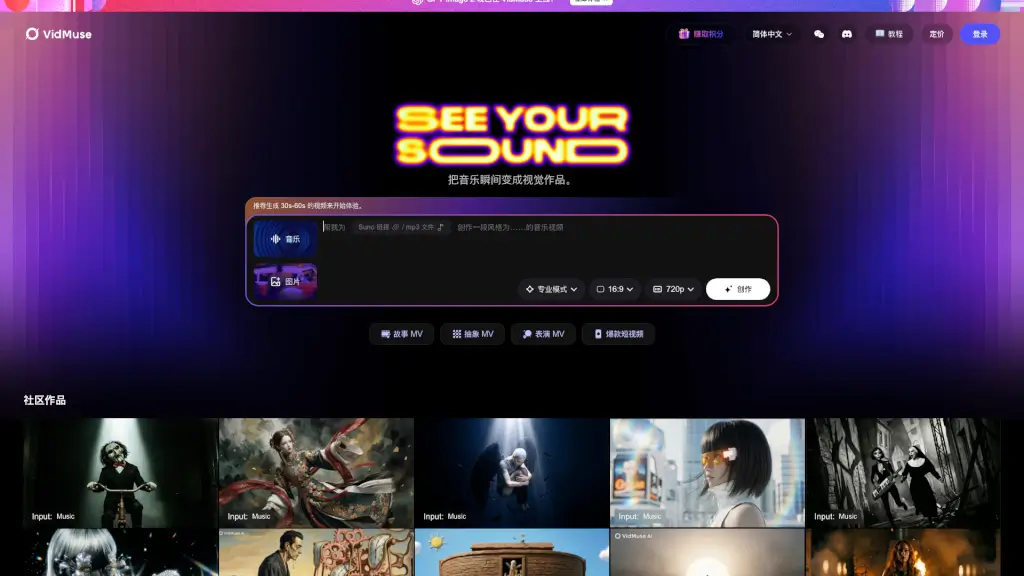
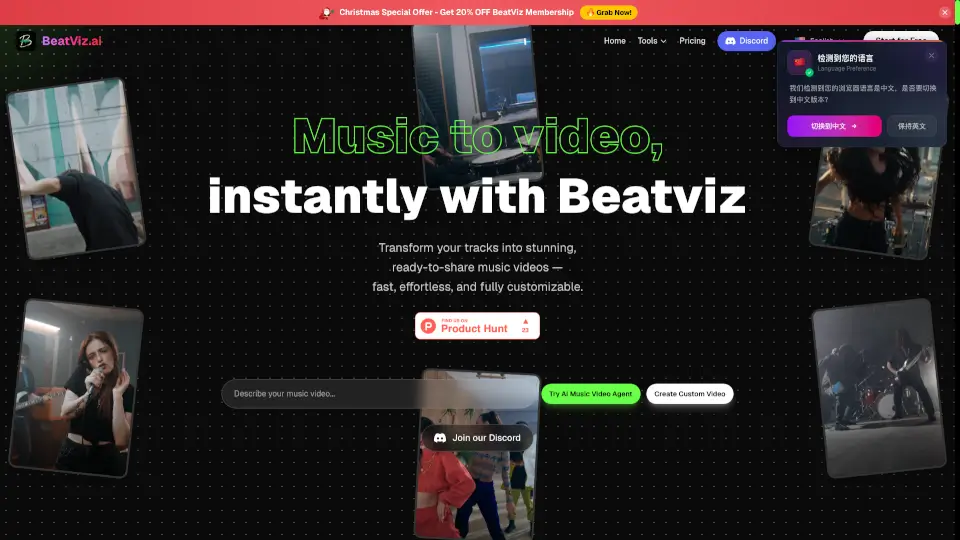
BeatViz est une plateforme révolutionnaire qui transforme vos pistes audio et idées en magnifiques vidéos musicales en quelques minutes. Grâce à l'IA, vous pouvez créer des visuels professionnels parfaitement synchronisés avec votre musique, sans avoir besoin de compétences en édition vidéo ou d'un budget important. Que vous soyez un artiste indépendant, un créateur de contenu, ou une marque, BeatViz simplifie le processus de création de vidéos musicales de haute qualité, vous permettant de passer de l'idée au produit final en un temps record.
Quelles sont les caractéristiques de BeatViz.ai ?
- Générateur de Vidéo Musicale IA: Transforme instantanément vos pistes audio et idées en vidéos musicales professionnelles.
- Synchronisation Automatique de la Musique: L'IA détecte automatiquement le BPM et les arcs émotionnels pour générer des visuels parfaitement synchronisés.
- Modèles d'IA Aggrégés: Accès à une variété de modèles d'IA avancés (Google Veo, Luma, Kling, etc.) pour des résultats de haute qualité.
- Génération de Musique Originale: Si vous n'avez pas de piste audio, l'IA peut générer de la musique originale basée sur votre description.
- Résolution Jusqu'à 1080p: Créez des vidéos en haute définition, adaptées à toutes les plateformes.
- Droits Commerciaux Inclus: Utilisez librement les vidéos générées pour la promotion, la monétisation, et les campagnes publicitaires.
Quels sont les cas d'utilisation de BeatViz.ai ?
- Créer des clips musicaux pour promouvoir vos chansons sur YouTube et autres plateformes.
- Générer des visuels pour des posts sur les réseaux sociaux comme Instagram, TikTok, et Facebook.
- Produire des vidéos promotionnelles pour des marques et des produits.
- Créer des storyboards rapides et des démos de produits.
- Générer des contenus narratifs pour des vlogs et des chaînes YouTube.
- Créer des vidéos de présentation pour des événements et des conférences.
Comment utiliser BeatViz.ai ?
- Téléchargez votre piste audio ou saisissez une description textuelle de votre idée.
- Choisissez le style visuel souhaité (par exemple, "ville cyberpunk").
- Cliquez sur "Générer" et laissez l'IA créer votre vidéo.
- Personnalisez les paramètres tels que la résolution, la durée, et le modèle d'IA.
- Prévisualisez et téléchargez votre vidéo finale.