
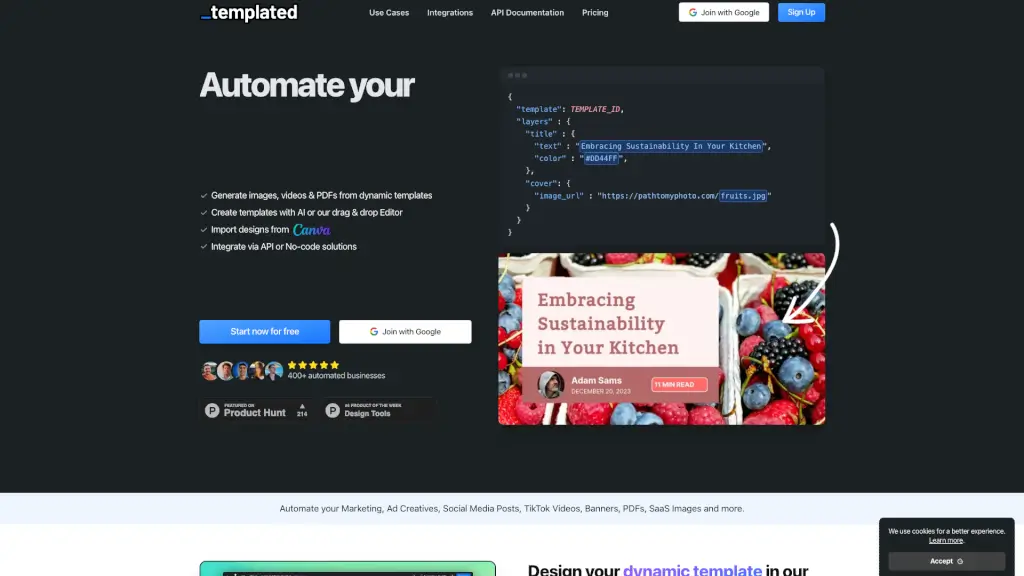
What is Templated?
Templated is a powerful API that automates the creation of images, videos, and PDFs, making it a game-changer for businesses looking to streamline their content generation. Whether you're a marketer, social media manager, or e-commerce owner, Templated helps you create dynamic and personalized visuals in minutes. With an intuitive drag-and-drop editor and AI-powered template generator, even those without design experience can produce professional-looking content. Plus, with seamless integration options and no-code solutions, you can automate your entire workflow and scale your content production effortlessly.
What are the features of Templated?
- Automated Image, Video, and PDF Generation: Generate high-quality images, videos, and PDFs with just a simple API call.
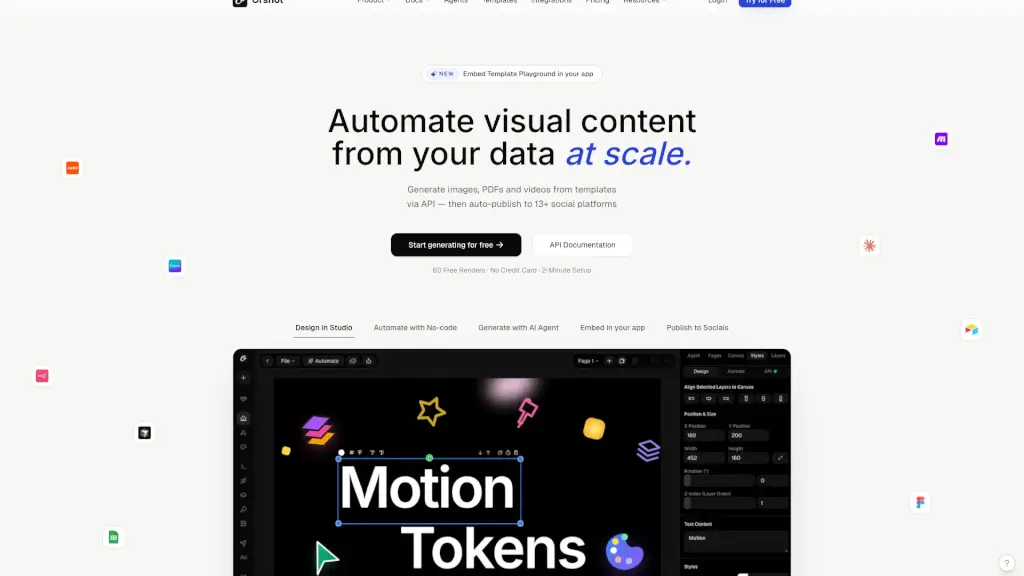
- Drag-and-Drop Editor: Design templates easily with a user-friendly, drag-and-drop interface.
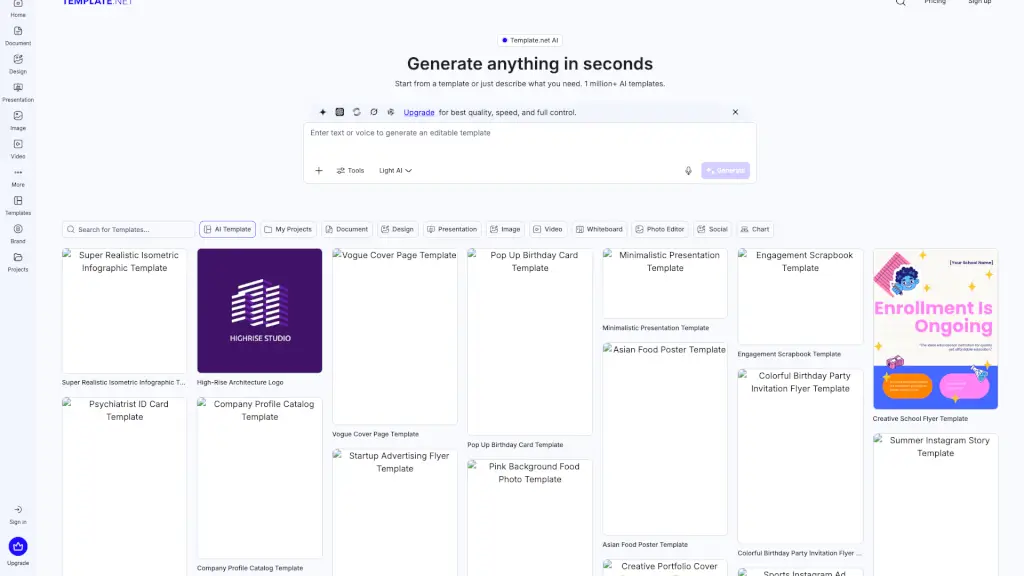
- AI Template Generator: Quickly create professional templates by simply describing what you need.
- Multiple Output Formats: Choose from various formats like JPEG, PNG, WebP, MP4, and PDF.
- No-Code Integrations: Integrate with popular no-code platforms like Zapier, Make, and n8n without writing a single line of code.
- White Label Editor: Embed the editor into your site or app, allowing users to create and customize their own designs.
- Team Collaboration: Invite team members, share templates, and collaborate in real-time with robust permission controls.
What are the use cases of Templated?
- Marketing Campaigns: Automate the creation of ad creatives, banners, and social media posts.
- E-commerce: Generate product images, promotional videos, and PDF invoices.
- Social Media Management: Create consistent and engaging content for platforms like TikTok, Instagram, and Facebook.
- Business Invoices and Reports: Automate the generation of professional invoices, reports, and documents.
- SaaS Onboarding: Generate personalized onboarding materials, such as welcome emails and user guides.
- Event Invitations and Flyers: Design and distribute event invitations, flyers, and brochures.
- Educational Materials: Create interactive and visually appealing educational content for students and educators.
How to use Templated?
- Design Your Template: Start by designing your template using the drag-and-drop editor or generate one with AI.
- Integrate with API: Connect your template to the API or use no-code platforms like Zapier to automate the process.
- Customize Layers: Modify text, colors, and images in each layer of your template through the API.
- Choose Output Format: Select the desired format (JPEG, PNG, WebP, MP4, or PDF) for your rendered files.
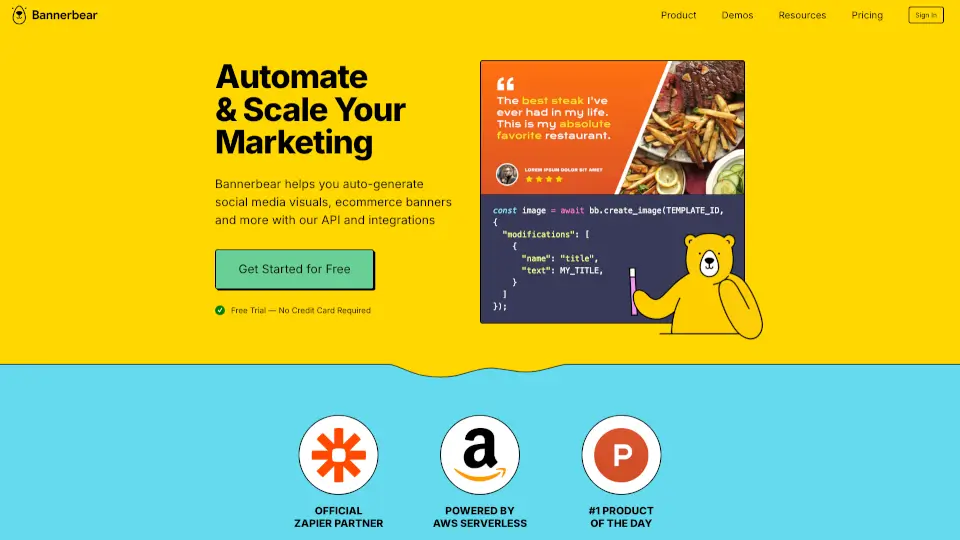
- Generate Content: Make a POST request to the API with your JSON payload to render your images, videos, or PDFs.
- Embed the Editor: Add the editor to your site or app with a single line of code to let users create their own designs.