
What is Plainly AI?
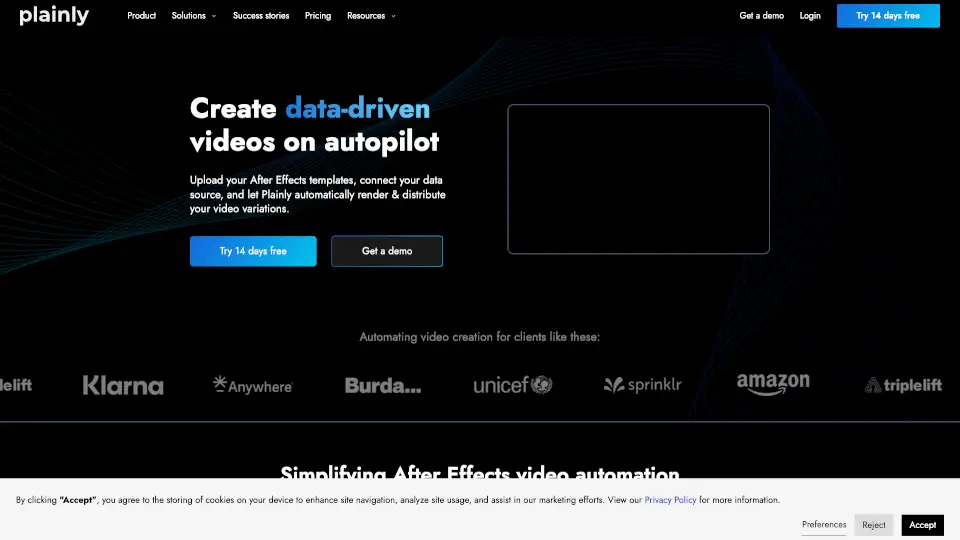
Plainly is an AI video automation tool for creative teams, agencies, and software companies that generates thousands of video variations from Adobe After Effects templates. Instead of manually editing each video, users upload a template, mark dynamic elements like text and images, connect structured data from CSV files or APIs, and let Plainly render the finished videos in the cloud. It is built for repetitive, data-driven video workflows such as localization, personalized messaging, sports updates, news clips, digital signage, and dynamic ads.
What are the features of Plainly AI?
- Automated Video Versioning: Automatically create multiple video variations from a single After Effects template, replacing text, images, audio, and animations based on your data.
- Video Localization: Batch translate and adapt text, assets, and audio so videos work across different languages and cultures without manual re-editing.
- Cloud-Based Rendering: Render videos securely on Plainly’s infrastructure, which can handle multiple outputs simultaneously without slowing down your local machine.
- Video Editing API: Integrate Plainly’s REST API into your own app or workflow to automate video creation programmatically, ideal for software companies.
- Dynamic Template Marking: After Effects plugin or web interface lets you mark which layers (text, images, video clips) will change per render, and control layer timing and duration.
- Custom Output Formats: Export videos in any required format and encoding to match different platforms like social media, TV broadcast, or digital signage.
What are the use cases of Plainly AI?
- In-house creative teams batch-producing product videos, social media ads, or localized content from a single After Effects template.
- Agencies scaling client video production by automating versioning, personalization, and multi-language renders without extra headcount.
- Sports and news organizations creating match recaps, lineup announcements, or news updates from RSS feeds or structured data in real time.
- Software companies adding automated video generation as a feature inside their own product using Plainly’s video editing API.
- Marketers generating thousands of personalized thank-you or onboarding videos for donors, customers, or leads using CSV data.
How to use Plainly AI?
- Create your video template in Adobe After Effects, making sure to design dynamic layers you want to replace.
- Upload the template to Plainly’s web app or use the After Effects plugin to send it directly.
- Mark which elements (text, images, video clips, audio) will change per video, and set layer timing or duration.
- Connect your data source – upload a CSV file, use the API, or integrate with a native tool like a CRM.
- Select output format, render in the cloud, and download or distribute the finished videos automatically.