
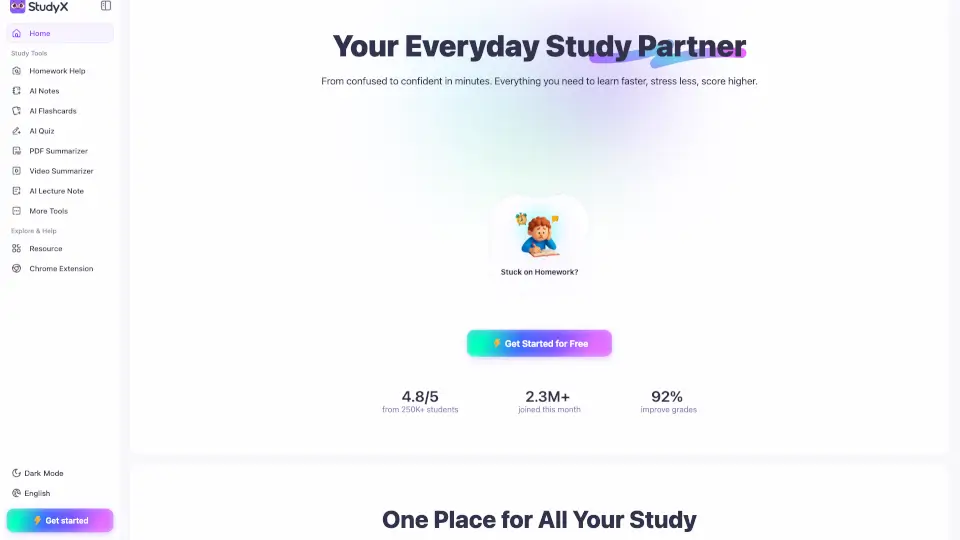
What is StudyX?
StudyX is a free, all-in-one AI study platform built for students who want to learn faster, stress less, and actually understand what they’re studying. Whether you're stuck on homework, reviewing lecture notes, or prepping for a big exam, StudyX uses smart AI tools to turn any material—text, PDFs, videos, even YouTube links—into step-by-step solutions, organized notes, flashcards, and quizzes in seconds.
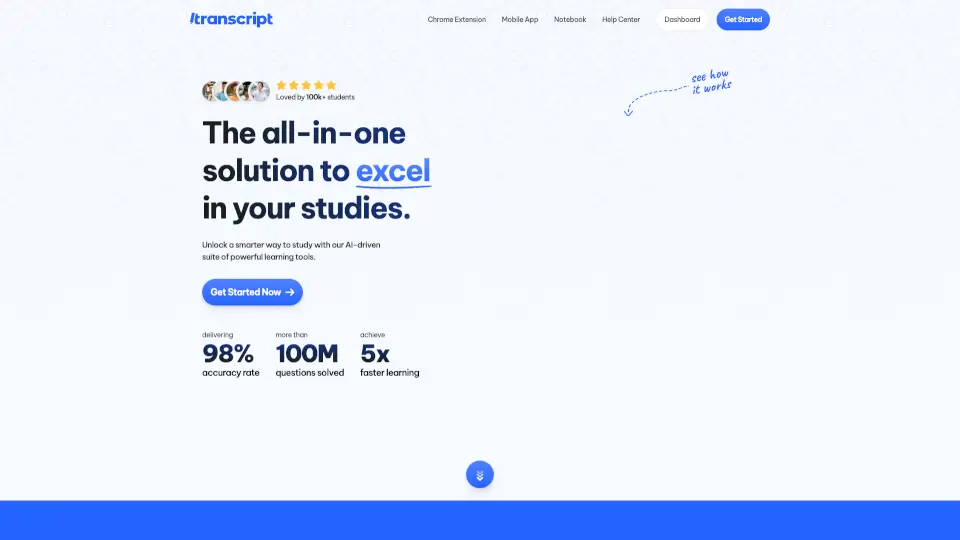
No sign-up is needed to get started, and it works across 50+ subjects, from algebra to AP History. Trusted by over 16 million students, StudyX isn’t just about quick answers—it’s designed to help you learn, not just copy. With real-time transcription, AI-powered explanations, and adaptive study tools, it’s like having a 24/7 tutor, note-taker, and quiz coach all in one place.
What are the features of StudyX?
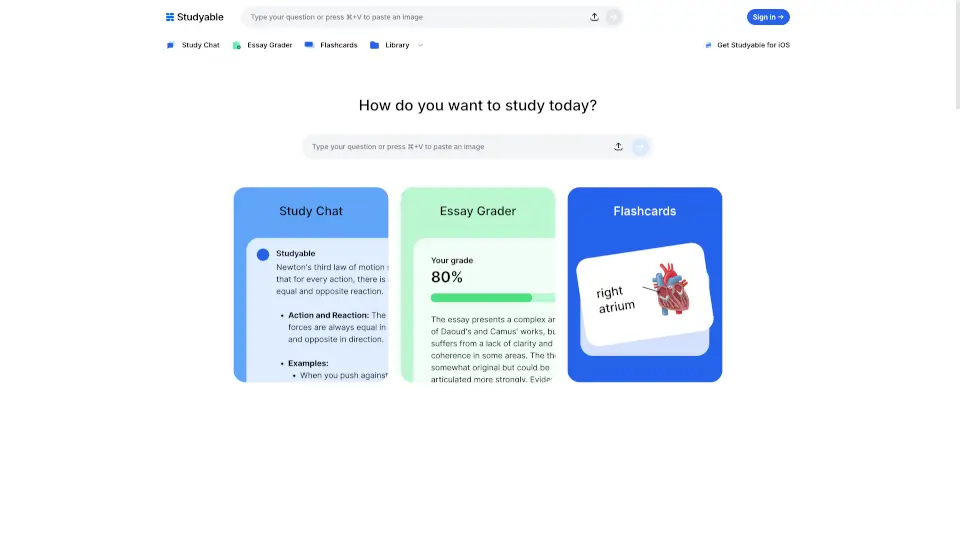
- AI Homework Help: Snap a photo or paste any question and get step-by-step solutions in math, science, economics, and more—with clear explanations so you grasp the concept.
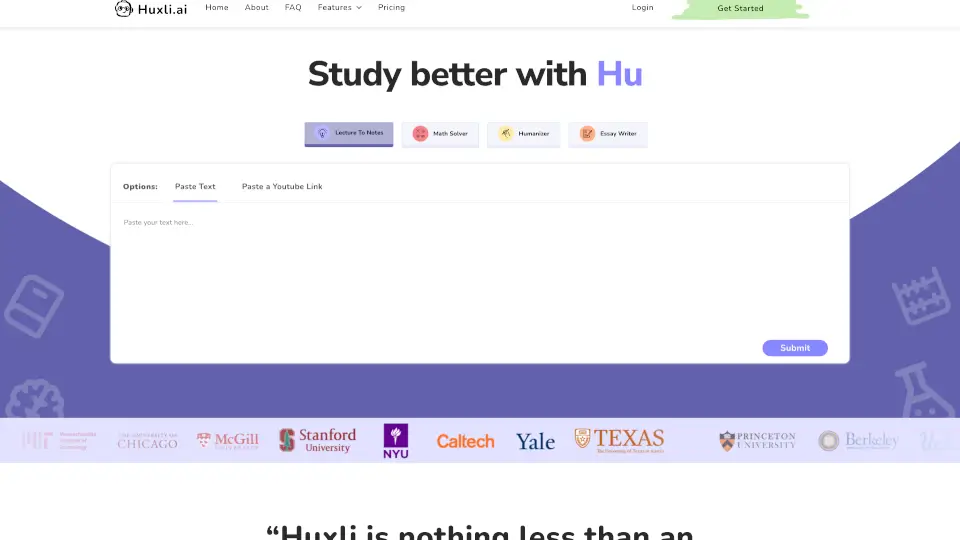
- Smart Notes Generator: Upload PDFs, slides, lecture recordings, or YouTube videos to instantly create clean, structured study notes—no manual summarizing required.
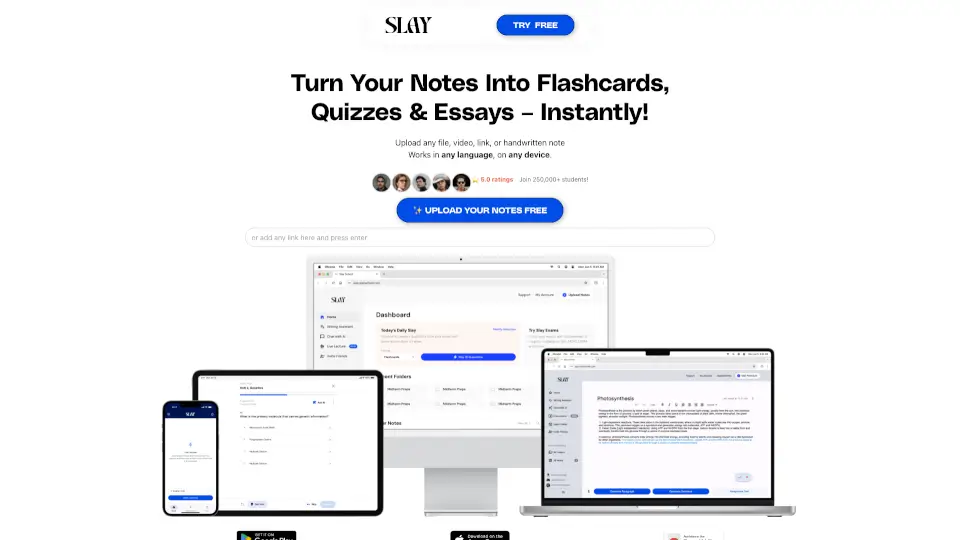
- Auto Flashcards & Quizzes: Turn any study material into custom flashcards and practice tests with spaced repetition to boost retention and target weak areas.
- AI Writing Suite: Includes an AI Detector, Plagiarism Checker, AI Humanizer, and Paraphraser to keep your essays original, natural-sounding, and submission-ready.
- Real-Time Lecture Transcription: Record live classes and get instant transcripts, translations, and summaries—so you can focus on listening, not frantic note-taking.
- Certification Exam Prep: Tailored practice for high-stakes exams like NCLEX, PMP, CPA, and DoD training with AI-generated questions and study guides.
What are the use cases of StudyX?
- A high school student uploads a calculus worksheet and gets step-by-step breakdowns to understand derivatives—not just the final answer.
- A college freshman records a biology lecture and automatically receives summarized notes and flashcards for weekend review.
- A nursing student preparing for the NCLEX uses StudyX to convert dense textbooks into targeted quizzes and key concept cards.
- A parent helps their teen organize scattered AP Chemistry notes by uploading slides and generating a cohesive study guide.
- A working professional paraphrases a report draft using the AI Paraphraser and checks it with the Plagiarism Checker before submitting.
- A lifelong learner pastes a podcast transcript and turns it into a personal quiz to retain new knowledge on history or tech topics.
How to use StudyX?
- Click “Get Started Free” on the StudyX homepage—no account needed to begin.
- Paste text, upload a file (PDF, image, video), or drop in a YouTube link in the main input box.
- Select your desired output: Homework Help, AI Notes, Flashcards, or Quiz.
- Choose your education level (e.g., “High school”) and number of items (like 10 flashcards) if prompted.
- Wait a few seconds while StudyX processes your material—then review, study, or download your results.
- Use the same upload to generate multiple study aids (notes + flashcards + quiz) without re-uploading.