
What is Slay School?
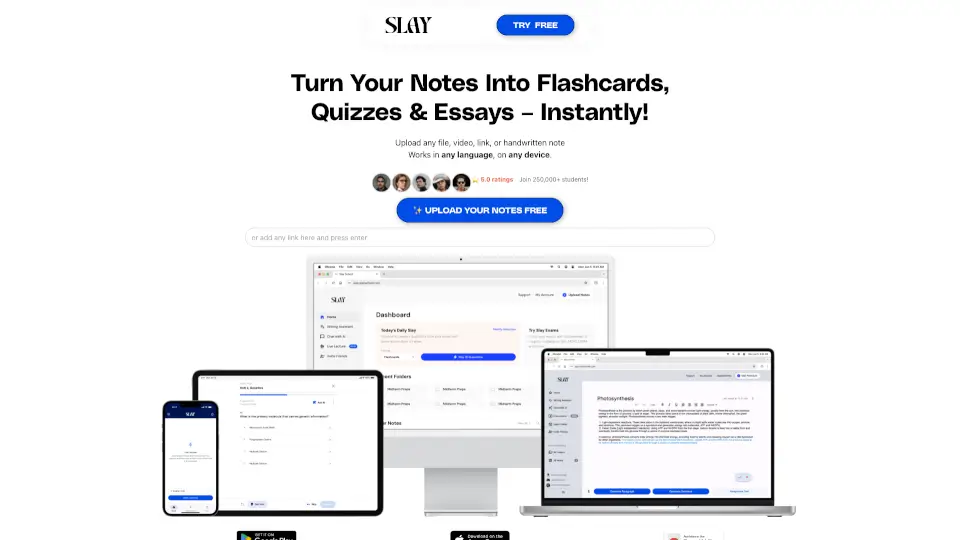
Meet Slay School, your all-in-one AI study note taker and flashcard maker that turns lectures, PDFs, videos, and even handwritten notes into interactive flashcards, quizzes, and essays in seconds. Whether you’re a med student cramming for boards or a lifelong learner trying to understand a tough topic, Slay helps you save hours of study time by automatically generating bite-sized cards you can practice with, export to Anki/Quizlet, or use with friends. It works in any language, on any device, and has already helped over 500,000 students get better grades.
What are the features of Slay School?
- AI Flashcard Generator: Upload any file (PDF, YouTube link, Google Doc, or paste text) and Slay instantly creates custom flashcards with cloze deletions, images, and handwritten notes.
- Interactive Quizzes with Instant Feedback: Answer multiple-choice or typed questions and get immediate, personalized feedback to improve your understanding.
- AI Note Taker & Scribe: Record lectures or paste notes – Slay acts as your AI notetaker, extracting key takeaways, transcribing audio, and summarizing content.
- Export to Anki, Quizlet & UWorld: You’re never locked in. Export your cards for free to your favorite study tools so you can study where you learn best.
- Collaborative Study & Leaderboard: Study and compete together with friends, climb the leaderboard, and keep motivation high.
- Essay & Writing Assistant: Need to write an essay? Slay’s AI helps you write smarter and faster, turning your notes into polished, well-structured essays.
What are the use cases of Slay School?
- A med student records a two-hour pharmacology lecture, uploads it, and gets Anki-ready flashcards and multiple-choice questions to review for exams.
- A high school senior pastes a Wikipedia article on the Civil War and instantly creates a deck of cloze-deletion flashcards to prep for the APUSH test.
- A language learner uploads a YouTube video in Spanish, and Slay generates quizzes with instant feedback to practice vocabulary and comprehension.
- A busy professional uses Slay’s AI notetaker to transcribe a webinar and then exports key takeaways to spaced repetition flashcards for long-term retention.
- A study group uploads shared lecture notes, creates flashcards together, and competes on the leaderboard to see who learns fastest.
How to use Slay School?
- Upload your material: Drop a PDF, paste a YouTube link, upload a handwritten note, or import from Google Docs.
- Let AI generate your deck: In seconds, Slay analyzes your content and auto-creates flashcards with specific questions. You can edit, add, or delete any card.
- Test yourself or quiz friends: Answer questions and receive instant custom feedback. Generate new variants to keep challenging yourself.
- Export or share: Download your deck to Anki, Quizlet, or UWorld, or share a link with your study group.
- Study on the go: Use Slay on your mobile device – it works everywhere.