What is SigmaOS Airis?
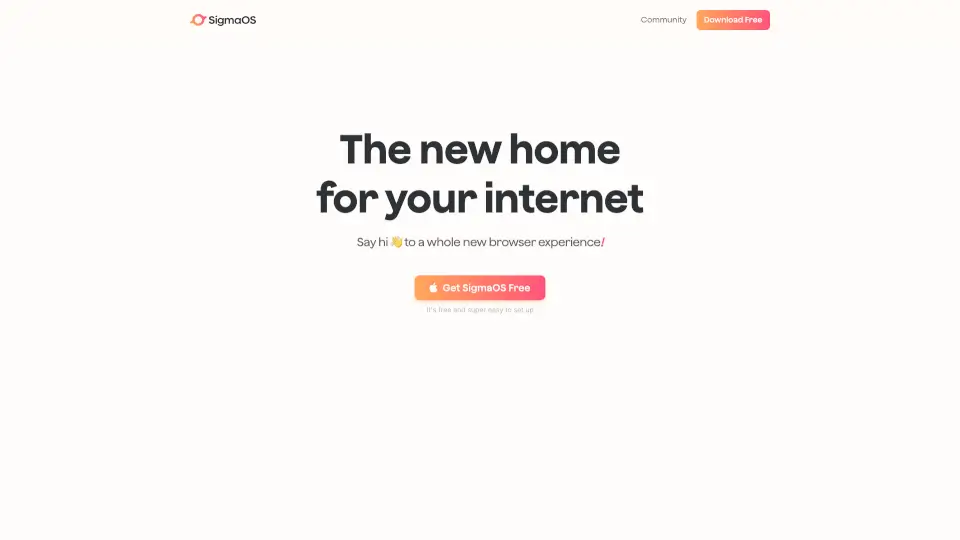
SigmaOS is a fresh, smarter way to browse the internet. It’s designed to make your online experience more organized, efficient, and enjoyable. With features like workspaces, vertical tabs, and AI-powered assistance, SigmaOS is here to transform how you interact with the web.
What are the features of SigmaOS Airis?
- Workspaces: Organize your tabs like rooms in a house, making it easy to group and manage your tasks.
- Vertical Tabs: Get a clear overview of your open pages, treating tabs like tasks in a to-do list.
- Split Screen: Multitask effortlessly by working on two websites at once.
- Lazy Search: Instantly search through your tabs, bookmarks, and the internet with a single keystroke.
- Ask Anything: Get contextual answers with Airis, your AI browser companion.
- Simplify: Turn any website into a short, interactive summary for a more peaceful browsing experience.
- Magic Theme: Automatically match SigmaOS’s colors to the website you’re on for a seamless look.
- Ad-Free Browsing: Enjoy a cleaner, ad-free internet experience.
- Focus Mode: Hide distractions and focus on one page at a time.
What are the use cases of SigmaOS Airis?
- Students: Manage courses, research, and assignments with ease.
- Founders: Organize startup tasks, analytics, and research in separate workspaces.
- Creatives: Keep inspiration and projects neatly organized.
- Educators: Streamline lesson planning and resource gathering.
How to use SigmaOS Airis?
- Create a Workspace: Hit W to start organizing your tabs.
- Mark Tabs as Done: Treat tabs like tasks and mark them complete when finished.
- Use Lazy Search: Press the spacebar to quickly search your tabs or the web.
- Simplify Websites: Hit S to turn any page into a short, interactive summary.
- Focus Mode: Press F to hide distractions and focus on one page.