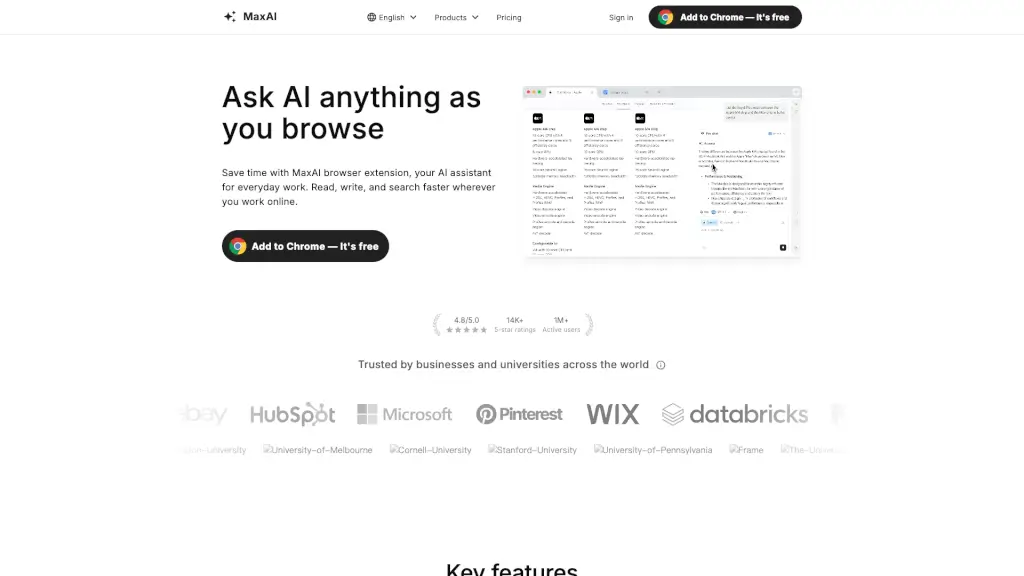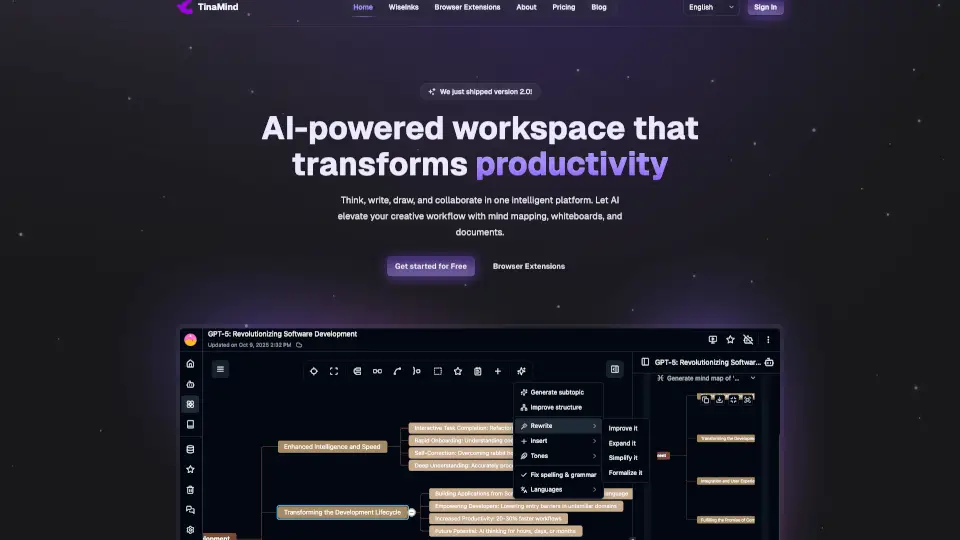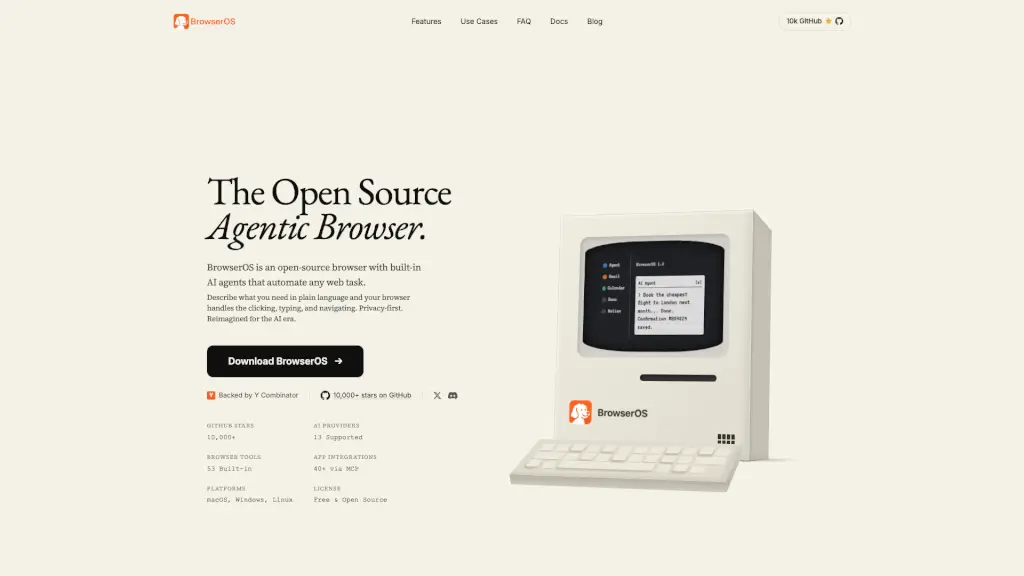

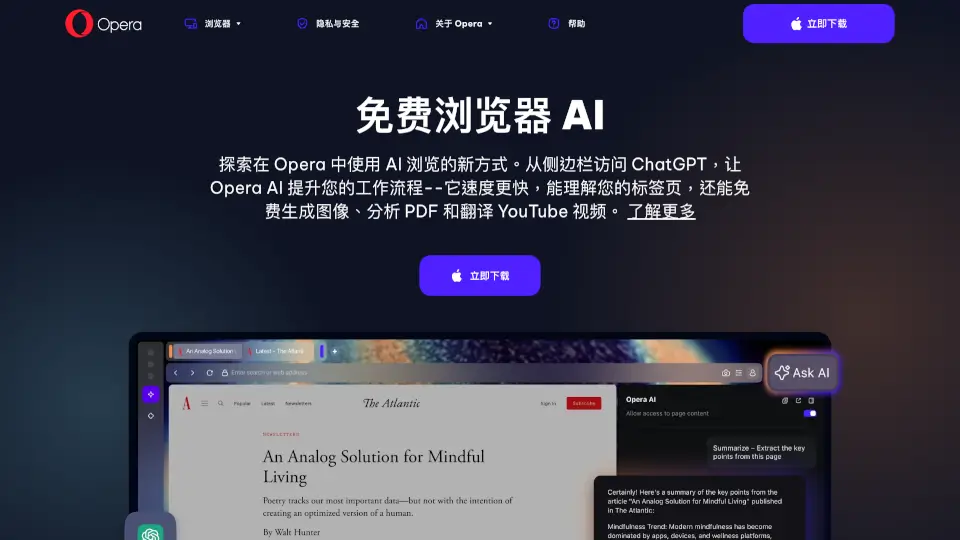
What is Browser AI?
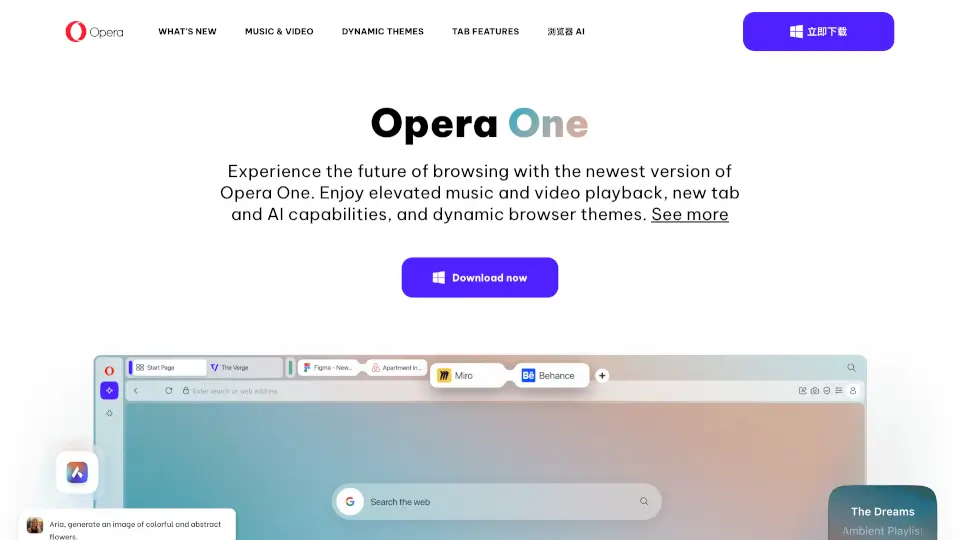
Opera Browser isn’t just another web browser—it’s your AI-powered browsing companion built right into the desktop and mobile experience. With ChatGPT, Gemini, and Opera AI seamlessly integrated, you can chat, create, summarize, and explore without ever leaving your tabs. Whether you're researching, writing, or just browsing, Opera turns every click into a smarter, faster, and more creative session.
Best of all? You don’t need to sign up or pay a dime. Opera’s AI tools are free, ready to use immediately, and understand the context of what you’re viewing—making them far more helpful than generic chatbots.
What are the features of Browser AI?
- Built-in Opera AI: Understands your open tabs, summarizes PDFs, translates YouTube videos, and generates images—all with zero setup.
- ChatGPT & Gemini in Sidebar: Access both leading AI models instantly from the side panel while browsing.
- Context-Aware Assistance: Opera AI interacts with live webpage content, creates “Tab Islands” for organization, and offers smart suggestions based on what you’re doing.
- Free AI Image Generator: Create custom wallpapers or visuals from text prompts—optimized for desktop (landscape) or mobile (portrait).
- No Account Required: Start using all AI features the moment you install Opera—no login, no subscription.
- Smart Summaries & Explanations: Get clear overviews of long articles, documents, or videos in seconds, with source links included.
What are the use cases of Browser AI?
- Students summarizing research papers or converting plain math text into formatted equations.
- Professionals analyzing reports, generating meeting notes, or translating foreign-language YouTube tutorials.
- Content creators brainstorming story ideas, drafting social posts, or designing AI-generated visuals for inspiration.
- Shoppers comparing prices, getting deal alerts, and even earning cashback through Opera’s Shopping Corner.
- Multitaskers keeping WhatsApp, Discord, or Slack open in the sidebar while using AI to draft emails or summarize news.
- Travelers using real-time translation and currency/unit conversion while browsing international sites.
How to use Browser AI?
- Download and install Opera Desktop (AI features are built in by default).
- Click the “Ask AI” button in the top-right corner or press Ctrl+O (Windows) / Cmd+O (macOS) to launch Opera AI.
- To add ChatGPT or Gemini to your sidebar, click the three dots at the bottom of the sidebar and toggle them on.
- Hover over the sidebar edge until you see a double-arrow cursor, then drag to resize the panel for better multitasking.
- Use Opera AI while viewing a PDF, article, or YouTube video—it will automatically offer relevant actions like summarize, explain, or translate.
- Generate images by typing a prompt into Opera AI; results are free and optimized for your device orientation.