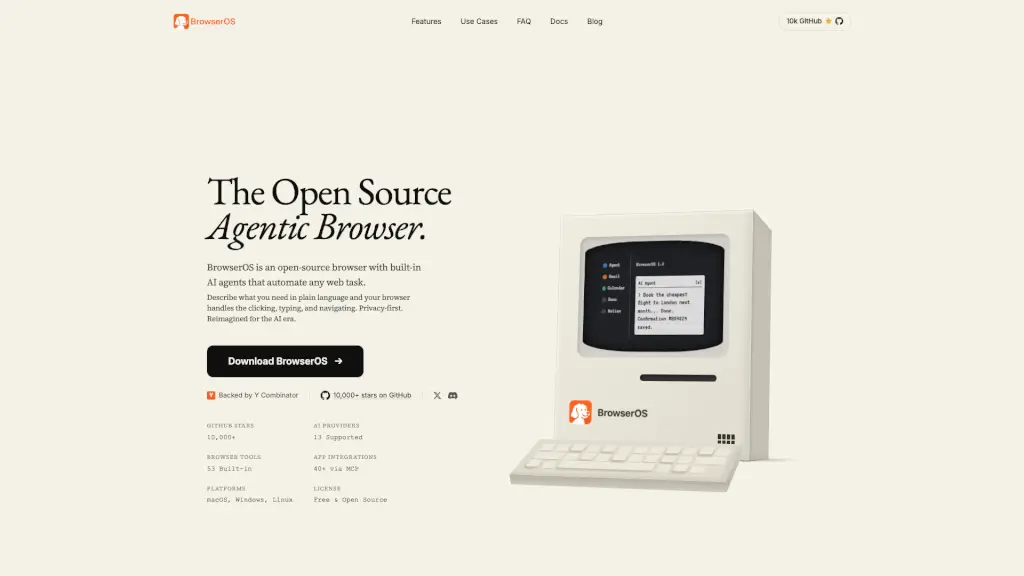
What is BrowserOS?
BrowserOS is a privacy-first, open-source browser built for the AI era. Unlike traditional browsers that track your activity, BrowserOS puts you in control by running AI agents locally on your computer—so your data stays yours. Think of it as your personal digital assistant that can click, type, and navigate the web based on simple instructions you give in plain English.
Whether you're booking flights, summarizing emails, or scraping competitor prices, BrowserOS automates tedious tasks without needing code or cloud servers. Backed by Y Combinator and trusted by over 10,000 GitHub users, it’s designed for anyone who wants smarter browsing without sacrificing privacy.
What are the features of BrowserOS?
- Built-in AI Agents: Describe any task in plain language—like “book the cheapest flight to London”—and your browser handles the clicking, typing, and navigation automatically.
- Bring Your Own LLM: Use popular models like Claude, Gemini, GPT-4, or local ones via Ollama. Switch between 13+ AI providers with your own API keys.
- MCP App Integrations: Connect instantly to 40+ apps like Gmail, Notion, Slack, and Calendar using Model Context Protocol (MCP) servers—no complex setup needed.
- Sandboxed & Local Execution: All agent actions run locally on your machine in a secure sandbox. Your files, memory, and workflows stay private and editable.
- Scheduled Automations: Set tasks to run daily, hourly, or on custom intervals—even when you’re not looking. Results appear right on your New Tab page.
- Agent Memory & Personality: Customize your agent’s behavior with reusable “Skills” and define its tone and values in a simple
SOUL.mdfile.
What are the use cases of BrowserOS?
- Founders get daily briefings combining calendar events, Slack highlights, and email summaries—all triggered by one prompt each morning.
- Developers control the browser from the terminal using Claude Code or Gemini CLI to test sites, catch errors, and file bugs without switching windows.
- Sales reps auto-draft follow-ups for stale leads by pulling open deals from Salesforce and updating HubSpot notes in real time.
- Researchers scrape competitor pricing every morning and log changes directly into Google Sheets for trend analysis.
- Marketers draft and schedule social posts in their brand voice, then receive weekly engagement reports posted to Slack.
- Executive assistants triage inboxes, flag urgent messages, create Notion tasks, and block focus time on calendars—automatically.
How to use BrowserOS?
- Download and install BrowserOS for macOS, Windows, or Linux—it works just like Chrome but with AI superpowers.
- Connect your preferred AI model (e.g., Gemini, Claude, or a local LLM) using your own API key in settings.
- Use natural language in the AI Agent bar (e.g., “Summarize my unread emails”) to start automating tasks instantly.
- Enable MCP integrations with one click to link Gmail, Notion, Calendar, and other tools.
- Set up scheduled workflows to run repetitive tasks on autopilot—perfect for daily reports or price tracking.
- Customize your agent’s behavior using pre-built Skills or write your own in Markdown for repeatable automation.