
What is SaveDay?
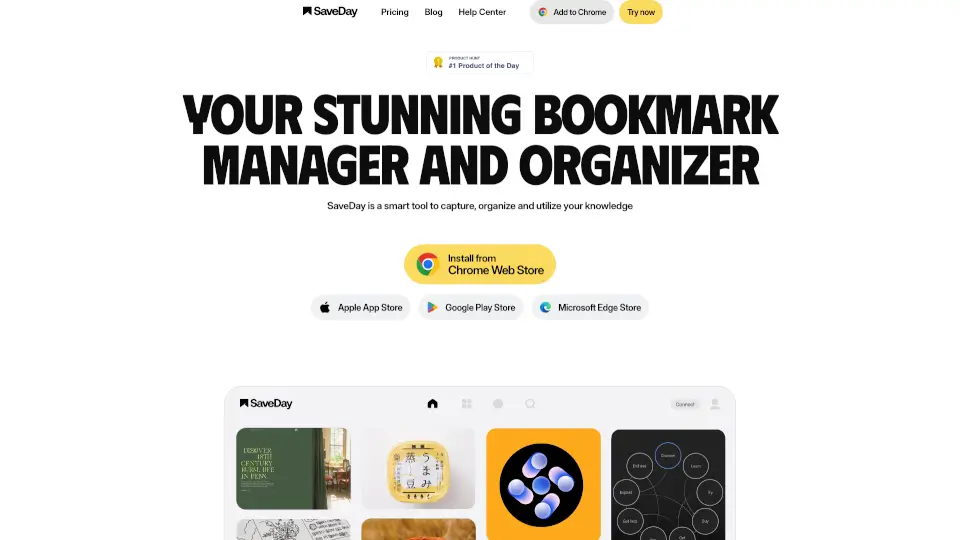
SaveDay is your all-in-one bookmark manager and knowledge organizer designed to help you save, sort, and actually use the information you find online. Instead of letting valuable articles, videos, or web highlights vanish into browser tabs or chaotic chat logs, SaveDay captures them in one secure, searchable place—with just one click.
Built for students, researchers, professionals, and curious minds alike, SaveDay goes beyond basic bookmarking. It uses smart organization and AI-powered tools like YouTube summarization, article summarization, and AI search to turn your saved content into actionable knowledge—so you spend less time hunting and more time learning or creating.
What are the features of SaveDay?
- One-Click Capture: Save any webpage, video, or highlight instantly from your browser or mobile device.
- Smart Auto-Organization: No manual tagging needed—SaveDay automatically categorizes your content.
- AI-Powered Search & Answers: Ask questions about your saved material and get instant, relevant answers.
- Cross-Platform Access: Use SaveDay on Chrome, Edge, iOS, Android, Telegram, and the web app.
- Privacy-First Design: Your data stays private—only you can access what you save, and nothing is stored on external servers.
- Content Summarization: Get quick summaries of YouTube videos and long articles to save time.
- Website Notes & Highlights: Annotate and save key parts of web pages for later reference.
What are the use cases of SaveDay?
- A student saves research articles and lecture videos, then uses AI search to quickly review key points before exams.
- A remote worker captures meeting notes, project links, and design inspiration across devices without switching apps.
- A content creator bookmarks trending topics and competitor posts, using summaries to stay informed in minutes.
- A lifelong learner saves YouTube tutorials and technical guides, then asks SaveDay to explain complex concepts in simple terms.
- Someone replaces their “notes to self” Telegram chats with a structured, searchable knowledge base.
- A team shares curated resources internally while keeping personal saves private and secure.
How to use SaveDay?
- Install the SaveDay Chrome extension or Edge add-on to start capturing web content with one click.
- Add the SaveDay Telegram bot to save links, messages, or media directly from your chats.
- Download the iOS or Android app to access your library on the go.
- Use the web app to search, summarize, and interact with your saved knowledge from any browser.
- Highlight text on any webpage and click SaveDay to save both the excerpt and source.
- Ask questions like “What did I save about climate tech?” to retrieve answers based on your personal library.