
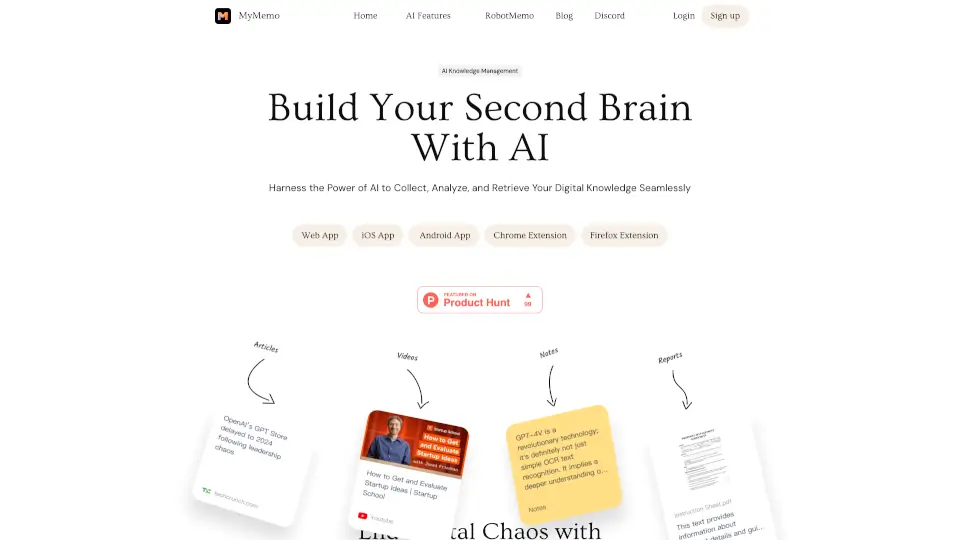
What is MyMemo AI?
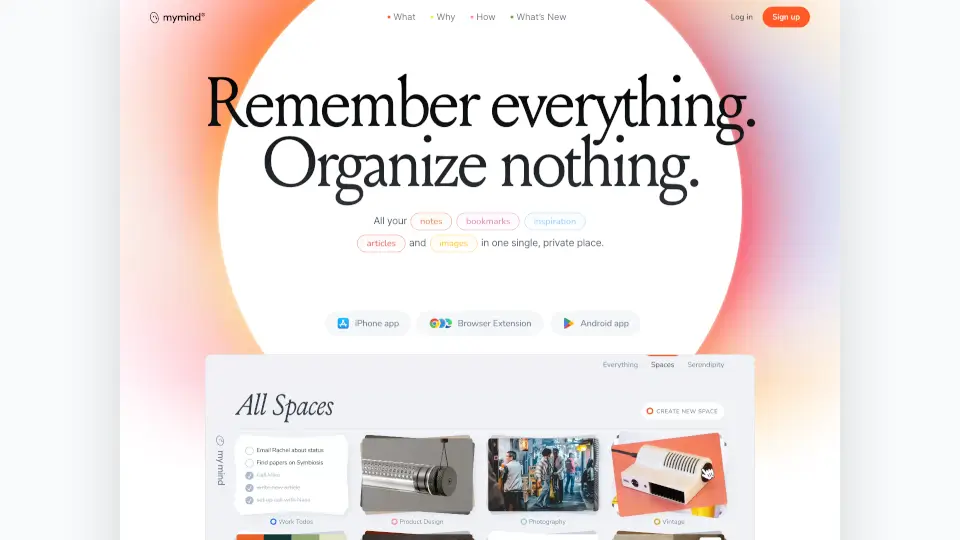
Tired of losing important articles, notes, or videos in a sea of browser tabs and cloud folders? MyMemo is your AI-powered “second brain” that helps you capture, organize, and chat with your personal knowledge—all in one place. Think of it as a smart digital notebook that not only stores what you save but actually understands it, so you can find answers fast without digging through clutter.
Whether you’re a student, writer, founder, or lifelong learner, MyMemo turns scattered digital content—like web pages, PDFs, YouTube videos, screenshots, and your own notes—into a searchable, intelligent knowledge base. With its built-in AI assistant (called MemoAI), you can ask questions in plain English and get answers pulled directly from your saved material, complete with source links for quick reference.
What are the features of MyMemo AI?
- AI-Powered Knowledge Chat: Ask MemoAI questions like “What have I uploaded about marketing strategy?” and get precise answers grounded in your own saved content.
- Universal Content Capture: Save articles, videos, tweets, files, screenshots, and more—from the web, mobile apps, or via the Chrome Extension—into a single organized space.
- Smart Summaries & Insights: MyMemo’s AI reads and analyzes everything you upload, extracting key points and turning dense material into clear, actionable summaries.
- MemoCast Audio Recaps: Get a personalized 3-minute podcast of your saved content to listen on the go—perfect for commuting or quick reviews.
- Smart Collections & TeamSpace: Organize memos into project-specific collections or collaborate with teammates in a shared knowledge hub.
- Multi-AI Model Support: Choose between top models like GPT-5, Claude 4.6, and Gemini inside the app to get the best response for each task.
- Multi-Language Support: Upload, summarize, and chat in English, French, Portuguese, and more—the system auto-detects language.
What are the use cases of MyMemo AI?
- A content writer saves research articles, inspirational photos, and competitor examples, then asks MemoAI to draft a new blog post in their voice using those references.
- A startup founder gathers pitch decks, investor advice videos, and meeting notes, then queries “How do I raise funds as a founder?” to get a synthesized action plan.
- A student captures lecture slides, textbook PDFs, and YouTube tutorials, then uses MemoAI to explain tough concepts or prep for exams using only their own materials.
- A researcher organizes academic papers and field notes into Smart Collections by topic, enabling focused AI queries without noise from unrelated data.
- A team uses TeamSpace to share client insights, competitive analysis, and internal docs, then asks team-scoped AI questions during strategy sessions.
How to use MyMemo AI?
- Install the MyMemo Chrome Extension to instantly save any webpage, video, or tweet with one click.
- Upload files directly (PDFs, Word docs, images, audio) or create notes inside the app to build your knowledge base.
- Use natural language to ask MemoAI questions—like “Summarize my notes on climate tech” or “Find that article about remote work trends.”
- Organize related items into Smart Collections for cleaner projects and more accurate AI responses.
- Enable MemoCast to turn your daily captures into an audio recap you can listen to anytime.
- Switch between AI models (GPT-5, Claude, etc.) in settings to test which gives the best output for your task.