Samplab logo

Samplab

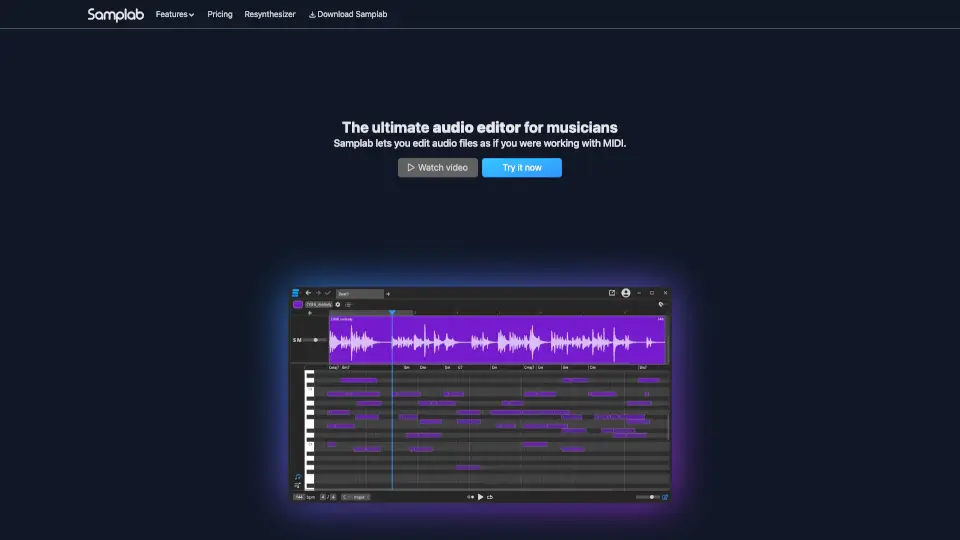
Samplab lets you edit polyphonic audio like MIDI using AI, making it easy to fix notes, match keys, and remix samples with professional results.

Social Media:
Samplab

Samplab Product Information

What is Samplab?

Samplab is a revolutionary AI-powered audio editor that lets musicians edit polyphonic audio like MIDI—yes, even full chords and layered tracks. Instead of being stuck with a fixed recording, you can now change individual notes, shift keys, fix timing, or remix stems without starting from scratch. It’s like giving your audio samples superpowers.

Whether you’re sampling old vinyl, tweaking vocals, or aligning drum loops to your track’s key, Samplab uses advanced AI to separate, analyze, and reconstruct sound intelligently. The result? Clean, musical edits that actually sound natural—no robotic artifacts or phasey messes.

What are the features of Samplab?

  • Note Editing
    Change any note in polyphonic audio (like piano or guitar chords) as easily as dragging MIDI notes.
  • Chord Detection & Editing
    Automatically detects chords and keeps them harmonically correct when you transpose or edit.
  • Stem Separation
    Isolate drums, bass, vocals, and instruments with granular control—even down to single notes.
  • Audio-to-MIDI Conversion
    Extract playable MIDI from any audio file for use in your DAW.
  • Audio Warping
    Adjust tempo and pitch independently while preserving sound quality.
  • Resynthesizer
    Rebuild audio using AI for cleaner edits and creative sound design.
  • DAW Integration
    Works as a VST3 or AU plugin, or as a standalone desktop app.

What are the use cases of Samplab?

  • Fix a slightly off-key vocal sample by editing just the wrong note—without re-recording.
  • Remix an old song by changing its chord progression to match your new track.
  • Match the key and tempo of two unrelated samples so they blend perfectly.
  • Extract a drum loop from a full mix and time-stretch it to fit your project.
  • Turn a guitar riff into MIDI to trigger your favorite synth or sampler.
  • Practice music theory by hearing how chords change when you drag them to new progressions.
  • Clean up field recordings by removing unwanted melodic elements while keeping rhythm intact.

How to use Samplab?

  • Upload or drag an audio file into Samplab (supports stereo and mono).
  • Let the AI analyze the audio—it’ll detect notes, chords, and separate stems automatically.
  • Click and drag notes on the piano roll to change pitch or timing.
  • Use the chord grid to transpose entire progressions while staying in key.
  • Export your edited audio or download the MIDI version for further production.
  • Use the plugin version inside your DAW for seamless workflow integration.
Do you like this tool?

Upvote to help others discover it!

Samplab Alternatives

Polymath

Polymath

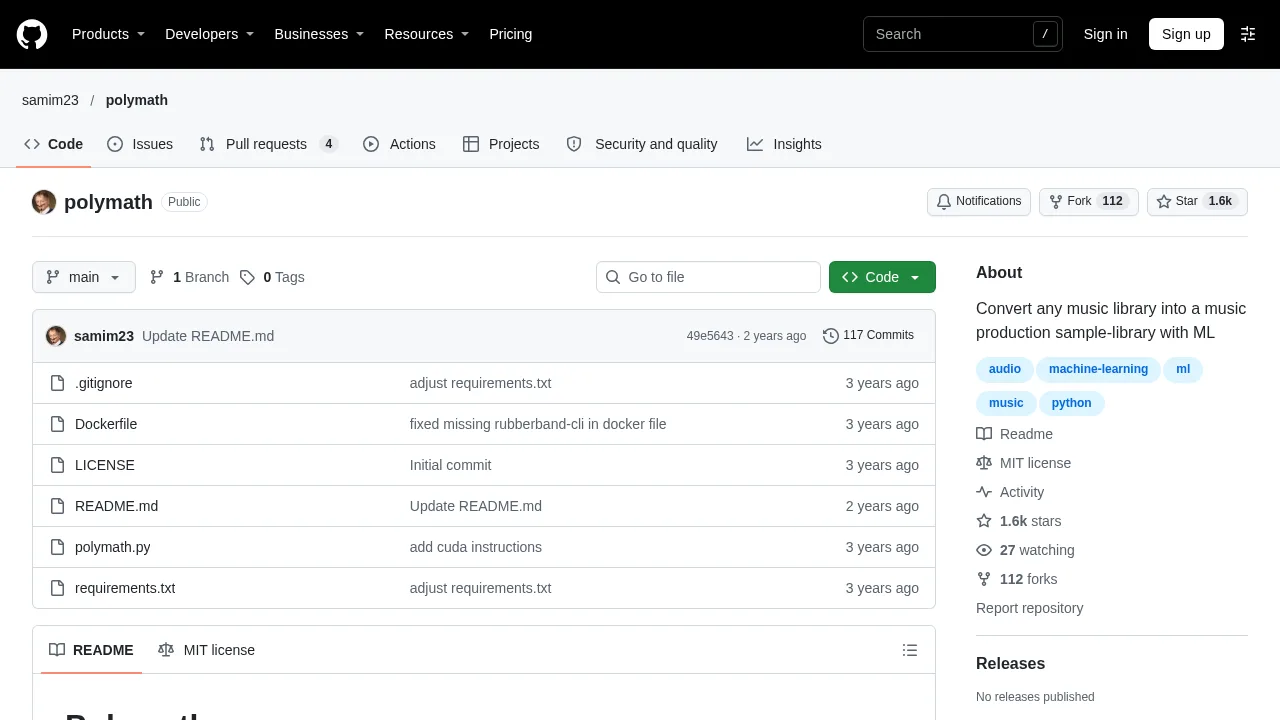
Polymath processes audio files into tempo-aligned stems and searchable metadata for music production workflows.

US
18.75%
745.6M
0
MusicGPT

MusicGPT

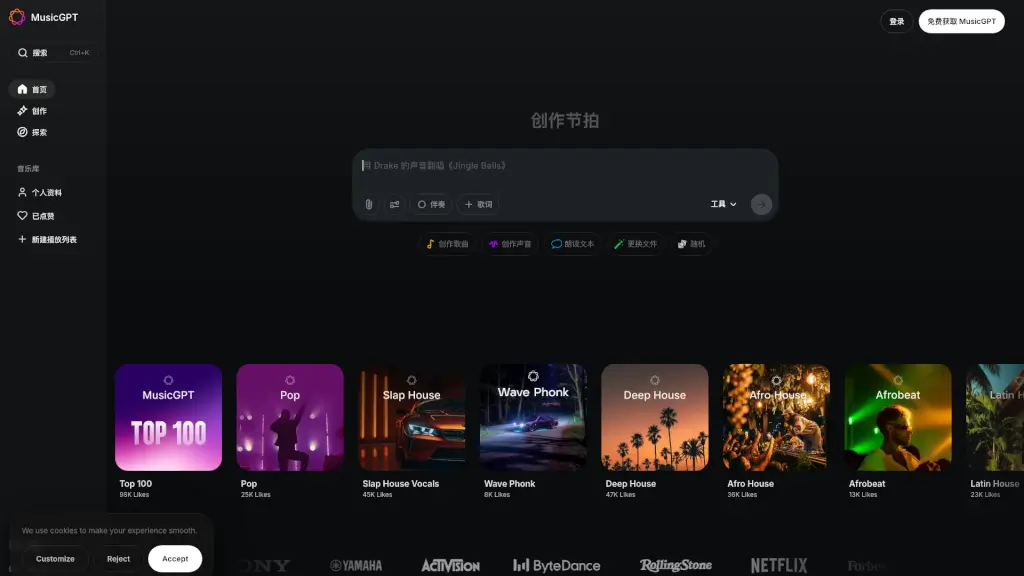
MusicGPT is your all-in-one AI music creation and editing platform, offering tools to generate, edit, and enhance music and audio files with ease.

US
27.29%
788.0K
0
Amped Studio

Amped Studio

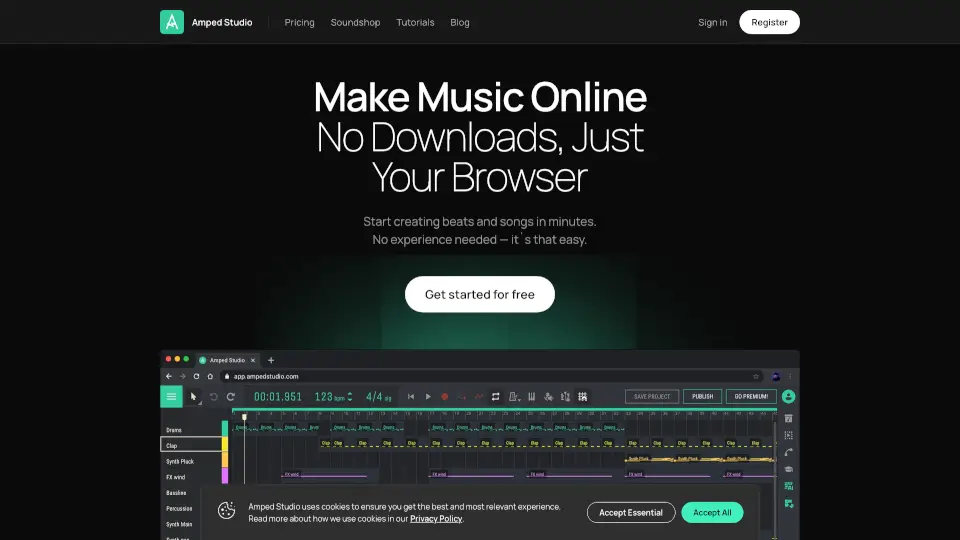
Free online music maker and AI song creator for making beats, recording vocals, and mixing songs directly in your browser with virtual instruments.

US
15.49%
89.3K
0
Coolo AI

Coolo AI

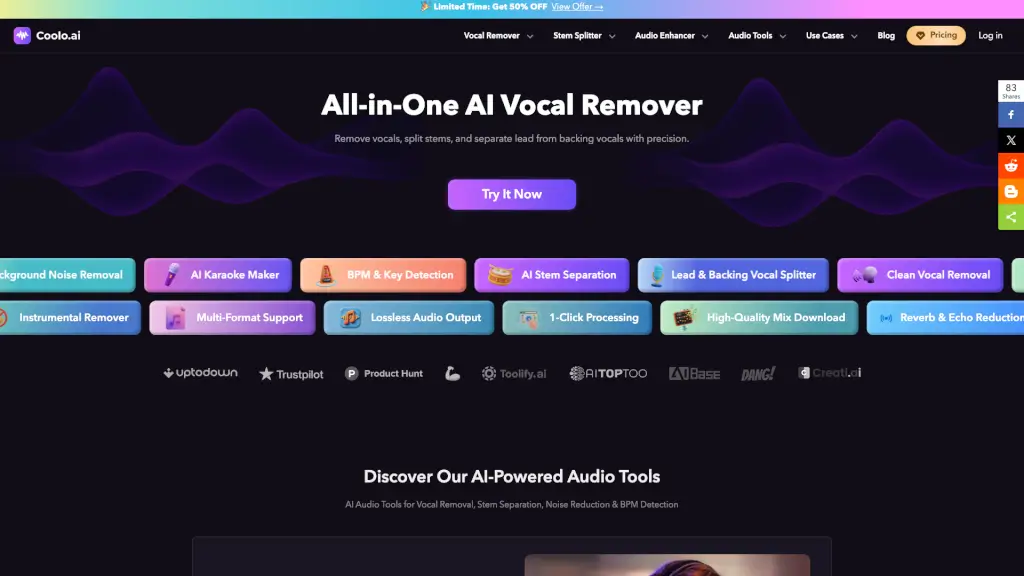
Coolo.ai is an AI-powered audio toolkit for removing vocals, splitting stems, detecting BPM and key, and enhancing audio, designed for musicians, producers, DJs, and creators.

JP
10.66%
87.3K
0
Neural Analog

Neural Analog

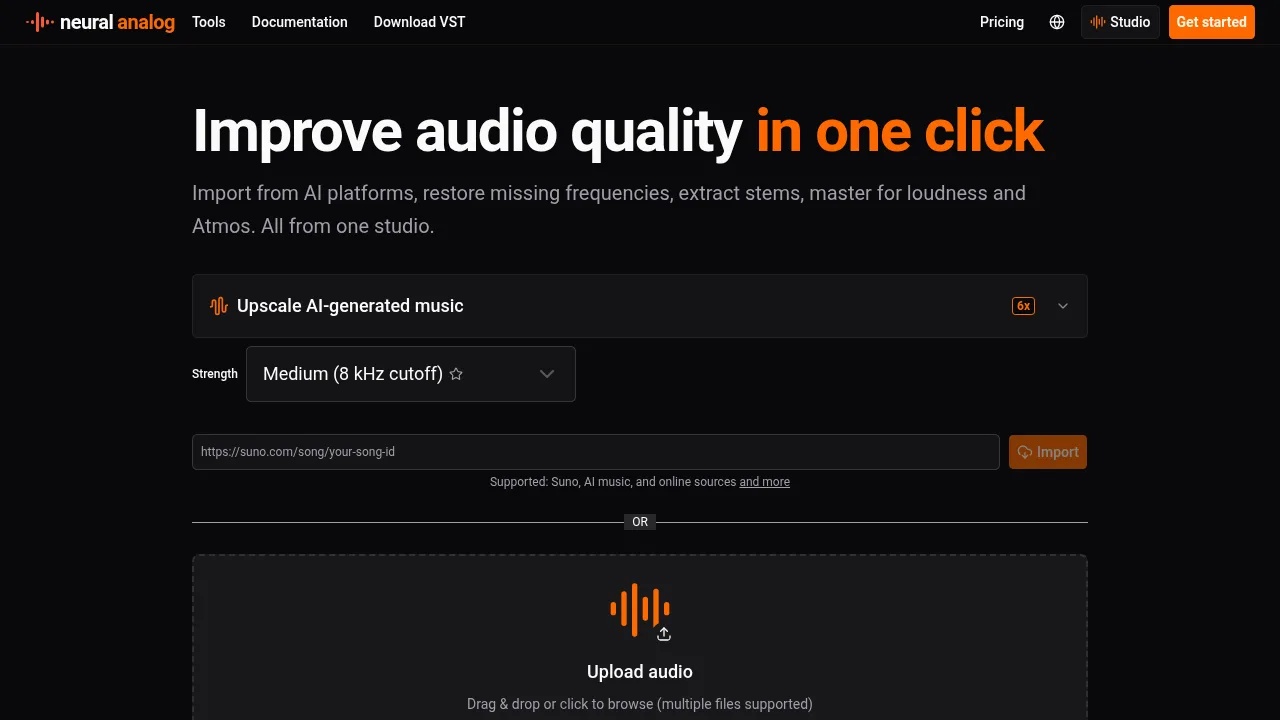
Neural Analog processes uploaded or linked audio files to restore quality, separate stems, and master tracks for streaming loudness targets.

US
21.07%
165.6K
0
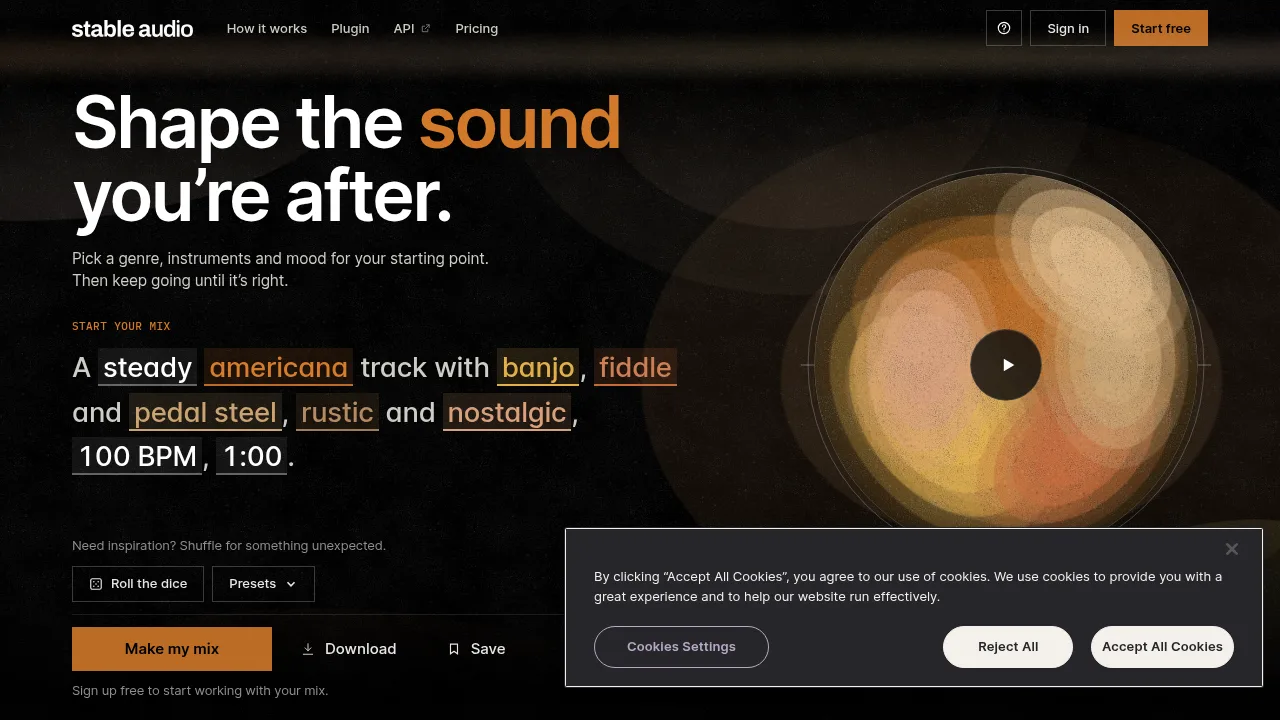
Stable Audio

Stable Audio

Stable Audio generates music and sound effects up to six minutes long from text prompts, with options to upload reference audio.

US
15.60%
130.9K
0
Splitter.ai

Splitter.ai

Splitter.ai uses Deezer's Spleeter model to isolate instruments from music through two-stem audio separation.

VN
12.33%
83.2K
0
VocalRemover.co

VocalRemover.co

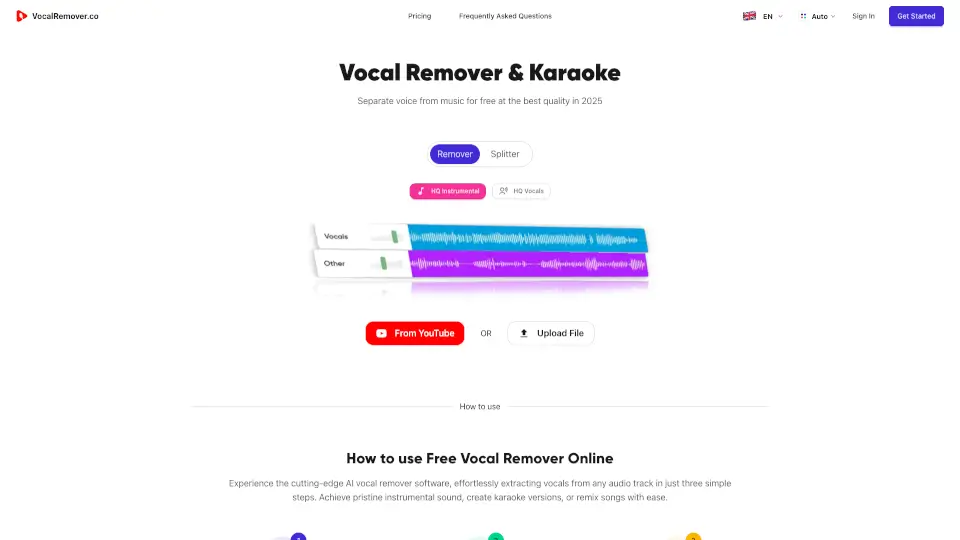
Transform your music with VocalRemover.co, the AI-powered vocal remover and stem separator that creates high-quality karaoke versions and isolated instrumentals in seconds.

US
25.39%
53.2K
0

Samplab Related Other Categories

Samplab Traffic Analysis

Website traffic estimates for samplab.com. Visits are not unique users or product usage.

Data month: 2026-10

💡 Insights

🔍
Up to 10K monthly visits
Estimated monthly visits are at most 10,000.
📉
Traffic Decline
Estimated visits decreased 61.7% from the previous month.
👍
Bounce rate below 60%
The estimated bounce rate is 45%.
🎯
Direct-led traffic
Direct traffic accounts for 57% of estimated visits.
  • Monthly Visits

    9.35K

  • Bounce Rate

    44.82%

  • Pages Per Visit

    1.45

  • Visit Duration

    00:00:17

  • Global Rank

    2335403

  • Country Rank

    1331344

Visits Over Time

Traffic Sources

Direct57.23%
Search Organic26.75%
Referrals7.96%
Social Organic5.51%
Display Ads0.68%
Mail0.61%
Affiliate0.38%
Search Paid0.37%
Gen Ai0.36%
Social Paid0.15%

Top Keywords

1
samplab
CPC$3.14
2.08KTraffic
2
samplap
270Traffic
3
samplab 2 free
230Traffic
4
samp lab
120Traffic
5
기존 음악을 다른 버전으로 vsti를 사용하여 만드는 ai가 있습니까?
90Traffic

Top Regions

RegionPercentage
United States
United States
66.53%
South Korea
South Korea
21.04%
India
India
6.55%
Belgium
Belgium
3.88%
Venezuela
Venezuela
1.46%
Low
High

Powered by SimilarWeb

Samplab FAQ

How do I use Samplab?

Simply upload an audio file, let the AI analyze it, then edit notes, chords, or stems directly in the interface—just like working with MIDI.

Which operating systems do you support?

Samplab supports both macOS and Windows.

How can I install Samplab?

Download the installer from the official website and follow the setup instructions for either the desktop app or plugin version.

Where does the installer save the plugin?

The plugin is saved to your system’s standard VST3 or AU folder, depending on your OS and DAW.

Do I need an Internet connection to use Samplab?

An internet connection is required for initial processing and analysis, but some features may work offline after processing.

Is there a VST2 version?

No—Samplab only supports VST3 and AU formats.

Which audio file formats do you support?

Common formats like WAV, MP3, AIFF, and FLAC are supported.

Do I need to enter a credit card to try Samplab?

No—Samplab offers a free tier with no credit card required.

Will I still be able to use previously transformed audio if I cancel my subscription?

Yes—any audio you’ve already processed and downloaded remains yours to use.

Can I buy Samplab with a one-time purchase?

Currently, Samplab is only available via subscription (monthly or yearly).

How do I cancel my subscription?

You can cancel anytime through your account settings on the Samplab website.

Can I get a refund for my subscription?

Refund policies apply—check the Terms of Use or contact support for details.

How do you process payments?

Payments are securely handled through Stripe.

Samplab Reviews

0
0 Reviews
Sign Into leave a review

Recent Reviews

No reviews yet

Samplab Embed

Use website badges to drive community support for SeekTool.ai. They are easy to embed in your homepage or footer.

Light
Dark
Samplab - Featured on SeekTool.aiSamplab - Featured on SeekTool.ai
How to install?