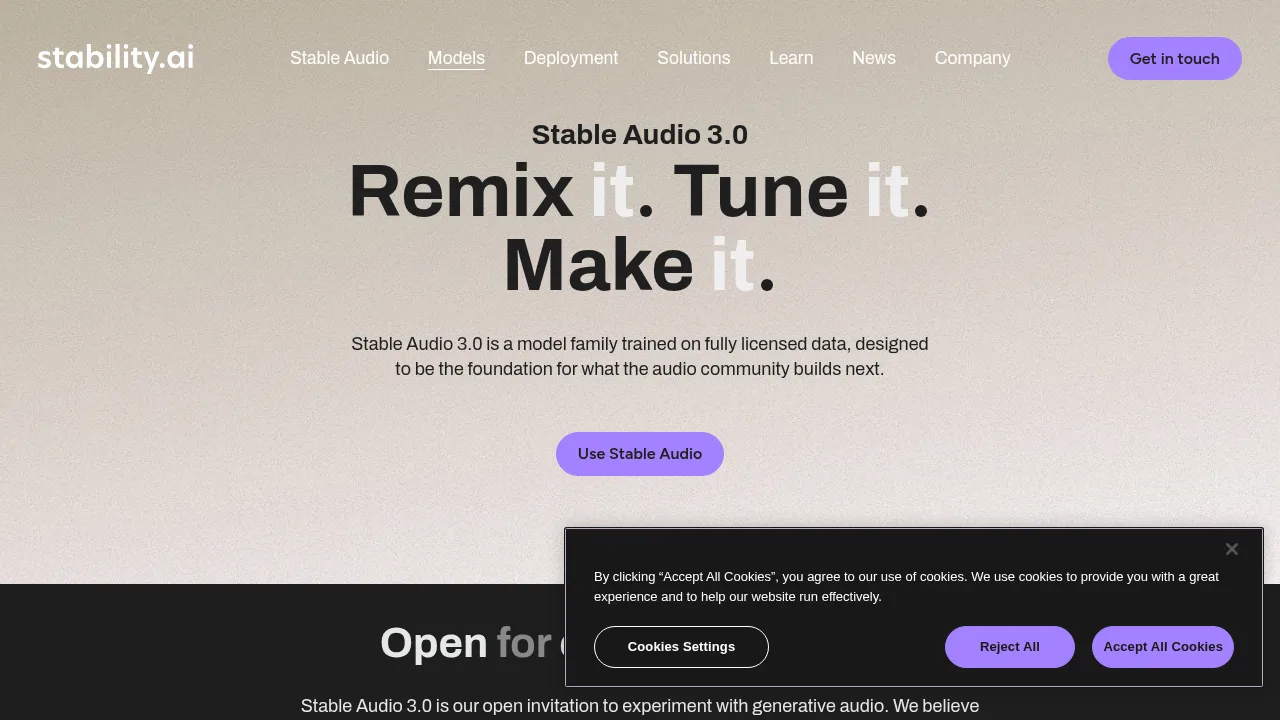

What is Stable Audio?
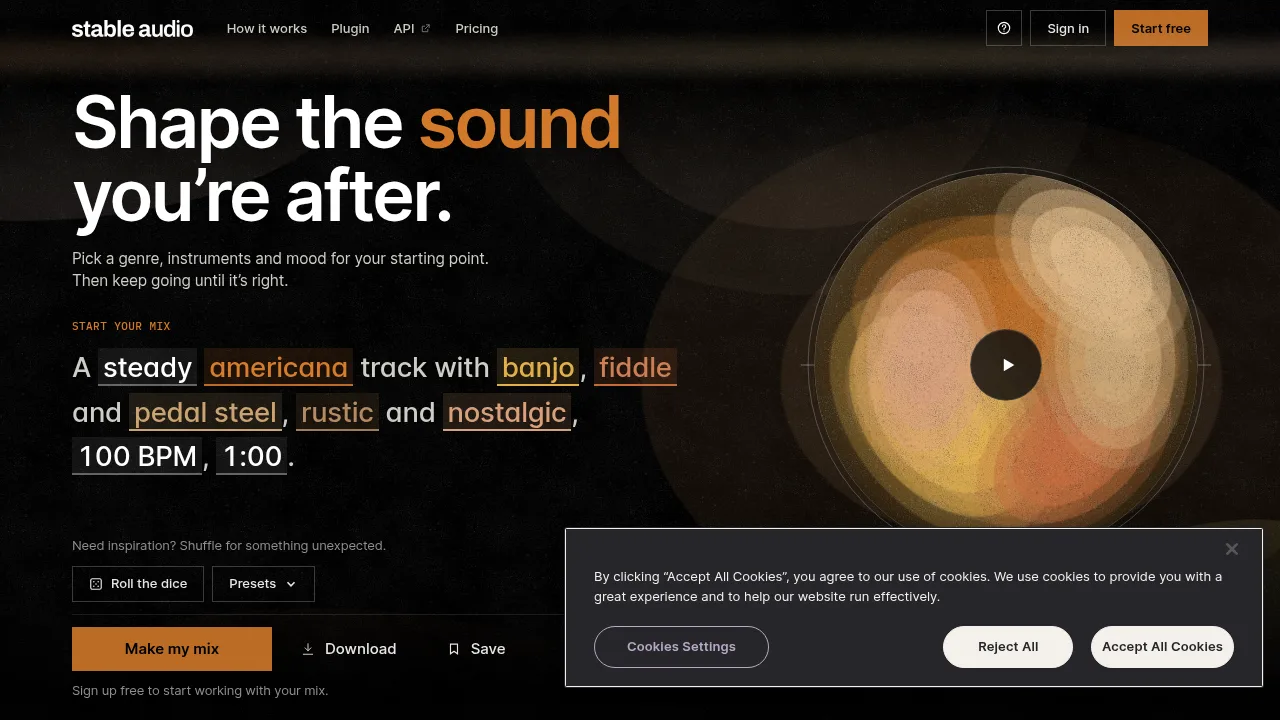
Stable Audio generates music tracks and sound effects from text prompts describing genre, instruments, mood, and tempo. Users can preview and remix examples without an account, but creating a specific mix requires free registration.
What are the features of Stable Audio?
- Text-to-audio generationProduces music tracks up to six minutes or sound effects up to 30 seconds within seconds based on text descriptions of genre, instruments, mood, and BPM.
- Audio input conditioningAccepts user-uploaded audio as a starting point to create variations, make edits, or rework part of a track.
- DAW pluginArranges, edits, and mixes Stable Audio 3 outputs directly inside a digital audio workstation.
- SamplerGenerates loops, samples, and kits that users can play on pads and layer.
- Sessions (Labs)An experimental workspace to mix, edit, build on tracks, and provide natural-language direction during the process.
What are the use cases of Stable Audio?
- Sample and loop creationGenerating individual drum hits, synth lines, or loops to layer and shape into original compositions rather than full songs.
- Track variationUsing existing audio as input to produce alternative versions or edit specific sections without restarting a project.
How to use Stable Audio?
- Preview a trackTap the bowl on the web interface to hear a real generated track; no account is required.
- Remix the exampleTap a word in the prompt, roll the dice, or pick a preset to hear the closest matching track generated so far.
- Generate your mixPress Make my mix, sign up for a free account, and press Generate to produce the exact described track.
Stable Audio Pricing Information:
- FreeIncludes monthly credits that renew on the first of each month and a commercial license.
- Paid plansAdd more monthly credits and include a commercial license. Specific prices are not stated in the source.