What is MusicGPT?
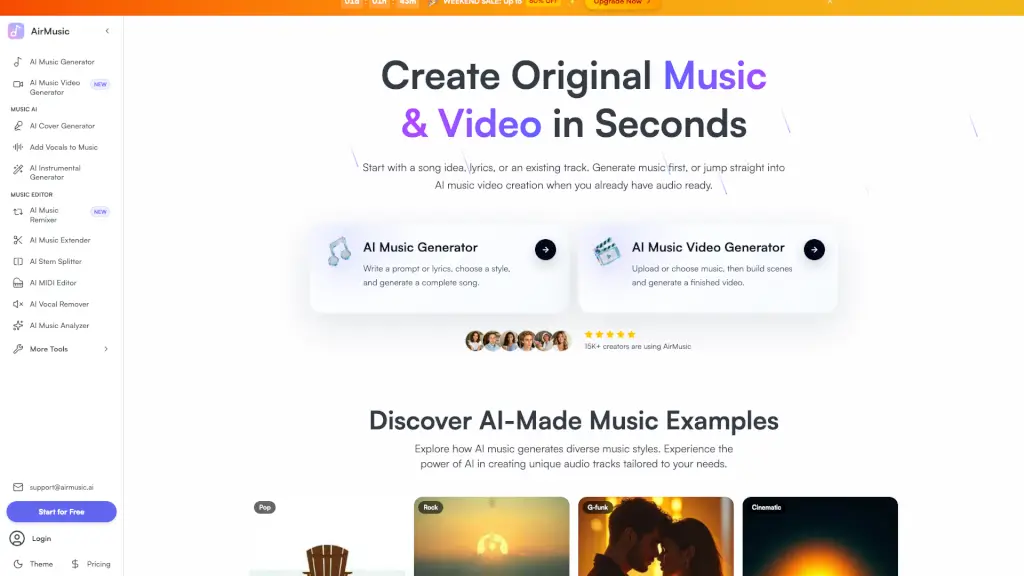
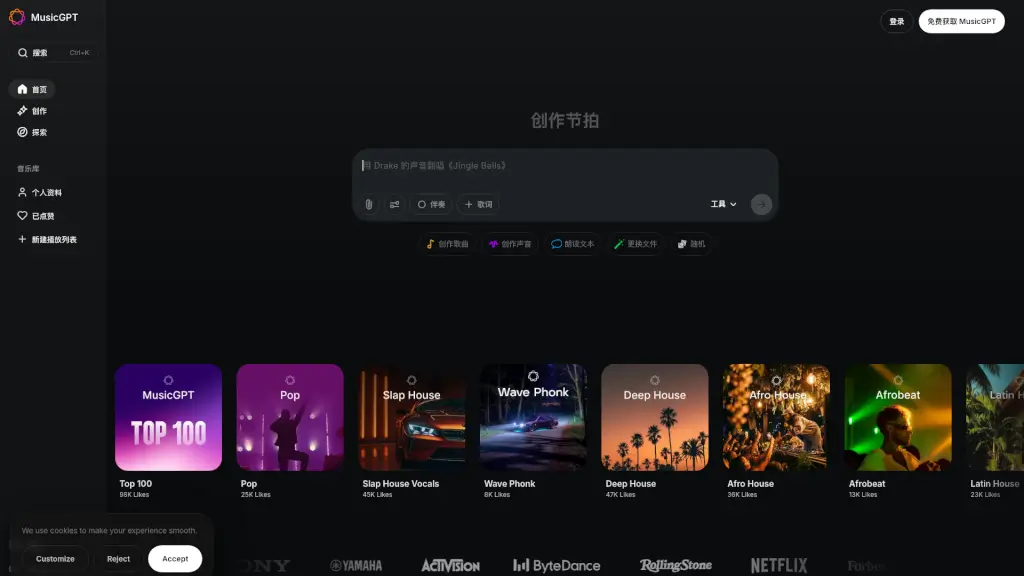
Welcome to MusicGPT, your ultimate AI-powered music creation and editing platform! Whether you're a seasoned producer or just starting out, MusicGPT offers a wide range of tools to help you create, edit, and enhance your music. From crafting custom beats and melodies to fine-tuning your audio files, MusicGPT is designed to make the process simple and intuitive. With its advanced AI technology, you can generate high-quality music in various genres, edit existing tracks, and even create realistic soundscapes and voiceovers. Get ready to unleash your creativity and produce music that stands out!
What are the features of MusicGPT?
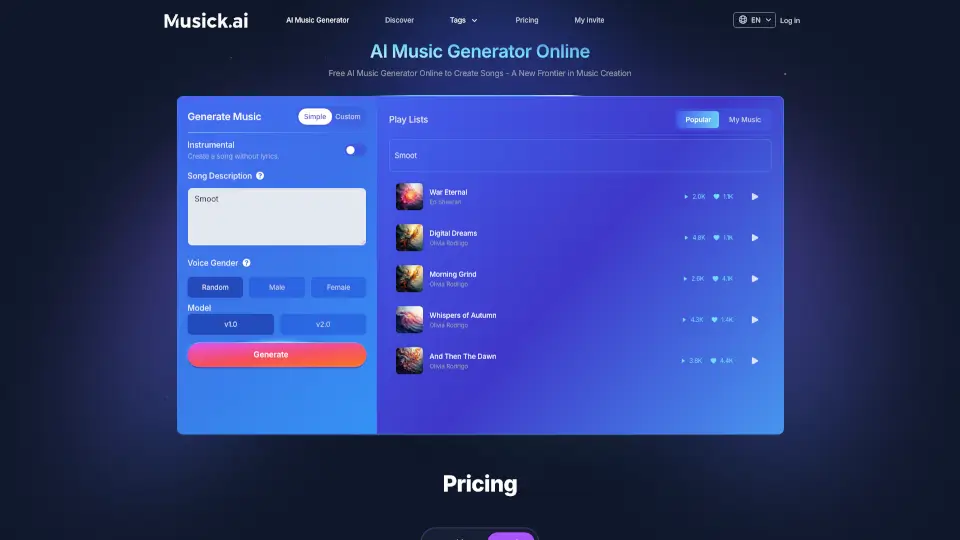
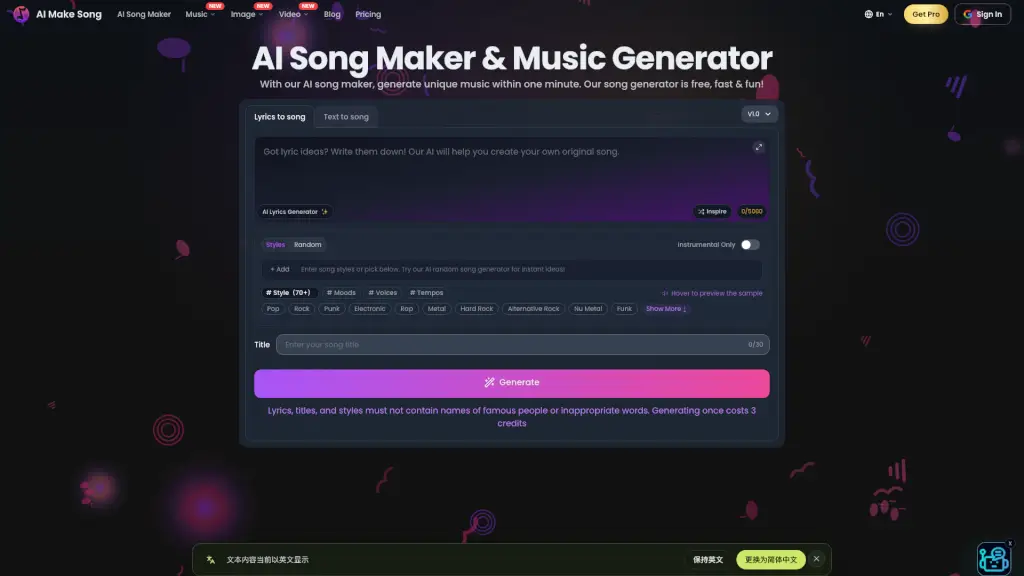
- AI Music Creation: Generate original songs, beats, and instrumentals with just a few prompts. Choose from a variety of genres like Lo-Fi, R&B, Pop, and more.
- Audio Editing Tools: Upload any audio file and use AI to edit, mix, and enhance it. You can extract stems, remix, and even change the tempo and pitch.
- Sound Library: Access a vast library of royalty-free music and sound effects. Enjoy unlimited online playback and downloads.
- Text-to-Speech: Convert text into natural-sounding voices. Choose from thousands of AI-generated voices or clone any voice in seconds.
- AI Stem Splitter: Easily separate audio tracks into individual stems, making it perfect for remixing and reimagining your favorite songs.
- AI Audio Enhancements: Improve the quality of your audio files with AI-driven enhancements, including noise reduction and equalization.
What are the use cases of MusicGPT?
- Music Producers: Create unique beats and instrumentals for your next project.
- Content Creators: Add professional-quality music and sound effects to your videos and podcasts.
- Vocalists: Generate custom backing tracks and experiment with different vocal styles.
- Podcasters: Enhance your podcast's audio quality and add engaging background music.
- Game Developers: Design immersive soundscapes and music for your games.
- Educators: Use AI-generated music and sound effects to create engaging educational content.
How to use MusicGPT?
- Create Music: Enter a prompt in the "Create Music" section, select your desired genre, and let MusicGPT generate a track for you.
- Edit Audio: Upload your audio file, describe what you want to do (e.g., extract vocals, change tempo), and let the AI handle the rest.
- Explore Sound Library: Browse the extensive library of music and sound effects, and download or stream them as needed.
- Generate Text-to-Speech: Type or paste your text, select a voice, and convert it into a natural-sounding voiceover.
- Use AI Stem Splitter: Upload your audio file and use the stem splitter to isolate individual tracks for further editing.
- Enhance Audio: Upload your audio file and use the AI enhancement tools to improve its overall quality.