What is RSS.com?
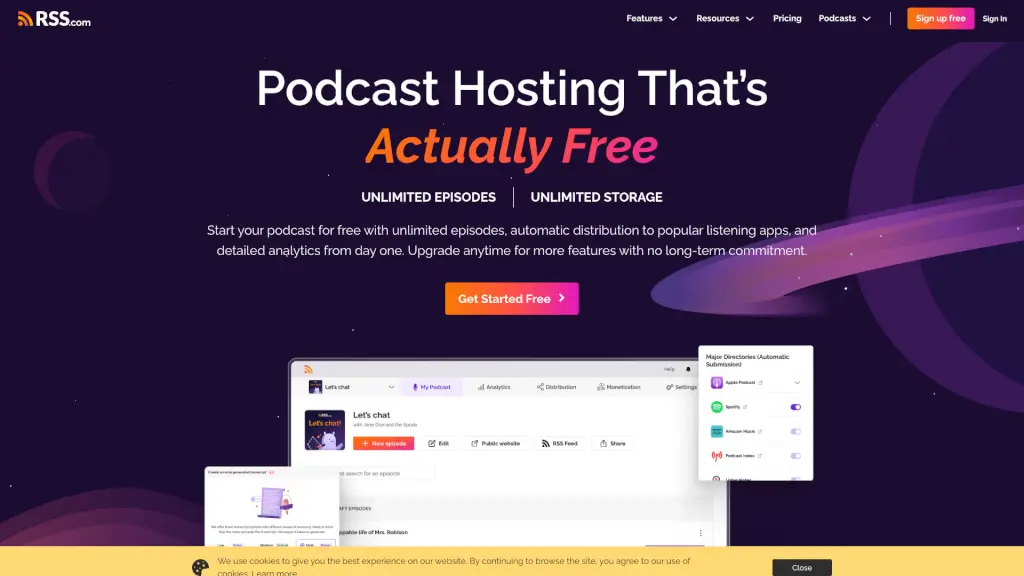
RSS.com is a free podcast hosting platform that empowers creators to launch and grow their podcasts with ease. Whether you're a seasoned podcaster or just starting out, RSS.com offers everything you need to get your show off the ground. With unlimited episodes and unlimited storage, you can focus on creating great content without worrying about running out of space. Plus, you get automatic distribution to all major listening apps, detailed analytics, and tools to monetize your show, making it a one-stop solution for podcasting success.
What are the features of RSS.com?
- Unlimited Episodes and Storage: Host as many episodes as you want without any storage limits.
- Automatic Distribution: Automatically send your podcast to Spotify, Apple Podcasts, YouTube, Amazon Music, and more.
- Detailed Analytics: Track your podcast’s performance with real-time analytics to identify trends and gain audience insights.
- Monetization Options: Make money through ads, subscriptions, listener support, and affiliate opportunities.
- AI Transcription: Boost the visibility and accessibility of your podcast with automatic transcriptions.
- Collaborators Access: Unite your podcast with multi-user access, allowing multiple team members to manage the show.
- Podcast Website: Establish a home base for your podcast with a customizable website.
- Embeddable Player: Easily embed your podcast player on your website or blog to reach a wider audience.
What are the use cases of RSS.com?
- New Podcasters: Ideal for beginners who want to start a podcast without the hassle of technical setup.
- Experienced Podcasters: Perfect for those looking to scale their show with advanced analytics and monetization options.
- Content Creators: Great for bloggers, YouTubers, and other content creators who want to expand their reach through audio.
- Businesses and Brands: Useful for companies looking to build brand awareness and engage with their audience through podcasting.
- Educational Institutions: Suitable for schools and universities to create educational content and distribute it widely.
- Non-Profit Organizations: Effective for non-profits to share their mission and stories with a global audience.
How to use RSS.com?
- Sign Up for Free: Visit RSS.com and create your account in just a few clicks.
- Upload Your First Episode: Use the intuitive dashboard to upload and publish your first episode.
- Set Up Automatic Distribution: Connect your podcast to popular listening apps like Spotify and Apple Podcasts.
- Monitor Your Analytics: Keep an eye on your podcast’s performance with real-time analytics.
- Explore Monetization Options: Start earning from your podcast through ads, subscriptions, and listener support.
- Promote Your Show: Share your podcast on social media and other platforms to grow your audience.