
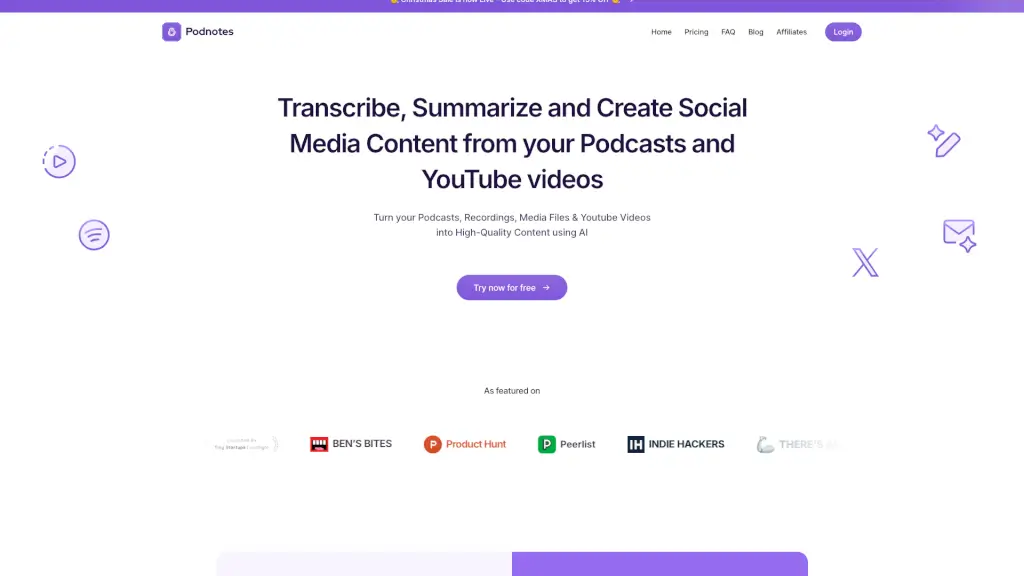
What is Podnotes?
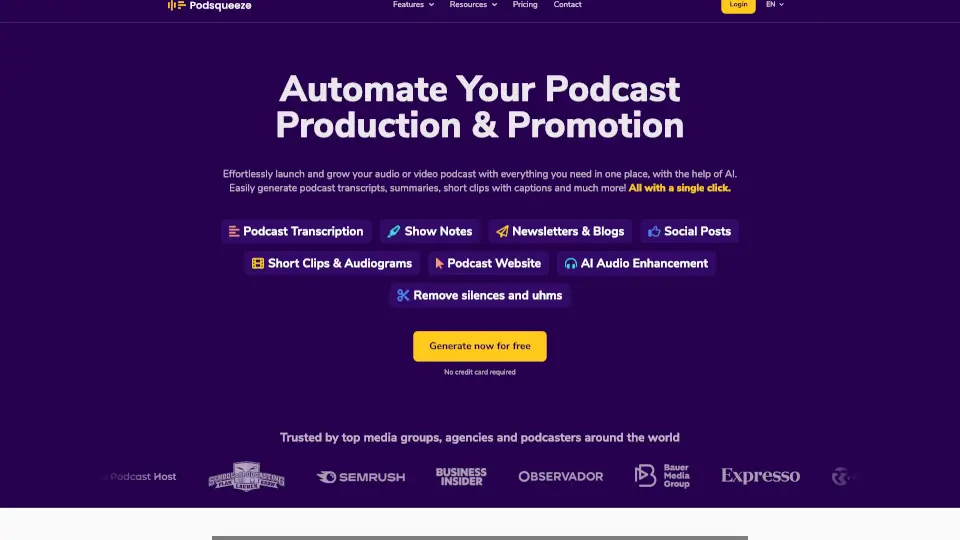
Podnotes is an AI-powered tool designed to help podcasters, content creators, and agencies repurpose audio and video content into high-quality written and social media assets—fast. Instead of spending hours editing or writing show notes, you can turn your podcast episodes, YouTube videos, or raw recordings into transcripts, blog posts, social threads, and audiograms in minutes.
Whether you're a solo podcaster looking to grow your audience or an agency managing multiple clients, Podnotes saves time and boosts your reach by automatically generating SEO-friendly blogs, engaging LinkedIn posts, Twitter threads, newsletters, and more—all while supporting 19+ languages. Plus, with features like speaker distinction and magic chat, it feels like having a personal content assistant built right into your workflow.
What are the features of Podnotes?
- AI-Powered RepurposingInstantly convert podcasts, videos, and audio files into transcripts, summaries, blogs, and social posts.
- Multi-Language SupportWorks with 19+ languages for both input and output—ideal for global creators.
- Speaker DiarizationAutomatically identifies and labels different speakers in your audio for cleaner transcripts.
- Magic ChatAsk questions about your podcast content directly and get instant answers from the AI.
- Style LibraryChoose from 100+ customizable prompts to match your unique voice and avoid generic “AI-sounding” content.
- Direct Platform IntegrationPaste a YouTube URL, upload a file, or pull episodes straight from your RSS feed—no extra steps needed.
- Unlimited Content OutputsAll paid plans include unlimited summaries, audiograms, and repurposed content (blogs, social posts, etc.).
- Content Calendar & Guest ResearchHigher-tier plans offer growth tools like scheduling and guest prep assistance.
What are the use cases of Podnotes?
- A solo podcaster uses Podnotes to turn each episode into a Substack newsletter and LinkedIn post, growing their email list and professional network.
- A YouTube creator repurposes long-form videos into Twitter threads and Instagram captions to drive traffic back to their channel.
- An agency generates client-ready SEO-optimized blog posts from interview recordings without hiring extra writers.
- A non-English podcaster records in Spanish but publishes transcripts and summaries in English to reach a wider audience.
- A ghostwriter uses the Style Library to mimic a client’s tone when turning raw audio into polished Medium articles.
- A new podcaster leverages the free plan to create show notes and timestamps while testing content formats before investing.
How to use Podnotes?
- Paste a YouTube URL or RSS feed link, or simply upload your audio/video file directly.
- Select your preferred output format—transcript, summary, blog, social post, etc.—and choose your language.
- Customize your content using the Style Library to ensure it matches your brand voice.
- Use Magic Chat to ask specific questions about your episode (e.g., “What were the top 3 takeaways?”).
- Download, copy, or share your content directly—or publish it to platforms like WordPress, Beehiiv, or LinkedIn.
- Organize your projects with folders and tags for easy access and future repurposing.