
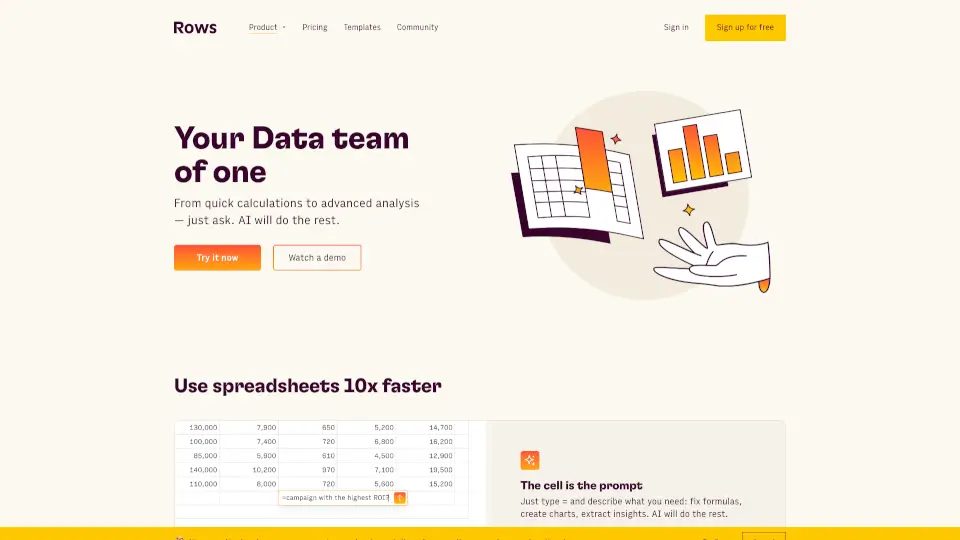
What is Rows AI?
Rows AI is your go-to spreadsheet tool that brings the power of AI right into your data. Whether you're analyzing, summarizing, or transforming data, Rows AI makes it faster and easier than ever—no scripts or code required. It’s like having a personal data analyst at your fingertips.
What are the features of Rows AI?
- Analyze Data Faster: Extract trends, generate pivot tables, and slice data effortlessly.
- Get Answers: Quickly find answers to your business questions.
- Enrich Data: Add rich columns to extend your dataset.
- Create Charts: Turn numbers into visual stories with just a few clicks.
- Classify and Tag Text: Automatically tag and classify unstructured data.
- Clean Up Data: Remove non-ASCII characters, trim inconsistent spacing, and standardize patterns.
- Summarize Text: Digest customer feedback, extract key concepts, and summarize text in different styles.
What are the use cases of Rows AI?
- Social Media Posts: Categorize social sentiment and monitor your online presence.
- Support Tickets: Transform tickets into actionable insights for faster resolutions.
- Feedback Surveys: Turn customer feedback into actionable improvements.
- Product Reviews: Classify reviews by topic and identify key areas for improvement.
- Customer Datasets: Standardize phone numbers, rearrange names, and clean up lead lists.
How to use Rows AI?
- Access the AI Analyst by clicking the ✨ icon in the top right corner of any table.
- Use the ASK_OPENAI formula to send custom prompts and leverage specific AI models.
- Combine AI actions with traditional spreadsheet formulas for dynamic results.