
What is Sparkco AI Spreadsheet Agent?
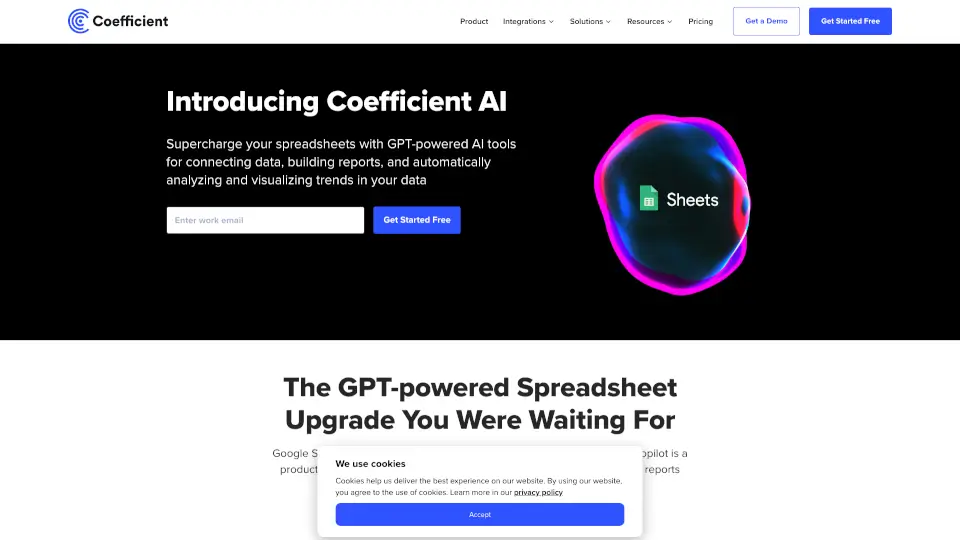
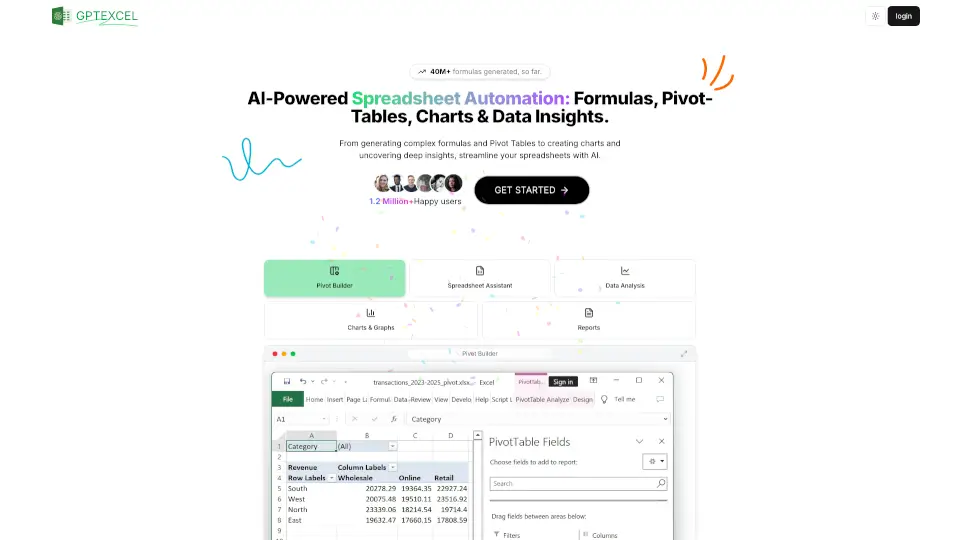
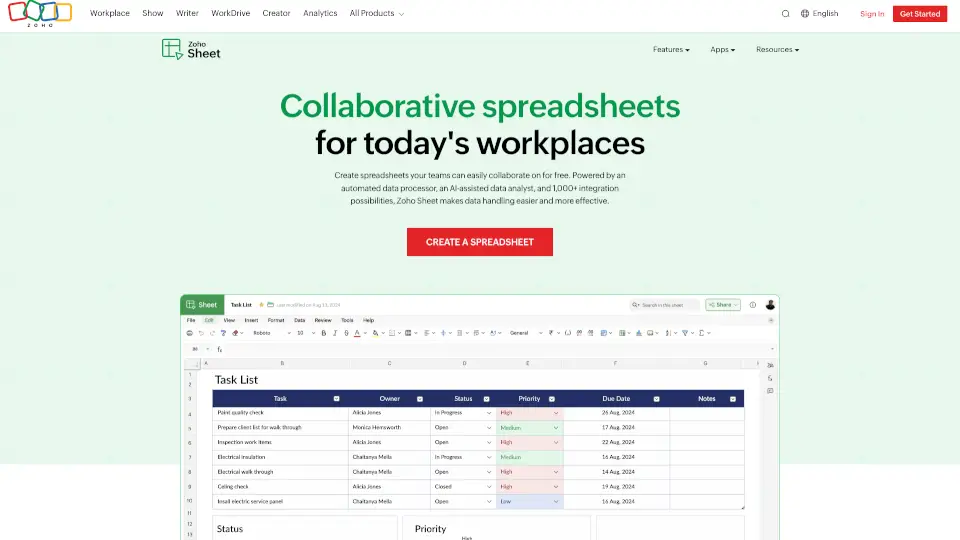
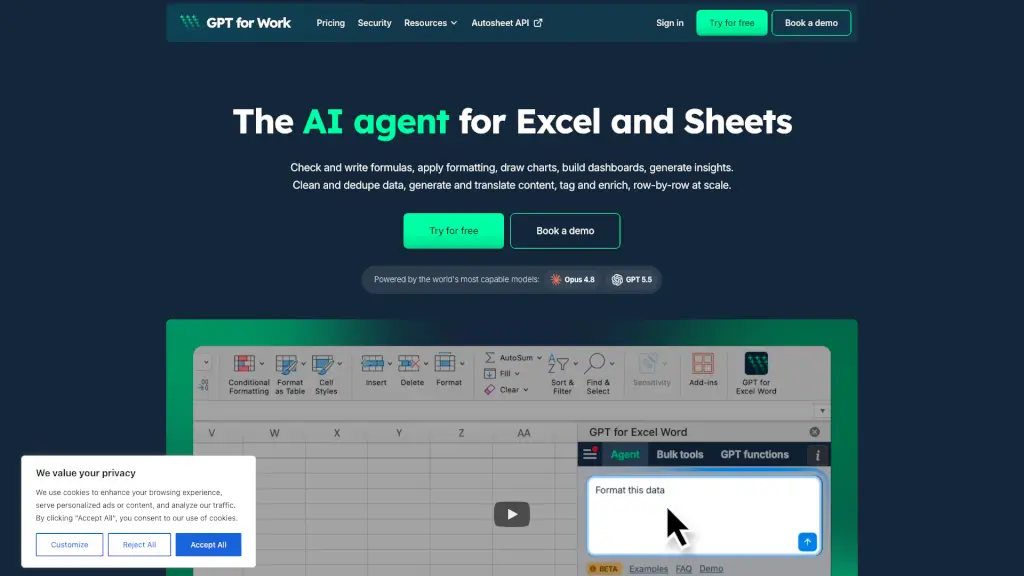
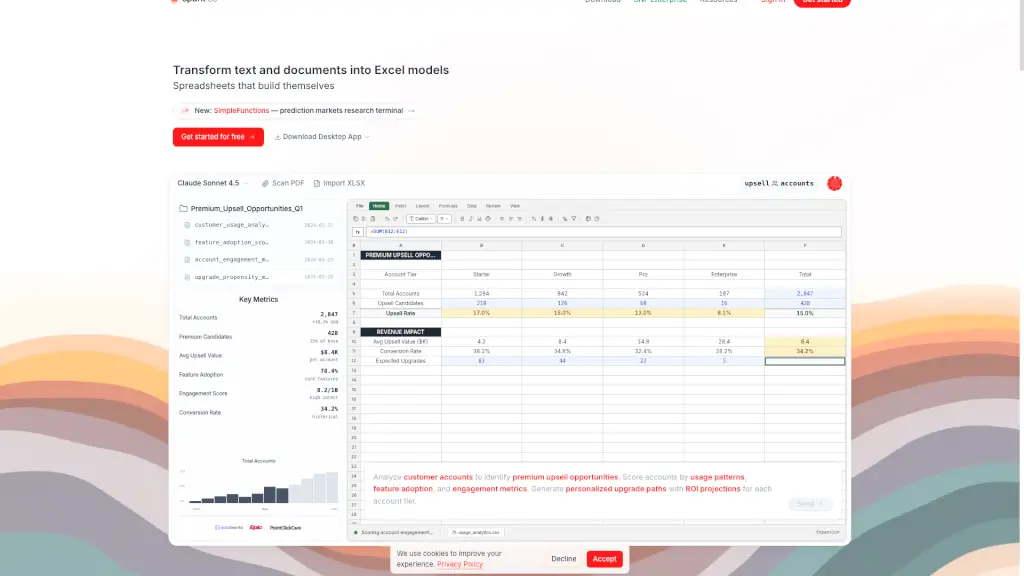
Sparkco Sheets is a powerful AI-driven spreadsheet tool that transforms the way you work with data. It's designed to help you build intelligent spreadsheets without needing to be an Excel wizard. Whether you're a student, a small business owner, or part of a larger team, Sparkco Sheets makes it easy to analyze data, create reports, and make informed decisions. With its natural language processing, you can simply type what you need, and the AI will generate the formulas, charts, and pivot tables for you. No more manual data entry or formula debugging—just fast, accurate, and automated insights.
What are the features of Sparkco AI Spreadsheet Agent?
- Natural Language Formulas: Type what you want in plain English, and the AI generates the necessary formulas, charts, and pivot tables.
- Real-Time Data Sync: Automatically sync data from over 20+ integrations, including Stripe, QuickBooks, and PointClickCare, ensuring your data is always up-to-date.
- Advanced Visualizations: Create advanced charts, pivot tables, and dashboards with ease, all powered by AI.
- PDF OCR & Data Extraction: Convert PDFs into editable spreadsheets, extracting data automatically.
- SQL Database Queries: Generate SQL queries using natural language, making it easy to pull data from databases like PostgreSQL and MySQL.
- Priority Support: Get access to dedicated support for any issues or questions you might have.
What are the use cases of Sparkco AI Spreadsheet Agent?
- Financial Reporting: Automatically pull revenue from Stripe, expenses from QuickBooks, and pipeline data from HubSpot to generate MRR dashboards, churn analysis, and investor reports.
- Healthcare Analytics: Integrate with EHR systems like PointClickCare and Epic to analyze patient data, track census, and calculate per-resident P&L, all while maintaining HIPAA compliance.
- Sales & Marketing: Track sales pipelines, forecast revenue, and analyze marketing campaigns with real-time data from platforms like HubSpot and Google Ads.
- Project Management: Manage room remodeling projects, staff vetting, and other complex projects with pre-built templates and real-time data updates.
- Readmission Analysis: Analyze readmission patterns for patients with specific diagnoses, correlating with medication adherence and social determinants of health data.
- Company Valuations: Build DCF models, perform M&A analysis, and evaluate companies with integrated financial data and real-time updates.
How to use Sparkco AI Spreadsheet Agent?
- Connect Data Sources: Link your data sources like Stripe, QuickBooks, or PointClickCare to start syncing data.
- Type Your Request: Use natural language to describe what you need, such as "sum closed-won revenue" or "create a pivot table for Q4 sales."
- Review and Edit: The AI will generate the necessary formulas, charts, and tables. Review and edit as needed.
- Sync and Update: Set up automatic data sync schedules or trigger manual refreshes to keep your data up-to-date.
- Export and Share: Export your spreadsheets to Excel, CSV, or Google Sheets format, or share live links that auto-update.