
GPTExcel logo

GPTExcel

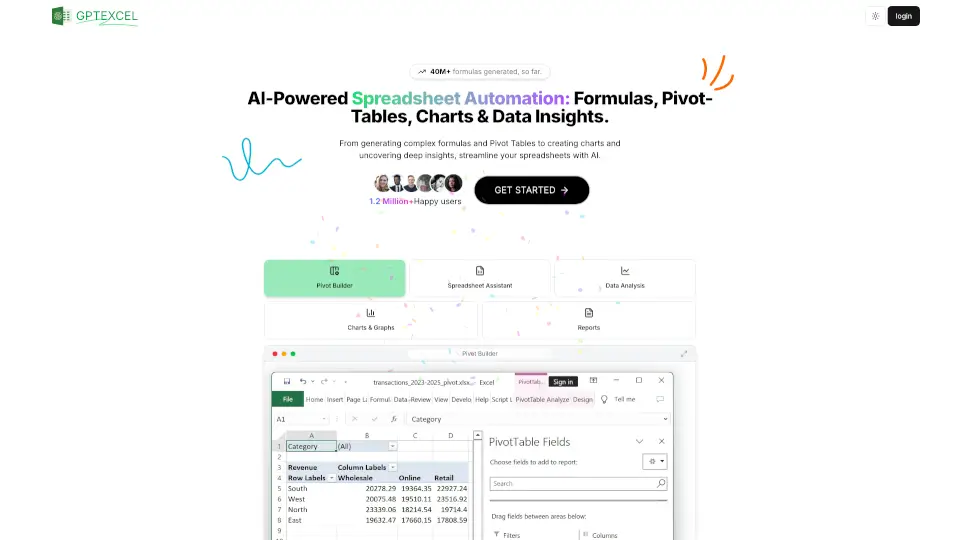
GPT Excel is the ultimate AI-powered spreadsheet assistant, offering tools for formula generation, script automation, SQL queries, regex, and data analysis. Boost your productivity today!

Social Media:
GPTExcel

GPTExcel Product Information

What is GPTExcel?

GPT Excel is your ultimate AI-powered spreadsheet assistant, designed to make your Excel, Google Sheets, and Airtable tasks a breeze. Whether you’re generating complex formulas, automating scripts, or analyzing data, GPT Excel has got you covered. With over 30 million formulas generated and 900k+ happy users, it’s the go-to tool for boosting productivity.

What are the features of GPTExcel?

  • Formula Generator
    Create and understand complex Excel, Sheets, and Airtable formulas with ease.
  • Script Automation
    Generate VBA, Apps Scripts, and Airtable scripts to automate repetitive tasks.
  • SQL Query Generator
    Simplify SQL query creation, debugging, and modification across databases.
  • Regex Generator
    Generate and understand regular expressions for data validation and filtering.
  • Table Templates
    Quickly generate Excel and Google Sheets table templates.
  • Data Analysis
    Analyze Excel/CSV data, generate charts, and produce actionable insights.

What are the use cases of GPTExcel?

  • Business Professionals
    Streamline data analysis and reporting.
  • Students
    Simplify complex calculations and data organization.
  • Developers
    Automate scripts and generate SQL queries effortlessly.
  • Data Analysts
    Create visual charts and uncover deep insights from data.

How to use GPTExcel?

  1. Sign Up
    Create an account on GPT Excel’s website.
  2. Choose Your Plan
    Start with the free plan or upgrade to Pro for more features.
  3. Generate
    Use the tools to generate formulas, scripts, queries, or templates.
  4. Analyze
    Upload your Excel/CSV files for data analysis and insights.
Do you like this tool?

Upvote to help others discover it!

GPTExcel Alternatives

AI Formula Wizard

AI Formula Wizard

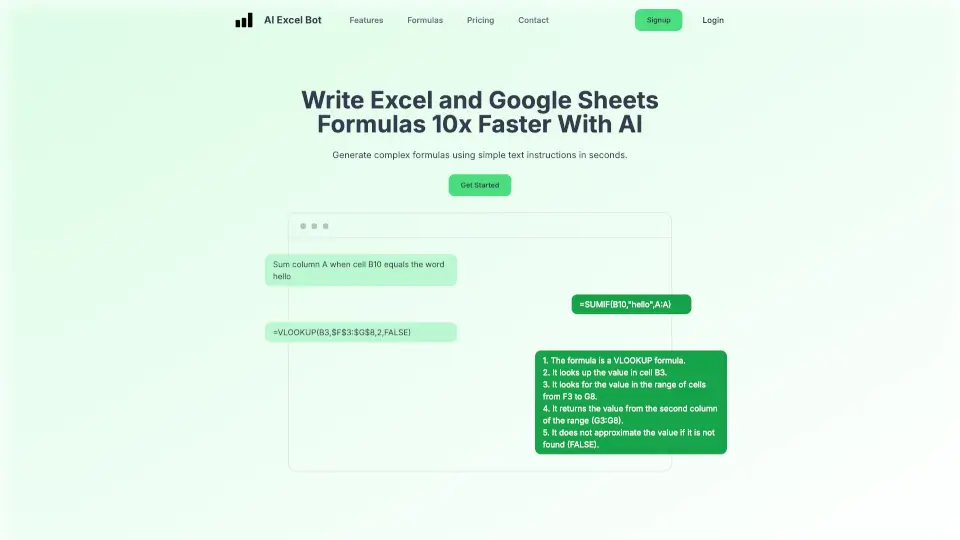
AI Excel Bot simplifies spreadsheet tasks by generating complex formulas, explaining them, and even writing VBA code using AI. Perfect for students, professionals, and beginners.

US
14.71%
34.5K
0
Formulas HQ

Formulas HQ

Formulas HQ is the ultimate AI tool for generating Excel, Google Sheets, Regex, and VBA scripts. It’s perfect for anyone looking to save time and work smarter with spreadsheets.

US
51.79%
12.1K
0
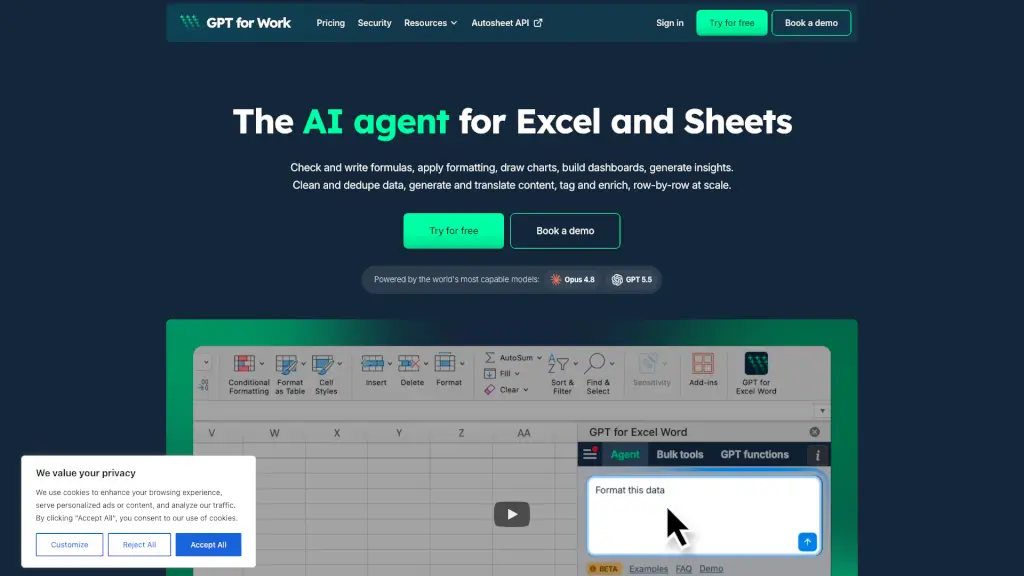
GPT For Work

GPT For Work

GPT for Work is the AI agent for Excel and Google Sheets that writes formulas, cleans data, and bulk-enriches thousands of rows in minutes.

US
13.37%
185.8K
0
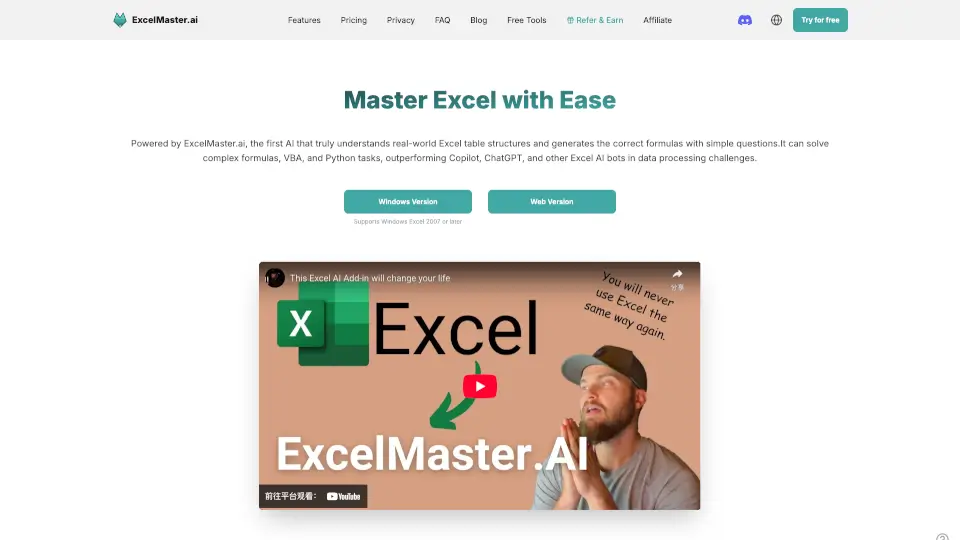
ExcelMaster.ai

ExcelMaster.ai

ExcelMaster.ai is the ultimate Excel AI, tackling formulas, VBA, and data tasks with unmatched precision. Perfect for pros and beginners alike—say goodbye to Excel headaches!

IN
14.40%
45.7K
0
Excelmatic

Excelmatic

Excelmatic makes Excel data analysis and visualization easy. Upload, chat, and get instant insights, charts, and reports—no technical skills required.

US
9.69%
73.6K
0
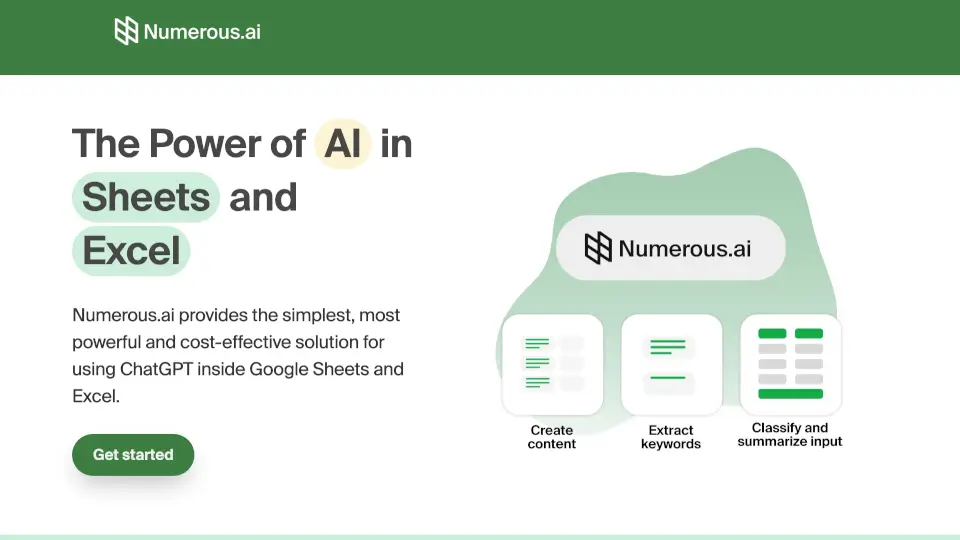
Numerous.ai

Numerous.ai

Numerous.ai is an AI-powered spreadsheet plugin that brings ChatGPT to Google Sheets and Excel, making it simple to automate content, clean data, and collaborate with your team.

IN
18.65%
155.2K
0
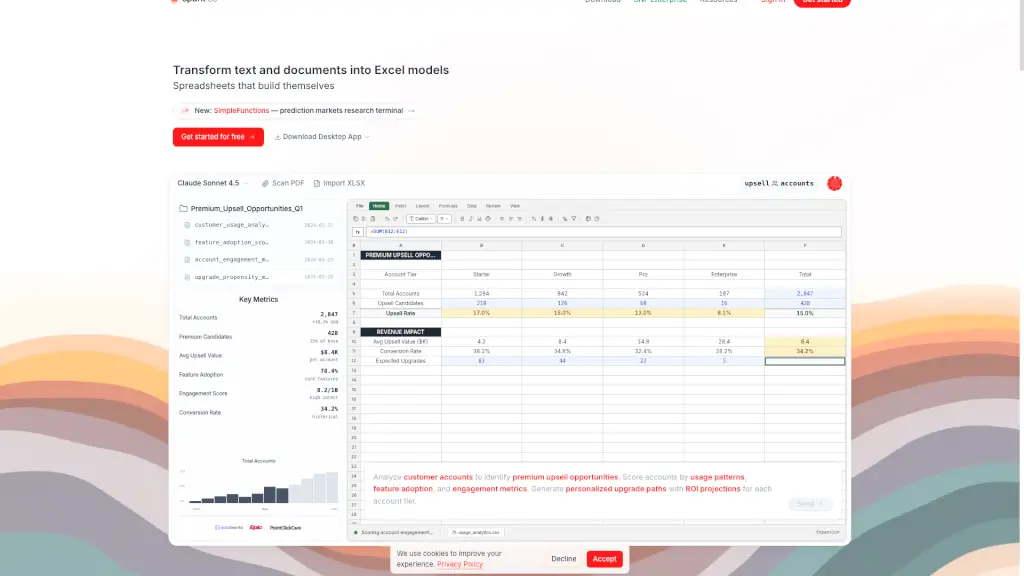
Sparkco AI Spreadsheet Agent

Sparkco AI Spreadsheet Agent

Sparkco Sheets: Transform text and documents into Excel models with AI-powered automation and real-time data sync.

US
28.38%
23.8K
0
SheetAI.app

SheetAI.app

SheetAI brings the power of AI to your Google Sheets, making data management and content generation a breeze. With over 139k installs and a 4.5/5 rating, it’s trusted by top universities, companies, and professionals.

US
20.44%
39.5K
0

GPTExcel Related Other Categories

GPTExcel Traffic Analysis

Website traffic estimates for gptexcel.uk. Visits are not unique users or product usage.

💡 Insights

⭐
Medium Scale
100K-1M monthly visits. Growing tool with active development.
⚠️
Slight Decline
Traffic has slightly decreased recently.
💎
High Stickiness
Low bounce rate (39%) and deep engagement (3.8 pages/visit). Excellent user experience.
🌐
Global Reach
Balanced user distribution worldwide.
  • Monthly Visits

    141.85K

  • Bounce Rate

    38.86%

  • Pages Per Visit

    3.79

  • Visit Duration

    00:00:51

  • Global Rank

    230440

  • Country Rank

    57744

Visits Over Time

Traffic Sources

Search Organic60.89%
Direct25.77%
Referrals6.82%
Social Organic2.86%
Mail2.19%
Gen Ai0.98%
Affiliate0.43%
Social Paid0.06%
Search Paid0.00%

Top Keywords

1
excel ai
CPC$0.70
2.03KTraffic
2
gptexcel
CPC$0.59
1.14KTraffic
3
gpt excel
CPC$2.59
790Traffic
4
ai for excel
CPC$0.37
490Traffic
5
are there any ai that can edit excel sheets
340Traffic

Top Regions

RegionPercentage
India
India
17.70%
United States
United States
11.58%
Indonesia
Indonesia
7.20%
Brazil
Brazil
6.29%
United Kingdom
United Kingdom
3.53%
Low
High

Powered by SimilarWeb

GPTExcel FAQ

What is GPT Excel?

GPT Excel is an AI-powered spreadsheet assistant that helps generate formulas, SQL queries, automation scripts, regex patterns, and table templates.

What can I use GPT Excel for?

You can generate complex formulas, SQL queries, automation scripts, regex expressions, and Excel table templates. It also offers data analysis and chart generation.

Which platforms are supported?

GPT Excel supports Microsoft Excel, Google Sheets, LibreOffice Calc, and Airtable.

How does the free plan work?

The free plan offers essential features with 4 requests per day, refreshed every 12 hours.

How do I upgrade to Pro?

Visit the 'Choose Your Plan' section on the website and select the Pro plan to unlock enhanced features.

Is GPT Excel secure?

Yes, GPT Excel uses industry-standard security measures to protect your data.

GPTExcel Reviews

0
0 Reviews
Sign Into leave a review

Recent Reviews

No reviews yet

GPTExcel Embed

Use website badges to drive community support for SeekTool.ai. They are easy to embed in your homepage or footer.

Light
Dark
GPTExcel - Featured on SeekTool.aiGPTExcel - Featured on SeekTool.ai
How to install?