
What is GPTExcel?
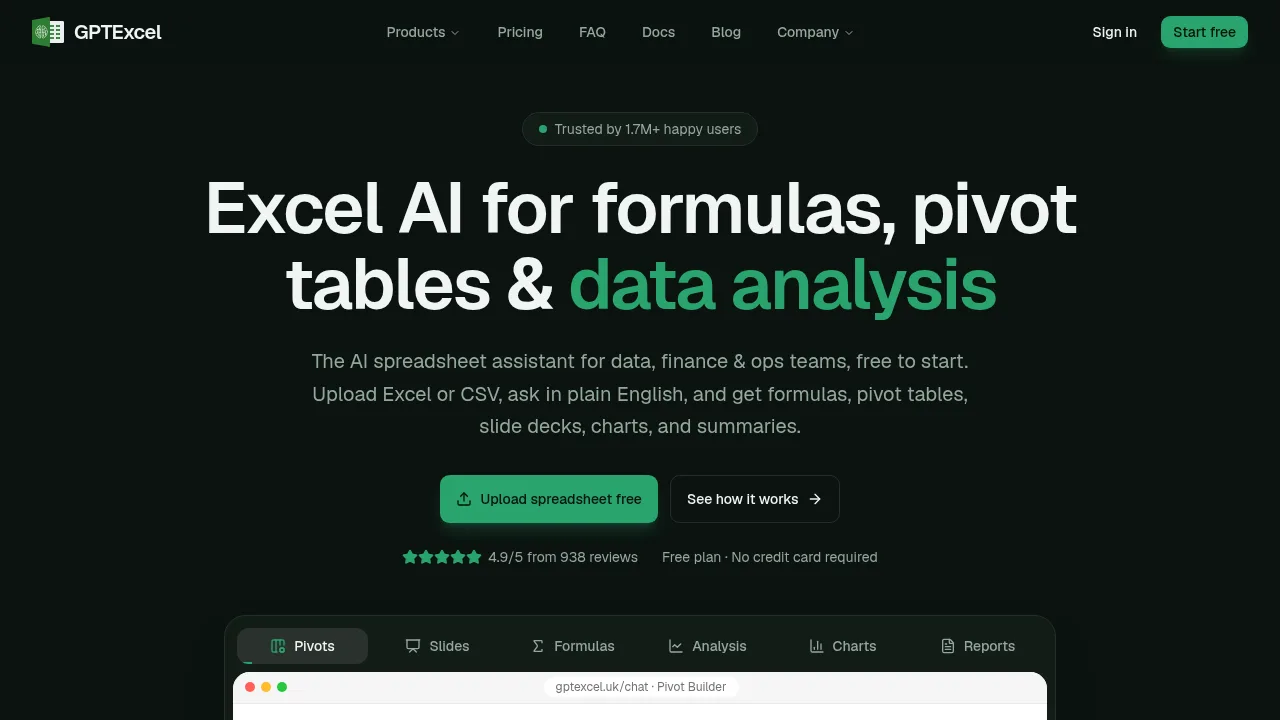
GPTExcel is a browser-based AI assistant that analyzes Excel and CSV files, generates formulas, builds pivot tables, creates charts, and produces slide decks from plain-English requests. It targets data, finance, and operations teams working with spreadsheets. A free tier provides limited monthly credits without requiring a credit card.
What are the features of GPTExcel?
- Formula and script generationWrites and explains formulas for Excel, Google Sheets, LibreOffice Calc, and Airtable, plus VBA, Apps Script, LibreOffice Basic, and Python scripts.
- Spreadsheet chat analysisReads uploaded Excel workbooks, CSV/TSV files, or table photos to return answers, summaries, and insights based on plain-English questions.
- Pivot table builderCreates native Excel pivot tables, slicers, and pivot charts from text requests.
- Slide deck creationConverts spreadsheet data into presentations of up to 40 slides with native charts, downloadable as editable PowerPoint (.pptx) or PDF.
- Data cleaning and transformationRemoves duplicates, standardizes values, and transforms data within the conversation.
- SQL and regex generationProduces SQL queries and regular expressions from natural-language descriptions.
What are the use cases of GPTExcel?
- Sales report analysisUploads a sales export to identify why revenue increased while margins declined, using a documented sequence of analyst prompts.
- Budget variance reviewCompares expenses against budget, flags overspent categories, suggests subscriptions to cancel, and drafts a quarterly budget from an expenses export.
- HR headcount and turnover auditAnalyzes an employee list to calculate departmental headcount, annual turnover rate, retention issues, and salary distribution by level.
How to use GPTExcel?
- Upload fileProvide an Excel workbook, CSV file, or photo of a table in the web interface.
- Ask a questionDescribe the desired formula, analysis, chart, pivot table, or slide deck in plain English.
- Review outputExamine the generated answers, formulas, visuals, or documents returned in the conversation.
- Download or copyDownload the resulting file or copy the generated formula directly into your spreadsheet.
GPTExcel Pricing Information:
- Free$0 forever; 50 credits per month, 5 free tool runs daily then 1 credit each, fast model, files up to 5 MB with 10 per chat limit. No credit card required.
- Pro$9 per month; approximately 3,000 credits per month (700 per week), fast and standard models (1 or 2 credits per message), files up to 50 MB with 20 per chat limit.
- Pro Plus$18 per month; approximately 10,000 credits per month (2,330 per week), fast, standard, and expert models (1, 2, or 10 credits per message), files up to 100 MB with 30 per chat limit.