

酷表ChatExcel logo

酷表ChatExcel

酷表ChatExcel analyzes uploaded spreadsheets, documents, and images to generate reports, dashboards, and presentations.

酷表ChatExcel

酷表ChatExcel Product Information

What is 酷表ChatExcel?

酷表ChatExcel is an AI platform that processes tabular data and generates presentations or reports. It accepts uploaded files across multiple formats for analysis, visualization, and document creation via a web workspace or client applications. Individual uploaded files must not exceed 100 MB.

What are the features of 酷表ChatExcel?

  • Multi-format file upload
    Accepts CSV, XLS, XLSX, PDF, DOCX, TXT, MD, PNG, JPG, JPEG, ZIP, RAR, TAR, and GZ files with no limit on the number of uploads.
  • Analysis complexity selection
    Offers distinct processing modes, including one for simple questions and basic tasks and another for complex analysis and deep reasoning.
  • Cross-sheet and multi-table analysis
    Correlates data across multiple sheets or separate tables to perform calculations, comparisons, and logic verification.
  • Output generation
    Produces Word reports, HTML files, interactive dashboards, Markdown summaries, and presentation slides from processed data.
  • Image-to-table conversion
    Extracts structured tabular data from uploaded images such as screenshots.
  • Archive processing
    Reads compressed files in ZIP, RAR, TAR, and GZ formats to analyze their contents.

What are the use cases of 酷表ChatExcel?

  • Bank statement verification
    Screens large volumes of transaction data to identify anomalies and verify income-expenditure logic while preserving formulas.
  • E-commerce operations review
    Analyzes GMV trends, conversion efficiency, and refund traffic to output visualized optimization plans.
  • Investment value assessment
    Compares target company performance against global peers to evaluate operational efficiency improvements.

How to use 酷表ChatExcel?

  1. Upload files
    Drag supported files into the upload area or click to select them, ensuring each file is under 100 MB.
  2. Select processing mode
    Choose between the available AI models based on whether the task requires basic handling or complex analysis.
  3. Enter instructions
    Type a natural language prompt describing the desired analysis, report, or transformation.
  4. Review outputs
    Examine the generated results, which may include dashboards, formatted reports, or modified spreadsheets.

酷表ChatExcel Pricing Information:

  • Promotional credit purchase
    Buying one year grants one additional month; buying three years grants three additional months; buying a lifetime plan includes a 100,000-credit bonus package.
  • Desktop and mobile client (AI Work)
    Advertised as offering unlimited file sizes and permanent conversation retention compared to the standard web access.


Do you like this tool?

Upvote to help others discover it!

酷表ChatExcel Alternatives

GPTExcel

GPTExcel

GPTExcel converts uploaded spreadsheets into formulas, pivot tables, charts, and PowerPoint decks through a browser-based conversational interface.

IN
17.70%
141.8K
0
Excel Formula Bot

Excel Formula Bot

Excel Formula Bot converts plain-text descriptions into downloadable .xlsx workbooks containing headers, formulas, and formatting.

721
0
Sourcetable

Sourcetable

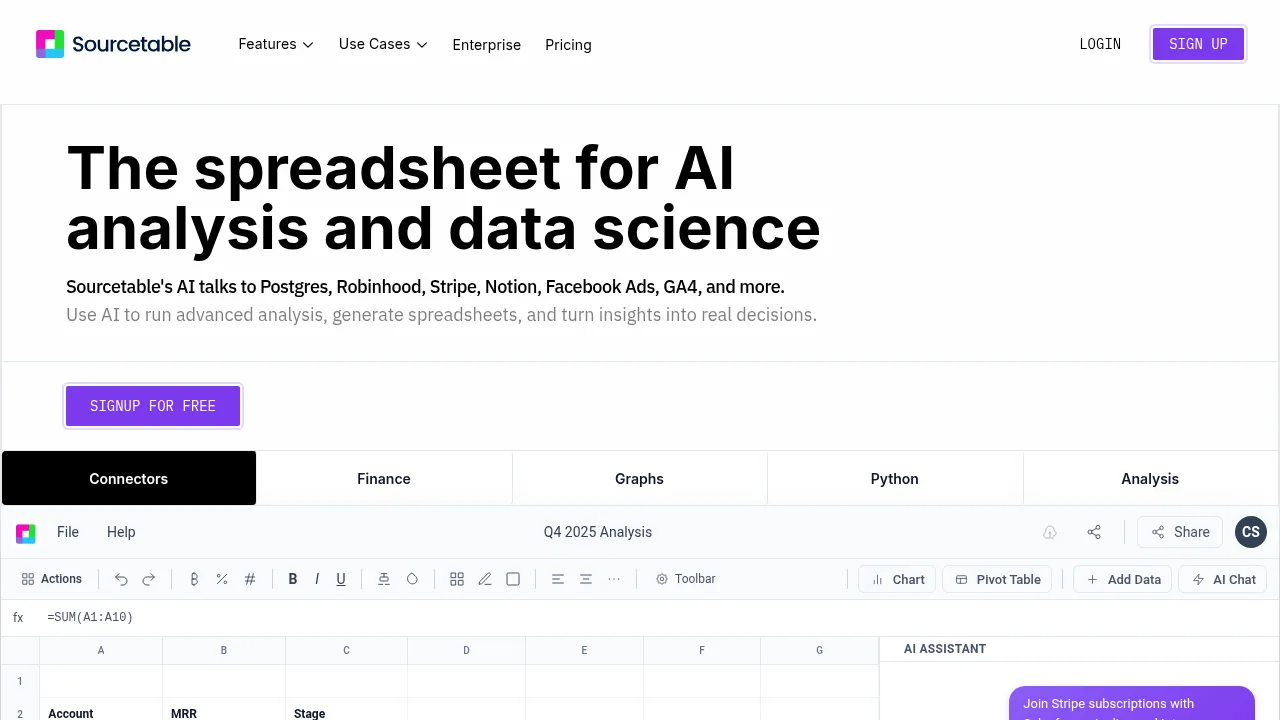
Sourcetable combines a traditional spreadsheet with AI chat, Python execution, and live database connectors for data analysis.

US
28.89%
34.0K
0
Excelmatic

Excelmatic

Excelmatic makes Excel data analysis and visualization easy. Upload, chat, and get instant insights, charts, and reports—no technical skills required.

US
9.69%
73.6K
0
AI Excel Tools & Google Sheets - AI Excel Formula Generator - Bot

AI Excel Tools & Google Sheets - AI Excel Formula Generator - Bot

AI Excel Tools & Google Sheets - AI Excel Formula Generator - Bot generates spreadsheet formulas, VBA scripts, and files from uploaded data within a persistent workspace.

US
14.66%
118.9K
0
AI Formula Wizard

AI Formula Wizard

AI Formula Wizard converts plain text instructions into Excel and Google Sheets formulas or VBA code and provides step-by-step explanations.

US
14.71%
34.5K
0
Coefficient

Coefficient

Coefficient connects live business data to spreadsheets and adds GPT-powered functions, automated charting, and text-driven report building.

US
21.44%
162.6K
0
Sparkco AI Spreadsheet Agent

Sparkco AI Spreadsheet Agent

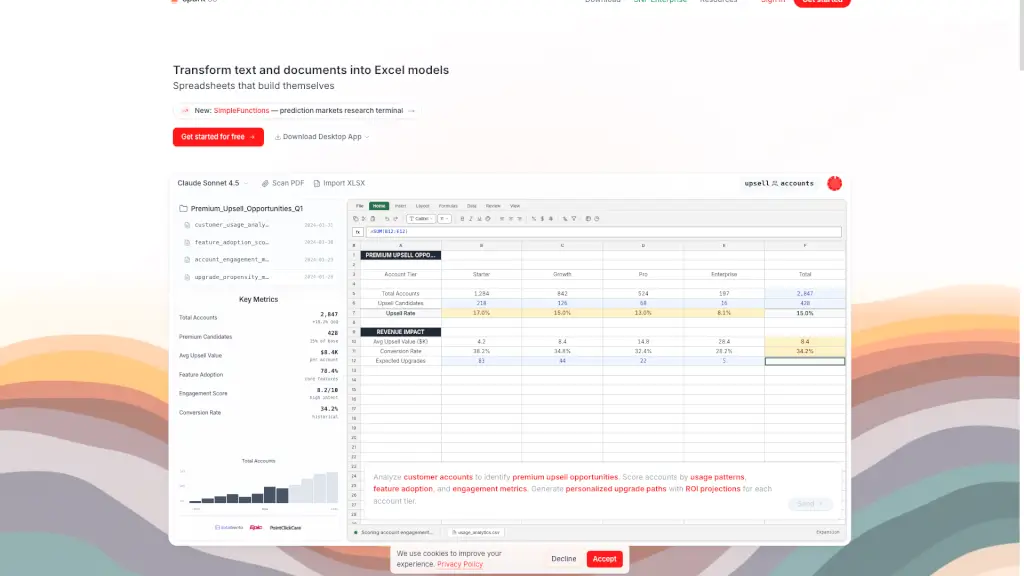
Sparkco Sheets: Transform text and documents into Excel models with AI-powered automation and real-time data sync.

US
28.38%
23.8K
0

酷表ChatExcel Related Other Categories

酷表ChatExcel Traffic Analysis

Website traffic estimates for chatexcel.com. Visits are not unique users or product usage.

💡 Insights

⭐
Medium Scale
100K-1M monthly visits. Growing tool with active development.
📉
Traffic Decline
Significant traffic drop recently. Check for alternatives.
👍
Good Experience
Bounce rate of 38%. Users are willing to explore features.
🎯
Strong Brand
65% direct traffic. High user loyalty.
  • Monthly Visits

    243.99K

  • Bounce Rate

    38.31%

  • Pages Per Visit

    2.32

  • Visit Duration

    00:03:17

  • Global Rank

    556082

  • Country Rank

    23673

Visits Over Time

Traffic Sources

Direct65.36%
Search Organic16.98%
Referrals7.14%
Search Paid5.19%
Social Organic2.92%
Gen Ai1.43%
Display Ads0.56%
Mail0.43%
Social Paid0.00%
Affiliate0.00%

Top Keywords

1
chat excel
790Traffic
2
元空ai work 旗下 chatexcel
750Traffic
3
chatexcel
CPC$7.27
450Traffic
4
chatexl
340Traffic
5
国内ai工作台汇总
340Traffic

Top Regions

RegionPercentage
China
China
89.40%
Singapore
Singapore
3.13%
United States
United States
3.00%
Hong Kong
Hong Kong
1.37%
Taiwan
Taiwan
0.93%
Low
High

Powered by SimilarWeb

酷表ChatExcel FAQ

What is the maximum file size allowed per upload?

Each individual file must not exceed 100 MB, though there is no stated limit on the total number of files uploaded.

Can the platform process data inside compressed archives?

Yes, it supports uploading and analyzing files within ZIP, RAR, TAR, and GZ archive formats.

酷表ChatExcel Reviews

0
0 Reviews
Sign Into leave a review

Recent Reviews

No reviews yet

酷表ChatExcel Embed

Use website badges to drive community support for SeekTool.ai. They are easy to embed in your homepage or footer.

Light
Dark
酷表ChatExcel - Featured on SeekTool.ai酷表ChatExcel - Featured on SeekTool.ai
How to install?