
What is Rows AI?
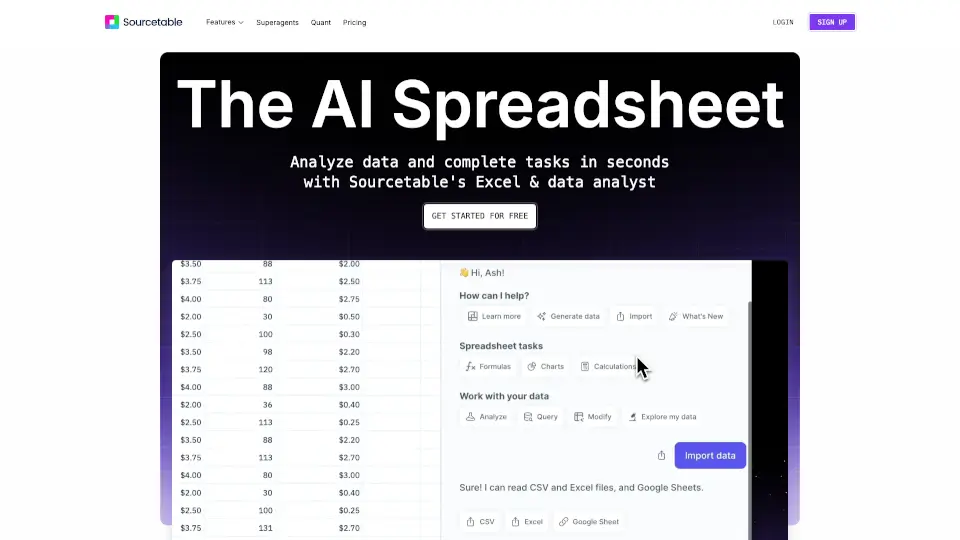
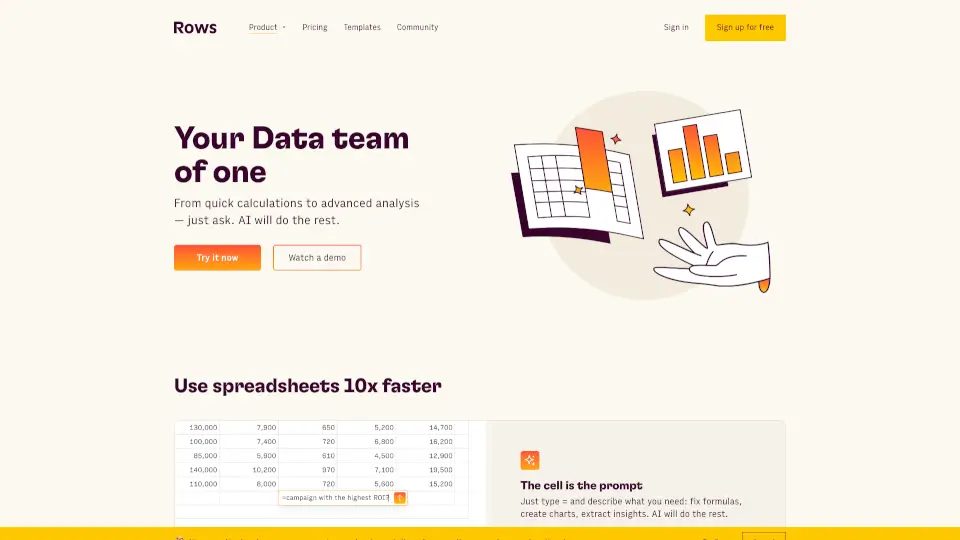
Rows AI is your go-to spreadsheet tool that brings the power of AI right into your data. Whether you're analyzing, summarizing, or transforming data, Rows AI makes it faster and easier than ever—no scripts or code required. It’s like having a personal data analyst at your fingertips.
What are the features of Rows AI?
- Analyze Data FasterExtract trends, generate pivot tables, and slice data effortlessly.
- Get AnswersQuickly find answers to your business questions.
- Enrich DataAdd rich columns to extend your dataset.
- Create ChartsTurn numbers into visual stories with just a few clicks.
- Classify and Tag TextAutomatically tag and classify unstructured data.
- Clean Up DataRemove non-ASCII characters, trim inconsistent spacing, and standardize patterns.
- Summarize TextDigest customer feedback, extract key concepts, and summarize text in different styles.
What are the use cases of Rows AI?
- Social Media PostsCategorize social sentiment and monitor your online presence.
- Support TicketsTransform tickets into actionable insights for faster resolutions.
- Feedback SurveysTurn customer feedback into actionable improvements.
- Product ReviewsClassify reviews by topic and identify key areas for improvement.
- Customer DatasetsStandardize phone numbers, rearrange names, and clean up lead lists.
How to use Rows AI?
- Access the AI Analyst by clicking the ✨ icon in the top right corner of any table.
- Use the ASK_OPENAI formula to send custom prompts and leverage specific AI models.
- Combine AI actions with traditional spreadsheet formulas for dynamic results.