
What is Retable?
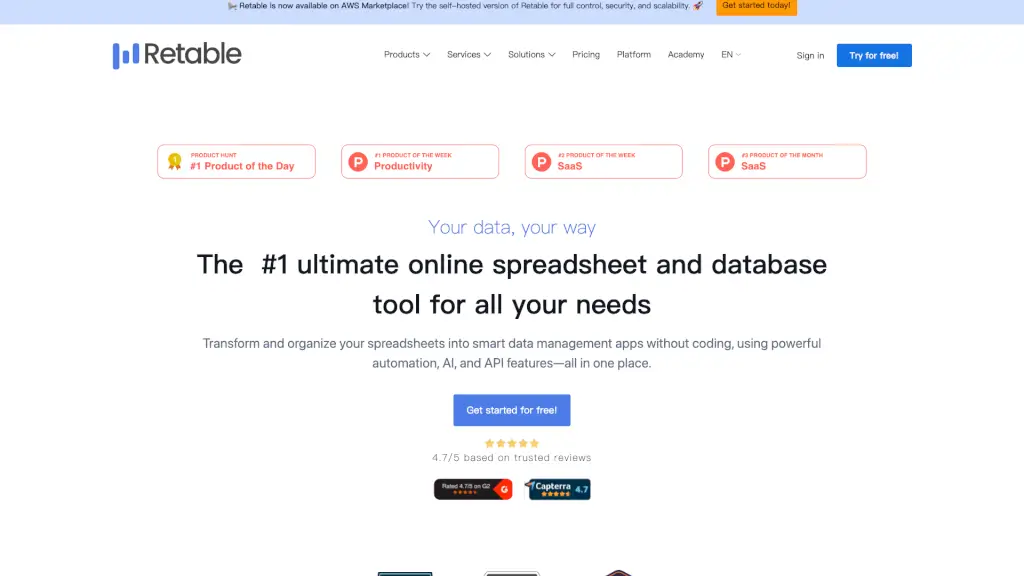
Retable is a modern online spreadsheet and data collaboration tool built for teams who want more than just rows and columns. It blends the simplicity of spreadsheets with the power of databases, letting you turn raw data into smart, interactive apps—no coding required. Whether you're managing projects, tracking expenses, or running HR workflows, Retable helps you organize, automate, and share information in real time.
Unlike traditional tools like Excel or Google Sheets, Retable offers 8 dynamic views (like Kanban, calendar, and map), built-in AI, and seamless automation—all in one place. Trusted by over 4,000 paying customers and rated 4.7/5, it’s designed to reduce manual work, cut clutter, and boost team productivity without overwhelming users.
What are the features of Retable?
- Smart Data Views: Switch instantly between grid, list, Kanban, card, chart, calendar, map, and form views to visualize your data the way that makes sense for your task.
- AI-Powered Columns: Use the integrated ChatGPT column type to enrich data, generate insights, or auto-fill content—right inside your spreadsheet.
- No-Code Automation: Automate repetitive tasks like sending notifications, updating records, or syncing with other apps using built-in automations or webhooks.
- Online Forms: Turn any table into a customizable online form in seconds—perfect for collecting feedback, applications, or survey responses.
- Real-Time Collaboration: Work together with teammates (or external clients) on the same sheet with live updates, role-based access, and comment threads.
- Easy Migration & Integrations: Import from Airtable, Google Sheets, CSV, or Excel, and connect to 30+ tools like Zapier, Make.com, and Pabbly via API or native integrations.
- Custom Branding & Organization: Apply your company logo and colors, manage team roles, and structure workspaces to match your business needs.
What are the use cases of Retable?
- HR Teams managing employee directories, onboarding checklists, and recruitment pipelines.
- Marketing Managers planning content calendars, tracking campaign performance, and gathering user feedback via embedded forms.
- Project Managers organizing tasks in Kanban or calendar view, assigning work, and monitoring progress across departments.
- Small Business Owners tracking expenses, inventory, or client projects without juggling multiple apps.
- Educators creating grade books, class schedules, or student project trackers with shared access for co-teachers.
- Remote Teams centralizing workflows like IT support tickets, asset management, or event planning in a single collaborative space.
How to use Retable?
- Sign up for free at Retable.io and create your first workspace—no credit card needed.
- Import existing data from Airtable, Google Sheets, or CSV files using the easy migration tool.
- Choose a template (like “Project Planning” or “Expense Tracker”) or start from scratch with a blank table.
- Add collaborators by inviting teammates via email and setting their permission levels (viewer, editor, admin).
- Switch views using the top toolbar to see your data as a calendar, Kanban board, or chart—no setup required.
- Set up automations under the “Automations” tab to trigger actions like email alerts when a form is submitted or a deadline approaches.