What is Remaker AI?
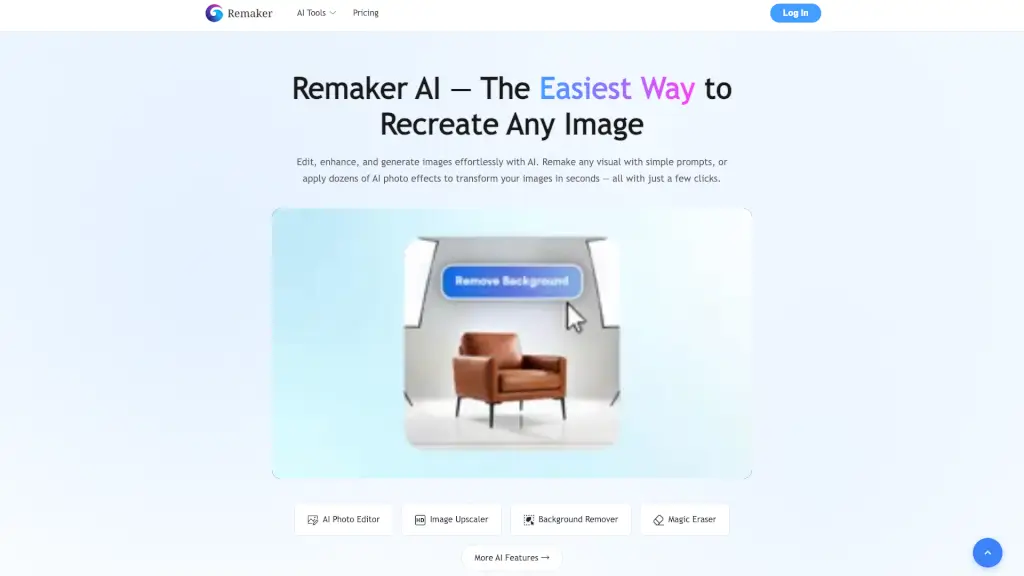
Remaker AI is your go-to platform for transforming and enhancing images with the power of artificial intelligence. Whether you're a social media manager, an e-commerce store owner, or just someone who loves to play with photos, Remaker AI makes it incredibly easy to edit, enhance, and generate stunning visuals. With a wide range of tools like AI Image Upscaler, Background Remover, and AI Portrait Generator, you can turn your ideas into reality in just a few clicks. Say goodbye to complicated software and hello to effortless creativity!
What are the features of Remaker AI?
- AI Image UpscalerEnlarge and enhance your images without losing quality.
- Background RemoverInstantly remove backgrounds from any image.
- AI Photo EditorEdit and draw on your photos with simple prompts.
- Nano BananaCreate consistent, realistic images in seconds.
- AI Image GeneratorTurn text or images into stunning AI art.
- Magic EraserRemove unwanted objects or people from photos instantly.
What are the use cases of Remaker AI?
- E-commerce Product PhotosRemove backgrounds and upscale product images for a professional look.
- Social Media ContentGenerate eye-catching visuals and creative effects for your posts.
- Personal ProjectsCreate unique portraits, tattoos, and more with AI-powered tools.
- Business PresentationsEnhance and customize images for presentations and marketing materials.
- Video EditingGenerate and enhance video content with AI Video Enhancer and AI Video Generator.
- Creative ArtworkExperiment with AI-generated art and designs for personal or commercial use.
How to use Remaker AI?
- Upload Your ImageStart by uploading the image you want to edit or transform.
- Select a ToolChoose the tool that best fits your needs, such as AI Image Upscaler or Background Remover.
- Follow PromptsFollow the on-screen prompts to apply the desired effect or edit.
- Preview and AdjustPreview the changes and make any necessary adjustments.
- Download Your ResultOnce satisfied, download the edited image or video.