
What is React Flow?
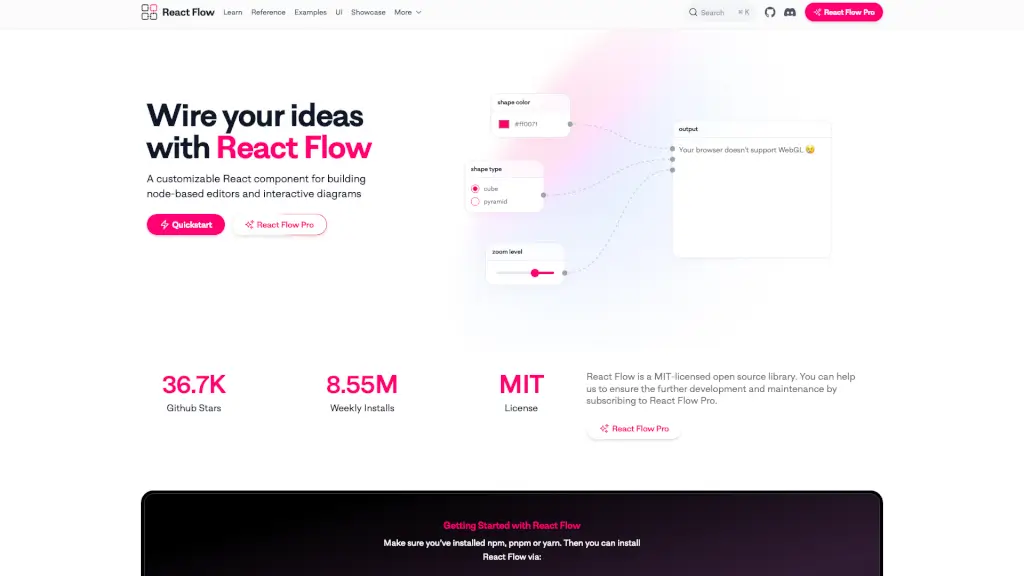
React Flow is a powerful, open-source React library designed to help developers build node-based user interfaces with ease. Whether you're creating workflow builders, no-code platforms, data visualizations, or interactive diagrams, React Flow gives you the tools to wire complex logic visually—without reinventing the wheel. It handles the heavy lifting like dragging nodes, connecting edges, zooming, and selection so you can focus on your app’s unique features.
Built by the team at xyflow, React Flow combines flexibility with developer-friendly APIs. Nodes are just regular React components, meaning you can fully customize their look and behavior using CSS, Tailwind, or any UI library. With strong TypeScript support, performance optimizations, and built-in accessibility, it’s trusted by companies like Stripe and Typeform for production-grade applications.
What are the features of React Flow?
- Drag-and-Drop Nodes: Easily move, select, and interact with nodes using intuitive mouse or keyboard controls.
- Customizable Nodes & Edges: Build unique node types (like databases, AI blocks, or media processors) and style edges with custom paths, labels, or animations.
- Built-In UI Components: Includes ready-to-use tools like Minimap, Controls (zoom/pan), Background grid, NodeToolbar, and NodeResizer.
- Advanced Interaction Support: Enable features like edge deletion on drop, proximity-based connections, lasso selection, and undo/redo via state management.
- Layout & Performance: Supports auto-layout algorithms (Dagre, ELK.js), collision detection, and optimized rendering for large flows.
- Accessibility & Keyboard Nav: Full keyboard navigation (arrow keys, Enter, Delete, Escape) and ARIA support for inclusive design.
- TypeScript-First: Ships with comprehensive TypeScript definitions for safer, faster development.
- Pro Collaboration Features: Optional React Flow Pro unlocks multiplayer editing, enhanced devtools, and priority support.
What are the use cases of React Flow?
- Building no-code workflow automation tools (e.g., chatbot builders or marketing funnels)
- Creating AI pipeline editors for chaining LLM prompts, data processors, and output handlers
- Designing interactive mind maps or knowledge graphs for education and research
- Developing audio or image processing graphs (like modular synthesizers or filter chains)
- Visualizing business logic or survey flows (as used by Typeform)
- Constructing real-time collaborative whiteboards with shared cursors and sync
- Prototyping data transformation pipelines in analytics or ETL tools
- Powering low-code internal dashboards for monitoring system metrics (like DoubleLoop)
How to use React Flow?
- Install via npm:
npm install @xyflow/react - Wrap your flow elements in the
<ReactFlow />component and provide initial nodes and edges - Define custom node components using standard React—style them with CSS or Tailwind
- Use built-in hooks like
useNodesState()anduseEdgesState()to manage interactivity - Add helper components like
<Controls />,<MiniMap />, or<Background />for enhanced UX - Leverage utility functions like
addEdge()andgetConnectedEdges()to handle connections programmatically