
What is Producer AI?
Welcome to Producer.ai, your new favorite tool for creating the music you've always imagined! Whether you're a seasoned musician or just starting out, Producer.ai is here to help you bring your musical visions to life. With its powerful AI-driven features, you can create, remix, and share studio-quality songs from simple prompts. No more hours of tweaking and mixing—Producer.ai makes it easy to swap stems, extend tracks, and personalize your sound effortlessly.
What are the features of Producer AI?
- AI-Driven Music Creation: Generate high-quality music from simple text prompts.
- Stem Swapping: Easily swap different parts of a track (like drums, bass, or vocals) to experiment with new sounds.
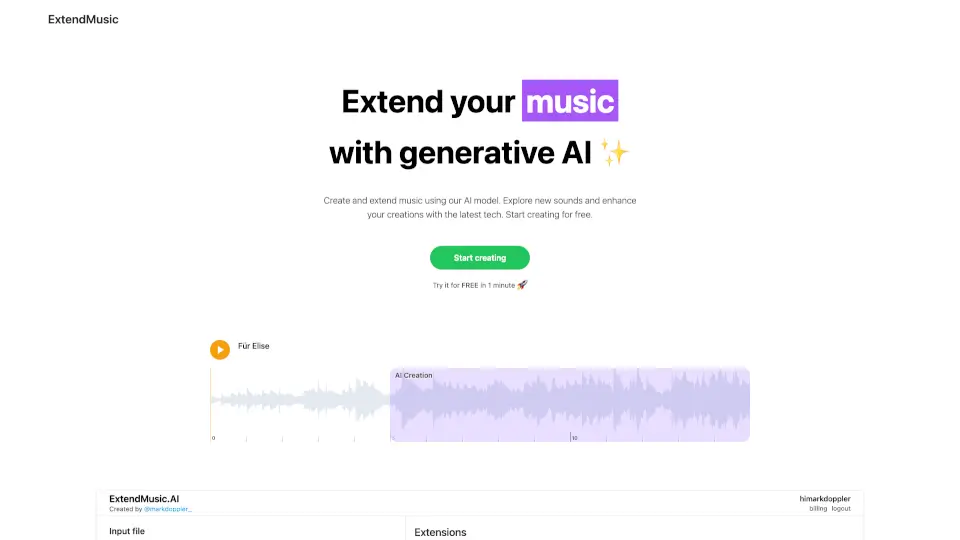
- Track Extension: Extend your tracks seamlessly to make them longer or add more variety.
- Personalization: Customize your sound with a wide range of options to make your music truly unique.
- Sharing and Collaboration: Share your creations with others and collaborate with fellow musicians.
- User-Friendly Interface: Intuitive and easy-to-use, even for beginners.
What are the use cases of Producer AI?
- Creating Original Songs: Perfect for songwriters and producers looking to craft their next hit.
- Remixing Existing Tracks: Easily remix popular songs or your own tracks to give them a fresh spin.
- Sound Design for Videos: Ideal for content creators who need custom soundtracks for their videos.
- Music Education: A great tool for students and teachers to learn about music production.
- Live Performance: Use Producer.ai to create dynamic and engaging live performances.
- Podcast Soundtracks: Create professional-sounding intros, outros, and background music for podcasts.
How to use Producer AI?
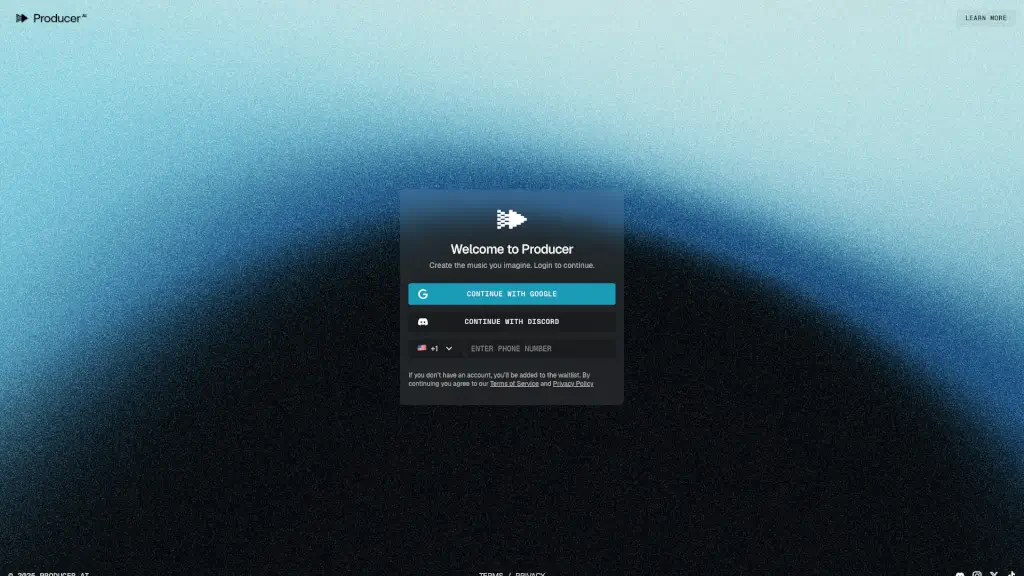
- Sign Up and Log In: Start by signing up and logging in using your Google or Discord account.
- Enter Your Prompt: Type in a simple text prompt describing the kind of music you want to create.
- Generate and Edit: Let the AI generate your track, then use the editing tools to swap stems, extend, and personalize your sound.
- Save and Share: Save your creation and share it with friends, collaborators, or on social media.
- Explore and Experiment: Don't be afraid to try different prompts and settings to find your perfect sound.