
What is Remusic?
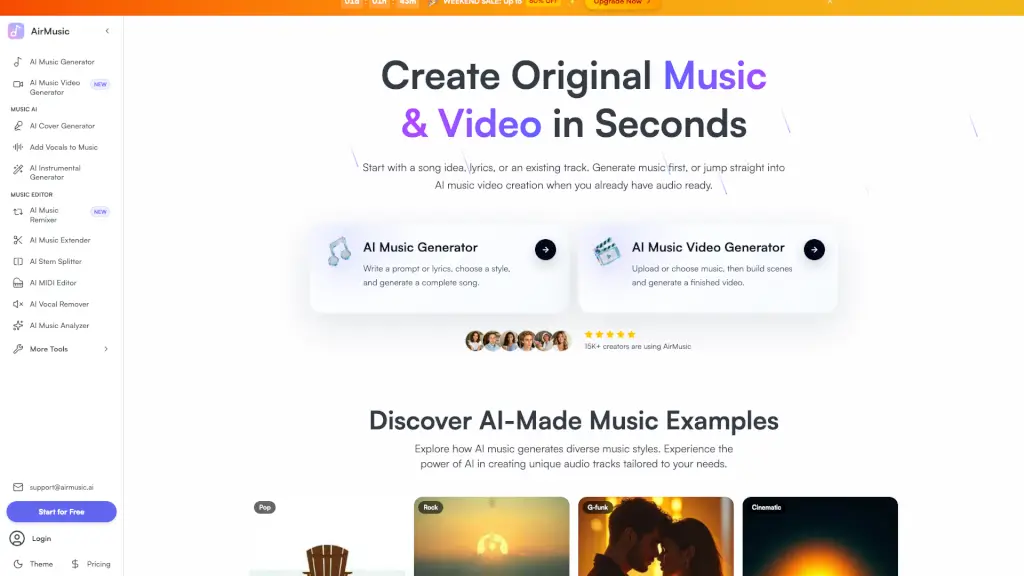
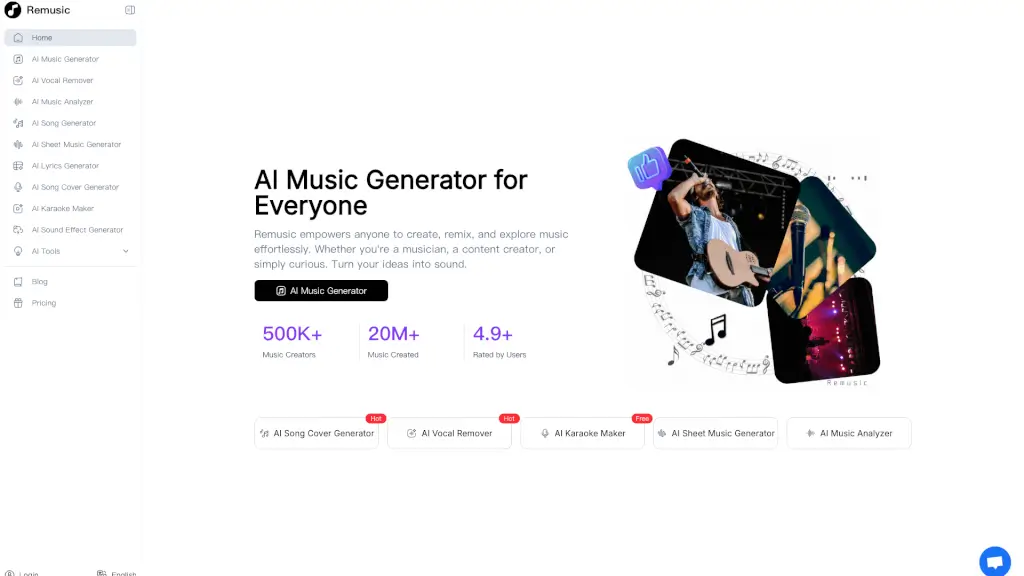
Welcome to Remusic, the ultimate AI-powered music creation platform that lets you generate, remix, and explore music with ease. Whether you're a seasoned musician, a content creator, or just someone who loves music, Remusic has something for everyone. With its advanced AI technology, you can create full-length songs, generate sheet music, remove vocals, and even make your own karaoke videos. It's like having a professional music studio at your fingertips, all for free!
What are the features of Remusic?
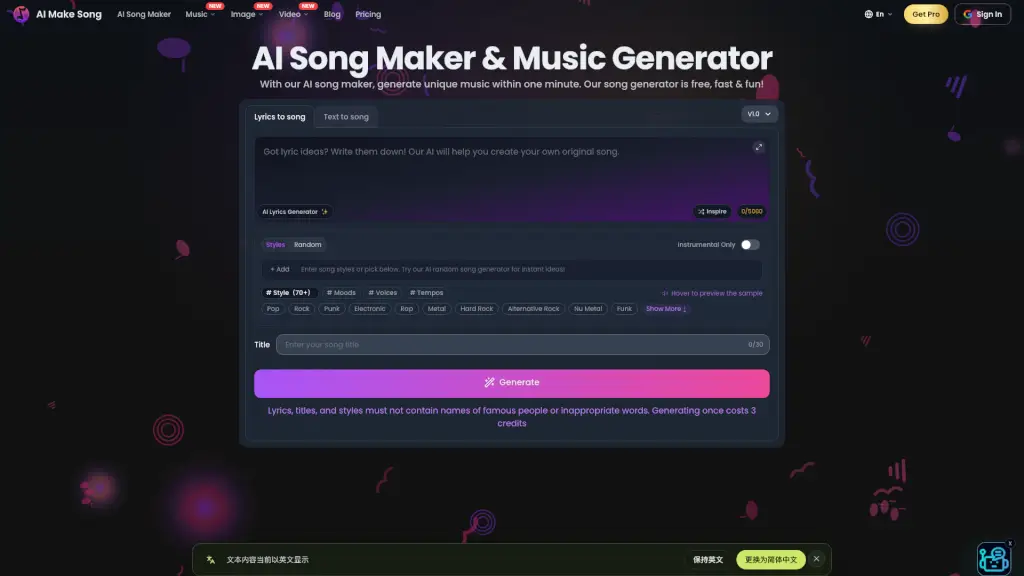
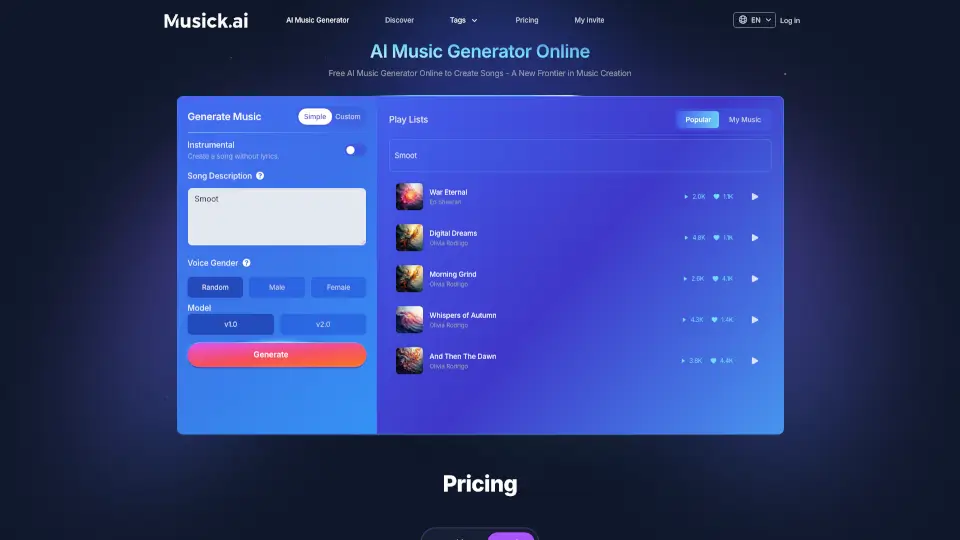
- AI Music Generator: Create high-quality, full-length songs in seconds, with options to choose from various genres and styles.
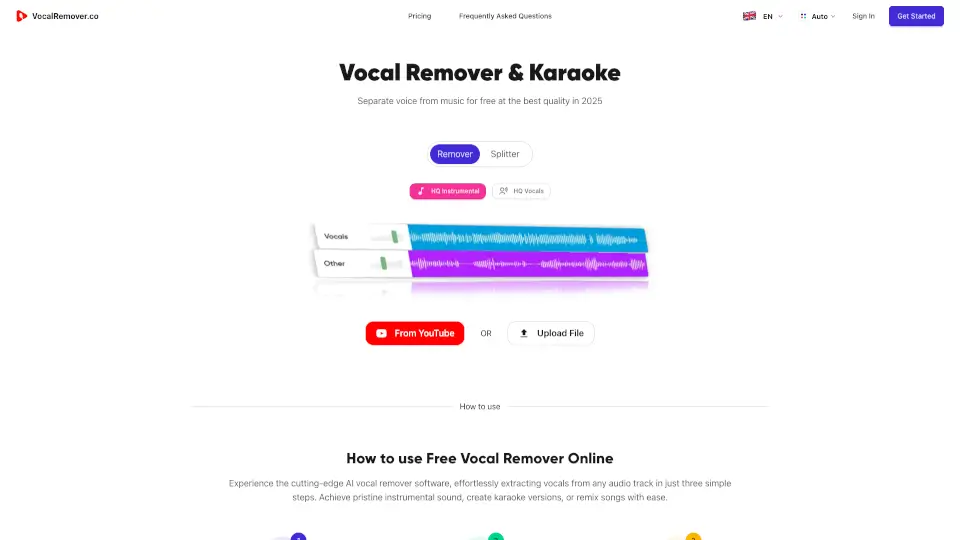
- AI Vocal Remover: Isolate vocals, bass, drums, guitar, and piano with ultra-fast and accurate sound separation.
- AI Karaoke Maker: Turn any song into a karaoke video instantly, complete with synced lyrics and backing tracks.
- AI Sheet Music Generator: Transform your compositions into precise sheet notation, making it easy to read and play.
- AI Song Cover Generator: Customize song covers with over 10,000 preset voices or clone your own voice for a unique touch.
- AI Music Analyzer: Analyze any track to discover tempo, melody, bass, and structure breakdowns, helping you understand and learn from your favorite songs.
What are the use cases of Remusic?
- Music Producers: Quickly generate high-quality tracks and remixes, saving time and effort in the production process.
- Songwriters: Get inspired with AI-generated lyrics and melodies, making the writing process more efficient and creative.
- Content Creators: Add professional-sounding background music to videos, podcasts, and other media without the need for expensive software.
- Aspiring Musicians: Learn and practice by generating sheet music and analyzing the structure of popular songs.
- Karaoke Enthusiasts: Create personalized karaoke videos and enjoy singing along to your favorite tunes.
- DJ/Producers: Isolate specific instruments and remix tracks effortlessly, adding new elements to your mixes.
How to use Remusic?
- Choose Your Tool: Select the tool you need from the Remusic homepage, such as the AI Music Generator or AI Vocal Remover.
- Upload or Input Data: Upload a song or input text prompts, depending on the tool you are using.
- Customize Settings: Adjust settings to fit your needs, such as genre, style, or specific instruments.
- Generate Output: Click the "Generate" button to create your music, sheet music, or karaoke video.
- Download and Share: Download your creation and share it with friends, collaborators, or on social media.