
What is Prisma?
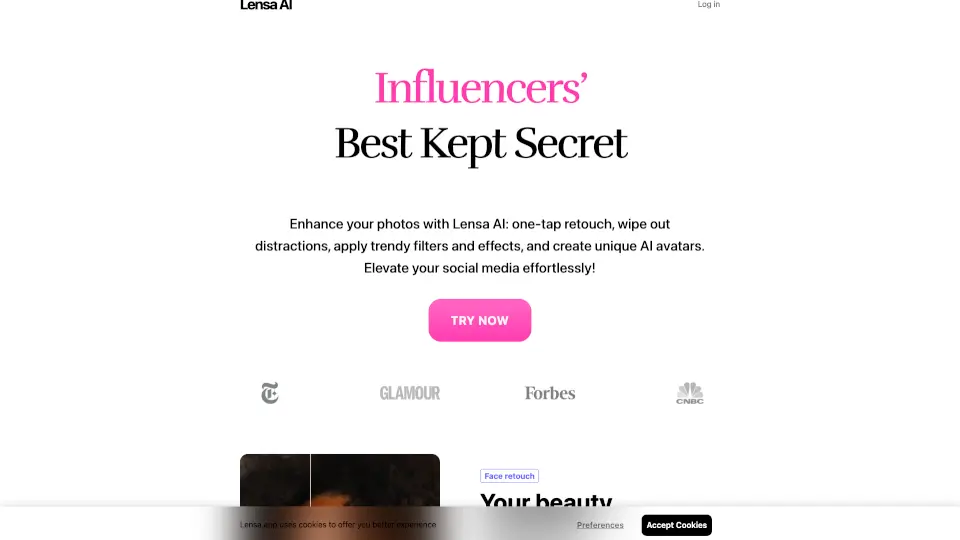
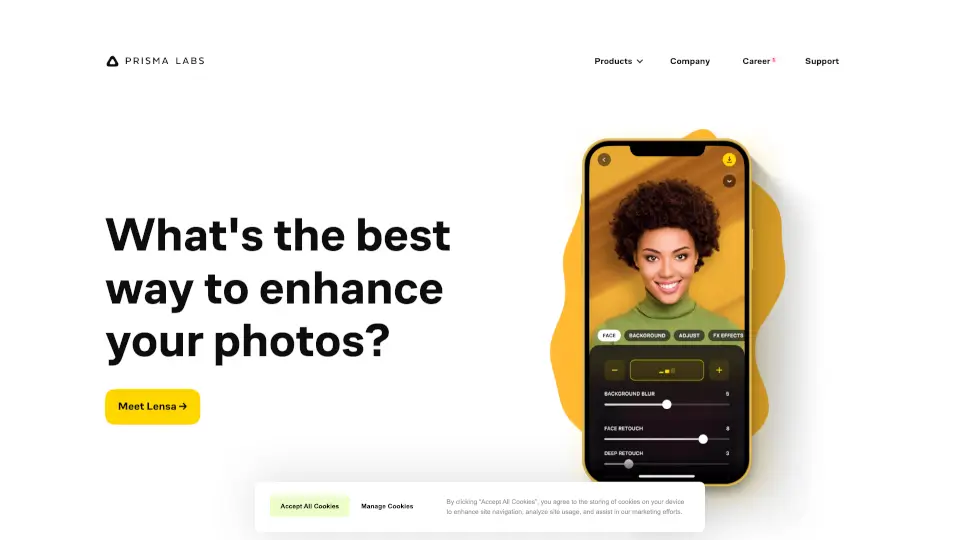
Prisma Labs creates AI-powered photo and video editing apps that make professional-quality results easy for everyone. Whether you want stunning portraits, artistic filters, or quick background changes, their apps—Lensa AI and Prisma AI—deliver amazing transformations in just seconds. No design skills or experience needed.
Trusted by over 200 million users worldwide, Prisma Labs has been recognized as App of the Year on both the App Store and Google Play since its founding in 2016. Their mission is simple: democratize AI creativity so anyone can turn everyday photos into eye-catching visuals with a single tap.
What are the features of Prisma?
- One-Tap Photo Enhancement: Instantly improve lighting, clarity, and color balance with smart AI adjustments.
- AI Portrait Magic: Remove blemishes, smooth skin, whiten teeth, and enhance facial features naturally—perfect for profile pics or social media.
- Background Replacement: Swap your photo’s background in seconds with realistic cutouts and creative new scenes.
- Artistic Style Transfer: Transform photos into paintings inspired by famous artists like Van Gogh or Picasso using Prisma’s signature filters.
- Hundreds of Creative Effects: Choose from a vast library of artistic, cinematic, and fantasy styles to match your mood or project.
- Fast & Intuitive Interface: Clean, user-friendly design ensures you get great results without confusing menus or learning curves.
What are the use cases of Prisma?
- Creating a polished LinkedIn or dating profile photo with flawless skin and a professional background
- Turning vacation snapshots into gallery-worthy artwork for printing or sharing online
- Designing eye-catching content for Instagram, TikTok, or YouTube thumbnails in seconds
- Preparing clean, distraction-free product photos for small business listings
- Making fun, stylized avatars or digital art for gaming, NFTs, or personal projects
- Editing group photos quickly by enhancing everyone’s appearance evenly and naturally
How to use Prisma?
- Download Lensa AI or Prisma AI from the App Store (iOS) or Google Play (Android)
- Open the app and select a photo from your camera roll or take a new one
- Choose your desired effect—like “Magic Retouch,” “Background Change,” or an artistic style
- Let the AI process your image (usually under 10 seconds)
- Preview, fine-tune if needed, then save or share directly to social media
- For best results, use well-lit, high-resolution photos with clear subject focus