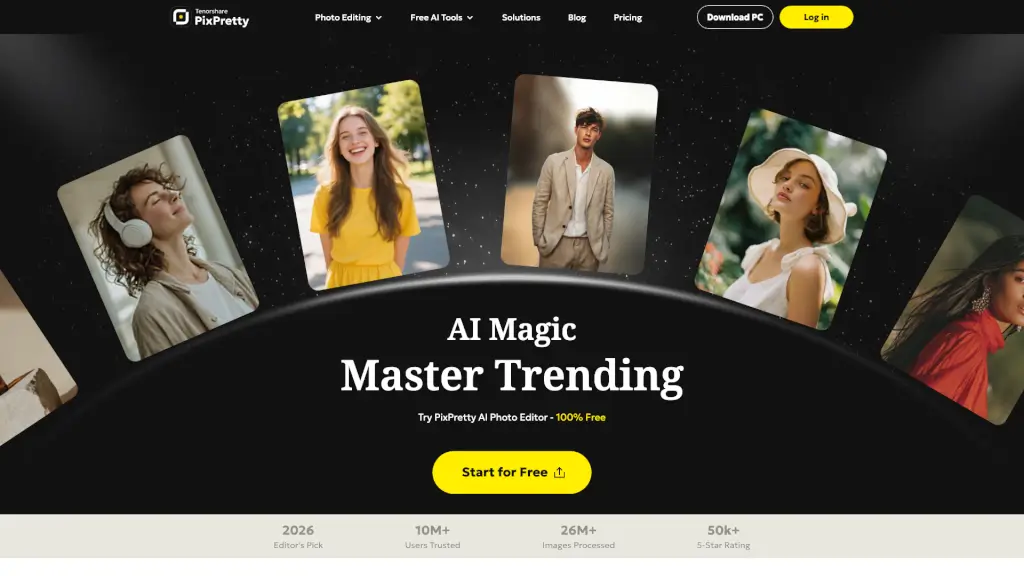
What is PixPretty?
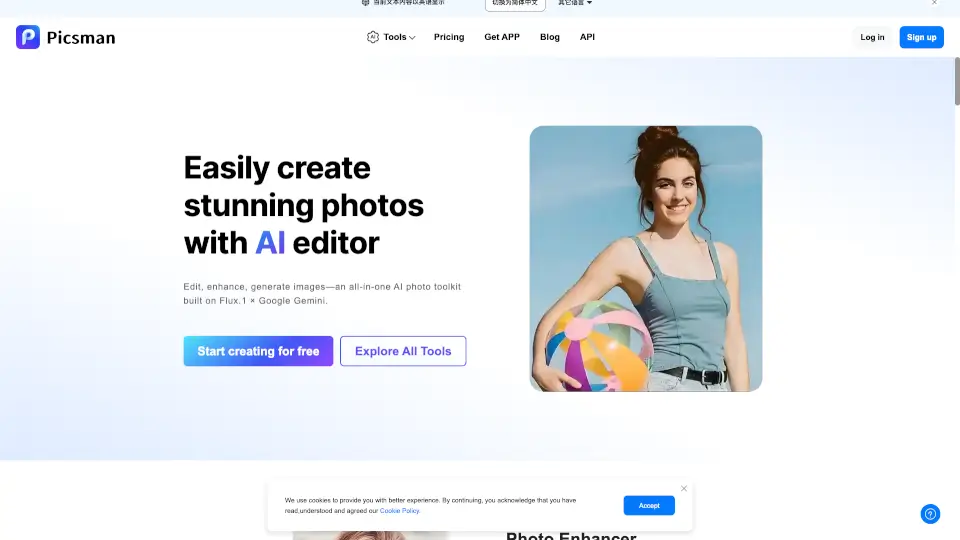
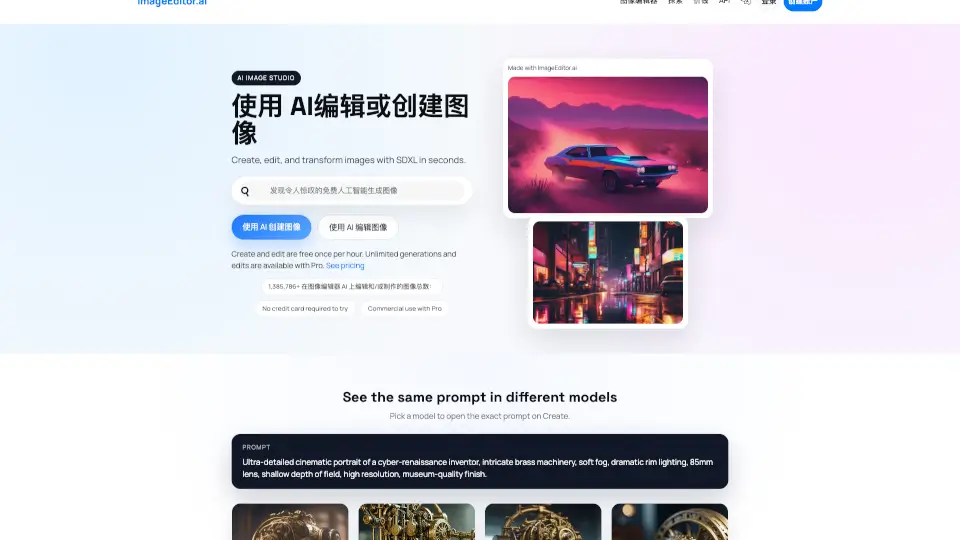
PixPretty Online is your go-to AI-powered photo editing tool, designed to make your life easier when it comes to removing backgrounds, resizing images, and editing photos. Whether you're a student, a social media enthusiast, or an eCommerce business owner, PixPretty offers a range of free and efficient tools to help you enhance your images. With advanced AI technology, you can quickly remove even the most complex backgrounds, change outfits, and even generate 3D action figures, all in just a few clicks. Say goodbye to tedious manual editing and hello to fast, professional results.
What are the features of PixPretty?
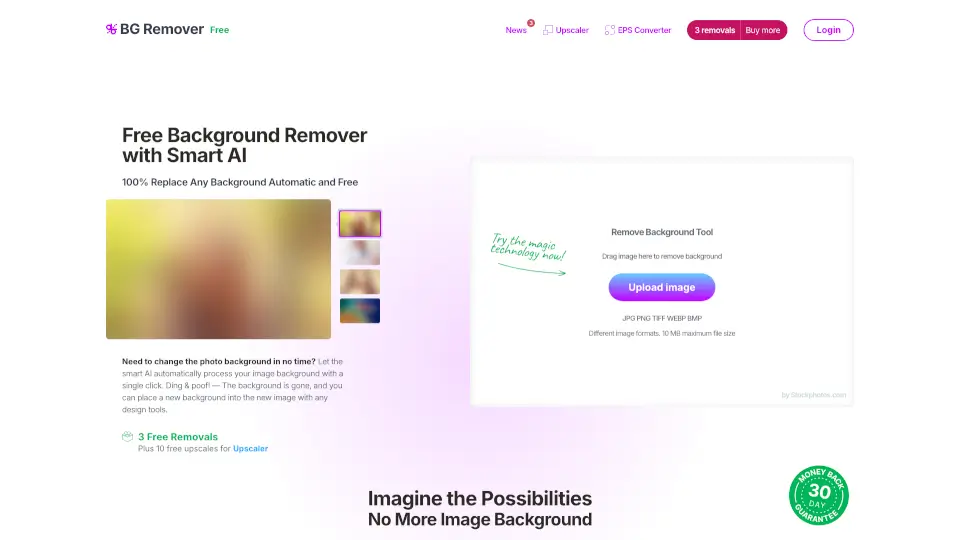
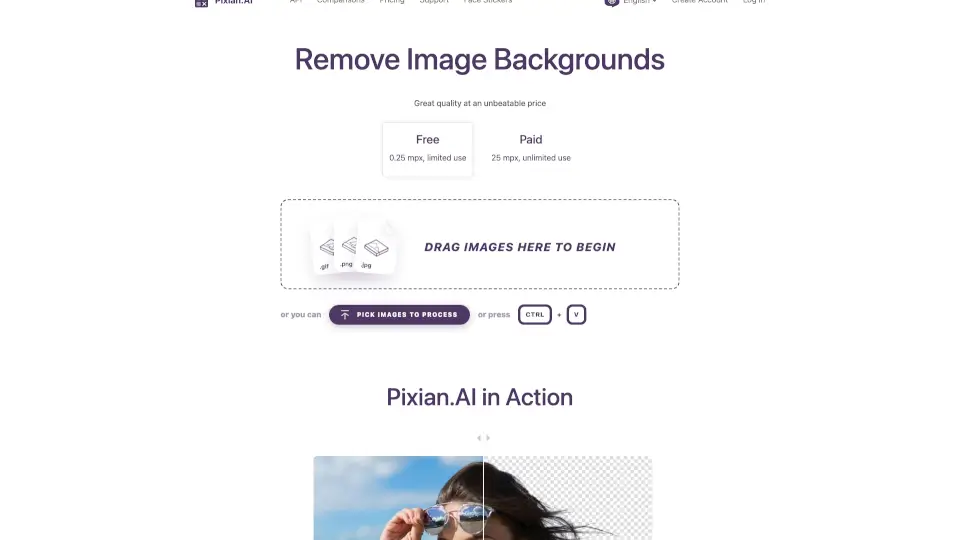
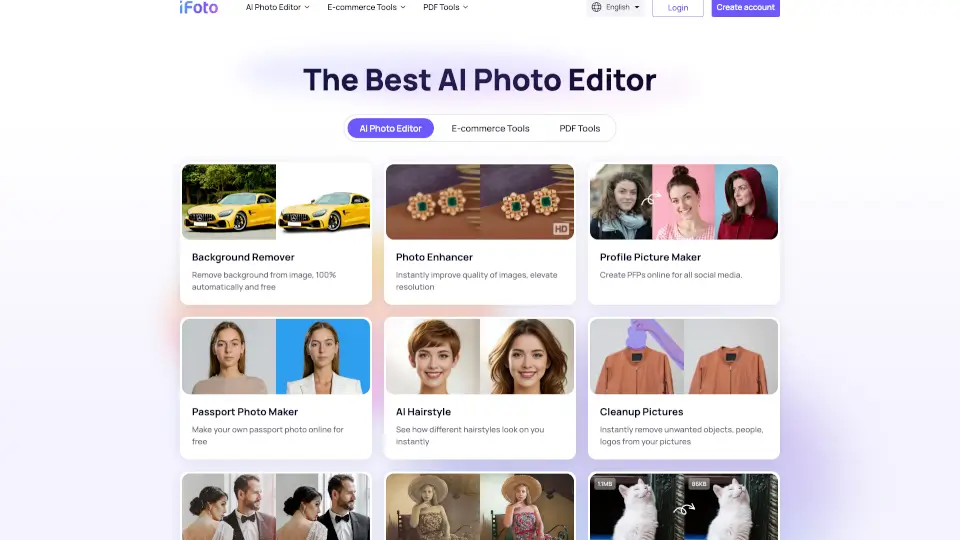
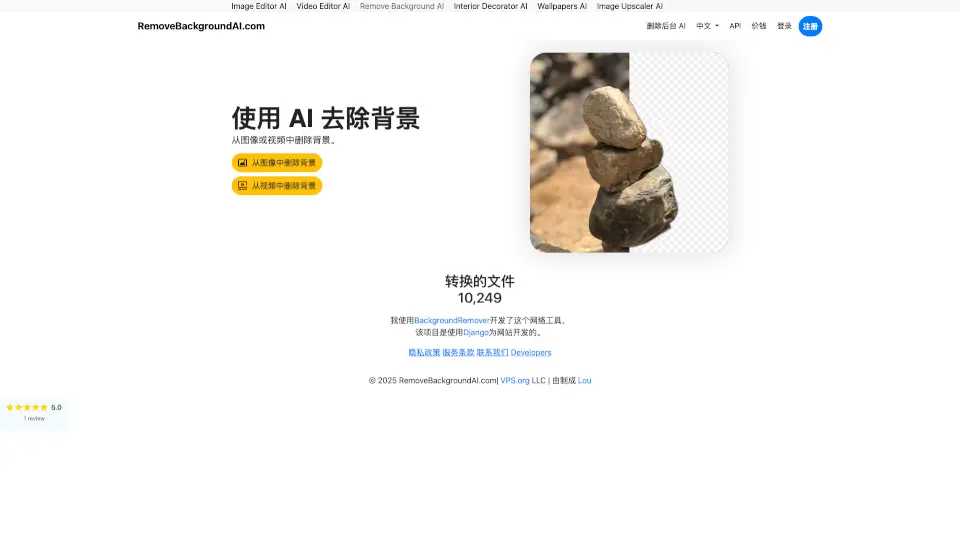
- AI Background Remover: Effortlessly remove backgrounds from any image in just 3 seconds.
- Batch Photo Editing: Edit up to 50 images at once, saving you time and effort.
- AI Clothes Changer: Try on new outfits instantly with AI, transforming your look in seconds.
- AI Image Describer: Convert images into clear, natural, and accurate text descriptions.
- AI Object Remover: Remove unwanted people, objects, watermarks, or text, making every photo flawless.
- Image Resizer: Resize all your photos online with one click, optimized for various platforms like eBay, Amazon, and Shopify.
- PNG Maker: Create transparent PNG images in seconds, perfect for web designs and more.
What are the use cases of PixPretty?
- eCommerce Product Photos: Enhance your product listings with clean, white backgrounds and perfectly resized images.
- Social Media Posts: Create stunning, eye-catching posts by removing backgrounds and adding creative elements.
- Personal Projects: Experiment with different looks and styles using the AI Clothes Changer and other creative tools.
- Marketing Materials: Translate text in images and create professional-looking graphics for your marketing campaigns.
- Photo Albums: Batch edit and resize family photos for a consistent and polished look.
- Online Portfolios: Showcase your best work with high-quality, professionally edited images.
How to use PixPretty?
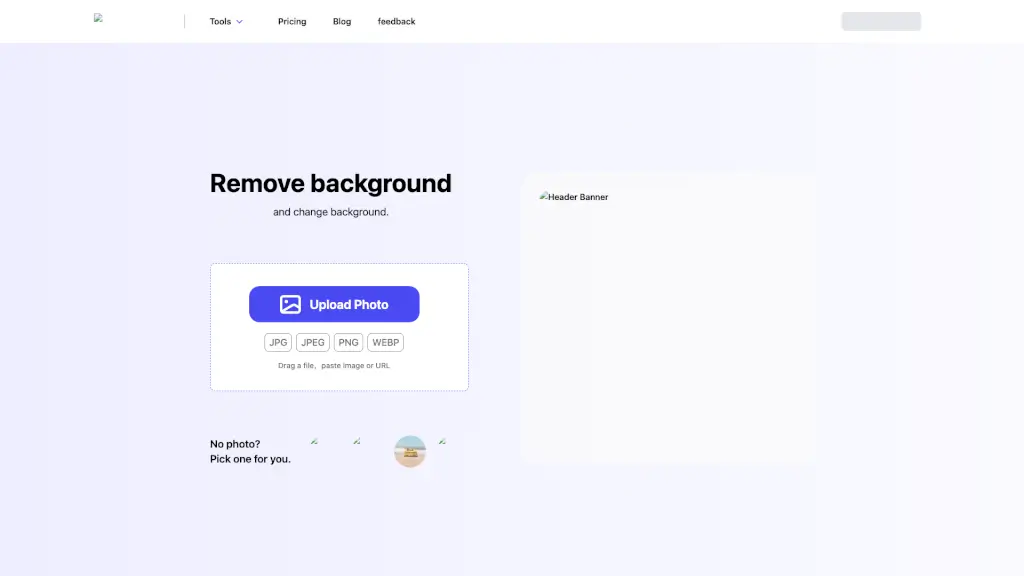
- Upload Your Image: Start by uploading the image you want to edit.
- Select the Tool: Choose the tool you need, such as the AI Background Remover or AI Clothes Changer.
- Apply the Changes: Follow the on-screen instructions to apply the desired changes.
- Preview and Adjust: Preview the edited image and make any necessary adjustments.
- Download or Share: Once satisfied, download the edited image or share it directly from the platform.