
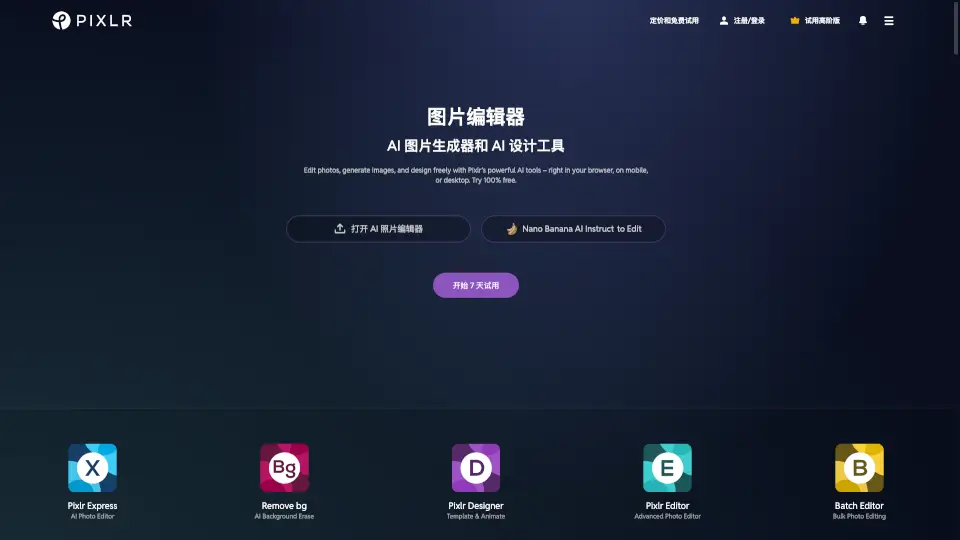
What is Pixlr?
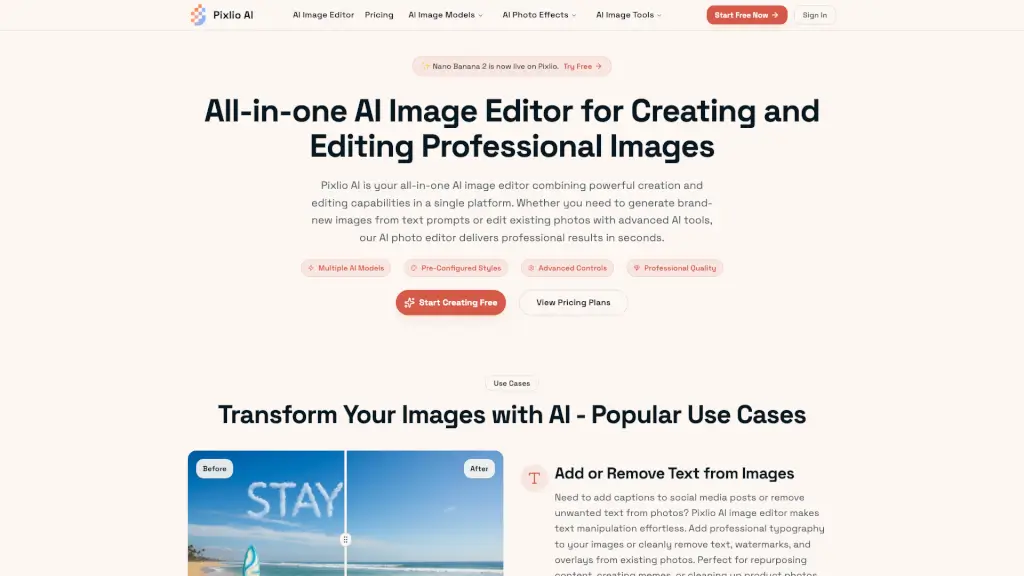
Pixlr is a free online AI photo editor and image generator that brings professional-grade creative tools right to your browser—no downloads, no subscriptions required. Whether you're a social media creator, small business owner, student, or hobbyist, Pixlr combines powerful AI capabilities like background removal, generative fill, face swap, and text-to-image generation in one easy-to-use platform. It’s designed to replace clunky desktop software like Photoshop with a faster, simpler, and totally free alternative.
With over 500 million users worldwide and support for photo, video, and audio AI tools, Pixlr empowers anyone to edit, enhance, and generate stunning visuals in seconds. Powered by top AI models like Flux, Google Veo, Recraft, and Stable Diffusion, it delivers high-quality results without the learning curve or price tag.
What are the features of Pixlr?
- AI Image GeneratorCreate realistic or artistic images from simple text prompts using models like Flux and Recraft V4.
- AI Photo EditorEdit photos with smart tools like Generative Fill, Object Remover, Background Remover, and Skin Enhancer—all powered by AI.
- AI Video GeneratorTurn text or images into short videos using advanced models like Kling AI and Google Veo.
- Face SwapInstantly swap faces in photos or videos with frame-consistent AI precision.
- Generative Expand & TransformExtend image borders or move objects seamlessly while AI fills in the gaps naturally.
- Photo Collage MakerCombine multiple images into stylish layouts with ready-made templates.
- Super Scale & Noise RemoverUpscale images up to 25 megapixels and clean up grainy photos with one click.
What are the use cases of Pixlr?
- A small business owner creates product mockups from text prompts and removes backgrounds for e-commerce listings.
- A social media manager generates eye-catching posts using AI image generation and refines them with built-in editing tools.
- A student designs a school project collage or enhances presentation visuals without needing design experience.
- A content creator animates still photos into short videos for TikTok or Instagram Reels using AI video tools.
- A photographer quickly retouches portraits with skin enhancement and noise reduction before sharing online.
- An educator uses Pixlr’s free tools for classroom materials, benefiting from its education-friendly access.
How to use Pixlr?
- Go to pixlr.com and click “Start creating now”—no account needed to begin.
- Upload an image, or use the AI Image Generator by typing a text prompt (e.g., “a cat wearing sunglasses on a beach”).
- Use one-click tools like Background Remover or Object Remover to clean up your photo instantly.
- Try Generative Fill: select an area, describe what you want (e.g., “add palm trees”), and let AI create it.
- Combine multiple photos using the Photo Collage Maker with drag-and-drop ease.
- Download your result as PNG, JPG, or other formats—no watermark on free exports.