
What is Photomyne?
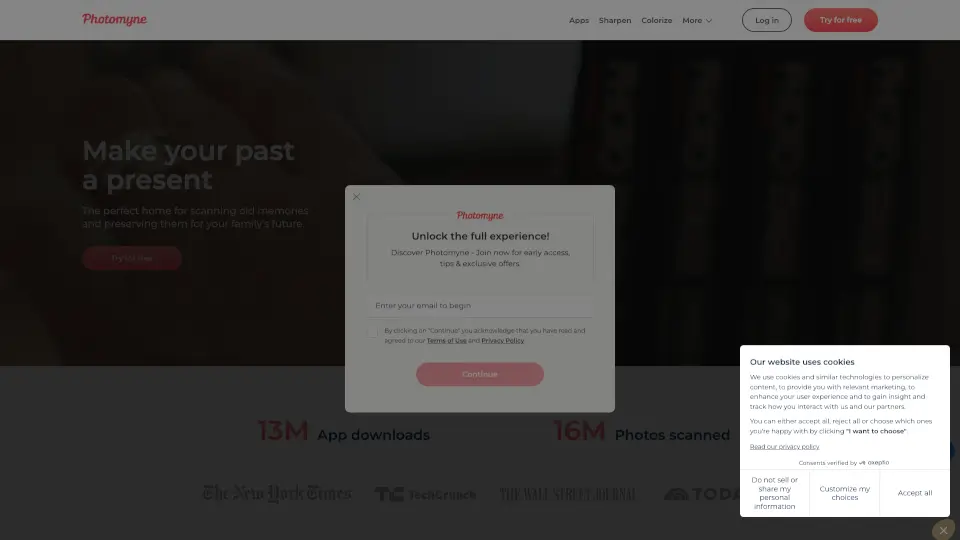
Photomyne is your digital time machine for preserving family memories trapped in old photos, slides, and negatives. Instead of letting precious moments fade in dusty boxes, Photomyne helps you scan, restore, and share them with just your smartphone. Whether it’s a black-and-white wedding shot from 1942 or a blurry childhood snapshot, this app brings your past back to life—sharper, clearer, and even in color.
With over 359 million photos scanned and 48 million app downloads, Photomyne has become a go-to tool for families wanting to safeguard their visual history. It’s not just about digitizing—it’s about curating stories, adding voice notes, tagging people and places, and creating albums you can pass down for generations.
What are the features of Photomyne?
- Smart Photo Scanning: Auto-detects, crops, rotates, and corrects perspective—no manual alignment needed.
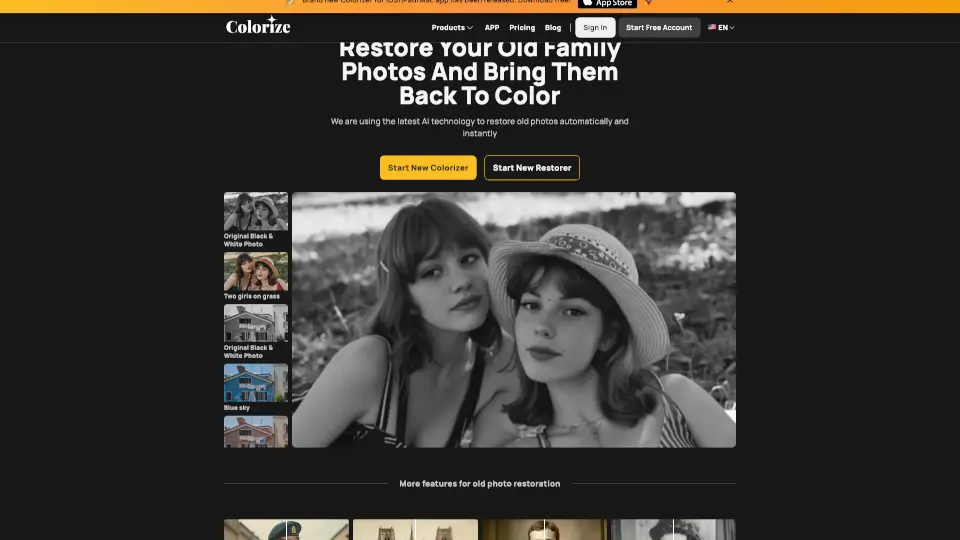
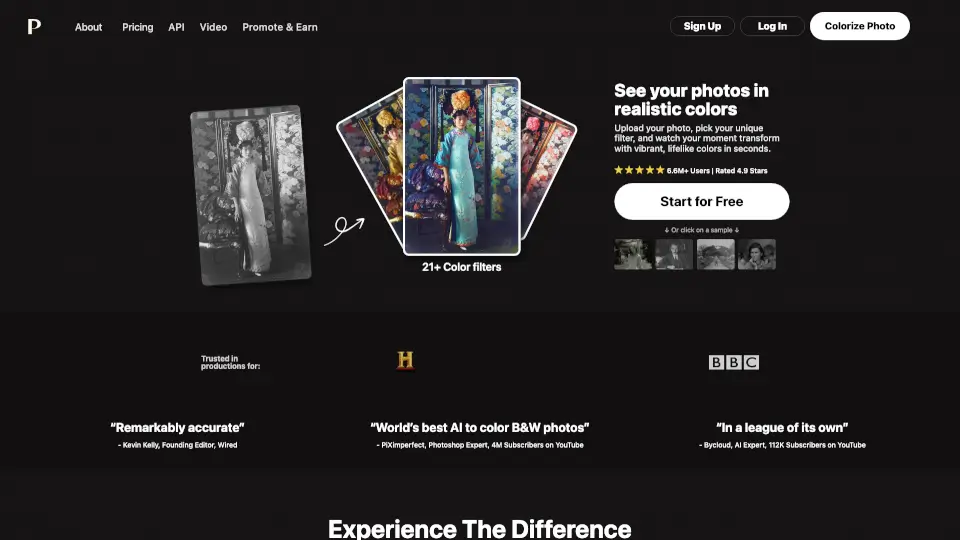
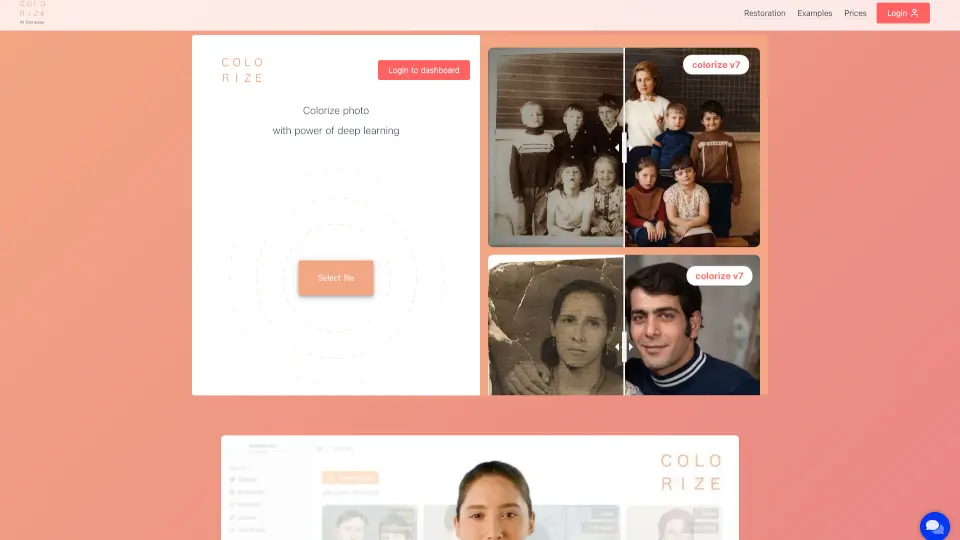
- AI-Powered Colorization: Turns black-and-white photos into vibrant color images that match your memories.
- Photo Sharpening: Restores blurry faces and details so smiles and expressions stay clear for decades.
- Multi-Media Support: Dedicated apps for photos (Photo Scan), slides (SlideScan), negatives (FilmBox), and kids’ artwork (FridgeArt).
- Rich Curation Tools: Add text, audio notes, names, dates, locations, and even scan the back of photos for handwritten messages.
- Cross-Device Access: View, edit, and organize your library on your phone or computer via web link.
- Easy Sharing: Create collages or share entire albums with family through a simple link.
What are the use cases of Photomyne?
- Digitizing decades of family photo albums before they deteriorate or get lost.
- Restoring and colorizing old black-and-white portraits of ancestors who passed away.
- Quickly scanning hundreds of photos during a family reunion or estate cleanup.
- Preserving children’s drawings and school art with the FridgeArt app.
- Creating a shared digital archive for distant relatives to enjoy together.
- Preparing meaningful gifts like Father’s Day cards using restored vintage photos.
- Building a visual family tree with named people, dates, and locations attached to each image.
How to use Photomyne?
- Download the Photo Scan by Photomyne app from the App Store or Google Play.
- Place your photo on a flat, well-lit surface (natural light works best) and let the app auto-capture it.
- Use built-in tools to sharpen, colorize, or apply filters right after scanning.
- Organize scans into albums, add captions or voice memos, and tag family members.
- Share your collection via a private web link or download it to your computer for backup.
- Explore other apps in the Photomyne suite—like SlideScan or FilmBox—for different media types.