
Obsidian logo

Obsidian

5.0
(0 Reviews)
United States20.25%

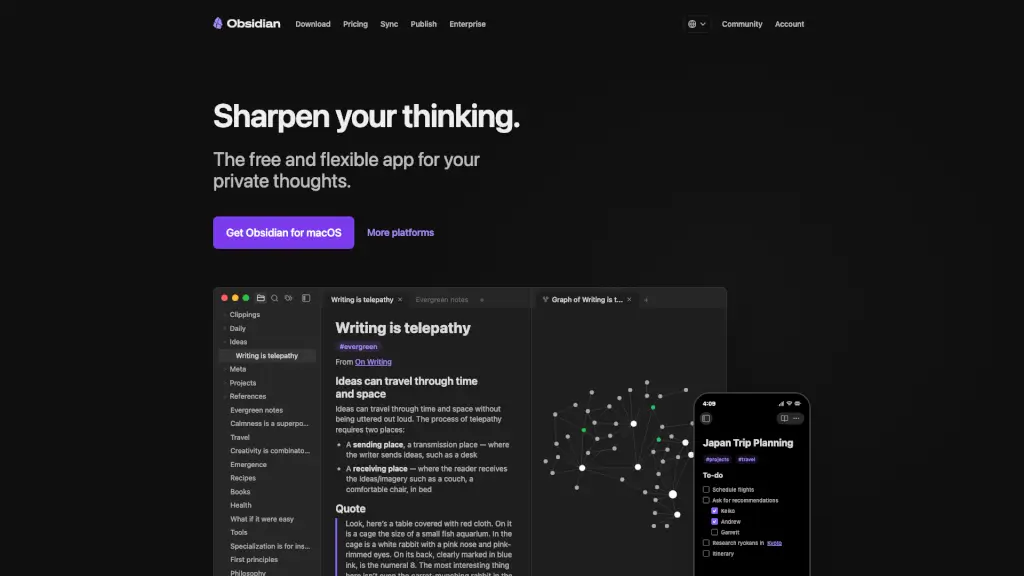
Obsidian is a free, local-first knowledge app that helps you sharpen your thinking by connecting notes into a searchable, visual web of ideas you truly own.

Verified by SeekTool
Social Media:
Obsidian

Obsidian Product Information

What is Obsidian?

Obsidian is a free, privacy-first note-taking app that turns your thoughts into a connected web of ideas. Unlike cloud-based tools that lock you in or scan your data, Obsidian stores everything as plain text Markdown files on your own device, giving you full control and offline access anytime.

Built for thinkers, writers, students, and creators, Obsidian helps you sharpen your thinking by linking notes, visualizing connections, and building a personal knowledge base that grows with you. With thousands of community plugins and themes, it adapts to your brain—not the other way around.

What are the features of Obsidian?

  • Local-First Privacy: Your notes stay on your device—never uploaded unless you choose to sync. Not even Obsidian can read them.
  • Bi-Directional Linking: Connect ideas across notes to build a personal Wikipedia that reveals hidden relationships.
  • Interactive Graph View: See your knowledge as a living map, uncovering patterns in how you think.
  • Canvas: A freeform infinite workspace for brainstorming, diagramming, and laying out complex projects visually.
  • Extensible via Plugins: Customize your workflow with powerful community tools like Tasks, Dataview, Kanban, and Calendar.
  • Open File Format: Notes are saved as standard Markdown (.md) files—yours forever, no vendor lock-in.
  • Obsidian Sync: Optional end-to-end encrypted syncing across devices with selective file control and version history.
  • Publish to Web: Instantly turn notes into a public digital garden, wiki, or documentation site with SEO-friendly pages.

What are the use cases of Obsidian?

  • Building a personal knowledge management system (Zettelkasten or evergreen notes)
  • Managing creative writing projects with character, plot, and world-building notes
  • Organizing academic research with linked sources, quotes, and analysis
  • Running daily journaling or habit tracking with backlinked reflections
  • Planning complex trips or events (like a Japan itinerary) with checklists and references
  • Creating team documentation via shared vaults while keeping personal notes private
  • Developing a digital garden of evolving ideas published online

How to use Obsidian?

  • Download Obsidian for Windows, Mac, Linux, iOS, or Android and create a new "vault" (your notebook folder).
  • Write notes in Markdown—use [[double brackets]] to link to other notes instantly.
  • Click the Graph icon to explore visual connections between your ideas.
  • Install useful plugins like Tasks or Dataview from Settings > Community Plugins to supercharge organization.
  • Enable Obsidian Sync (paid) if you want encrypted cross-device access with version history.
  • Use Canvas for mind maps, project boards, or visual note layouts beyond linear writing.
Do you like this tool?

Upvote to help others discover it!

Obsidian Alternatives

Craft

Craft

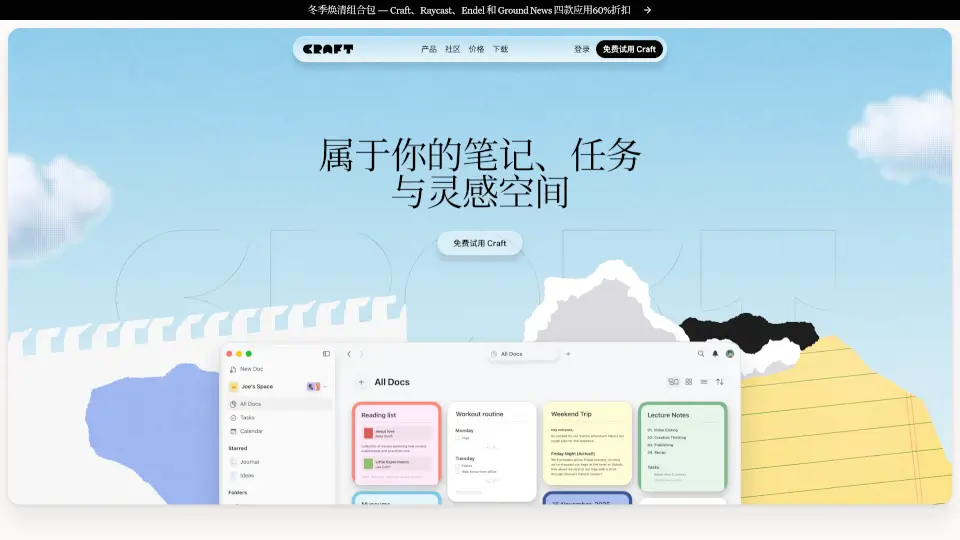
Craft is a beautifully designed, free productivity app that unifies notes, tasks, documents, and calendars into one flexible workspace that works across all your devices.

US
26.53%
672.9K
5.0
Reflect AI

Reflect AI

Reflect Notes is a minimalist, AI-powered note-taking app that mirrors your thinking through networked notes, end-to-end encryption, and seamless cross-device sync.

US
28.11%
71.3K
5.0
Noteey

Noteey

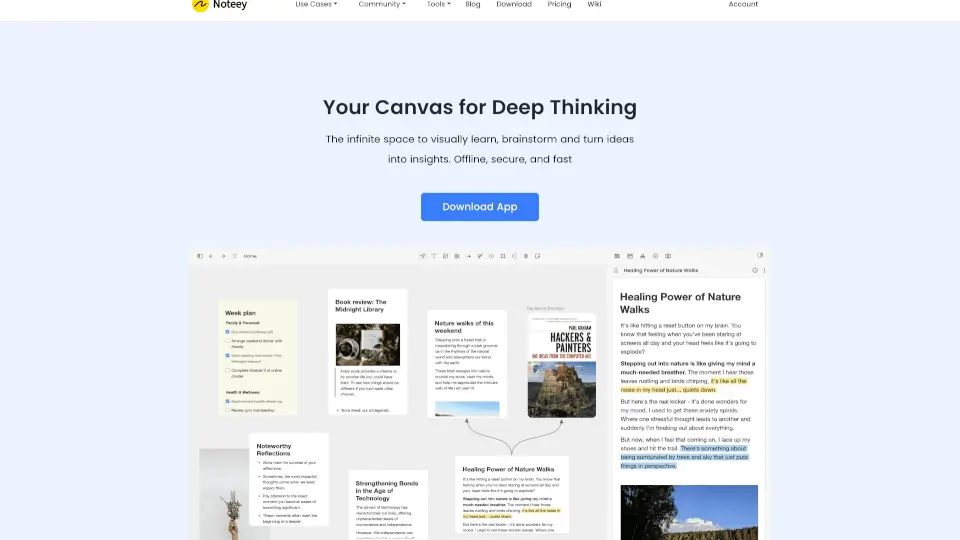
Noteey is a powerful visual note-taking app with an infinite canvas, AI tools, and offline access, perfect for organizing ideas, researching, and creating content. ---

KR
19.59%
177.8K
5.0
Effie

Effie

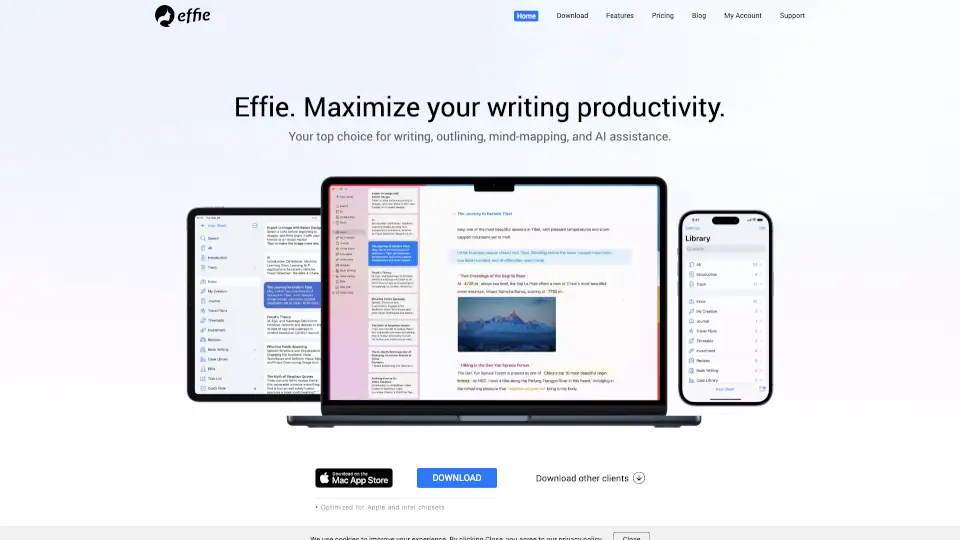
Effie is a minimalist workspace for notes, lists, and mind maps, offering AI assistance, device independence, and easy output options to maximize your writing productivity.

US
42.23%
11.1K
4.0
Photes.io

Photes.io

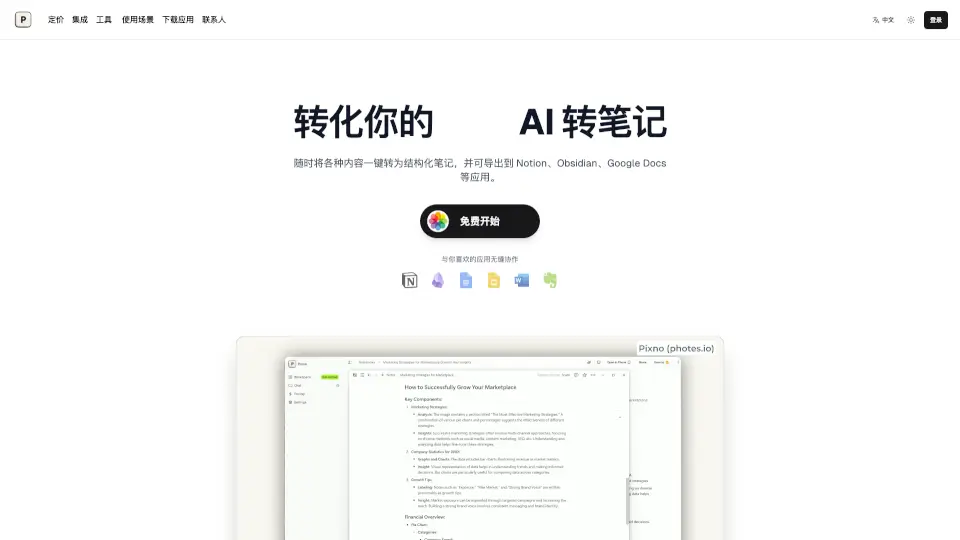
Pixno is an AI note assistant that converts photos, PDFs, audio, and video into structured text notes with seamless export to Notion, Obsidian, and other apps.

US
11.68%
58.1K
5.0
Capacities

Capacities

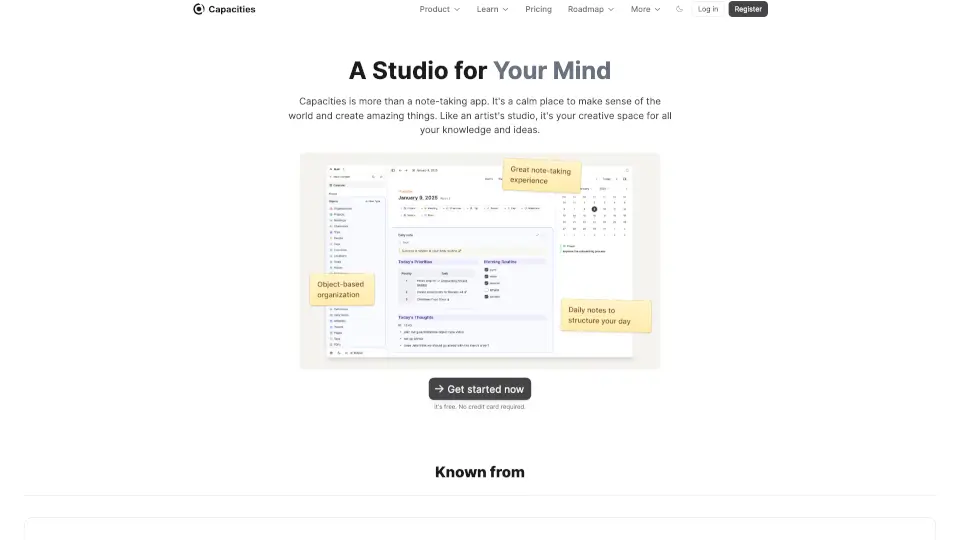
Capacities is a powerful note-taking tool that helps you organize ideas, connect thoughts, and create a network of knowledge—available on all platforms with AI and offline support.

US
31.24%
460.2K
5.0
mymind

mymind

mymind is an AI smart bookmarking and private note-taking app that helps you remember everything without organizing, using visual search and zero clutter.

DE
14.48%
280.2K
5.0
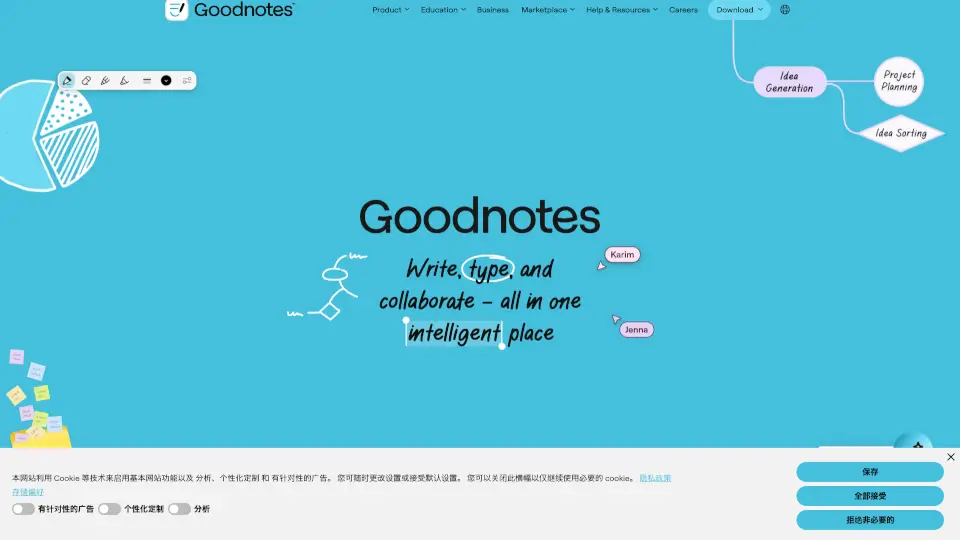
Goodnotes

Goodnotes

Goodnotes is an AI-powered note-taking app that lets professionals, students, and teams capture, organize, and collaborate on handwritten notes, typed documents, whiteboards, and PDFs across devices.

US
23.63%
1.7M
5.0

Obsidian Related Other Categories

Obsidian Traffic Analysis

💡 Insights

📈
High Traffic
Over 1M monthly visits. Widely recognized and stable choice.
➡️
Stable
Traffic remains stable, indicating a mature product.
👍
Good Experience
Bounce rate of 42%. Users are willing to explore features.
  • Monthly Visits

    7.19M

  • Bounce Rate

    42.43%

  • Pages Per Visit

    3.55

  • Visit Duration

    00:02:50

  • Global Rank

    8042

  • Country Rank

    7793

Visits Over Time

Traffic Sources

Search Organic57.21%
Direct28.88%
Referrals7.35%
Social Organic3.85%
Gen Ai1.77%
Mail0.86%
Display Ads0.06%
Social Paid0.02%
Search Paid0.00%
Affiliate0.00%

Top Keywords

1
obsidian
CPC$0.87
2.18MTraffic
2
obsidian download
CPC$1.84
124.43KTraffic
3
옵시디언
CPC$0.79
57.13KTraffic
4
obsidian notes
CPC$4.54
53.69KTraffic
5
obsidian web clipper
CPC$3.15
50.17KTraffic

Top Regions

RegionPercentage
United States
United States
20.25%
China
China
13.95%
Russia
Russia
7.89%
Germany
Germany
5.19%
United Kingdom
United Kingdom
3.21%
Low
High

Powered by SimilarWeb

Obsidian FAQ

Is Obsidian really free?

Yes! The core app is 100% free for personal use on all platforms. Paid features like Sync, Publish, and mobile apps support development but aren’t required.

Where are my notes stored?

By default, all notes stay on your device as plain text Markdown files. You own them completely—no internet needed to access or edit.

Can I use Obsidian offline?

Absolutely. Since everything lives locally, Obsidian works perfectly offline—ideal for flights, remote areas, or focused work sessions.

How do I link notes together?

Just type [[Note Title]] in any note. Obsidian auto-suggests existing notes or creates a new one. These become clickable, bi-directional links.

What’s the Graph view for?

It visualizes connections between your notes as a dynamic network, helping you spot clusters, gaps, or unexpected relationships in your thinking.

Can I collaborate with others?

Yes—via shared vaults using Obsidian Sync (with role-based permissions) or by publishing notes publicly with Obsidian Publish.

Are my notes safe with Obsidian Sync?

Yes. Sync uses end-to-end encryption, so only you can read your notes. Obsidian’s servers never see your unencrypted data.

Can I publish my notes online?

With Obsidian Publish, you can turn any note or vault into a fast, mobile-friendly website—great for blogs, wikis, or portfolios.

Obsidian Reviews

0

0

0 Reviews
Sign Into leave a review

Recent Reviews

No reviews yet

Obsidian Embed

Use website badges to drive community support for SeekTool.ai. They are easy to embed in your homepage or footer.

Light
Dark
Obsidian - Featured on SeekTool.aiObsidian - Featured on SeekTool.ai
How to install?

Category Rankings

Ranked by monthly traffic