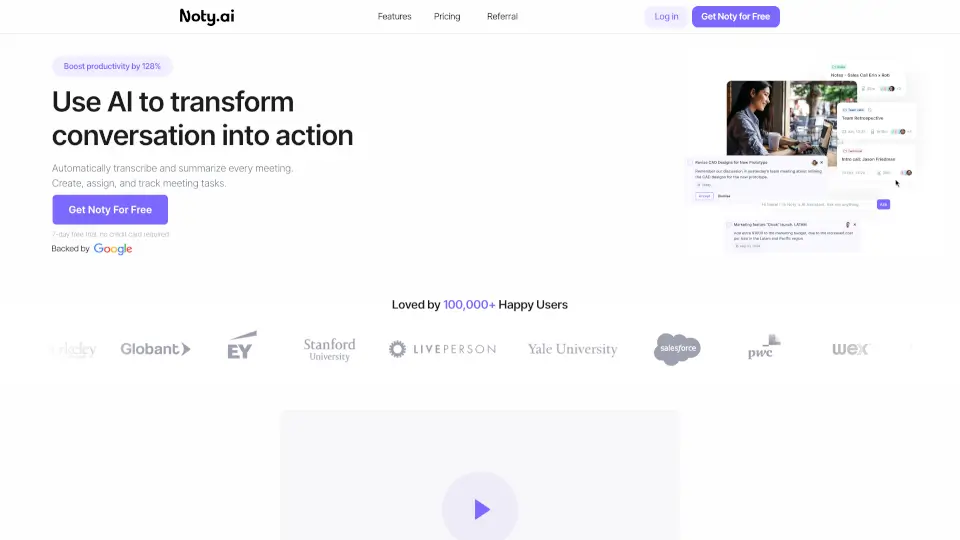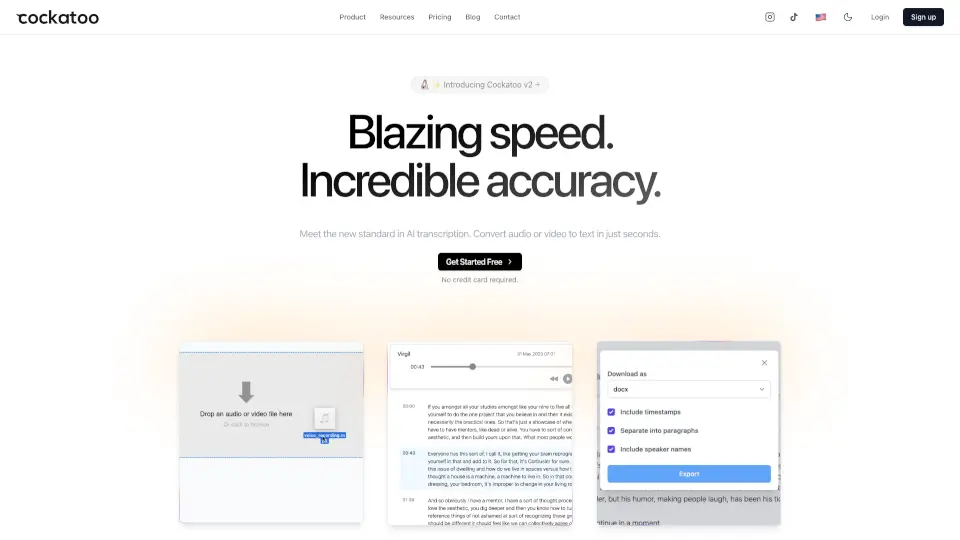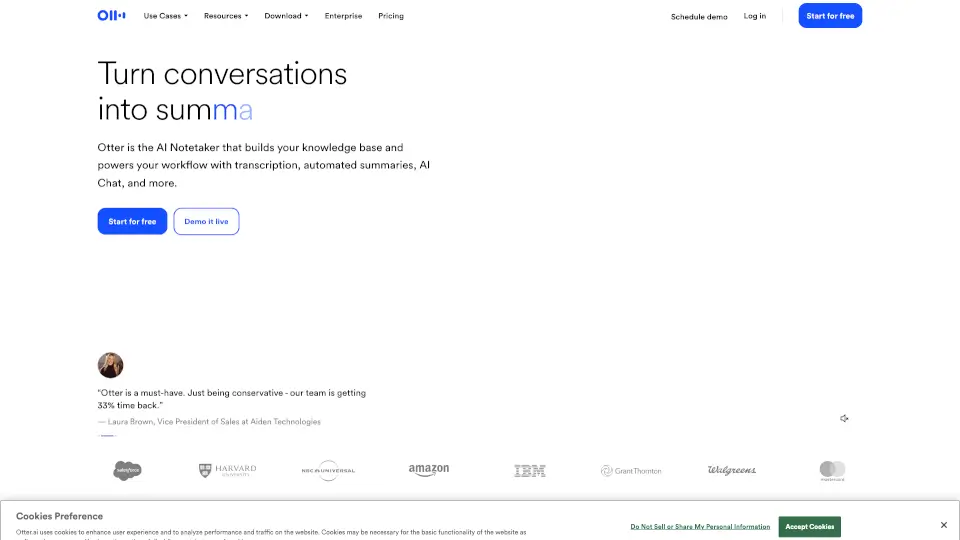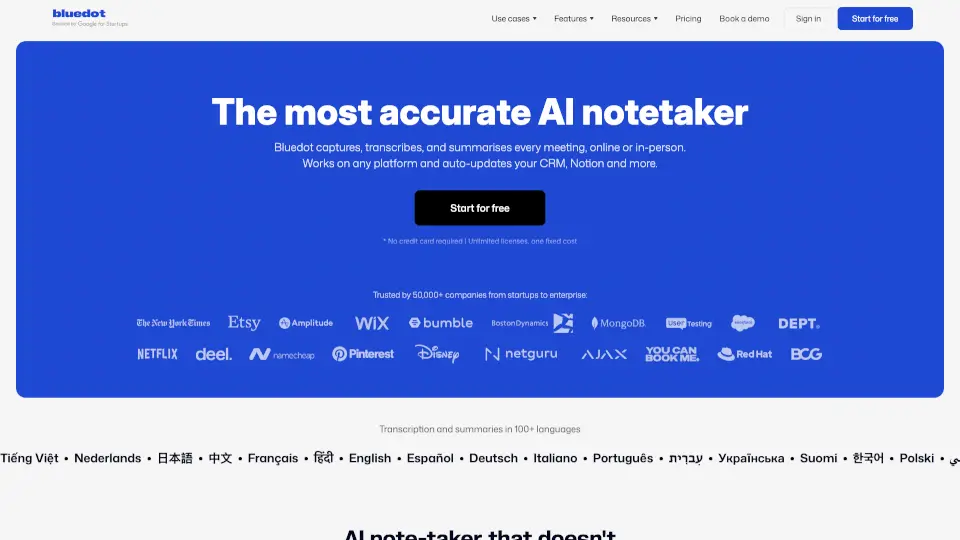

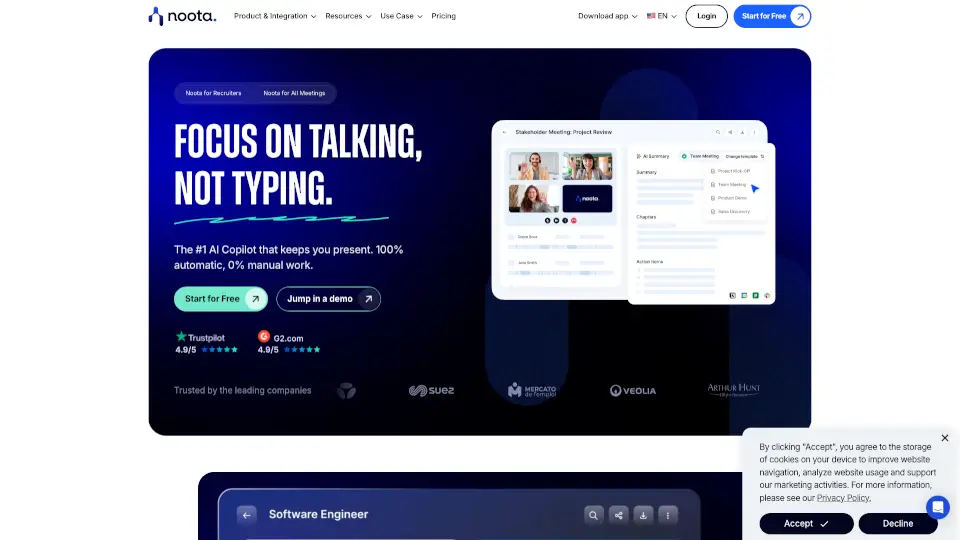
What is Noota?
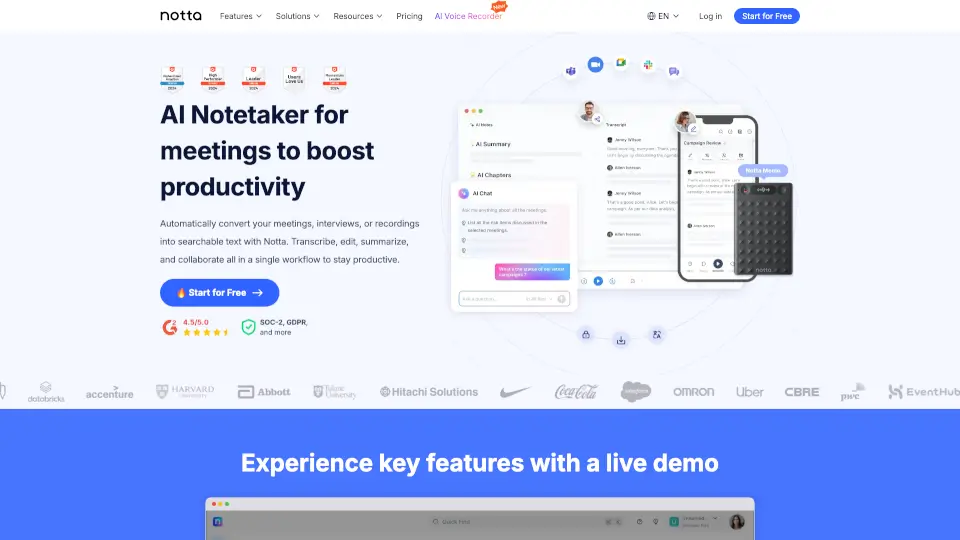
Noota is an AI productivity tool that turns your conversations—meetings, calls, and emails—into real-time insights and automated actions. It captures every discussion without intrusive bots, gives you instant summaries, and even handles your inbox. The goal? Cut down manual admin work so you and your team can focus on what actually matters. Trusted by over 200,000 professionals, Noota saves an average of 6.4 hours per person each week and reduces admin tasks by 80%.
What are the features of Noota?
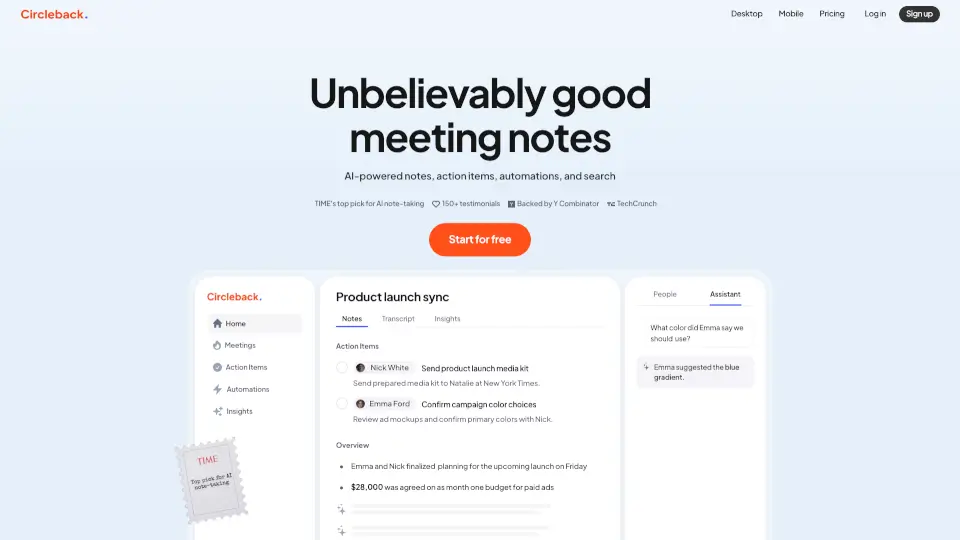
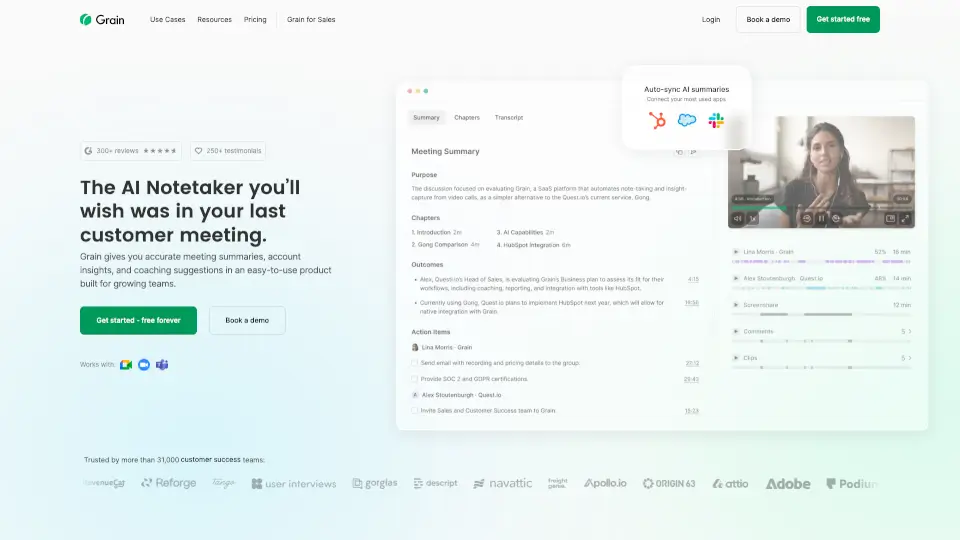
- AI NotetakerAutomatically record, transcribe, and summarize meetings. Works with Zoom, Google Meet, Teams, and phone calls. No bots needed.
- Email AutomationAn AI mail agent that drafts replies, summarizes threads, and generates follow-ups directly from your conversations.
- Phone CallsBuilt-in business telephony with automatic recording, transcription, and actionable insights from every call.
- Knowledge BaseUnify all meetings, calls, emails, and documents into one searchable AI-powered knowledge base. Ask questions and get cross-data answers.
- IntegrationsConnect seamlessly with your ATS, CRM, calendar, email, and video conferencing tools (Meet, Teams, Zoom).
- Custom TemplatesPersonalize summaries with your own company templates for consistent, branded reports.
What are the use cases of Noota?
- Recruitment TeamsAutomate interview notes, scorecards, and candidate follow-ups. Integrate directly with your ATS to never lose a candidate.
- Sales TeamsCapture every client call, get instant summaries, and generate follow-up emails. Turn objections into content ideas for future pitches.
- Consulting & Customer SuccessKeep a virtual assistant in meetings you can’t attend. Get structured insights and action items every time.
- Managers & Team LeadsUse the AI assistant to stay on top of team syncs, board meetings, and all-hands without manual note-taking.
- Content Creators & MarketersRepurpose client calls and meetings into blog posts, social content, and email sequences—no more staring at a blank page.
How to use Noota?
- Connect your toolsLink your calendar, email, and video conferencing platforms. Noota will automatically handle every meeting and email from there.
- Record with or without botsChoose to record meetings with a visible bot or completely invisibly. Get accurate transcripts and reports.
- Make calls from NootaGet a professional phone number or connect your own. Incoming and outgoing calls are recorded and centralized.
- Get instant reportsReceive structured summaries with speaker identification, action items, and an overview. Customize the output to match your company template.
- Build your knowledge baseAll your conversations (meetings, calls, emails) are unified into one AI-powered searchable hub. Use it for deep research, cross-data insights, and graph-based visualization.