
What is Bluedot?
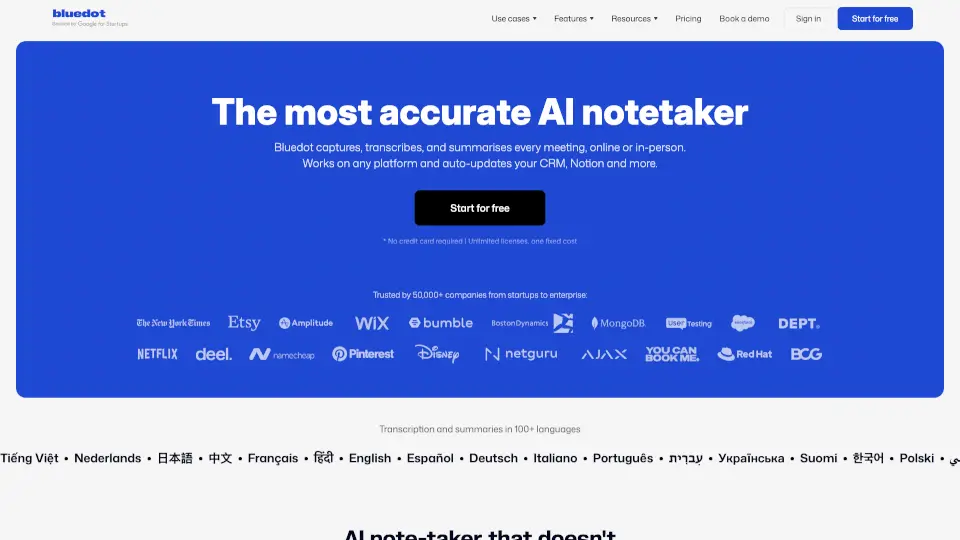
Bluedot is an AI note taker that doesn’t join your meetings—no bots, no calendar access, no awkward interruptions. Whether you're on Zoom, Google Meet, Microsoft Teams, or chatting face-to-face in a coffee shop, Bluedot quietly captures, transcribes, and summarizes your conversations from your own device. It’s built for teams who value privacy, simplicity, and focus without sacrificing powerful AI insights.
Unlike traditional meeting assistants that insert themselves as participants, Bluedot works invisibly through a Chrome extension, desktop app, or mobile app, so your meetings stay natural and secure. Plus, it auto-syncs notes, action items, and transcripts to tools like your CRM, Notion, or ATS—so nothing falls through the cracks.
What are the features of Bluedot?
- Bot-Free Recording: Captures audio directly from your browser or device—no AI bot joins your call.
- Automatic Transcription & Summaries: Generates accurate transcripts and smart meeting notes in 100+ languages, including speaker identification and technical terms.
- Cross-Platform Compatibility: Works seamlessly with Zoom, Google Meet, Microsoft Teams, phone calls, Slack huddles, and in-person meetings.
- CRM & Tool Sync: Automatically updates your CRM, ATS, or Notion with meeting notes and action items via API or native integrations.
- AI Chat Search: Ask questions across all your past meetings to instantly find decisions, quotes, or follow-ups.
- GDPR Compliant & SOC 2 Certified: Your data is never used to train AI models—privacy-first by design.
- Mobile & Wearable Support: Record interviews or site visits using iOS, Android, or even Apple Watch.
What are the use cases of Bluedot?
- Recruiters capturing candidate interviews without typing, then syncing notes directly to their ATS.
- Sales teams automating CRM updates after client calls so they can focus on building relationships.
- Customer Success managers tracking every client interaction to spot renewal risks or expansion opportunities.
- Engineering leads documenting technical decisions during stand-ups for remote team members to reference later.
- Entrepreneurs running solo meetings and automatically generating follow-up emails and task lists.
- Legal or finance professionals securely recording sensitive discussions with full compliance and searchability.
How to use Bluedot?
- Install the Bluedot Chrome extension for one-click recording on browser-based calls (Google Meet, etc.).
- Download the desktop app (Mac/Windows) to record Zoom or Teams meetings without host permissions.
- Use the iOS or Android app to record in-person meetings—just tap record and let Bluedot handle the rest.
- After your meeting, review the AI-generated transcript, edit if needed, and share via link or export to your tools.
- Enable CRM sync in settings to auto-log calls, notes, and action items without manual entry.
- Ask the built-in AI chat questions like “What were the next steps from last week’s client call?” to pull insights fast.