
What is Ninjachat AI?
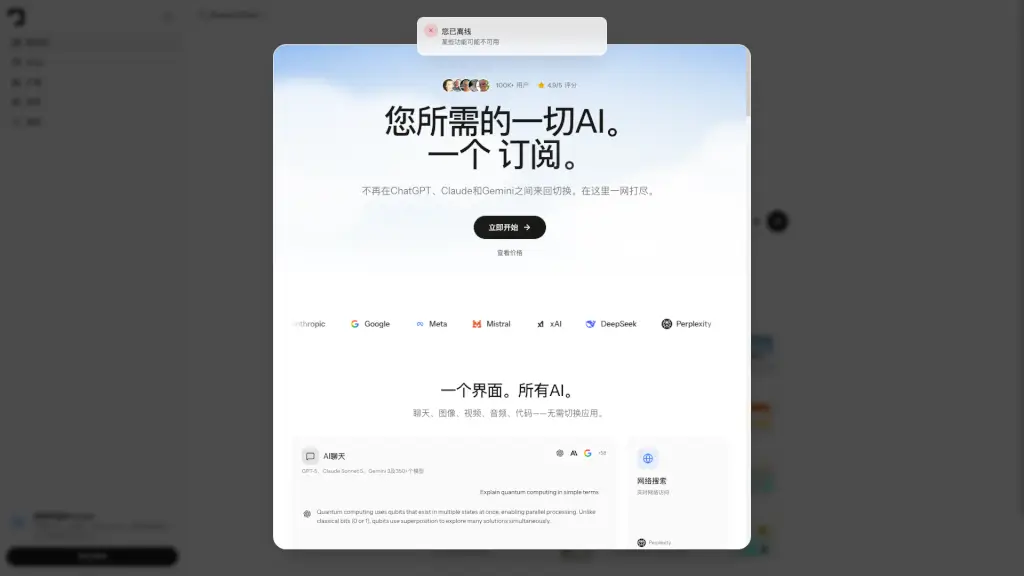
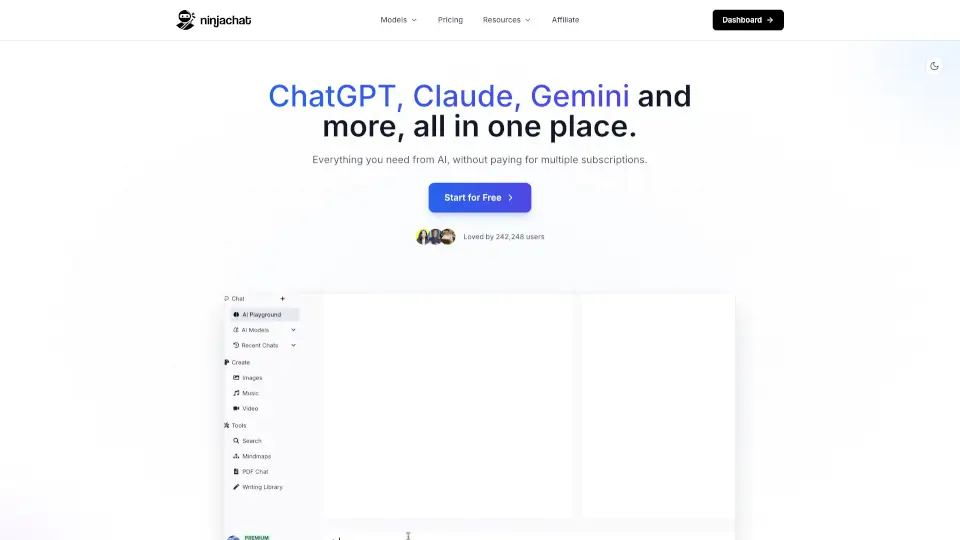
NinjaChat is your all-in-one AI powerhouse that brings together 50+ top AI models—including GPT-5.5, Claude Opus 4.8, and Gemini 3.1 Pro—in a single, easy-to-use platform. Instead of juggling seven different subscriptions (and paying over $126/month), you get everything for just $18/month—saving more than $600 a year. Whether you're writing, researching, creating images, or automating workflows, NinjaChat does it all without switching tabs.
What really sets NinjaChat apart is its seamless integration of chat, content creation, document intelligence, and automation. Upload a PDF and instantly turn it into flashcards or a mind map. Generate an image, edit part of it, then animate it into a short video—all in one conversation. Plus, with live web search, real-time finance data, and deep app integrations, it’s built for real-world productivity, not just chatting.
What are the features of Ninjachat AI?
- 50+ AI Models in One Place: Switch mid-conversation between GPT-5, Claude, Gemini, Llama, and more—no extra logins or fees.
- Full Creative Studio: Generate, edit, inpaint, and animate images into videos with tools like FLUX and Veo 3.1.
- Smart Document Intelligence: Turn PDFs, lecture recordings, or YouTube links into structured notes, flashcards, or mind maps.
- AI Agents & Automation: Create no-code agents that run scheduled tasks—like cleaning your inbox or tracking competitors—while you sleep.
- 500+ App Integrations: Connect Gmail, Slack, Notion, GitHub, Google Drive, and more to let AI act across your entire workflow.
- OpenAI-Compatible API: Use one API key to access all models with standard OpenAI SDK syntax—ideal for developers.
- Uncensored & Unfiltered: No content restrictions, so you get full creative and analytical freedom.
What are the use cases of Ninjachat AI?
- A student uploads a research paper and instantly gets a mind map + flashcards for exam prep.
- A marketer generates on-brand ads for Instagram, edits product colors, then animates them into short videos.
- A founder sets up a nightly agent to find 10 new prospects, draft outreach emails, and log them in Google Sheets.
- A developer tests responses from GPT-5, Claude, and Gemini side-by-side using a single API call.
- A finance professional pulls real-time market data during a chat to analyze trends or prepare reports.
- A teacher records a lesson and auto-converts it into shareable study notes for students.
- A small business owner automates weekly revenue reports by pulling Stripe data every Monday morning.
How to use Ninjachat AI?
- Sign up for free—no credit card required—and start using premium models right away.
- Upload a PDF, paste a YouTube link, or record audio to instantly generate summaries, flashcards, or mind maps.
- Type “/agent” to create a custom automation (e.g., “Every Monday, check competitor pricing and email me a brief”).
- Use the model switcher mid-chat to compare answers from GPT-5, Claude, or Gemini without starting over.
- Connect your apps (Gmail, Notion, etc.) via secure OAuth to enable cross-app AI actions.
- Developers: Just change your OpenAI base URL to
https://ninjachat.ai/api/v1and use your NinjaChat API key.