
What is Norton Neo?
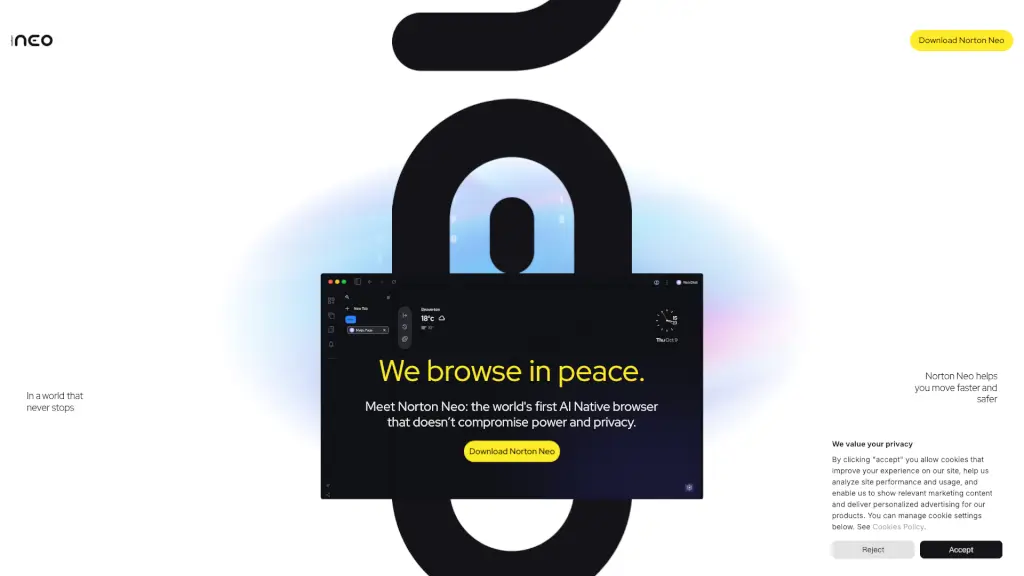
Tired of juggling tabs, dodging ads, and worrying if your data’s being sold? Meet Norton Neo, the world’s first AI-native browser built from the ground up to keep you both productive and private. Unlike other browsers that bolt on AI as an afterthought—or worse, trade your privacy for smart features—Neo integrates powerful AI with ironclad security so you never have to choose.
Designed by Gen Digital (the team behind Norton), Neo understands what you’re trying to do before you finish typing, finds answers instantly across your history and chats, and blocks trackers without slowing you down. Best of all? Your data stays yours—never stored, never used to train models, and never shared.
What are the features of Norton Neo?
- Magic Box: A smart address bar that adapts to your intent—giving you classic search results, AI-generated answers, or predictive suggestions in real time.
- Built-in Privacy Suite: Includes a no-log VPN, anti-fingerprinting, and ad blocker—all active by default with zero setup needed.
- Zero Data Retention: Norton Neo follows a strict AI privacy-by-design policy: your queries aren’t saved, and AI providers never see your IP or browser details.
- Universal Search: Instantly find anything across open tabs, browsing history, and past AI conversations in one place.
- Split View & Peek & Summarize: Read articles, watch videos, and get AI summaries side-by-side without losing focus.
- Local AI Processing: On compatible devices (like those with neural processors), some AI tasks run directly on your machine for speed and extra privacy.
What are the use cases of Norton Neo?
- Students researching papers can gather sources, summarize articles, and organize findings—all in one tab without switching apps.
- Remote workers streamline meetings and research by using Split View to reference docs while chatting with Neo’s AI assistant.
- Shoppers compare products safely with ad blocking and anti-tracking turned on by default, avoiding price discrimination and creepy retargeting.
- Content creators brainstorm video ideas using AI-powered previews and summaries, cutting research time in half.
- Privacy-conscious users browse confidently knowing their fingerprints, IP, and habits aren’t being harvested—even by the browser itself.
How to use Norton Neo?
- Download and install Norton Neo from the official site—no extensions or add-ons required.
- Start typing in the Magic Box; Neo will auto-suggest searches, AI answers, or shortcuts based on your habits.
- Use Universal Search (Ctrl+K or Cmd+K) to find anything from past chats, tabs, or history instantly.
- Toggle privacy settings anytime: choose what Neo remembers, forgets, or keeps private under “Control” in settings.
- Enable Split View by dragging a link to the side of your screen to read and research simultaneously.
- Rest easy—VPN, ad blocking, and anti-fingerprinting are always on unless you choose to disable them.