Narakeet logo

Narakeet

5.0
(0 Reviews)
United States12.55%

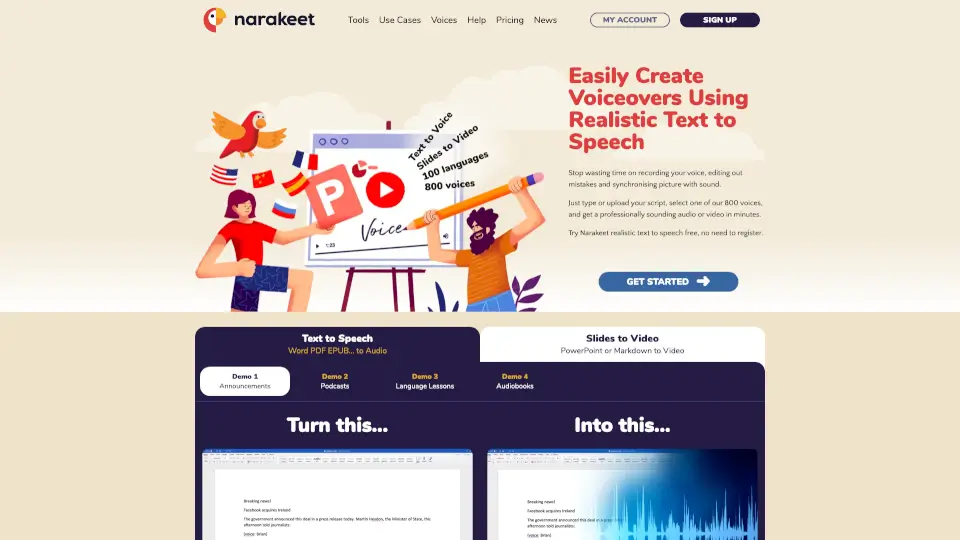
Narakeet simplifies the creation of voiceovers and narrated videos with realistic text-to-speech, supporting over 100 languages and 800 voices, ideal for education, marketing, and more.

Verified by SeekTool
Social Media:
Narakeet

Narakeet Product Information

What is Narakeet?

Narakeet is a powerful and user-friendly tool that lets you create voiceovers and narrated videos using realistic text-to-speech. Whether you're making educational content, corporate training videos, or just want to add a professional voice to your presentations, Narakeet has got you covered. With support for over 100 languages and 800 voices, you can easily convert your text into natural-sounding audio or video, saving you time and effort.

What are the features of Narakeet?

  • Realistic Text-to-Speech: Convert your text into natural-sounding audio in over 100 languages.
  • Slides to Video: Turn your PowerPoint, Google Slides, or Keynote presentations into engaging videos with synchronized voiceovers.
  • Markdown to Video: Create full HD videos from Markdown scripts, complete with images, screen recordings, and more.
  • API and Command Line Tools: Automate video production and integrate Narakeet into your continuous delivery pipelines.
  • Subtitles and Closed Captions: Automatically add subtitles and closed captions to your videos for better accessibility.
  • Customizable Voices: Choose from 800 different voices, including various accents and character types, to fit your project's needs.

What are the use cases of Narakeet?

  • Educational Videos: Create engaging and informative videos for online courses and tutorials.
  • Corporate Training: Develop professional training materials with consistent and high-quality narration.
  • Marketing Videos: Produce promotional videos for products and services in multiple languages.
  • E-Learning Content: Enhance e-learning modules with voiceover dubbing and alternative audio tracks.
  • YouTube Narration: Add a professional voice to your YouTube videos without the hassle of recording and editing.
  • Podcasts and Audiobooks: Generate high-quality audio for podcasts, audiobooks, and other audio content.

How to use Narakeet?

  • Write or Upload Your Script: Type your script directly into Narakeet or upload a document.
  • Select a Voice: Choose from over 800 voices in various languages and accents.
  • Add Visuals (Optional): Include images, slides, or video clips to enhance your content.
  • Generate Your Audio or Video: Click to generate your final product, and download it in the desired format.
  • Edit and Refine: Make any necessary edits to your script and regenerate the audio or video as needed.
Do you like this tool?

Upvote to help others discover it!

Narakeet Alternatives

NarrationBox

NarrationBox

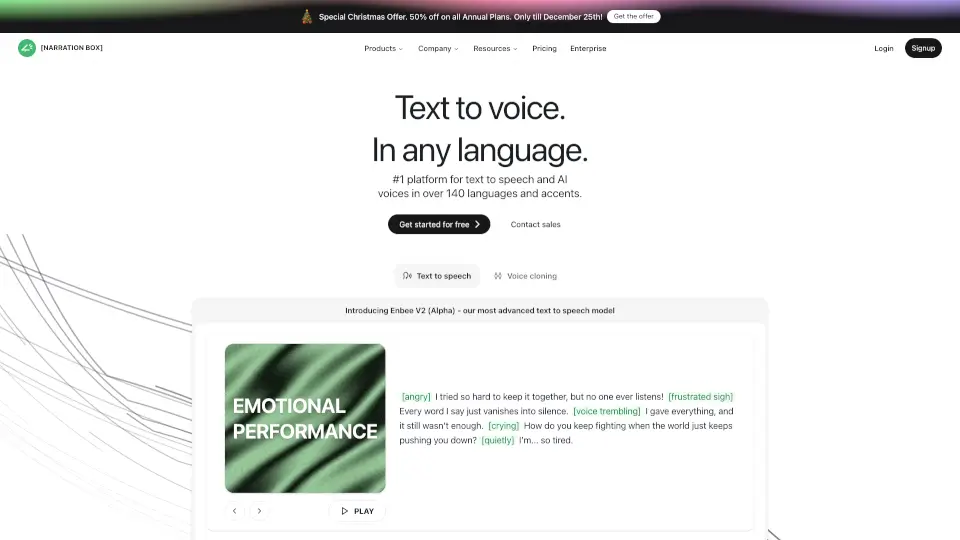
Narration Box is the easiest way to create studio-quality voiceovers with AI, supporting 140+ languages and 700+ voices. Perfect for authors, educators, marketers, and more.

IN
11.50%
40.2K
4.0
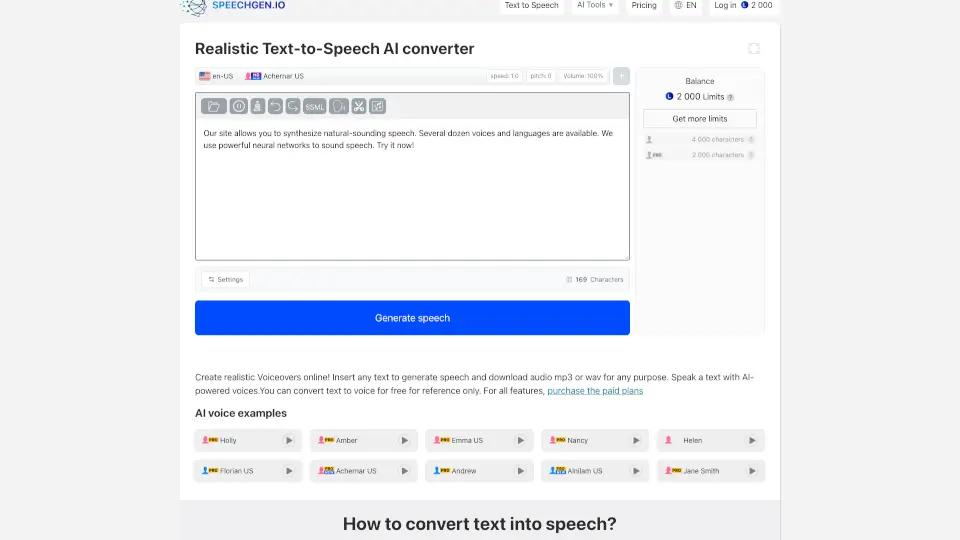
SpeechGen.io

SpeechGen.io

Turn text into realistic voiceovers with SpeechGen.io. Perfect for videos, ads, podcasts, and more. ---

US
9.25%
894.2K
5.0
Texttovoice.online

Texttovoice.online

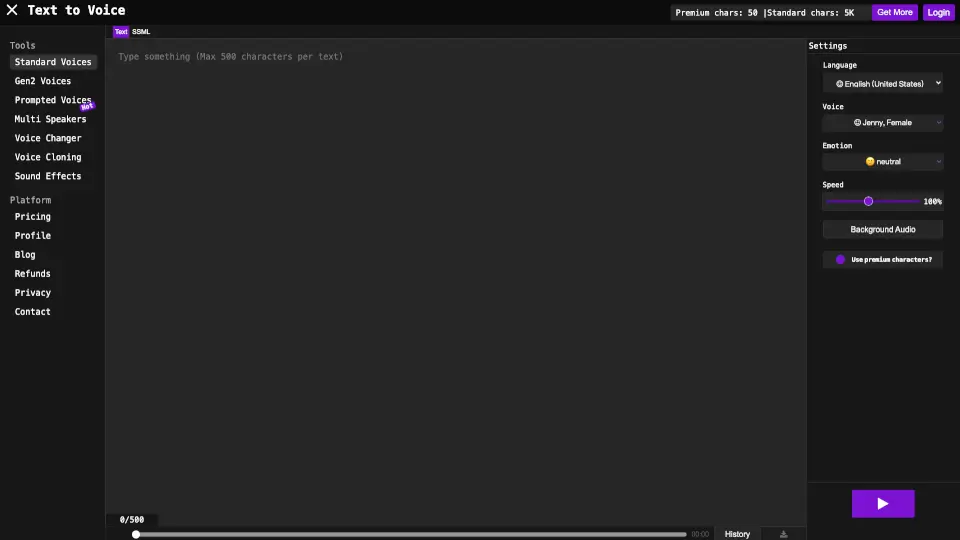
Convert text into realistic voiceovers with emotions, accents, and premium AI voices. Perfect for videos, presentations, and social media. ---

US
30.78%
68.8K
5.0
AnySpeech

AnySpeech

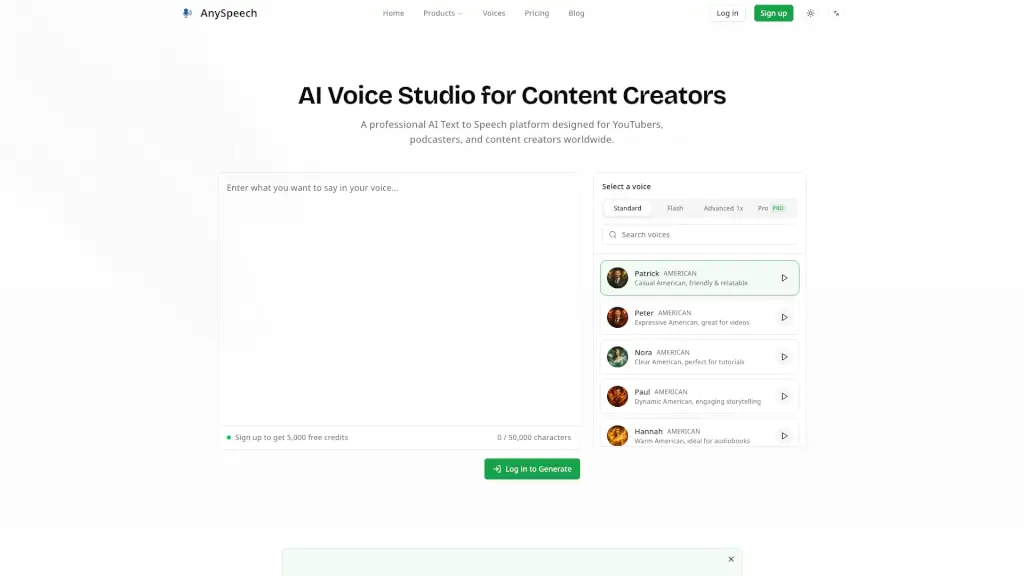
Convert text into natural speech with AnySpeech's free AI text to speech generator, featuring 100+ realistic voices across 50+ languages.

US
12.61%
236.9K
5.0
Speechelo

Speechelo

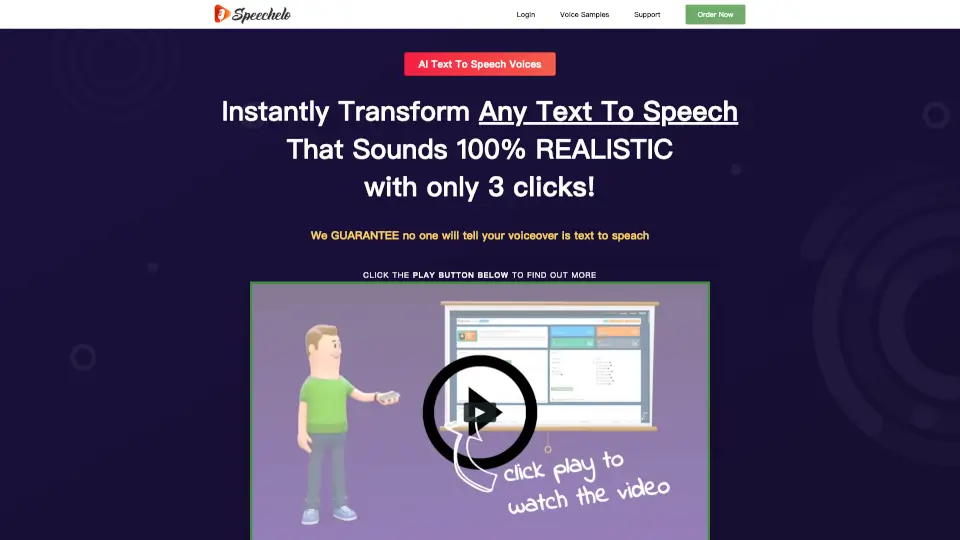
Speechelo is the ultimate text-to-speech tool for creating natural-sounding voiceovers in minutes. With 30+ voices, 23 languages, and customizable tones, it’s perfect for video creators.

US
34.92%
18.0K
4.0
TTSMaker

TTSMaker

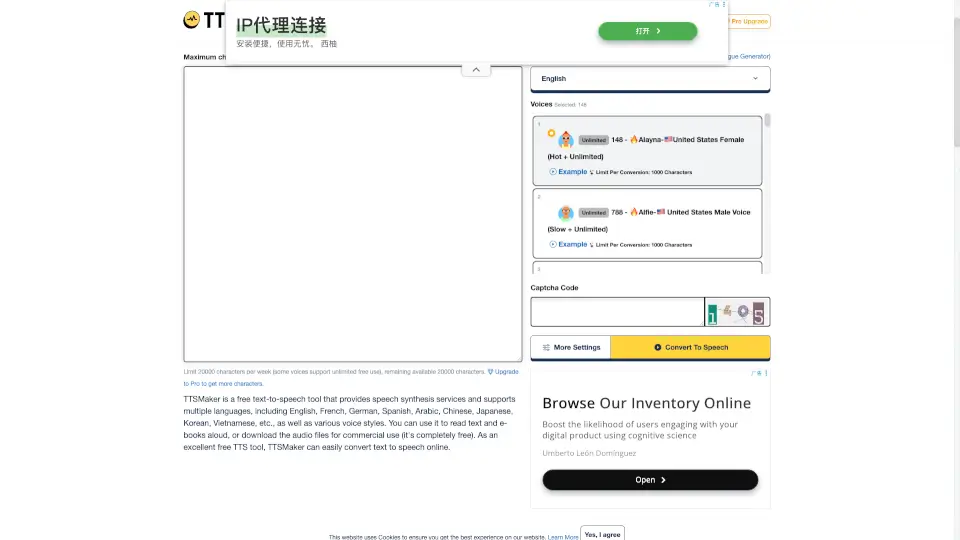
TTSMaker is a free and versatile text-to-speech tool that converts text into natural-sounding audio, supporting over 100 languages and 600+ AI voices, ideal for video dubbing, audiobooks, and more.

IN
8.71%
1.2M
5.0
Audyo

Audyo

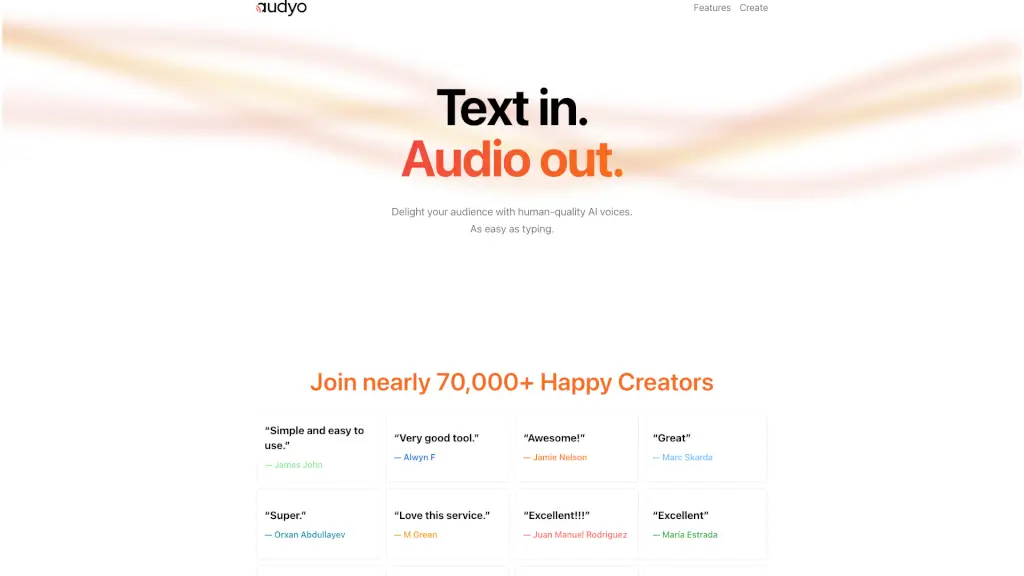
Audyo transforms text into human-quality AI audio as easily as typing a document, with full control over voices, pronunciation, and multilingual dialogue.

US
100.00%
3.0
Voicemaker

Voicemaker

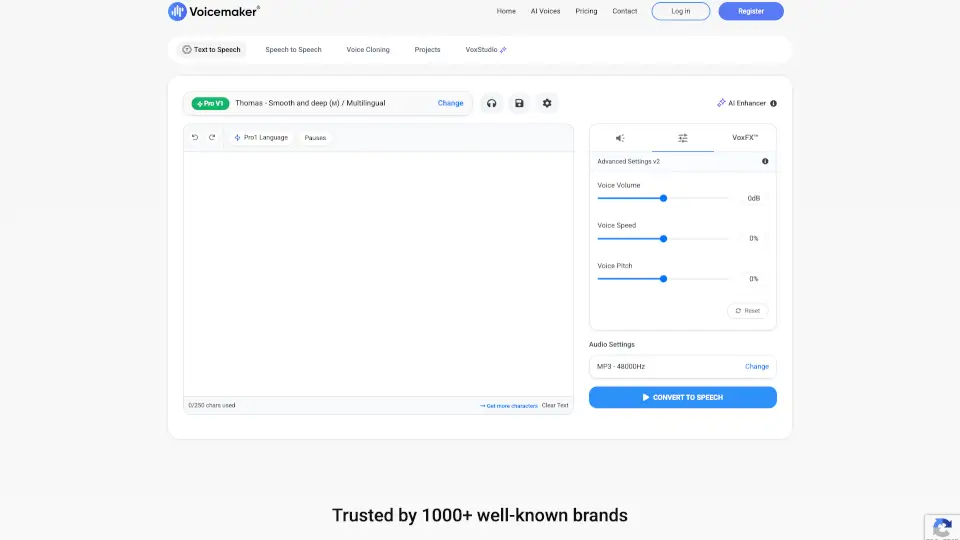
Voicemaker® converts text into ultra-realistic AI speech with 2,000+ voices in 130 languages, perfect for videos, presentations, and global content.

IN
30.61%
668.3K
5.0

Narakeet Related Other Categories

Narakeet Traffic Analysis

💡 Insights

📈
High Traffic
Over 1M monthly visits. Widely recognized and stable choice.
⚠️
Slight Decline
Traffic has slightly decreased recently.
💎
High Stickiness
Low bounce rate (33%) and deep engagement (4.8 pages/visit). Excellent user experience.
🌐
Global Reach
Balanced user distribution worldwide.
  • Monthly Visits

    1.68M

  • Bounce Rate

    33.05%

  • Pages Per Visit

    4.81

  • Visit Duration

    00:01:46

  • Global Rank

    26660

  • Country Rank

    10881

Visits Over Time

Traffic Sources

SearchOrganic73.41%
Direct20.25%
SocialOrganic2.23%
GenAi1.97%
Referrals1.71%
Mail0.26%
SearchPaid0.16%
DisplayAds0.02%
SocialPaid0.00%
Affiliate0.00%

Top Keywords

1
narakeet
CPC$1.04
49.48KTraffic
2
озвучка текста
CPC$0.17
6.74KTraffic
3
narakeet text to speech
CPC$0.10
5.84KTraffic
4
ai voice generator
CPC$0.67
3.69KTraffic
5
suara
CPC$0.12
2.80KTraffic

Top Regions

RegionPercentage
United States
United States
12.55%
India
India
9.67%
Turkey
Turkey
4.95%
Indonesia
Indonesia
4.39%
Vietnam
Vietnam
3.17%
Low
High

Powered by SimilarWeb

Narakeet FAQ

Can I use Narakeet to create voiceovers in multiple languages?

Yes, Narakeet supports over 100 languages, so you can create voiceovers in a variety of languages.

How do I turn my PowerPoint presentation into a video with Narakeet?

Simply upload your PowerPoint file, select a voice, and Narakeet will convert it into a narrated video.

Can I automate the video production process with Narakeet?

Yes, Narakeet offers an API and command-line tools to integrate video production into your automation systems.

Does Narakeet support different accents and character voices?

Yes, Narakeet provides a wide range of voices, including various accents and character types, to suit your needs.

Can I add subtitles to my videos with Narakeet?

Yes, Narakeet can automatically add subtitles and closed captions to your videos for better accessibility.

Is there a free trial available for Narakeet?

Yes, you can try Narakeet for free without needing to register. Just visit the website and start creating.

Can I use Narakeet to create audiobooks?

Absolutely! Narakeet is perfect for generating high-quality audio for audiobooks and other long-form audio content.

How many voices does Narakeet offer?

Narakeet offers over 800 voices, providing a wide range of options for your projects.

Narakeet Reviews

0

0

0 Reviews
Sign Into leave a review

Recent Reviews

No reviews yet

Narakeet Embed

Use website badges to drive community support for SeekTool.ai. They are easy to embed in your homepage or footer.

Light
Dark
Narakeet - Featured on SeekTool.aiNarakeet - Featured on SeekTool.ai
How to install?