What is Narakeet?
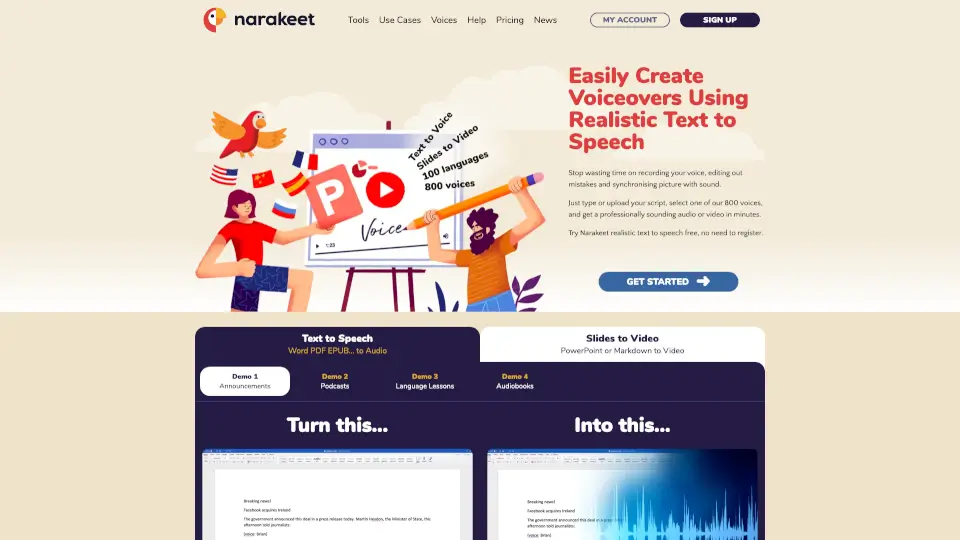
Narakeet is a powerful and user-friendly tool that lets you create voiceovers and narrated videos using realistic text-to-speech. Whether you're making educational content, corporate training videos, or just want to add a professional voice to your presentations, Narakeet has got you covered. With support for over 100 languages and 800 voices, you can easily convert your text into natural-sounding audio or video, saving you time and effort.
What are the features of Narakeet?
- Realistic Text-to-Speech: Convert your text into natural-sounding audio in over 100 languages.
- Slides to Video: Turn your PowerPoint, Google Slides, or Keynote presentations into engaging videos with synchronized voiceovers.
- Markdown to Video: Create full HD videos from Markdown scripts, complete with images, screen recordings, and more.
- API and Command Line Tools: Automate video production and integrate Narakeet into your continuous delivery pipelines.
- Subtitles and Closed Captions: Automatically add subtitles and closed captions to your videos for better accessibility.
- Customizable Voices: Choose from 800 different voices, including various accents and character types, to fit your project's needs.
What are the use cases of Narakeet?
- Educational Videos: Create engaging and informative videos for online courses and tutorials.
- Corporate Training: Develop professional training materials with consistent and high-quality narration.
- Marketing Videos: Produce promotional videos for products and services in multiple languages.
- E-Learning Content: Enhance e-learning modules with voiceover dubbing and alternative audio tracks.
- YouTube Narration: Add a professional voice to your YouTube videos without the hassle of recording and editing.
- Podcasts and Audiobooks: Generate high-quality audio for podcasts, audiobooks, and other audio content.
How to use Narakeet?
- Write or Upload Your Script: Type your script directly into Narakeet or upload a document.
- Select a Voice: Choose from over 800 voices in various languages and accents.
- Add Visuals (Optional): Include images, slides, or video clips to enhance your content.
- Generate Your Audio or Video: Click to generate your final product, and download it in the desired format.
- Edit and Refine: Make any necessary edits to your script and regenerate the audio or video as needed.