
What is TTSFree?
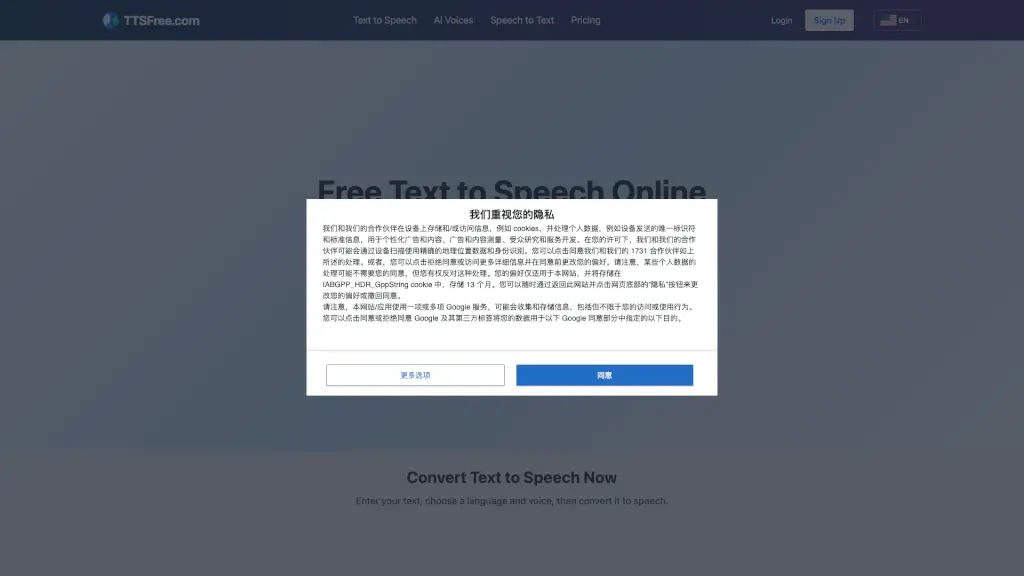
TTSFree is a free online AI text-to-speech tool for converting written text into spoken audio. It is designed for content creators, e-learning developers, podcasters, and anyone who needs natural-sounding voiceovers without hiring voice actors. The platform supports over 140 languages and offers 300+ AI voices, including standard and premium neural voices. Users can adjust speech speed, pitch, and volume, add background music, and download the output as MP3. TTSFree fits into workflows like video voiceovers, audiobook narration, language learning materials, and accessibility tools. It offers a free plan with up to 500,000 characters per month, with paid plans for higher usage and premium voices.
What are the features of TTSFree?
- 140+ Language & Voice SelectionChoose from a wide range of languages and regional dialects (e.g., English, Spanish, French, Japanese, Korean). Voice list includes AI-2 voices like Aria, Jenny, and Christopher, plus premium neural voices (Neural2, Wavenet, Studio) for higher quality.
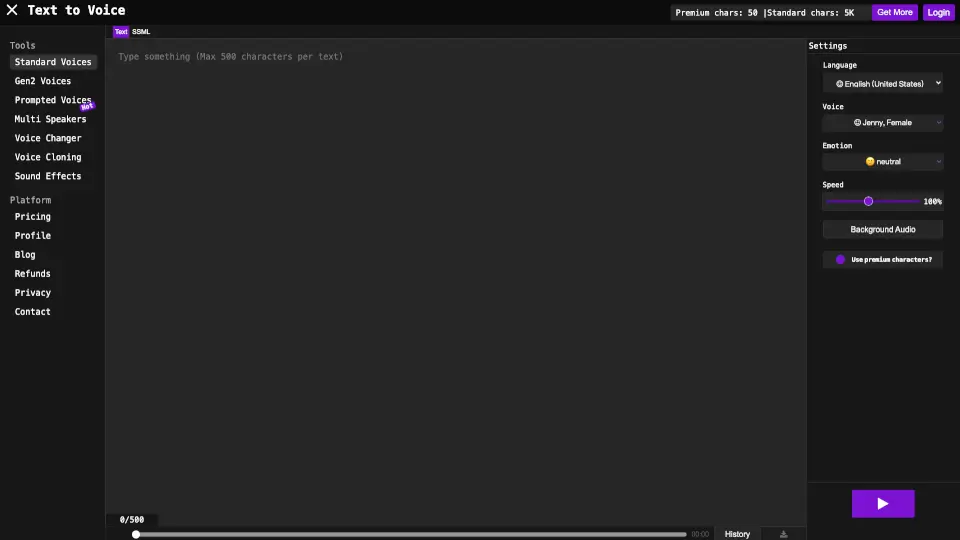
- Voice CustomizationAdjust speech speed (default, slower, faster), pitch (default, higher, lower), and volume. SSML support is available for advanced control over pauses, emphasis, and pronunciation.
- Background Music IntegrationAdd background music tracks from a built-in library (FreeMusicBG) or from SoundCloud by entering a URL. Turn music on/off and select from a list of free tracks.
- MP3 Download & Instant PlayGenerate audio in seconds and either listen online or download the MP3 file. The free plan allows up to 500 characters per conversion and 50+ conversions per day.
- No Registration Required for Basic UseStart converting text to speech immediately without signing up. Registration is only needed for premium plans or higher character limits.
- Privacy-Focused ProcessingText and generated audio are processed securely and not stored permanently; audio files are deleted within 24 hours.
What are the use cases of TTSFree?
- Content Creator (YouTube, Social Media)Create voiceovers for video scripts, intros, or transitions. TTSFree’s natural voices help maintain viewer engagement without hiring a narrator.
- E-Learning DeveloperGenerate lesson audio in multiple languages for online courses. Use the same script across different voices to scale content faster.
- PodcasterProduce voiceover for podcast intros, ads, or transitions. Adjust speed and tone to match episode style.
- Audiobook ProducerGenerate drafts, previews, or shorter publications with clear pronunciation and pacing. Works well for educational and business content.
- Accessibility AdvocateConvert written content (articles, blogs, instructions) into speech for visually impaired users or those with reading difficulties.
- MarketerCreate professional voiceovers for ads, promotional videos, or product demonstrations quickly without recording equipment.
How to use TTSFree?
- Enter Your TextType or paste the text you want to convert into the input box. The free plan allows up to 500 characters per conversion (more with login or paid plans).
- Choose Voice & LanguageSelect a language from the dropdown (e.g., English US) and choose a voice from the list. Preview voices before generating to test tone and accent.
- Adjust Voice SettingsUse the speed and pitch sliders to fine-tune the output. Optionally add background music from the library or a SoundCloud URL.
- Generate & DownloadClick the "Convert Now" button. Once processing is complete, listen to the audio or download the MP3 file. The audio is available for commercial or personal use.