
What is Nabla Mind?
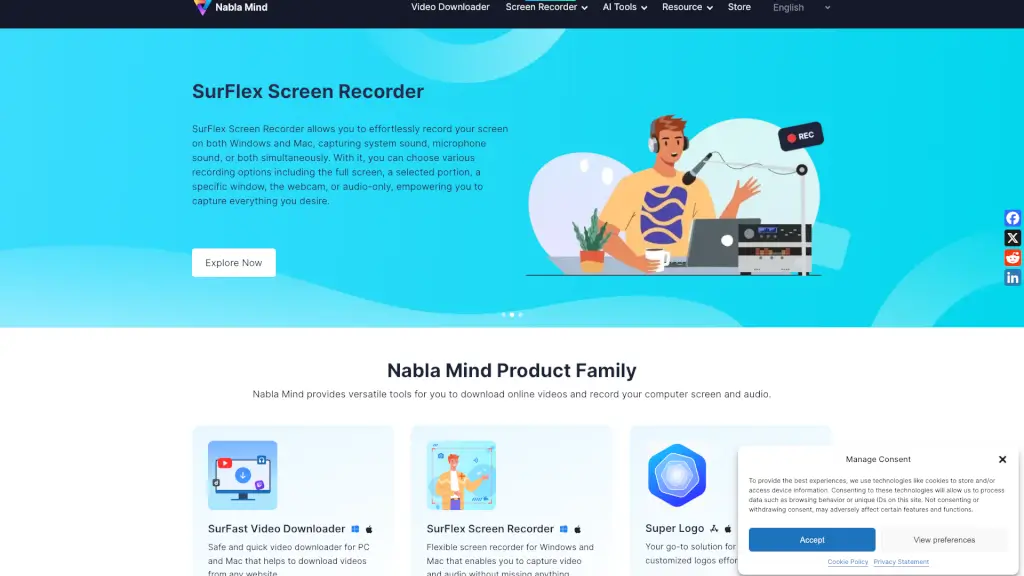
Welcome to Nabla Mind, your one-stop solution for all your video and audio needs! Whether you're a student looking to download educational videos or a content creator who needs to record your screen, Nabla Mind has got you covered. Our SurFast Video Downloader and SurFlex Screen Recorder are designed to make your life easier. With SurFast, you can download videos from popular sites like YouTube, TikTok, and Facebook, and even convert them to MP3. SurFlex lets you record your screen on both Windows and Mac, capturing system sound, microphone, or both. Plus, our AI-powered Super Logo generator helps you create stunning logos in no time. Let's dive into the details!
What are the features of Nabla Mind?
- SurFast Video Downloader: Quickly and safely download videos from a wide range of websites, including YouTube, TikTok, and Facebook. Convert videos to MP3 and extract audio from local videos.
- SurFlex Screen Recorder: Record your screen, a selected portion, a specific window, or the webcam on both Windows and Mac. Capture system sound, microphone sound, or both.
- Super Logo - AI Logo Generator: Create unique and customizable logos with an extensive library of elements, styles, and editing options. Perfect for businesses, projects, and personal branding.
- Free Technical Support: Get help whenever you need it. Our support team is always ready to assist you.
- 30 Days Money Back Guarantee: Try our products risk-free. If you're not satisfied, you can get a full refund within 30 days (7 days for a monthly subscription).
- 100% Secure: Your purchase and privacy are protected with 256-bit SSL encryption.
What are the use cases of Nabla Mind?
- Educational Purposes: Download lecture videos and tutorials from YouTube or other platforms for offline viewing.
- Content Creation: Record your screen while creating tutorials, presentations, or live streams.
- Business Needs: Generate professional logos for your business or project using Super Logo.
- Entertainment: Save your favorite videos and music from social media platforms to enjoy offline.
- Remote Work: Record meetings, webinars, and training sessions for future reference.
- Personal Projects: Create and edit logos for your blog, website, or personal brand.
How to use Nabla Mind?
- Download Videos with SurFast:
- Visit the website or app where the video is hosted.
- Copy the video URL.
- Open SurFast and paste the URL.
- Choose the format and quality, then click "Download."
- Record Your Screen with SurFlex:
- Open SurFlex on your computer.
- Select the recording area (full screen, selected portion, specific window, or webcam).
- Choose the audio source (system sound, microphone, or both).
- Click "Start Recording" and stop when you're done.
- Save the recording in your preferred format.
- Create a Logo with Super Logo:
- Go to the Super Logo generator.
- Choose your industry and style.
- Customize the logo with various elements and editing options.
- Preview and save your final design.