
What is MyLens.AI?
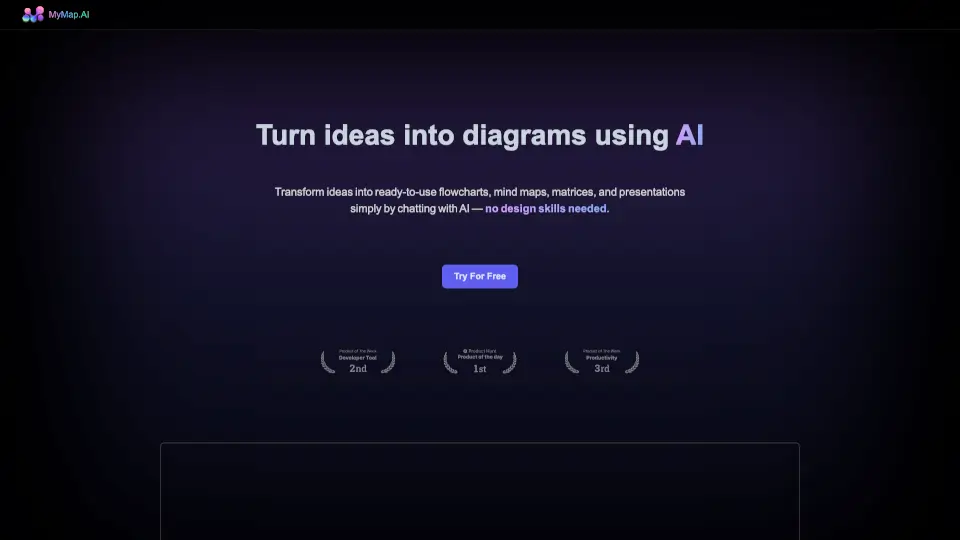
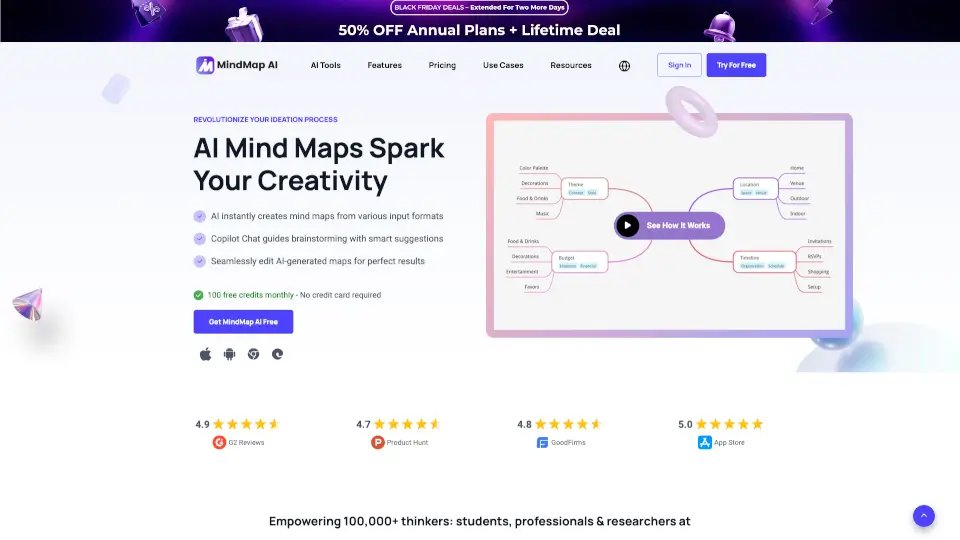
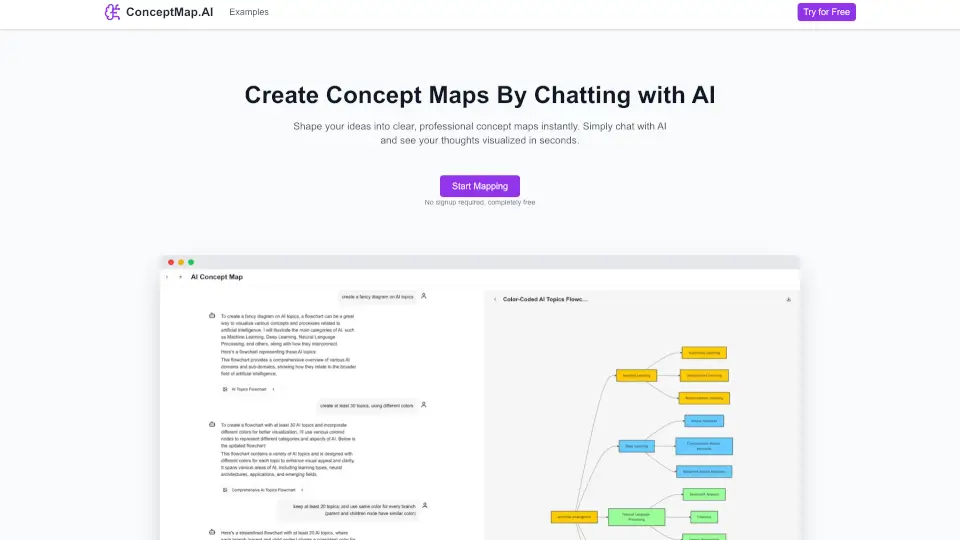
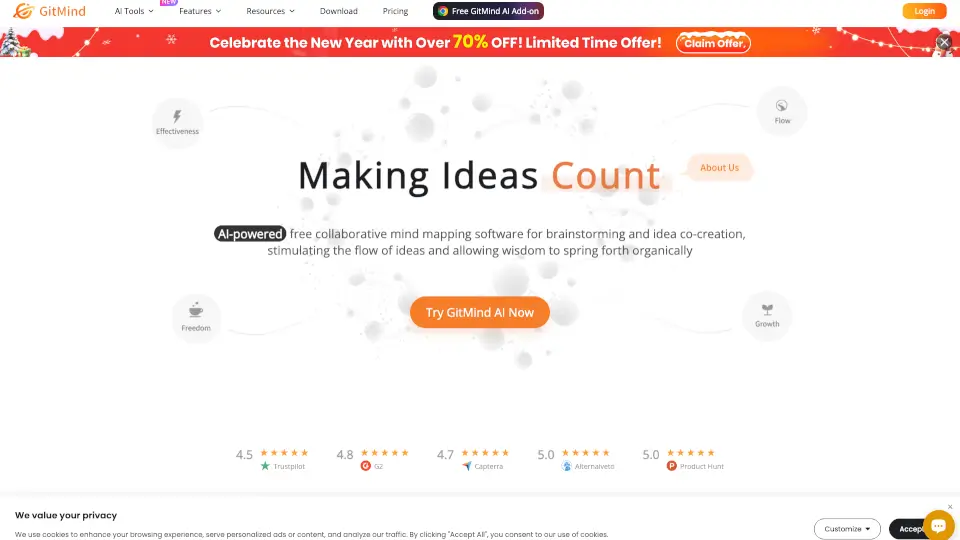
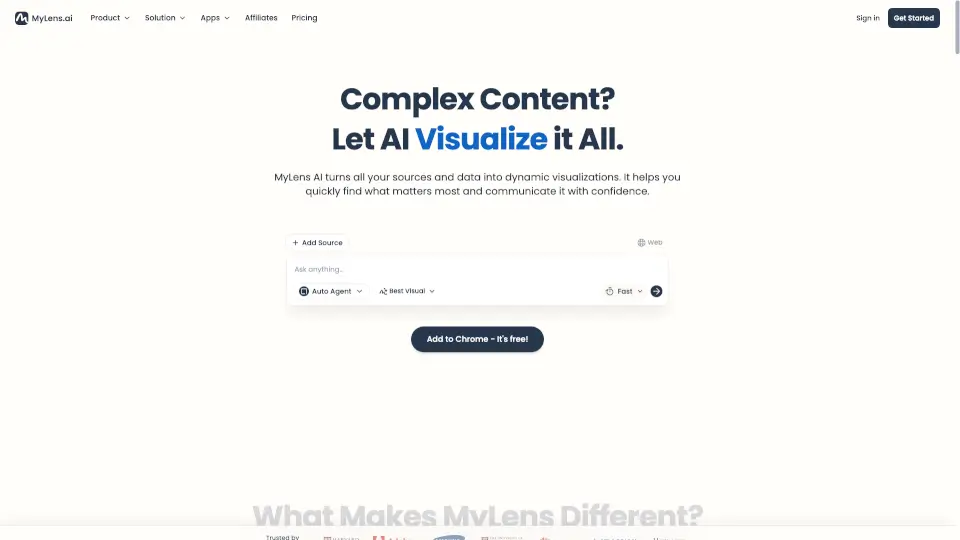
MyLens is your go-to AI tool for turning raw ideas, documents, or content into interactive, editable, and presentation-ready visuals. Whether you're brainstorming, planning, or presenting, MyLens makes it easy to create mindmaps, timelines, tables, flowcharts, charts, and more—fast and hassle-free.
What are the features of MyLens.AI?
- AI-Powered Visualization: Transform ideas or documents into stunning visuals in seconds.
- Interactive & Editable: Customize your visuals with ease—add, remove, or modify elements as needed.
- Ready to Present: Create professional-looking visuals that are perfect for meetings, classes, or pitches.
- Multiple Visual Formats: Choose from mindmaps, timelines, tables, flowcharts, charts, and more to suit your needs.
- Free to Use: Access MyLens without paying a dime—yes, it’s free!
What are the use cases of MyLens.AI?
- Brainstorming Sessions: Turn ideas into clear, organized mindmaps.
- Project Planning: Create timelines or flowcharts to track progress.
- School Projects: Make studying easier with visual summaries or charts.
- Business Presentations: Impress your team or clients with professional visuals.
- Content Organization: Simplify complex documents into easy-to-understand tables or diagrams.
How to use MyLens.AI?
- Sign Up: Head to the MyLens website and create your free account.
- Input Your Content: Paste your ideas, document, or text into MyLens.
- Generate Visuals: Let the AI work its magic and turn your content into visuals.
- Edit & Customize: Adjust the visuals to your liking—add colors, labels, or more details.
- Present or Share: Download or share your visuals directly with others.