
What is Motiff?
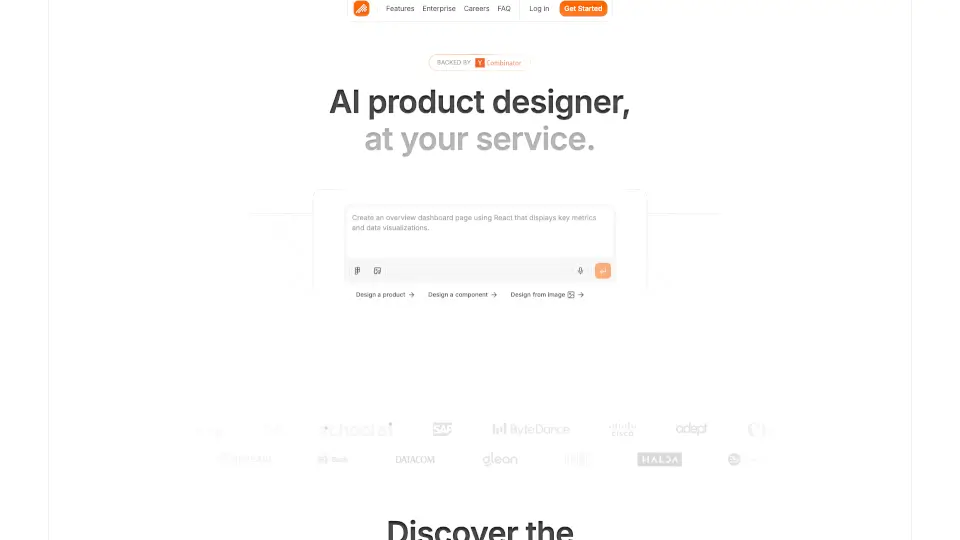
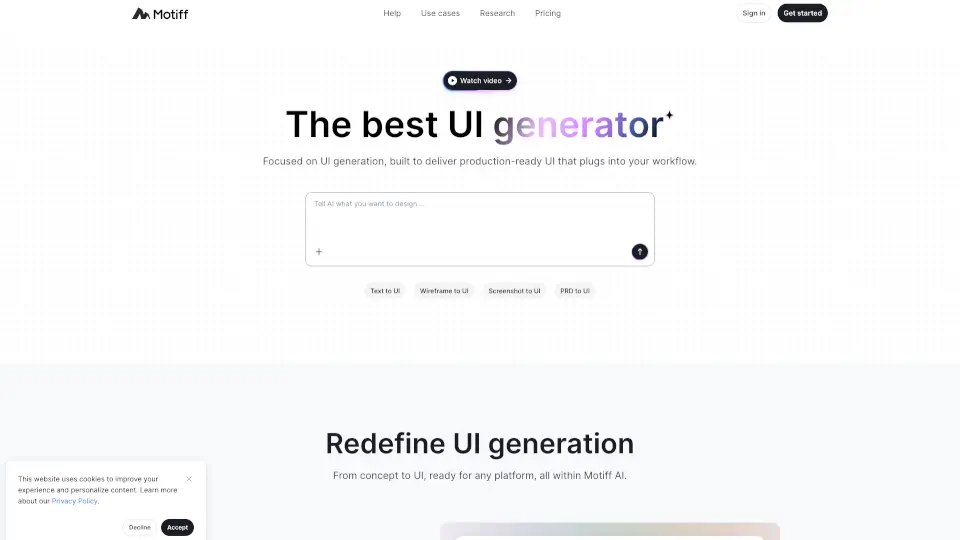
Motiff AI was a powerful UI generator that turned text, wireframes, screenshots, or even PRDs into production-ready user interfaces in seconds. Designed for designers, developers, and product teams, it aimed to eliminate the tedious parts of UI creation by understanding your full intent—not just basic prompts—and delivering clean, consistent designs that plugged directly into real workflows.
Unfortunately, Motiff AI has been discontinued. While you can no longer create new designs, users still have until October 31, 2026, to export their existing projects and data. If you used Motiff before, now’s the time to back up your work before access ends.
What are the features of Motiff?
- Multi-Input UI Generation: Create UIs from text prompts, wireframes, screenshots, PDFs, or markdown files—no design skills needed.
- Built-in Design Systems: Choose from preset styles like Material Design, Ant Design, shadcn/ui, or Minimalist, with automatic consistency across all components.
- Precise AI Refinement: Select any element and describe changes (e.g., “make this button larger and blue”)—Motiff AI updates it instantly across your entire layout.
- One-Click Code Export: Generate clean, ready-to-use React or HTML code with a single click, speeding up handoff to development.
- Real-Time Collaboration: Edit and iterate on designs together with teammates without switching tools.
- Context-Aware Interpretation: Goes beyond simple prompts by analyzing full project context to match your true design intent.
What are the use cases of Motiff?
- A product manager quickly visualizes a new feature idea during discovery using just a short text description.
- A developer without design experience generates a polished admin dashboard from a rough sketch or PRD.
- A startup founder creates high-fidelity mobile app mockups from a screenshot of a competitor’s app for inspiration and iteration.
- A UX designer refines an existing wireframe into two production-ready UI variants in minutes.
- A marketing team builds a landing page UI based on a PDF brief, maintaining brand styling automatically.
How to use Motiff?
- Export your data now if you’re an existing user—access ends October 31, 2026.
- If you still have access, sign in and use the “Export” option to download your designs as React, HTML, or design files.
- For past users: check your email or account dashboard for legacy project links before the deadline.
- New users cannot sign up—Motiff AI is no longer accepting new accounts or generating new UIs.
- Review the Help section on the website for guidance on exporting old Motiff editor files.
- Save any inspirational examples from the gallery for future reference, as they showcase what the tool could do.